
-
Deadlock Auto Parry Cheats: Automated Parry Responses
Explore auto-parry functionality and the controls available in supported Deadlock cheats.
-
Featured Products
Understand what auto-parry does, which products document it and how their controls differ. Attack scope and input requirements are product-specific, so a general feature name is not a promise of identical behaviour.
Compare the documented options in Deadlock: Predator, Deadlock: Prey, Deadlock: DMA. Feature support and requirements differ by product.
Customer Feedback
Deadlock customer feedback on features, setup and support.
Been really happy with EsHub’s Deadlock cheat. It works great, and there’s a lot to play around with in the settings. Having that much customization has been one of my favorite things about it.
I did need help with an issue, but support got back to me straight away and helped sort it out.
Good product overall, and I appreciated how quickly they responded.
Auto parry is easily my favorite feature in EsHub’s Deadlock cheat. It’s been amazing to use and is the feature that stands out most to me.
There’s plenty more to explore in the product, with lots of settings to customize, but auto parry has definitely been the highlight.
Really happy with how it works overall.
The Deadlock cheat has been great so far. There are loads of features to try, and I’ve enjoyed going through the settings and getting things how I like them.
Had an issue that I needed help with, so I messaged EsHub. Got a reply almost immediately, and they helped me get everything working again.
Very pleased with it. The features are great, and my experience with support was just as good.
Really happy with EsHub’s Deadlock cheat so far. I ran into an issue and contacted support, and they responded almost instantly. They helped me get it sorted quickly, which made a great first impression.
Once that was fixed, everything worked great. There are loads of features and settings to explore, so you have plenty of room to customize things to your liking. The product itself has been great, but the quick support really stood out to me.
Guide Updates & Product News
— Guide refreshed with Deadlock product comparisons, gameplay previews, customer feedback and topic-specific guidance.
For product release notes and game-update compatibility, see ESHub Discord → and the current product details.
What Deadlock Auto Parry Does
Auto Parry describes software that attempts to respond automatically to supported incoming attacks. Its scope depends on the product: some feature sets describe melee responses, while others also include ability and item counters.
Melee parrying and countering an ability are different interactions. An ability counter may depend on an item or another supported mechanism. The name “Auto Parry” alone does not mean that every attack can be blocked with the ordinary parry action.
Deadlock Gameplay: Predator & Prey
Deadlock: Predator Gameplay
Deadlock: Prey Gameplay
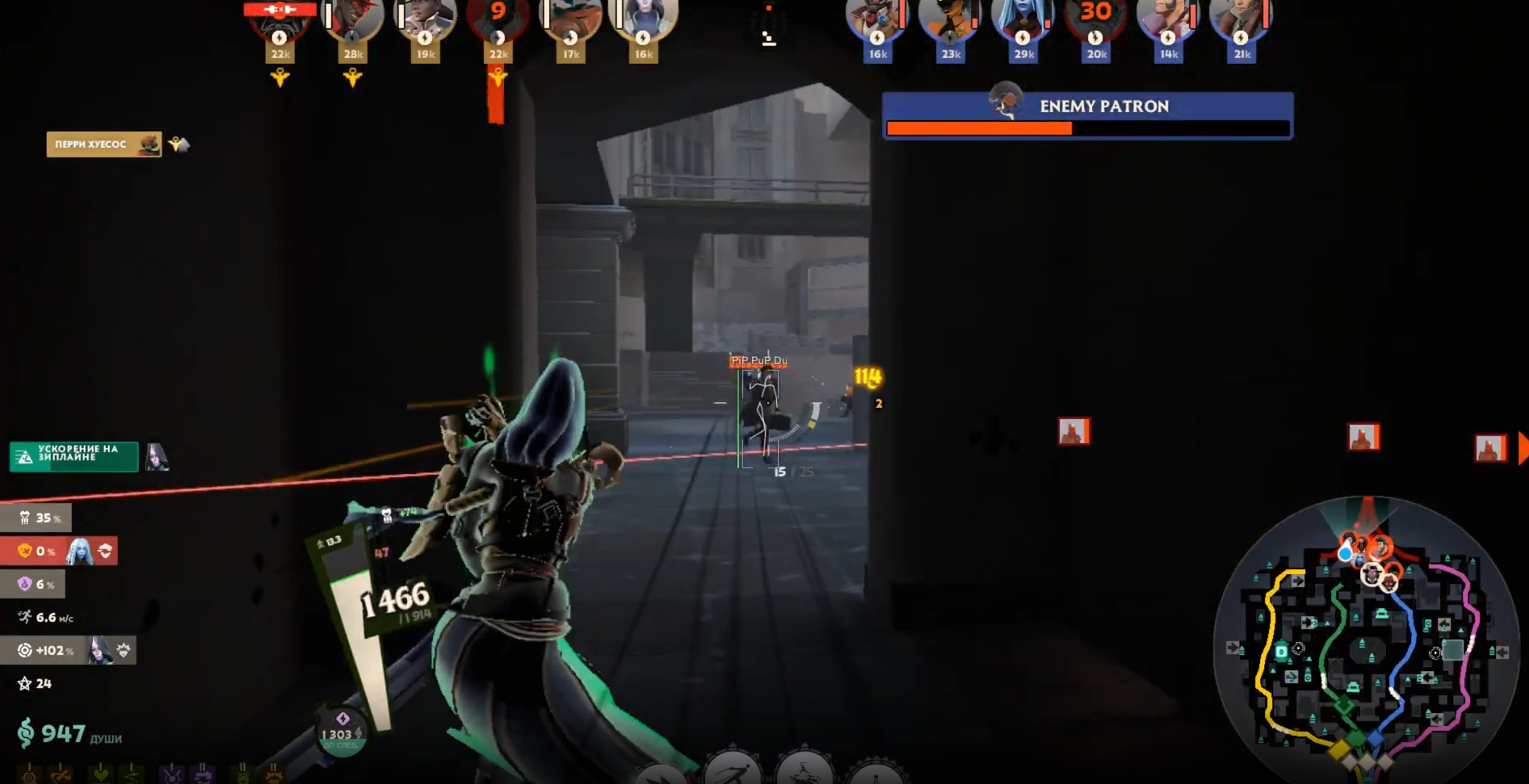
Predator and Prey gameplay previews. The product listings provide current features and requirements.
Deadlock In-Game Aimbot & ESP Images
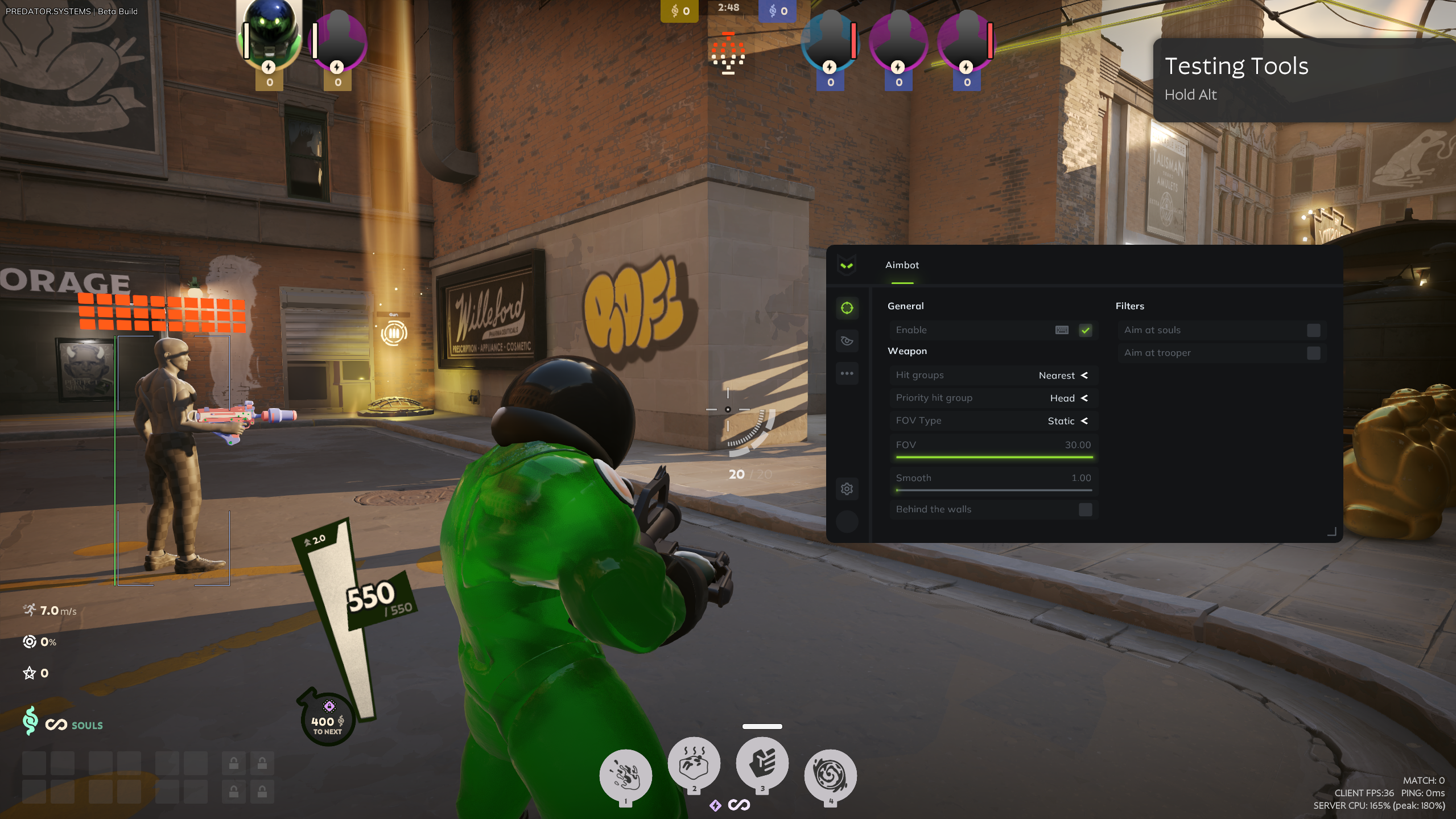
Key Controls & Product Checks
Attack support
Confirm the exact supported attacks instead of assuming every counter is included.
Input & binding
The product’s input path and the matching in-game binding are separate checks.
Timing
Review documented timing controls where the selected product provides them.
Product differences
Prey lists Auto-Parry; DMA documents enemy heavy melee. Predator support needs confirmation.
Supported Attacks & Product Coverage
Prey lists automatic attack parrying. DMA explicitly documents enemy heavy-melee Auto Parry. Predator’s current feature list checked here does not establish this feature. Ability counters, item counters and ordinary melee parries are separate interactions; confirm the exact attack support for the product you choose.
Compare the current product listing before purchase. A feature described for one option does not establish that the other options include it.
| Product | Relevant options and checks |
|---|---|
| Predator | Auto-parry is not established by the current feature list checked for this guide |
| Prey | Auto-Parry is listed; confirm the specific attacks and available controls |
| DMA | Enemy heavy-melee Auto Parry; Device or Memory input and matching parry key |
Timing, Input Methods & Keybinds
Where a product exposes delays or timing controls, check which response they affect. A general Auto-Parry label does not establish adjustable delays, ability counters or universal attack coverage.
Keep a record of the product version and the relevant settings when troubleshooting an interaction. A failure may concern attack support, timing or a required item; changing an unrelated aim setting will not explain a defensive response.
In DMA, the Misc panel offers Device or Memory input and a parry-key field. Match the key to the game binding. The screenshot identifies Allow memory writing as a dependency for the Memory path; Device input instead depends on the aim-device connection.
Defensive Responses & Related Features
Ability ESP displays information such as ability readiness or cooldowns. Auto Parry attempts a defensive response. Seeing an ability indicator does not establish that the same product can counter that ability.
Triggerbot concerns firing automation, while movement features concern actions such as jumping, strafing and sliding. Automatic hook dodging is also a separate interaction; it should not be assumed from an Auto Parry label.
Auto Parry does not guarantee a successful response to every attack. Support and behavior can change with updates. Unauthorized multiplayer software carries account risk, including when a product uses labels such as Safe Mode.
A hardware-ID tool has a separate purpose from attack-response automation. Review the temporary spoofer’s own requirements and compatibility; its availability does not establish Auto Parry support or guarantee account protection.
Related Deadlock Features & Guides
Deadlock Ability ESP
Explore deadlock ability esp with feature explanations, product-specific differences and related settings.
Read the Guide →Deadlock Config & Settings
Explore deadlock config & settings with feature explanations, product-specific differences and related settings.
Read the Guide →Deadlock Product Information
Explore the available products and check each listing for its current features and requirements.
Deadlock: Predator
External option with aim-key, FOV, smoothing and hitbox controls, player labels and skeletons, Trooper and XP targeting, Radar and Map Hack. Review the current listing for its full requirements and available plans.
View Deadlock: Predator →Deadlock: Prey
External option with vector and silent aim, soul and trooper targeting, player and trooper visuals, Auto-Parry and Save/Load/Reset controls. Its menu and supported features are separate from Predator and DMA.
View Deadlock: Prey →Deadlock: DMA
Hardware-based option with aiming controls, hero and non-hero visual groups, heavy-melee Auto Parry and cloud profiles. DMA hardware and a separate second PC are required for this option. Confirm the complete setup before purchase.
View Deadlock: DMA →Related Deadlock Cheat Guides
Frequently Asked Questions About Deadlock Auto Parry
Click a question below to view the answer.