-
DMA Starter Kit
Dma Hardware Cheats Aimbot, ESP and Wallhacks
DMA hardware connects a gaming PC to a second computer that runs compatible cheat software. DMA stands for Direct Memory Access: a way for a device to access system memory without the CPU copying every piece of data. In this setup, the DMA card provides the memory interface. The software on your second PC interprets the data and supplies any supported ESP or aimbot features.
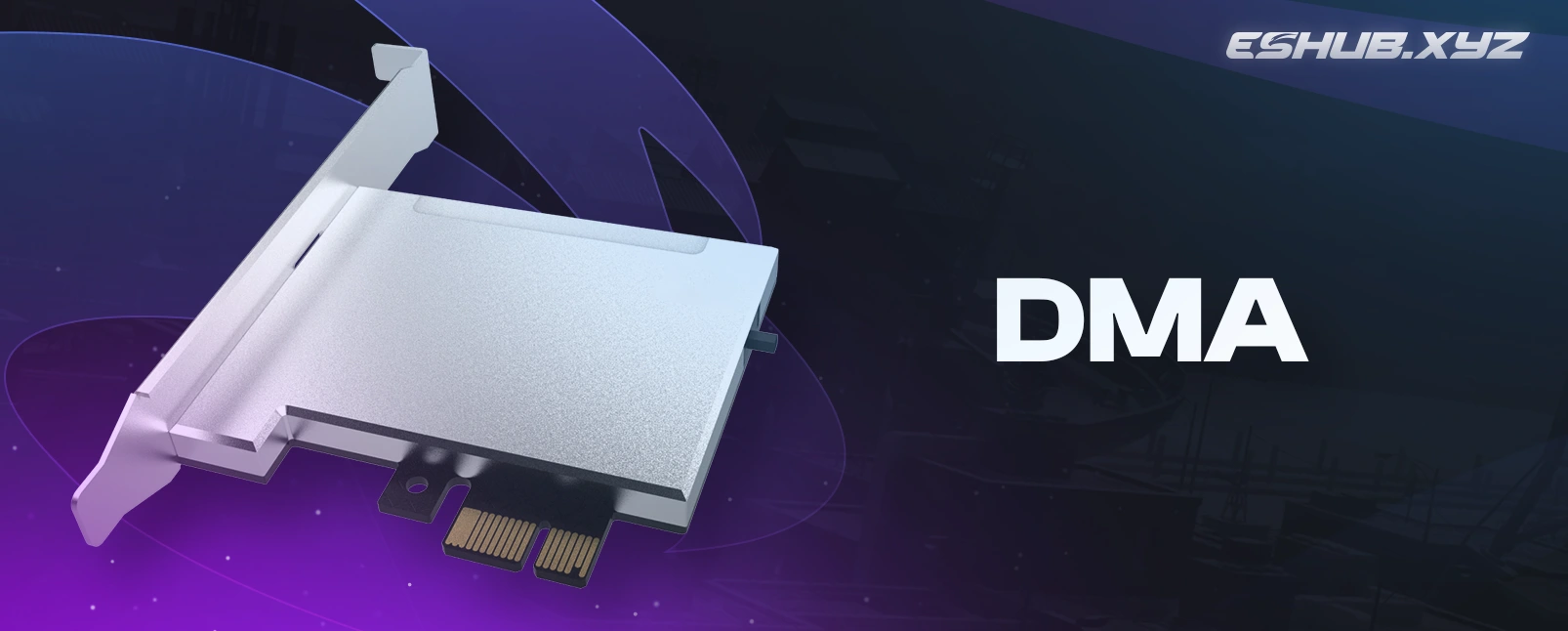
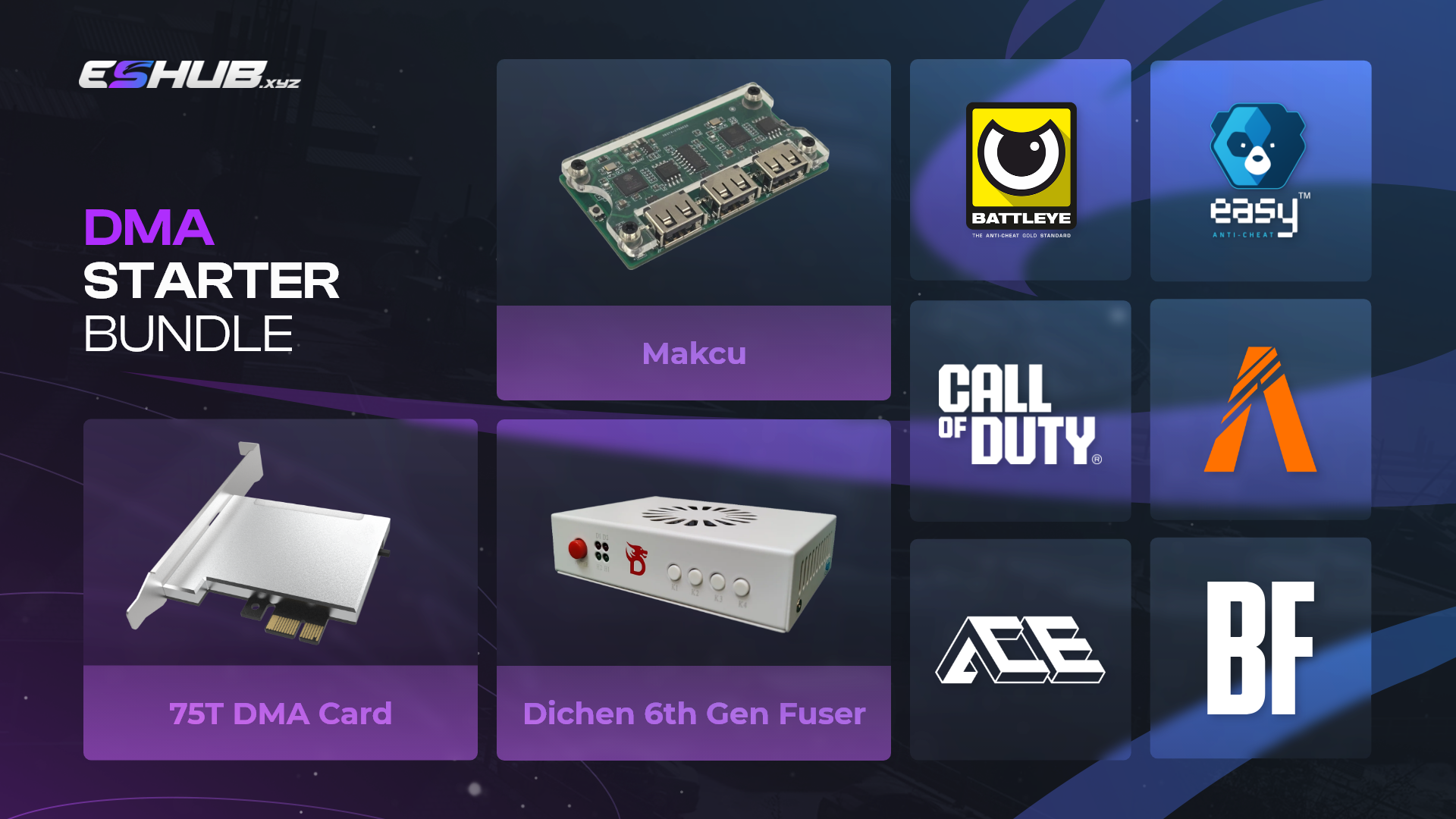
The ESHUB DMA starter kit includes a 75T or 100T FPGA card, a Dichen 6th Gen video fuser, a MAKCU USB input bridge and firmware. You supply both computers and purchase the game cheat subscription separately. The fuser combines the two video feeds, while MAKCU handles mouse or keyboard input. Choose the card after checking the requirements of the software you intend to use.
This DMA kit brings together the memory access card, video equipment and input controller for a two PC arrangement. The 75T and 100T selections contain the same named accessories. Game compatibility depends on the complete combination of hardware, firmware and cheat software. Read the exclusions below before ordering, then confirm that the remaining requirements match your gaming PC, second computer and display.
DMA Card and Starter Kit Components
Both purchase links open the starter kit page, where you select the 75T or 100T version shown in the product image. Check your selected version’s specifications for supported resolutions, connection requirements and the exact contents of your order.
How a Two PC DMA Setup Works
The DMA card fits into a suitable PCIe slot in the gaming PC. Compatible software on the second computer uses that connection to obtain memory data from the first machine. The software then interprets the data for the specific game. For example, an ESP feature may use supported player position data to draw markers in an overlay. Reading memory and drawing that overlay are separate stages.
Your DMA card does not generate a game picture. The gaming PC produces that picture, and the second PC produces the overlay video. The Dichen fuser combines those feeds for your monitor. If the cheat supports aimbot control through MAKCU, it sends input commands through the USB bridge. Each component has a specific role, so an issue with video, input or memory access needs the corresponding component checked.
DMA Cards: Choose 75T or 100T
The available DMA cards use 75T or 100T FPGA chips. Both versions include a Dichen 6th Gen fuser, MAKCU and firmware. Select the version supported by your intended software.
DMA Starter Kit: 75T
The 75T DMA card is the starter kit’s 75T FPGA option. An FPGA is a field programmable gate array, a chip whose logic is configured for its intended task. The 75T designation identifies the FPGA variant. It is not a game frame rate or an amount of system RAM. Choose this option when your software and firmware support it and its connection requirements suit your PCs.
DMA Starter Kit: 100T
The 100T DMA card uses the 100T FPGA variant and comes with the same named accessories. The chip offers more programmable logic resources, but that alone does not establish faster ESP updates or better aimbot performance. Those depend on the complete system and software. Check the provider’s supported card models before selecting 100T, especially if you already own a subscription or intend to reuse existing firmware.
Understand the DMA Hardware in Your Kit
Each part of the DMA bundle serves a different purpose. Use the component descriptions below to understand what comes with the order, what your computers provide and which features depend on a separate software subscription.
DMA Board and PCIe Connection
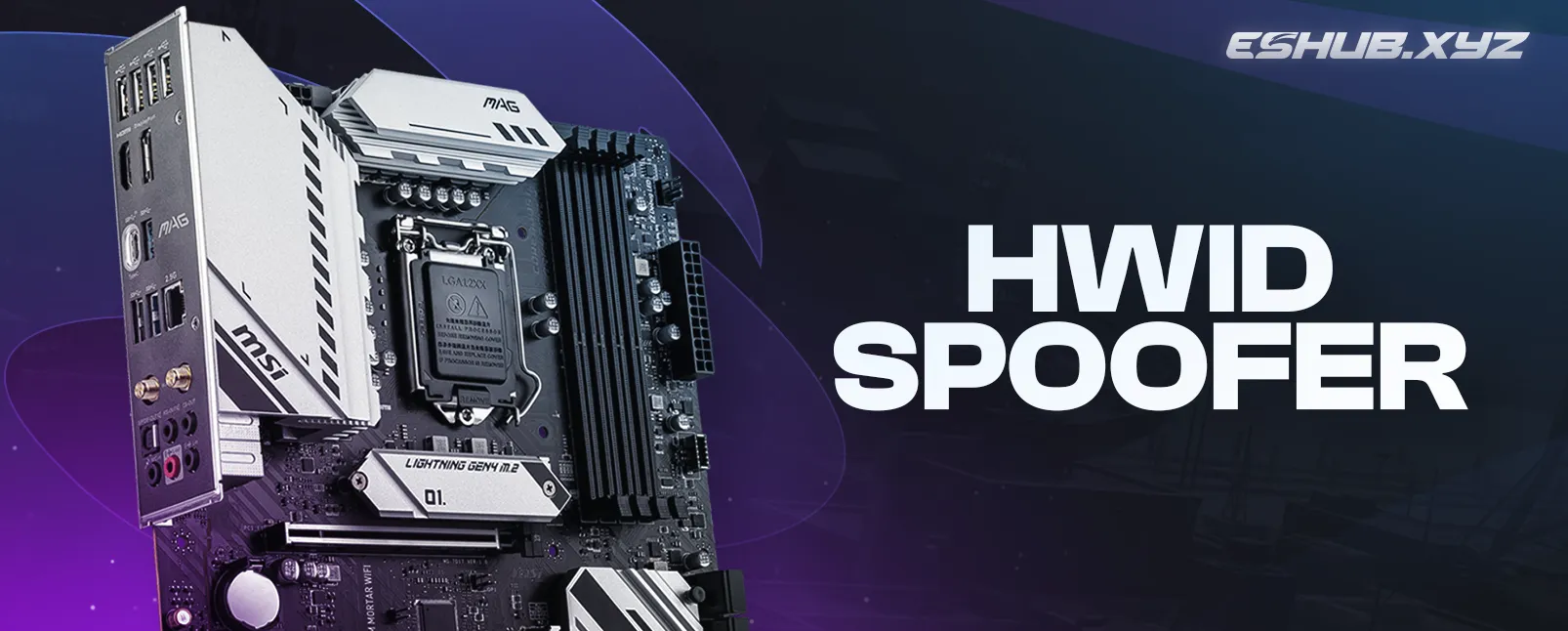
The DMA board is the PCIe expansion card installed in your main computer. It needs a compatible slot and sufficient physical clearance beside your graphics card and other components. PCIe is the connection to the host computer’s memory system. The link to the second PC serves a different purpose, allowing its software to communicate with the card. Check both requirements when assessing your motherboard and available ports.
View Kit Details →DMA Fusers and Video Overlays
DMA fusers are video combiners used in these setups. The included Dichen 6th Gen DMA fuser merges the gaming PC’s video with the second PC’s overlay output. It does not read game memory or decide where an enemy marker belongs. Those tasks happen earlier, through the card and software. Its job is to combine the incoming pictures into the image you see on your display.
View Kit Details →MAKCU USB Input Bridge
MAKCU is a USB input bridge that connects mouse or keyboard input to the gaming PC and accepts commands from compatible software. The DMA device responsible for memory access is the separate PCIe card. Calling MAKCU a memory reader would confuse those functions. For aimbot use, the cheat must explicitly support MAKCU, because the controller depends on software commands to produce the intended mouse movement.
View Kit Details →DMA Firmware and FPGA Configuration
DMA firmware configures how the card’s FPGA operates. In this context, firmware commonly refers to the FPGA configuration, also called a bitstream. It must be suitable for the card and its intended use. The included firmware belongs to the hardware side of the purchase. The Windows application that interprets game data and provides ESP or aimbot functions is a separate piece of software.
View Kit Details →75T DMA Card Compatibility
A 75T DMA card requires firmware intended for that FPGA and board. Treat the exact card model as a compatibility requirement when checking a download or asking for support. The same applies to the 100T version. A file intended for another chip or board should not be assumed to fit simply because both products use direct memory access. Confirm the supported combination before making changes.
View Kit Details →Your Second DMA PC
Your second DMA computer runs the cheat application and, where required, sends the overlay video to the fuser. Its operating system, processor, memory and connections must meet that application’s requirements. A spare PC may be suitable if it meets them. Check the application’s specifications before buying another computer, and account for the video output and USB connections needed by the accessories as well.
View Kit Details →ESP and Game Data
ESP means Extra Sensory Perception in game cheat terminology. It refers to on-screen information such as supported player markers, names or loot labels. The DMA card supplies access to data; the cheat determines which information it can interpret and display. A card purchase therefore does not establish support for a particular ESP feature. Look at the software’s feature details for the game you actually play.
View Kit Details →Aimbot and Input Commands
Aimbot software calculates aiming adjustments from the information available to it. In a compatible arrangement, MAKCU carries the resulting mouse input to the gaming PC. Your DMA card handles memory access independently of that input path. Target selection, activation keys and any smoothing settings belong to the cheat’s feature set. Confirm support for the input controller alongside the card when checking a subscription.
View Kit Details →USB, HDMI and Display Requirements
A DMA setup needs the correct connections for data, video and input. The starter kit specifies PCIe, USB and HDMI requirements. Check the fuser’s supported resolution and refresh rate against the display mode you intend to use. A monitor having an HDMI socket does not establish that every mode is supported through the fuser. Include suitable cables and accessible ports when planning where the equipment will sit.
View Kit Details →Game Support and Software Requirements
DMA gaming requires software written for the specific game. A memory interface does not automatically understand player positions, inventory or other game data. Your subscription provides that interpretation and the features built around it. Before choosing equipment, identify the game, the cheat you intend to use and its supported hardware. That gives you a concrete compatibility requirement for the card, firmware and input controller.
The starter kit page explicitly excludes Fortnite, Rust, Apex Legends, Delta Force, Arena Breakout Infinite and FACEIT. FACEIT is a competitive gaming service, so this restriction should not be read as the name of a separate game. These exclusions apply to the offered kit. Broader claims about anti-cheat support elsewhere on the product page do not override its specific exclusions.
For a game outside that list, confirm that your intended cheat supports the selected DMA card and included firmware. Provide ESHUB support with the exact software name and card option if compatibility is unclear. Support for an anti-cheat name alone does not establish support for every game that uses it. The relevant question is whether your particular game, software and hardware combination is supported.
The Video Fuser and Input Bridge Have Separate Roles
A DMA fuser combines the video signals it receives. It can place a supported overlay over the game picture, but it cannot create missing player data or add features to your subscription. If the software does not generate a particular ESP label, the video combiner cannot supply it. Start with the software’s supported features, then check that the display equipment can show its output at your intended settings.
The DMA device in the gaming PC, the Dichen video combiner and the MAKCU controller handle memory, video and input respectively. This distinction helps when describing a setup problem. A missing overlay, absent input response and failed card connection are different symptoms. Give support the affected component and what you can observe, together with your card model and software name, so the relevant connection can be checked.
Prepare Your PCs for a DMA Card
Check your DMA setup against both sets of requirements: the kit’s connection specifications and the cheat’s system requirements. Record your motherboard model, available PCIe slot, second PC specifications, display resolution and refresh rate. Include the available USB and video connections. Having these details ready helps ESHUB support check whether your existing equipment is suitable.
Choose Your DMA Kit
Open the starter kit to select your DMA card. Confirm game support and the requirements for both PCs, then add the compatible software subscription separately.
Explore the Components
DMA Hardware FAQ
What comes with the 75T DMA card?
The 75T DMA card comes with a Dichen 6th Gen video fuser, MAKCU USB input bridge and firmware. The 100T version supplies the same named accessories with a different FPGA card. Both computers and the compatible cheat subscription are separate requirements. Check the selected version’s specifications for the connections and equipment needed to complete the setup.
Do DMA cards include cheat software?
A game cheat subscription is purchased separately. DMA firmware is included for the card, while the cheat application runs on your second computer. That application supplies the supported ESP and aimbot functions. Firmware and a subscription serve different purposes, so confirm that both support the card and game you intend to use.
Does a DMA PC need to be a gaming PC?
The second computer needs to meet the cheat software’s system requirements. It does not run the game in the arrangement described here, but it still needs adequate resources, a supported operating system and the required connections. Check those specifications before choosing a small PC or reusing an older computer.
Are DMA devices invisible to anti-cheat?
No. A DMA card remains a device connected to the gaming PC. Operating system and firmware protections can restrict memory access, and using a second computer does not guarantee that cheating will go undetected. Direct memory access describes a technical capability, not a promise of invisibility or protection from account bans.
Order Your DMA Card and Starter Kit
Choose the 75T or 100T DMA card supported by your intended software. The starter kit brings together the card, video fuser, USB input bridge and firmware. Open the product details to check compatibility and select your version.
Explore more Cheats & Hacks
Explore our collection of premium cheats & hacks.