
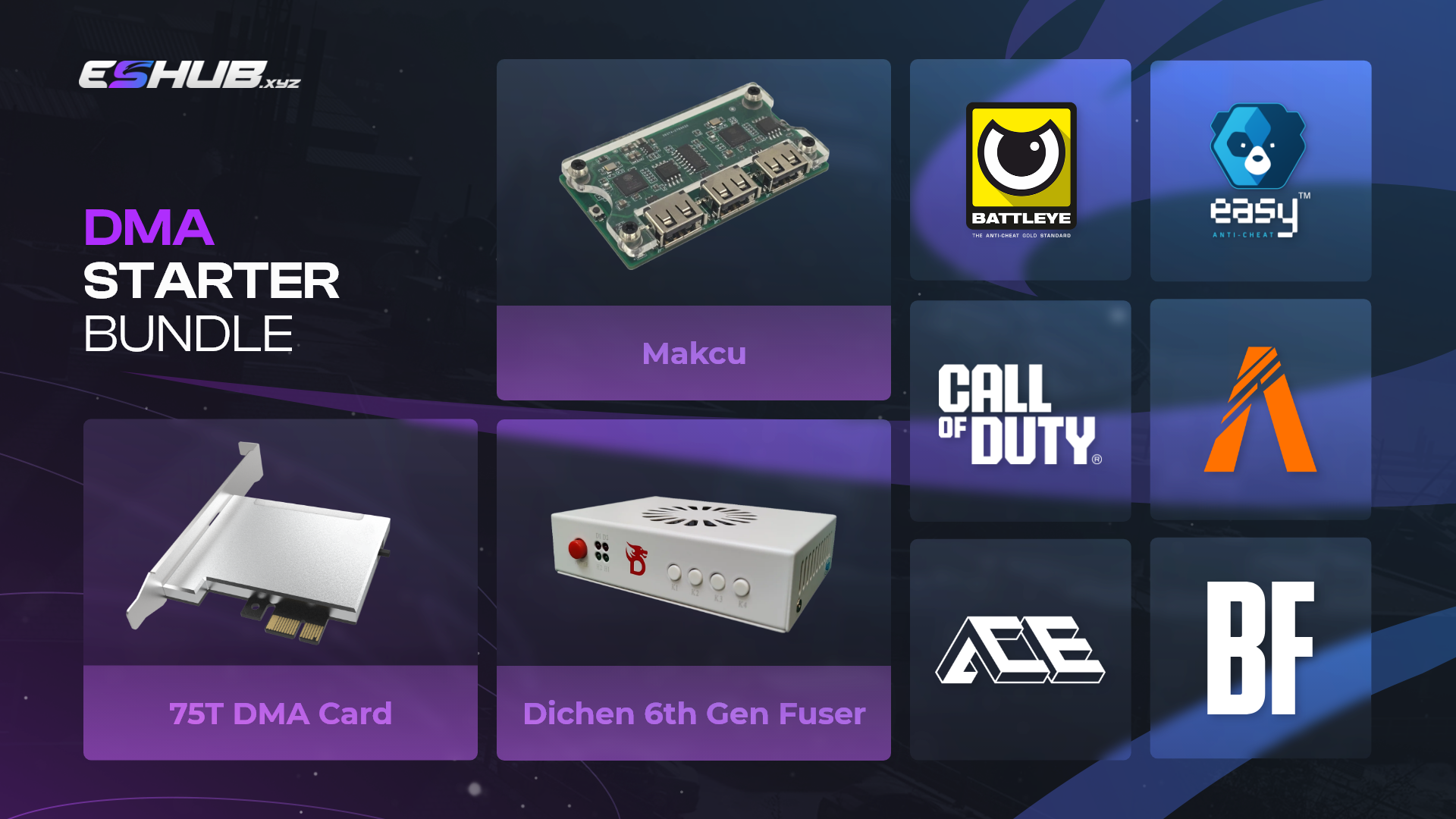
DMA Cheats Explained.
Understand what Direct Memory Access is, how DMA-based setups differ from conventional software, and the hardware commonly associated with them.
What is DMA?
DMA stands for Direct Memory Access, a computer architecture feature that allows hardware devices to access system memory with limited CPU involvement.
In gaming-related DMA setups, specialized hardware may be used to access information from one computer while processing or displaying information on another system. This differs from conventional software that executes entirely on the gaming computer.
How a DMA Setup Works
At a high level, DMA setups separate memory access, processing and output across hardware and systems.
DMA Hardware
A compatible hardware device interfaces with the primary computer.
Data Transfer
Information is transferred from the primary system to another device or computer.
External Processing
A secondary system can process information separately from the primary computer.
Output
Processed information may then be displayed through a separate output path.
DMA vs Software-Based Setups
The main difference is where the relevant software and processing occur.
- Primarily runs on the main PC
- Generally lower hardware cost
- Usually simpler architecture
- Software interacts with the local system
- May require updates after game changes
- Uses dedicated hardware
- Higher upfront equipment cost
- More complex architecture
- Can use a secondary processing system
- Hardware and firmware compatibility matter
Common DMA Setup Components
Exact configurations vary, but these are some of the components commonly discussed with DMA systems.
Primary PC
The main computer running the game or application.
DMA Device
Dedicated hardware providing Direct Memory Access functionality.
Secondary System
A separate computer may be used for external processing.
Video Hardware
Some configurations use additional video or capture hardware for display purposes.
Input Hardware
Certain setups incorporate separate input-related hardware.
Firmware
DMA hardware relies on compatible firmware to operate correctly.
🛡 Why DMA Is Different
DMA changes where memory access and processing occur, but no architecture should be treated as universally or permanently undetectable.
Processing can occur outside the primary gaming system.
Memory access occurs through hardware rather than only through a conventional local application.
DMA architecture has a different footprint from software running entirely on the primary PC.
Security and anti-cheat systems can change over time, including methods aimed at identifying suspicious hardware behavior.
Features Associated With DMA Products
The available feature set depends on the individual software and hardware implementation.
👁 ESP
Some products use externally processed game-state information for visual overlays.
🎯 Aim Assistance
Some DMA-related products combine external processing with separate input systems.
📡 Radar
Game-state information can be represented through a separate radar-style display.
💎 Item Information
Supported products may display information about game objects or items.
DMA Drawbacks
The additional hardware and architecture also introduce practical disadvantages.
💰 Cost
Dedicated hardware makes DMA significantly more expensive to get started with.
🔧 Complexity
Multiple devices and systems create a more complex setup than conventional software.
🖥 Hardware
Compatibility depends on the available computer hardware and interfaces.
📺 Desk Space
Secondary computers, displays and other equipment require additional physical space.
DMA or Conventional Software?
The practical choice usually depends on hardware, budget and how much complexity you're willing to manage.
DMA May Appeal If...
- You already have suitable hardware
- You have access to a secondary system
- You are comfortable with complex PC setups
- You understand hardware compatibility
- Higher upfront cost isn't a major concern
Software May Appeal If...
- You want a simpler setup
- You only have one computer
- You want lower upfront hardware costs
- You don't want additional equipment
- Convenience is the main priority
DMA Myths
A few claims about DMA are often oversimplified.
Myth: DMA is permanently undetectable.
Reality: Detection techniques, hardware and security systems continue to evolve.
Myth: Every computer supports DMA hardware.
Reality: Hardware compatibility varies substantially between systems.
Myth: DMA is always plug-and-play.
Reality: DMA systems can involve substantial hardware and configuration work.
Myth: Every DMA product works identically.
Reality: Hardware, firmware and software implementations differ.
Frequently Asked Questions
Quick answers to common DMA terminology questions.
What does DMA stand for?
DMA stands for Direct Memory Access, a computer architecture mechanism that allows compatible hardware to access system memory with limited CPU involvement.
Does DMA require two computers?
Many gaming-related DMA configurations use a second system for external processing, although exact architectures can vary.
Does DMA work with every computer?
No. Hardware interfaces, expansion capabilities and other compatibility requirements differ between computers.
How expensive is DMA hardware?
Pricing varies significantly by hardware, firmware and the rest of the setup. Dedicated hardware generally creates a higher upfront cost than conventional software.
Is DMA impossible to detect?
No. DMA has a different architecture from conventional software, but hardware and security detection methods continue to evolve.
Is DMA beginner friendly?
Generally, DMA setups involve more hardware and configuration than ordinary software, so they tend to be more technically demanding.
Continue Learning
Explore more guides covering cheat terminology and technology.