
AIMBOT
Configure targeting, aim movement, prediction and activation.
ESHub provides premium undetected game softwares, DMA Hardware, ESP, Aimbot, and HWID spoofers for popular PC titles including Apex Legends, Arena Breakout Infinite, ARC Raiders, Escape from Tarkov, Fortnite, Rust, Rainbow Six Siege, and more. Our solutions are secure, frequently updated, and designed to stay undetected.
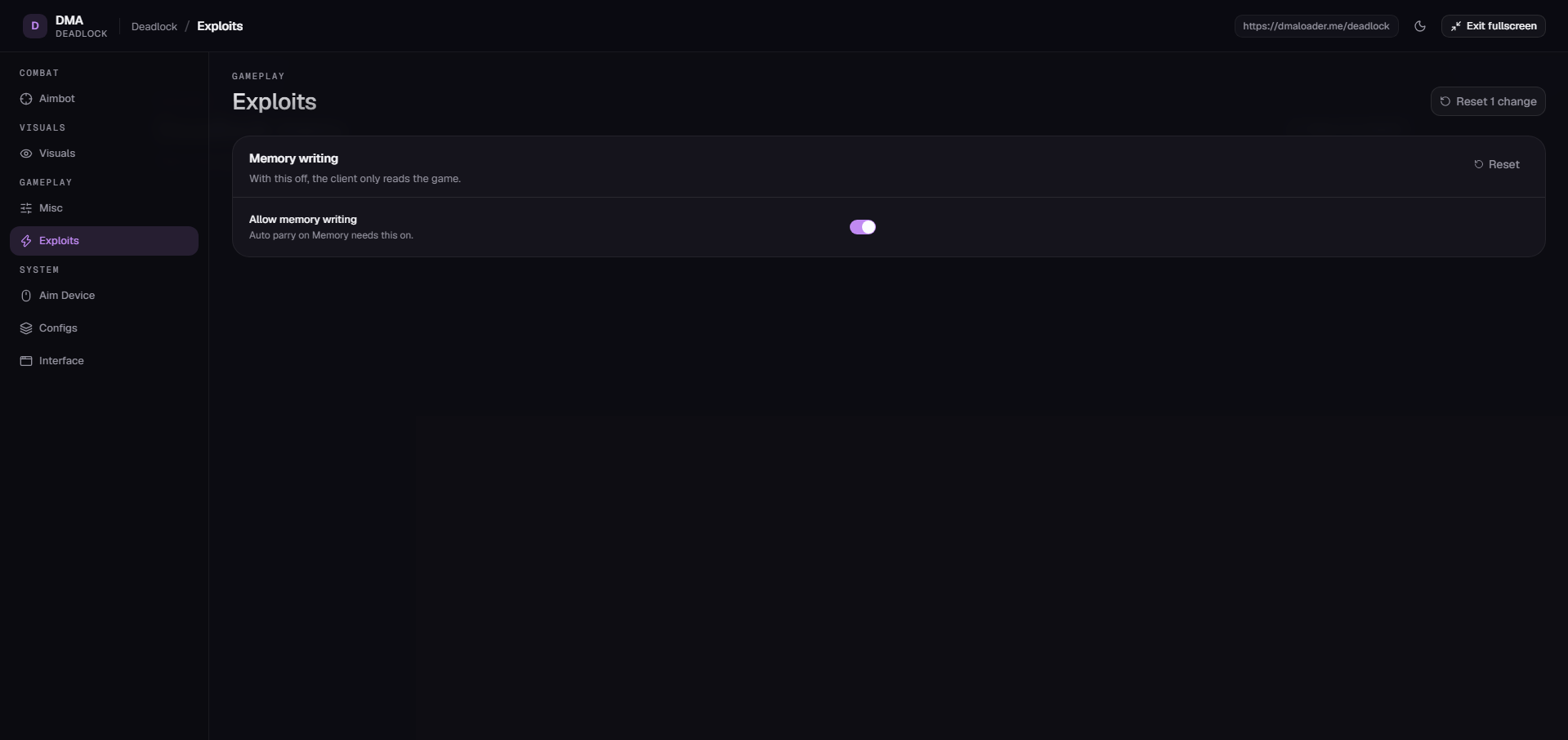
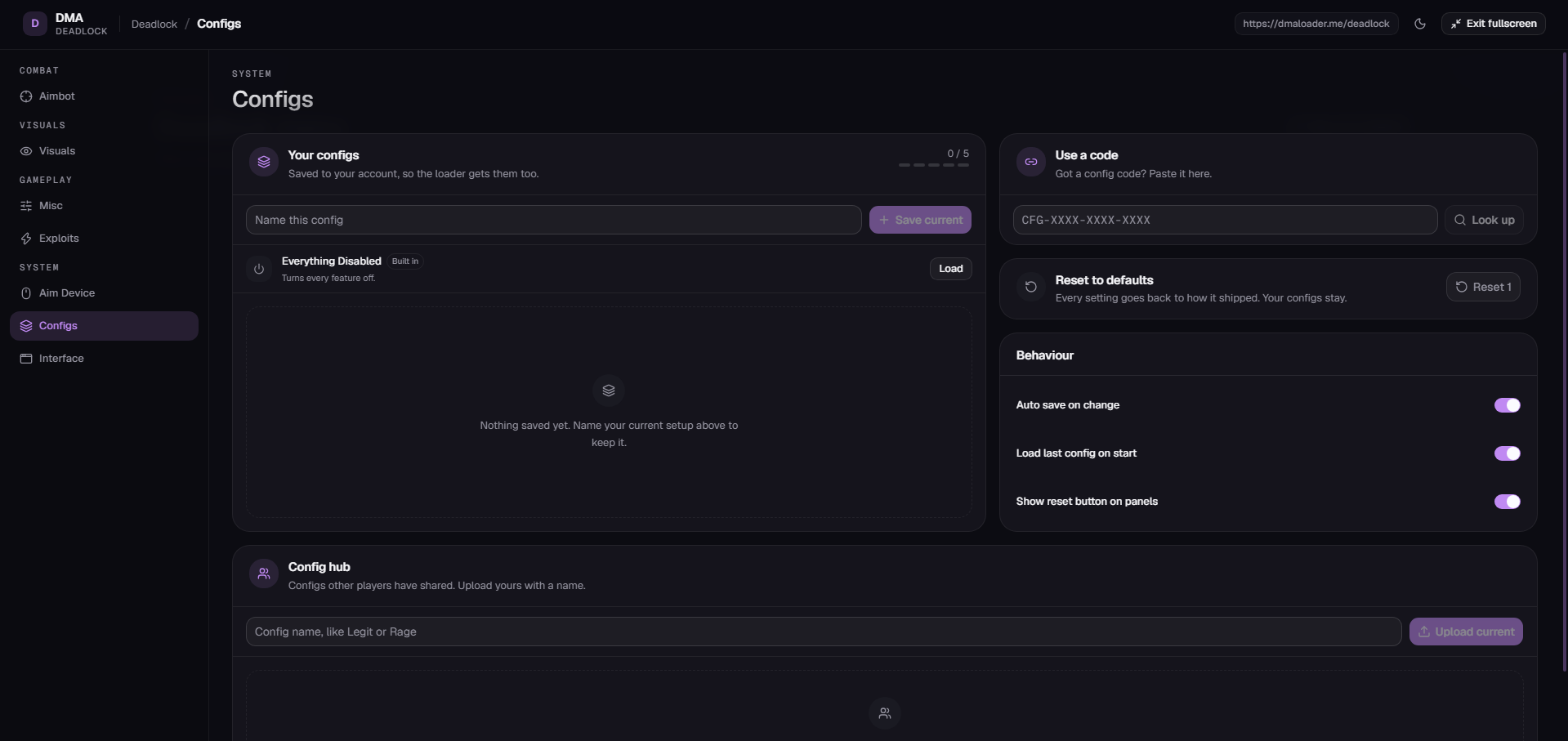
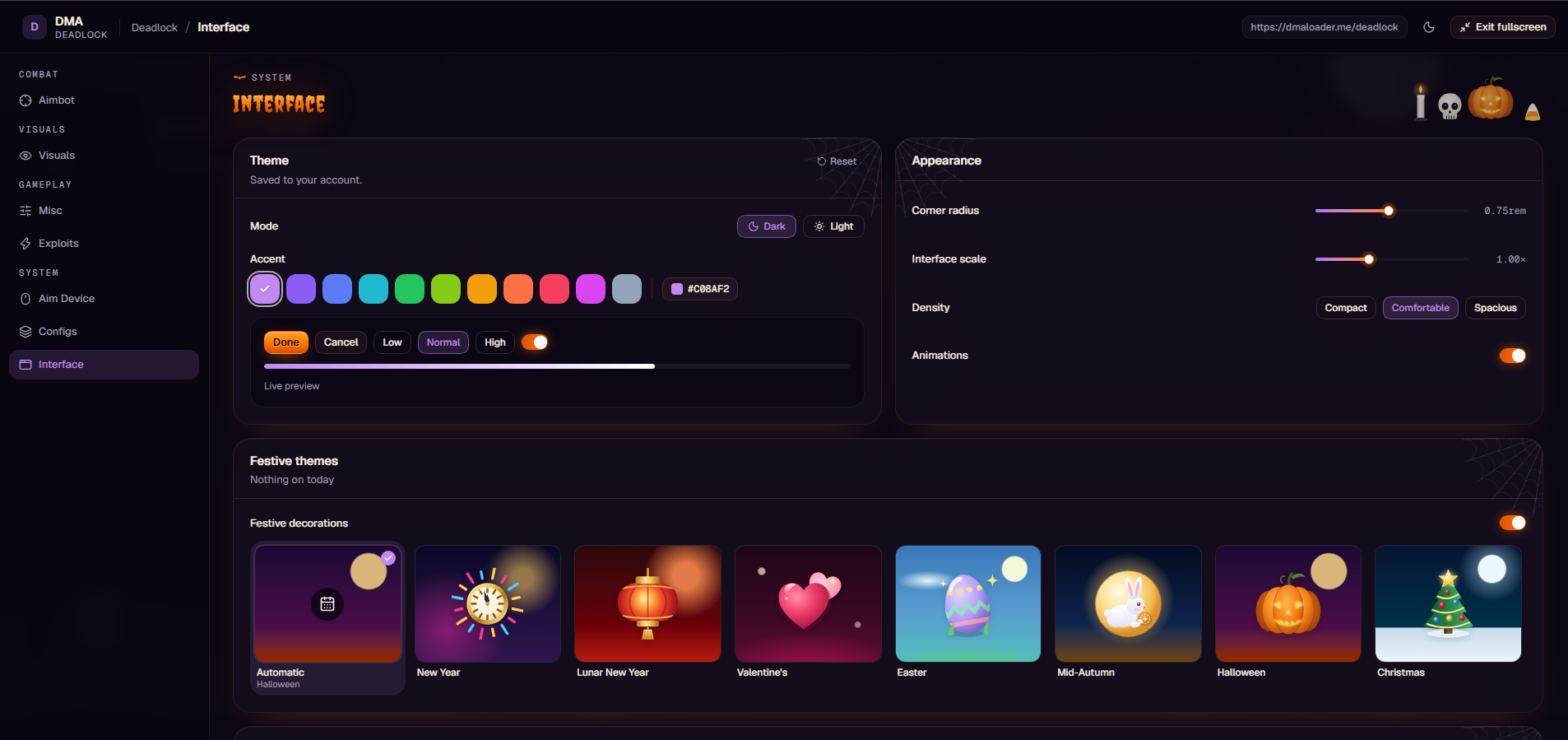
Deadlock DMA includes configurable aimbot, hero and NPC ESP, auto parry, aim device support, cloud configurations and interface customization.
What ships with Deadlock DMA.
Click a linked feature to learn more about what it does.
Configure targeting, aim movement, prediction and activation.
Customize hero, NPC and boss visuals, visibility checks and labels.
Configure auto parry, input methods and the parry keybind.
Connect supported aim devices and access connection tests and logs.
Save, synchronize, import and share custom configurations.
Customize themes, appearance, interface layout and keybinds.
Deadlock DMA includes six feature categories: Aimbot, Visuals, Misc, Aim Device, Configs and Interface.
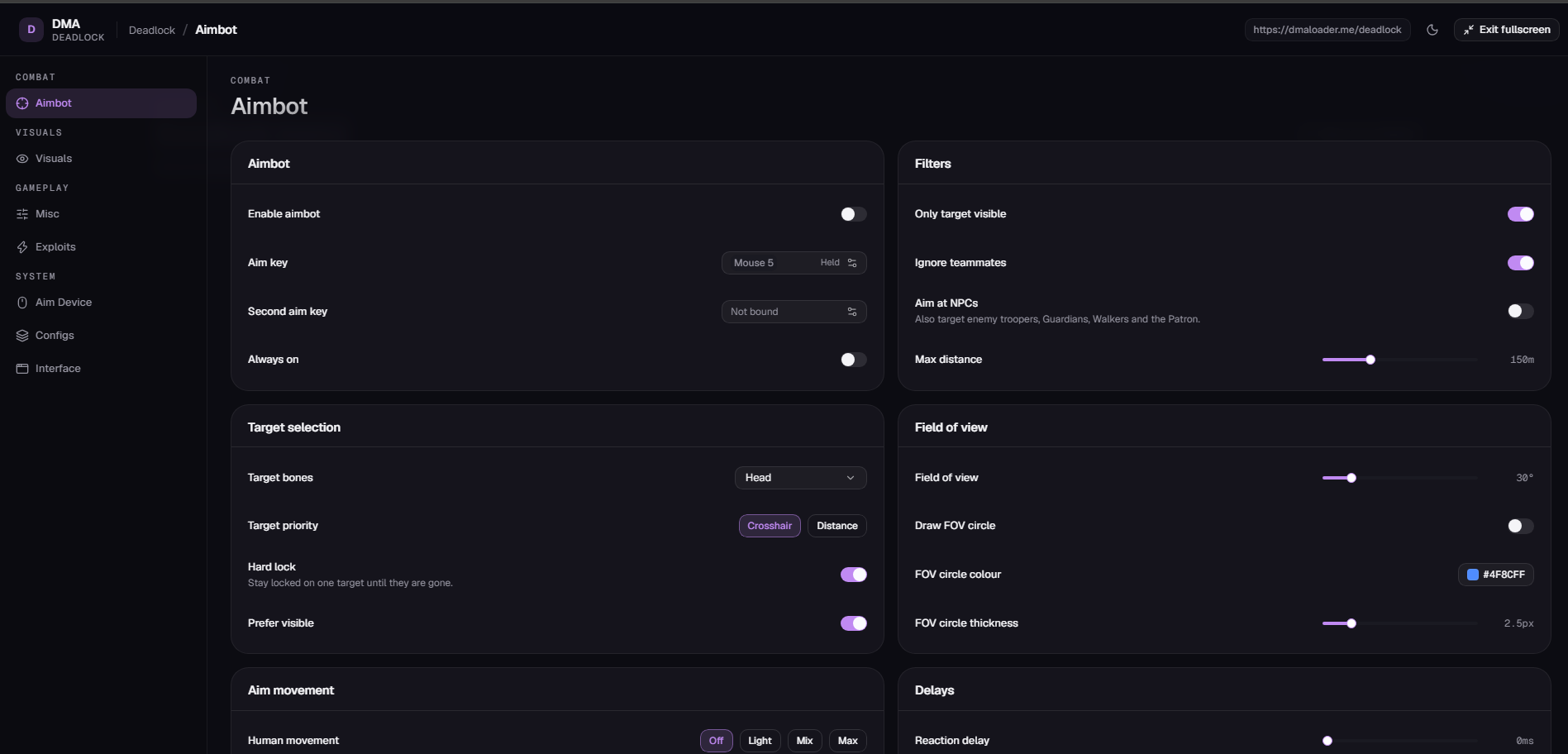
Set an Aim Key and Second Aim Key, enable Always On, filter visible targets and ignore teammates. Configure NPC targeting, target bones, Crosshair or Distance priority, Hard Lock and Prefer Visible. Adjust FOV, human movement, smoothing, deadzone and delays. Predict Travel includes bullet drop and target movement, with predicted point display settings.
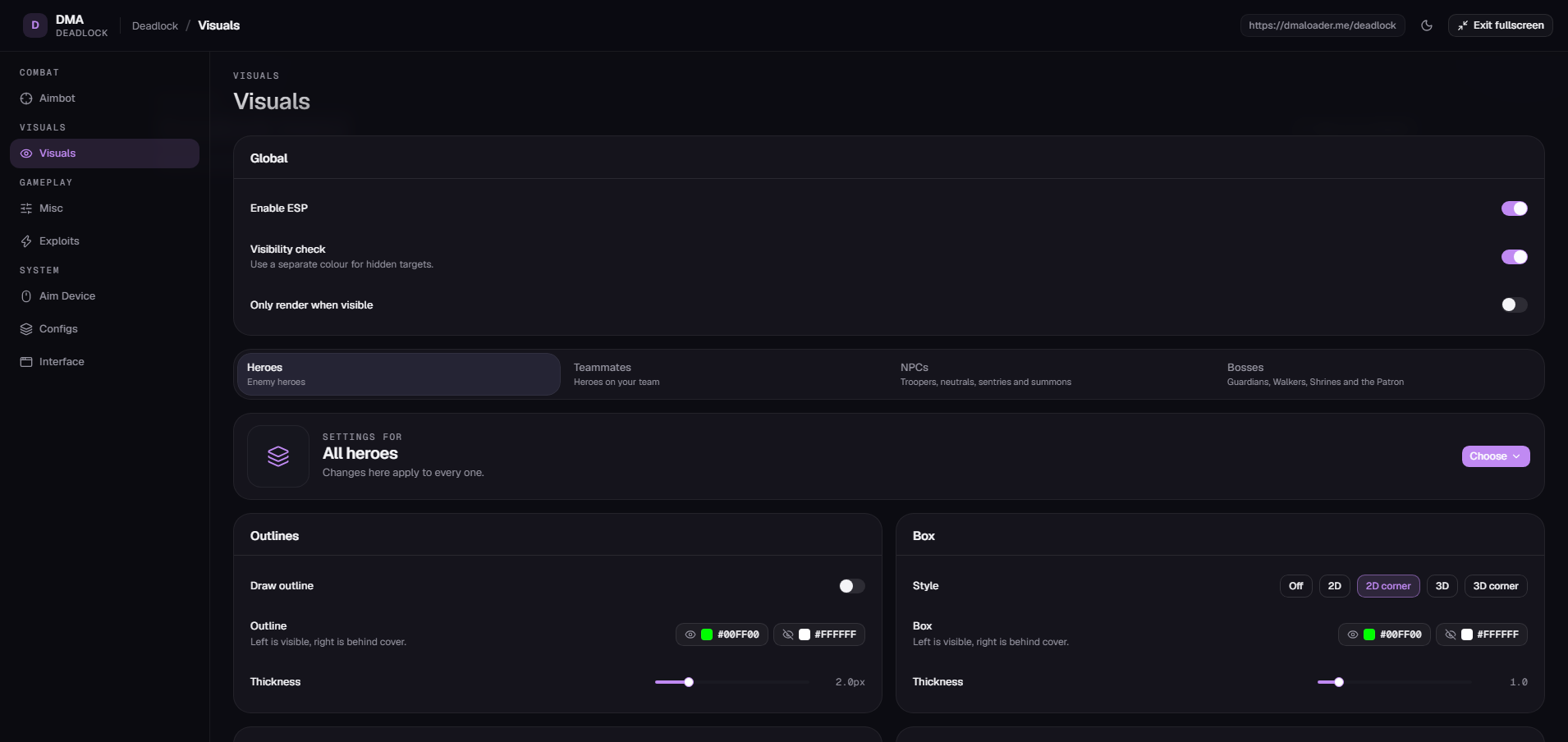
Enable ESP for enemy heroes, teammates, NPCs and bosses. Customize visibility checks, hidden target colors, outlines, box styles, skeletons, head circles, name tags, health bars and ability icons. Set visible and hidden colors, thicknesses, text size, icon size and maximum distance.
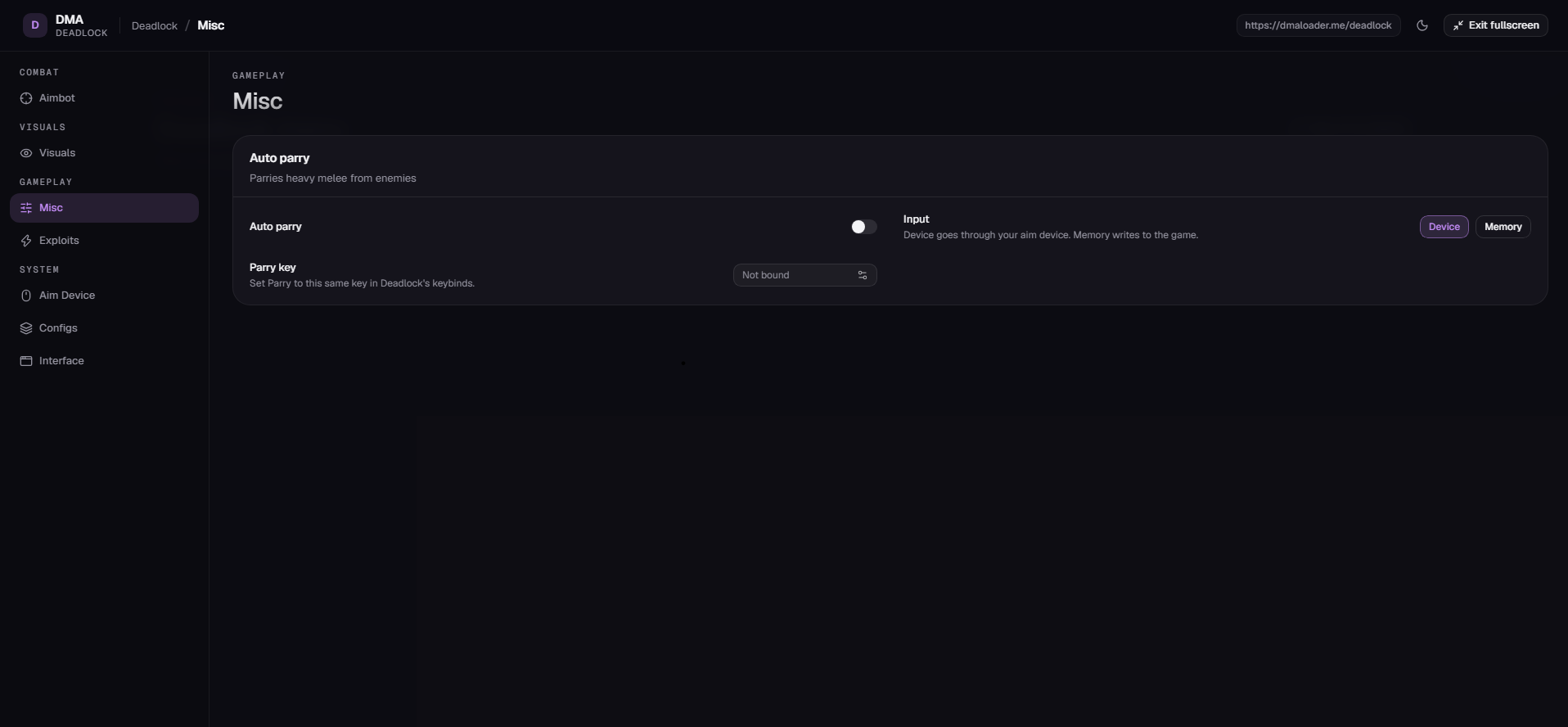
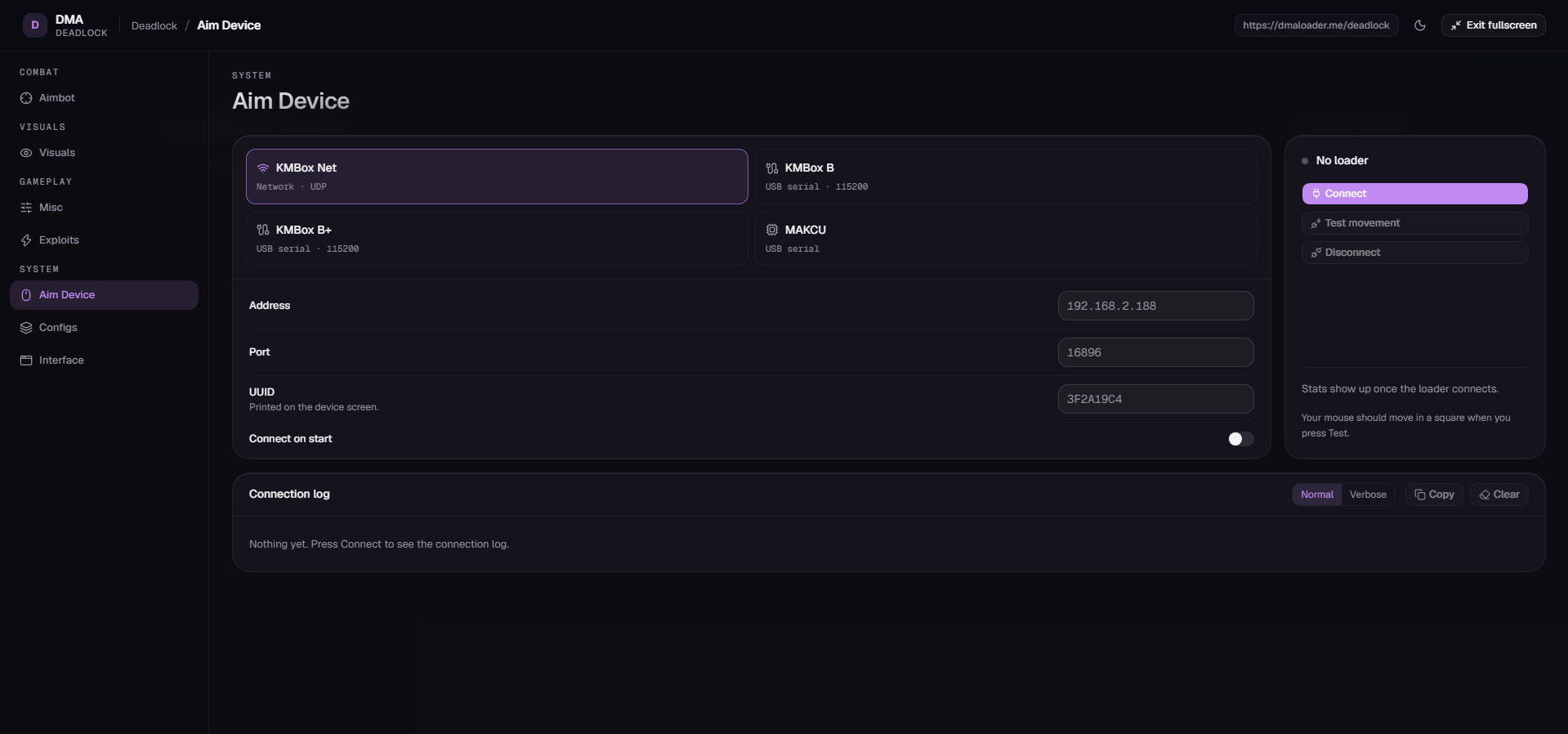
Auto Parry automatically parries enemy heavy melee attacks using Device or Memory input. Set a custom parry keybind to match Deadlock settings. Aim device support includes KMBox Net, KMBox B, KMBox B+ and MAKCU, with custom connection settings, connection tests, a square-pattern mouse movement test, statistics and logs.
Save up to five custom configurations, synchronize configurations with your account and loader, and import or share them using codes. Access the Community Config Hub to browse and upload configurations. Interface settings include cloud saving, Dark or Light mode, accent colors, scaling, density, animations, festive themes, a menu keybind, browser access and a panic key.