
-
View Deadlock DMA
Deadlock DMA Configs: Cloud Profiles, Codes & Account Synchronization
Use Deadlock DMA cloud configs: save up to five profiles, load settings, import and share codes, review reset behaviour and browse the Community Config Hub.
-
Featured Products
Keep a settings profile you can identify and restore. The configuration system manages saved choices; it does not make another person’s settings suitable for every setup.
What Our Deadlock Customers Say
Customer feedback supplied by EsHub, with product references kept as provided. Individual experiences are not universal performance or support-time guarantees.
Been really happy with EsHub’s Deadlock cheat. It works great, and there’s a lot to play around with in the settings. Having that much customization has been one of my favorite things about it.
I did need help with an issue, but support got back to me straight away and helped sort it out.
Good product overall, and I appreciated how quickly they responded.
Auto parry is easily my favorite feature in EsHub’s Deadlock cheat. It’s been amazing to use and is the feature that stands out most to me.
There’s plenty more to explore in the product, with lots of settings to customize, but auto parry has definitely been the highlight.
Really happy with how it works overall.
The Deadlock cheat has been great so far. There are loads of features to try, and I’ve enjoyed going through the settings and getting things how I like them.
Had an issue that I needed help with, so I messaged EsHub. Got a reply almost immediately, and they helped me get everything working again.
Very pleased with it. The features are great, and my experience with support was just as good.
Really happy with EsHub’s Deadlock cheat so far. I ran into an issue and contacted support, and they responded almost instantly. They helped me get it sorted quickly, which made a great first impression.
Once that was fixed, everything worked great. There are loads of features and settings to explore, so you have plenty of room to customize things to your liking. The product itself has been great, but the quick support really stood out to me.
Save a Named Profile You Can Recognize
The listing supports up to five saved custom configurations, custom names, cloud saving and account synchronization with the loader. The screenshot shows Your configs with a name field and a Save current control. Give a profile a purpose you will recognize instead of relying only on a generic label.
Keep your baseline separate from an experimental version so you know which configuration was active when a symptom appeared. A saved profile concerns a group of settings. It is different from a single feature toggle and from the interface appearance settings that have their own cloud-saved behaviour.
Deadlock Gameplay & DMA Menu Preview
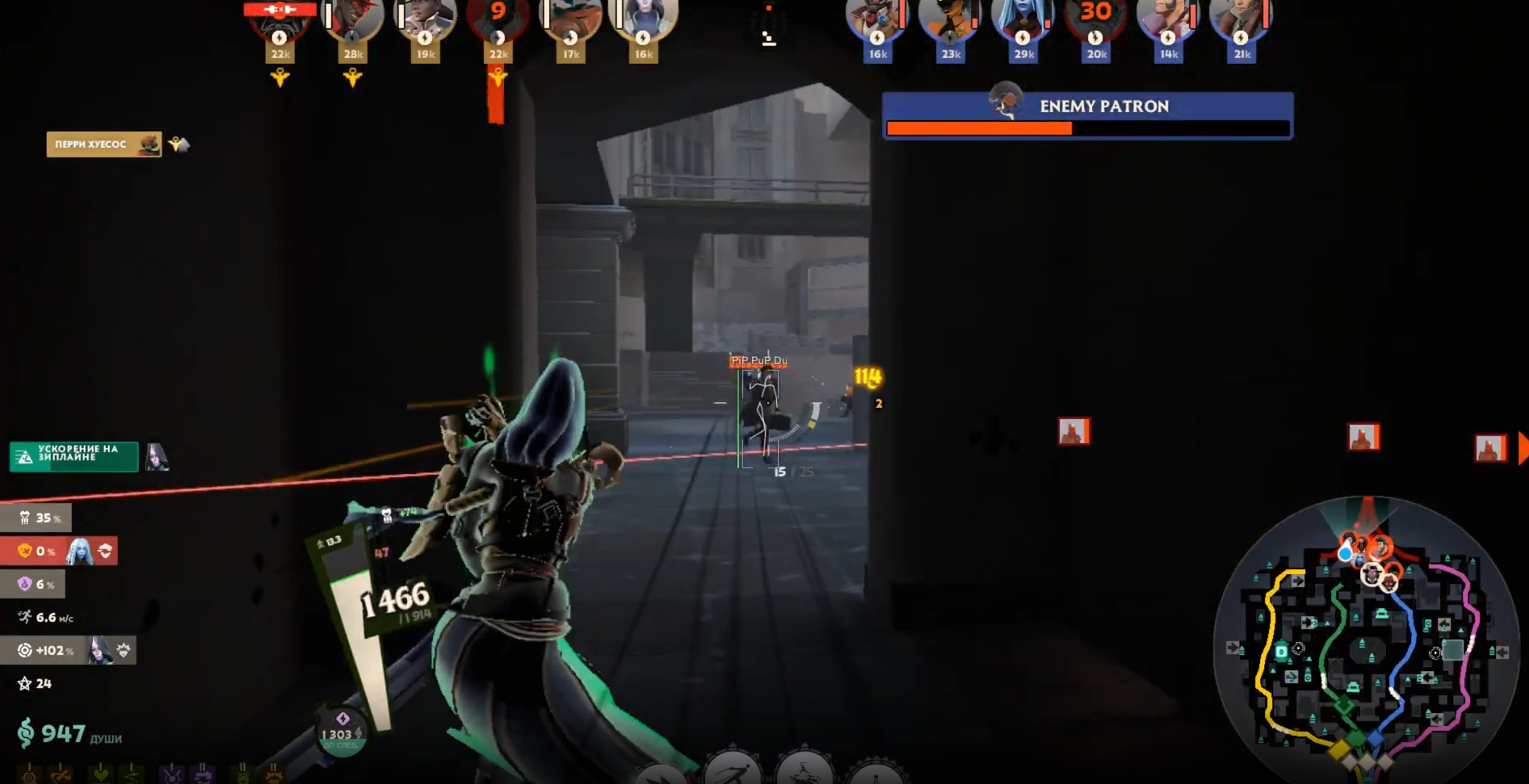
Deadlock Gameplay Previews: Predator & Prey
These supplied videos feature the separate Predator and Prey products. For DMA-specific controls, inspect the DMA menu gallery and current DMA listing.
Deadlock: Predator Gameplay
Deadlock: Prey Gameplay
Load, Import and Share Are Different Actions
The Configs screenshot includes a built-in Everything Disabled option and a Use a code area. The listing also names importing and sharing through codes, browsing shared configurations and uploading to the Community Config Hub. Those actions should be understood separately from saving your current local choices under a new name.
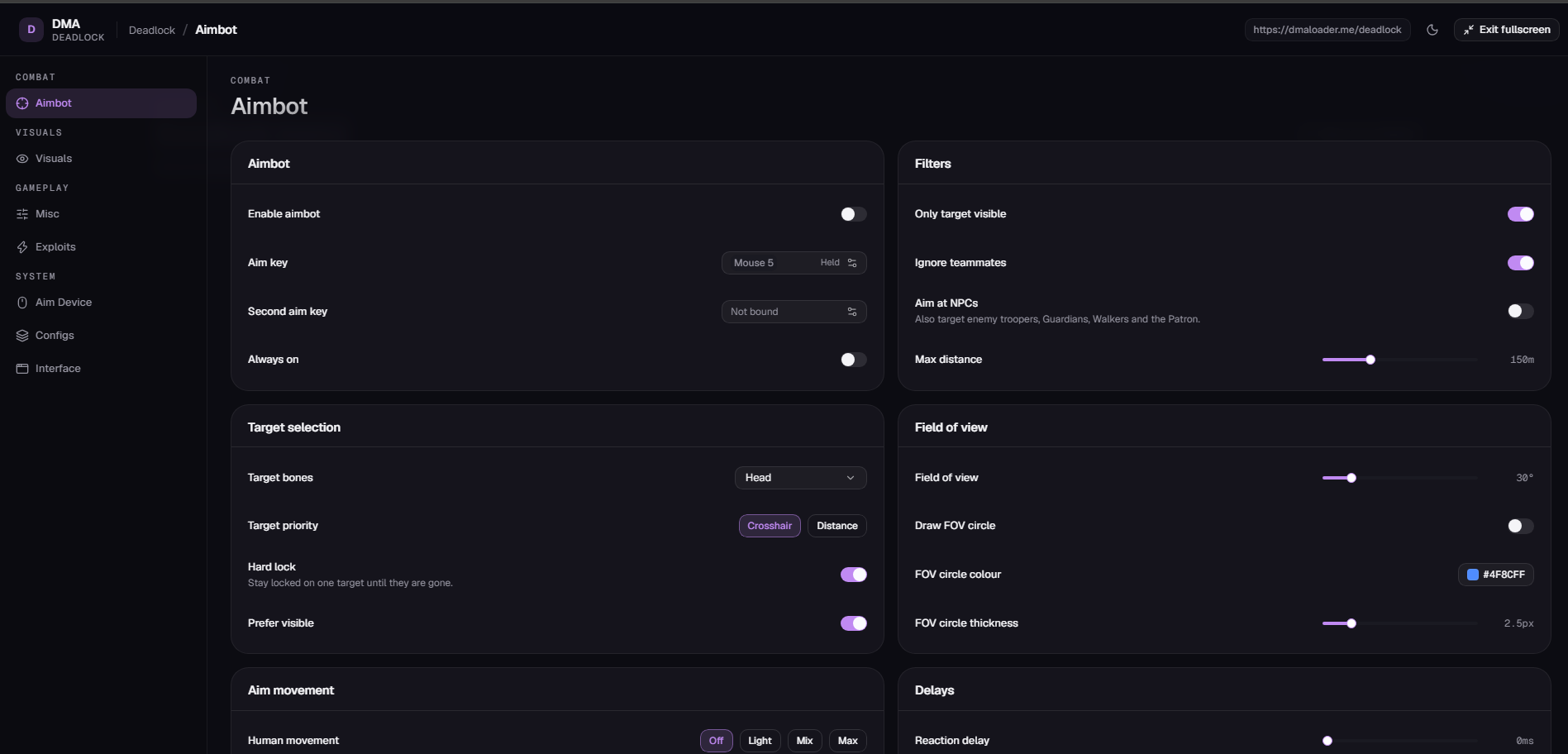
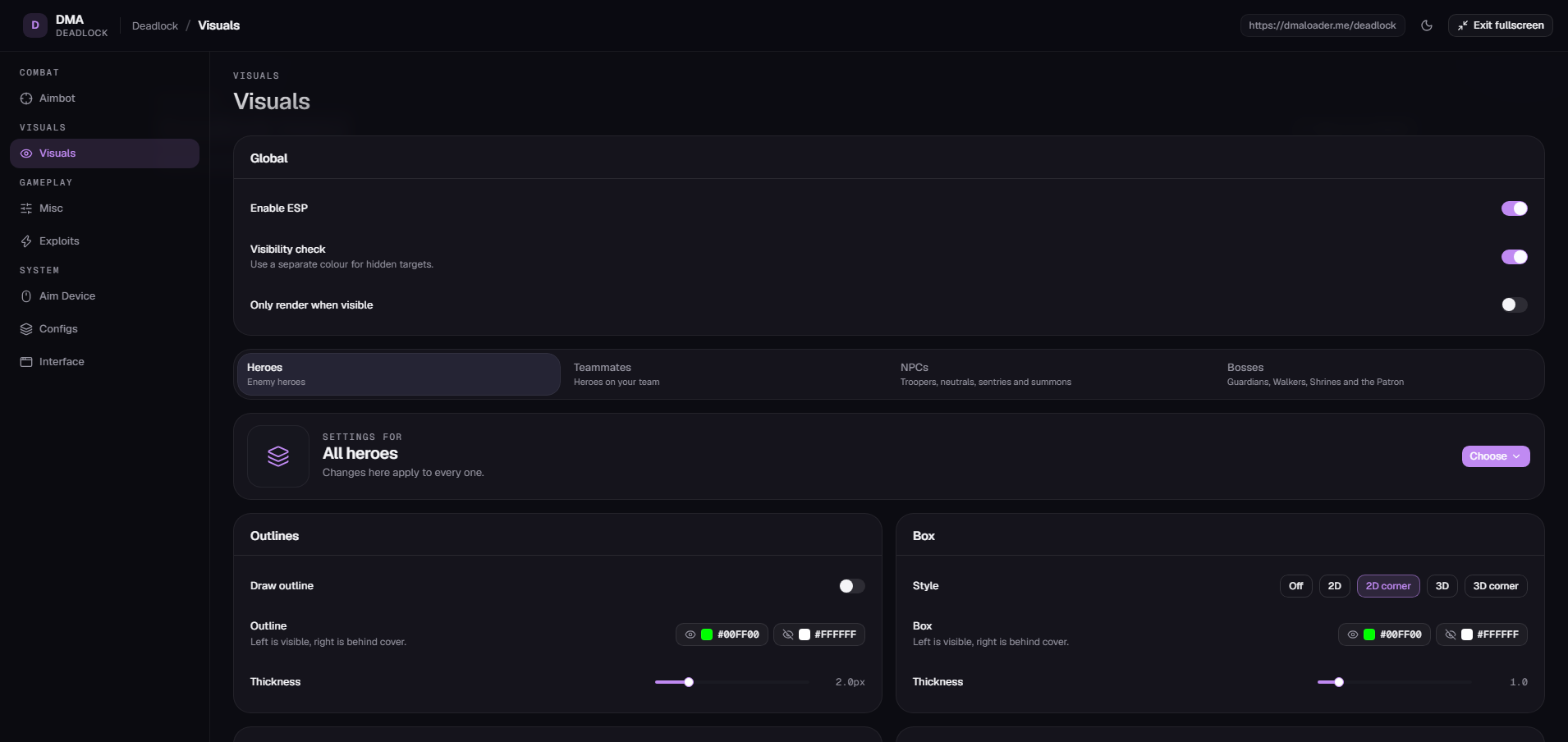
Read what a shared profile changes before treating it as your own baseline. An imported code can alter several controls together, including choices you are not currently viewing. Inspect the Aimbot and Visuals panels after loading a profile: check activation keys, eligible targets, entity categories and visibility filters rather than assuming a saved name describes every active choice.
Deadlock DMA Configs at a Glance
| Topic or control | What to check |
|---|---|
| Custom saves | Up to five named configurations |
| Codes | Import and share configurations |
| Built-in profile | Everything Disabled |
| Behaviour | Auto-save, load last profile and reset options |
Understand Reset and Automatic Saving
The product lists Reset Settings to Defaults, preserving saved configs on reset, Auto Save on Change, Load Last Config on Start and panel reset controls. These are different behaviours. Resetting active settings and deleting a named saved profile should not be treated as the same operation.
Record the active name and the change you intend to make before using a reset control. If automatic saving is enabled, understand which current state is being retained by the actual product. Use the menu labels and current instructions rather than guessing that every reset affects every saved or cloud-synced setting.
Keep Config Problems Separate From Hardware Problems
If a profile appears not to apply, note its name, how it was loaded and the setting that differs. If a device is disconnected, report that as a device symptom rather than assuming that importing another profile will repair the connection. Those problems need different evidence.
The browser-menu guide covers interface appearance and access, and troubleshooting explains a useful support report. A configuration name is not a promise of account safety or universal performance. Save profiles to make your settings understandable and recoverable, then verify the active controls for your own setup.
Deadlock DMA Pricing & Licence Options
Licence prices checked 26 October 2026. Review current product availability and confirm your hardware before purchase.
Frequently Asked Questions
Click a question to view the answer.
How many custom configurations are listed?
The product lists up to five saved custom configurations.
Does reset necessarily delete my saved profiles?
The listing includes preserving saved configs on reset. Read the specific control and current instructions before using it.
Are interface themes the same as gameplay profiles?
They are separate settings areas with their own cloud-saved behaviour. Keep the active gameplay profile and interface choices identifiable.