
-
View Deadlock DMA
Deadlock DMA Troubleshooting Guide: Connection, Missing ESP & Profile Checks
Troubleshoot Deadlock DMA by separating browser access, input-device connections, missing ESP and loaded configs. Use exact errors and the relevant menu controls.
-
Featured Products
Identify the failing stage before changing settings. A browser problem, an input connection and an ESP filter need different evidence and different checks.
What Our Deadlock Customers Say
Customer feedback supplied by EsHub, with product references kept as provided. Individual experiences are not universal performance or support-time guarantees.
Auto parry is easily my favorite feature in EsHub’s Deadlock cheat. It’s been amazing to use and is the feature that stands out most to me.
There’s plenty more to explore in the product, with lots of settings to customize, but auto parry has definitely been the highlight.
Really happy with how it works overall.
The Deadlock cheat has been great so far. There are loads of features to try, and I’ve enjoyed going through the settings and getting things how I like them.
Had an issue that I needed help with, so I messaged EsHub. Got a reply almost immediately, and they helped me get everything working again.
Very pleased with it. The features are great, and my experience with support was just as good.
Really happy with EsHub’s Deadlock cheat so far. I ran into an issue and contacted support, and they responded almost instantly. They helped me get it sorted quickly, which made a great first impression.
Once that was fixed, everything worked great. There are loads of features and settings to explore, so you have plenty of room to customize things to your liking. The product itself has been great, but the quick support really stood out to me.
EsHub’s support made a great first impression. I ran into an issue and reached out, and they responded almost instantly.
They helped me get it fixed quickly, so I could get everything working. The Deadlock cheat itself has been great too, with lots of features and plenty of settings to customize.
Really happy with the product and the help I received.
Locate the Stage Where the Problem Appears
Start by describing what you can actually observe: the browser menu does not open, a device is disconnected, a particular entity is not drawn or a profile appears not to apply. Those are different symptoms. Check the current product status and your licence-specific instructions before making assumptions about an update.
Keep the loader environment and the menu separate in your report. The requirements include a second PC for the loader and a browser for settings; seeing one component does not establish that the other is ready. Include exact non-secret error text and the stage at which it appears rather than only saying the cheat is broken.
Deadlock Gameplay & DMA Menu Preview
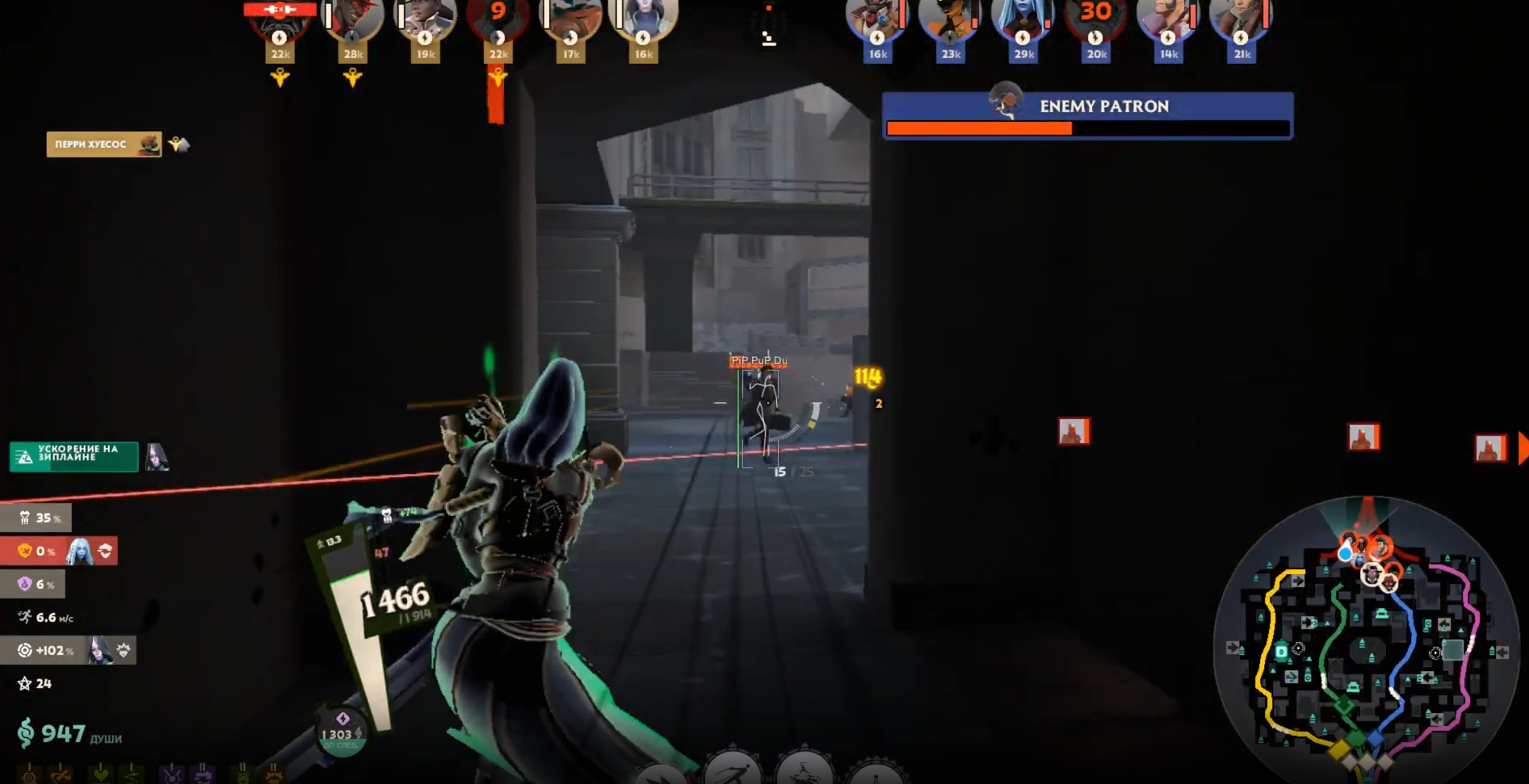
Deadlock Gameplay Previews: Predator & Prey
These supplied videos feature the separate Predator and Prey products. For DMA-specific controls, inspect the DMA menu gallery and current DMA listing.
Deadlock: Predator Gameplay
Deadlock: Prey Gameplay
For Device Problems, Use the Device Diagnostics
The Aim Device panel provides connection status, logs, statistics and tests, including a mouse movement test. Identify the device model and selected connection type first. A network path and a USB serial path do not use every field in the same way, and screenshot values are not your own device configuration.
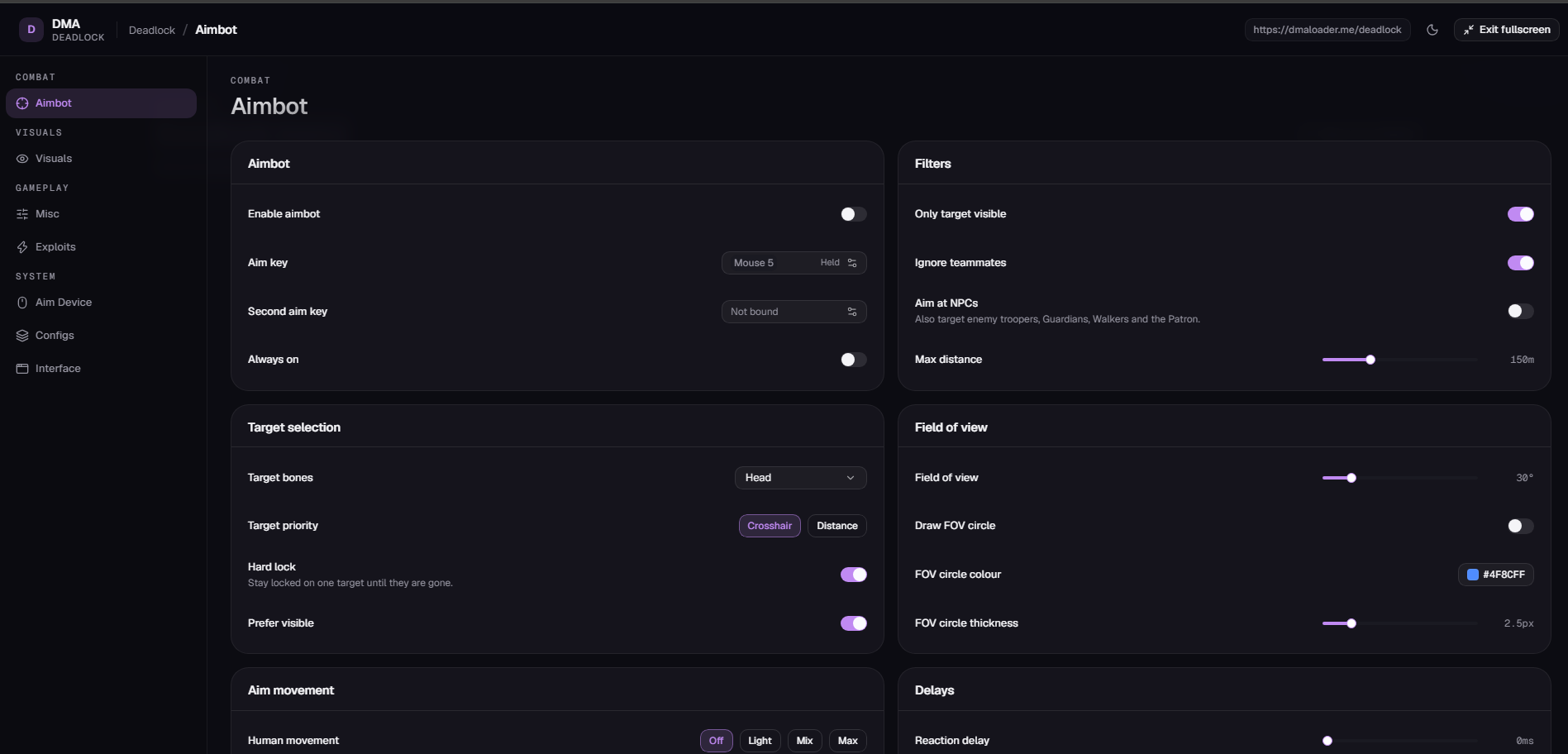
Report whether a connection is established and what a relevant test actually does. A failed movement test is different from an aimbot filter excluding the target. The aim-device guide explains the supported options, while the Aimbot panel contains activation and target-eligibility controls to inspect once the input path is understood.
Deadlock DMA Troubleshooting Guide at a Glance
| Topic or control | What to check |
|---|---|
| Menu access | Which component or page fails? |
| Input device | Model, connection state and test result |
| Missing ESP | Entity group, range and visibility |
| Profile / parry | Active config, selected input and binding |
For Missing ESP, Check Category and Visibility
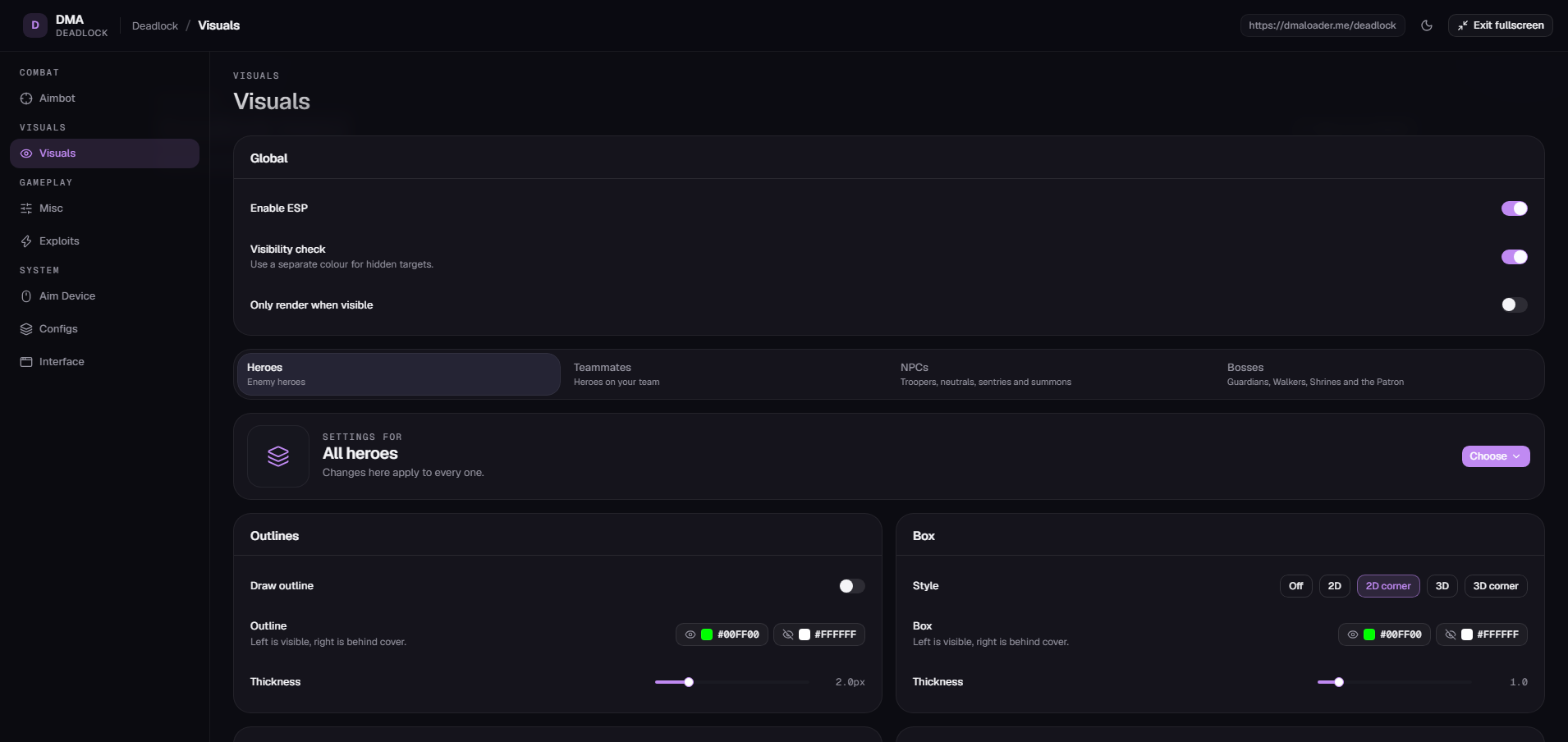
Identify which entity is missing and its documented visual group. Heroes, teammates, NPCs and bosses have separate categories. Then inspect enable, range and visible-only choices. A colour rule for hidden targets is not the same as a rule that suppresses rendering when the target is not visible.
Describe whether every entity is missing or only one group. Keep the active configuration name with that report, especially if the behaviour changed after loading a shared code. Use the Visuals tabs to inspect the affected group without assuming that every missing element means the entire data path has failed.
For Config or Parry Problems, Record the Exact Choice
A loaded profile can change several controls at once. Record how it was loaded and the setting you expected to change. The Configs panel separates custom saves, code lookup and reset behaviour; interface appearance has its own area. Avoid repeatedly resetting unrelated panels when one active value is the problem.
For Auto Parry, identify Device or Memory input, the feature’s enable state and the matching game binding. Include the relevant connection or shown dependency in your support question. A clear, bounded report helps the team understand the issue without asking you to expose a licence key or account password.
Deadlock DMA Pricing & Licence Options
Licence prices checked 26 October 2026. Review current product availability and confirm your hardware before purchase.
Frequently Asked Questions
Click a question to view the answer.
Why not change every setting at once?
It removes the baseline and makes it harder to identify which change affected the symptom. Keep the problem and changed controls specific.
What information should I send support?
The product, failing stage, exact non-secret error, selected device or entity group and active profile are useful starting details.
Does visible ESP prove the aim device works?
No. Visual information and input-device response are different checks.