
-
View Deadlock DMA
Deadlock DMA Browser Menu & Interface Guide: Navigation, Themes, Scaling & Keybinds
Explore the Deadlock DMA browser menu: panel navigation, cloud-saved interface settings, themes, scaling, density, menu key and panic key controls.
-
Featured Products
The browser menu is where you inspect and change supported settings. Understand its navigation and appearance controls separately from the loader, hardware connection and active gameplay profile.
What Our Deadlock Customers Say
Customer feedback supplied by EsHub, with product references kept as provided. Individual experiences are not universal performance or support-time guarantees.
EsHub’s support made a great first impression. I ran into an issue and reached out, and they responded almost instantly.
They helped me get it fixed quickly, so I could get everything working. The Deadlock cheat itself has been great too, with lots of features and plenty of settings to customize.
Really happy with the product and the help I received.
Been really happy with EsHub’s Deadlock cheat. It works great, and there’s a lot to play around with in the settings. Having that much customization has been one of my favorite things about it.
I did need help with an issue, but support got back to me straight away and helped sort it out.
Good product overall, and I appreciated how quickly they responded.
Auto parry is easily my favorite feature in EsHub’s Deadlock cheat. It’s been amazing to use and is the feature that stands out most to me.
There’s plenty more to explore in the product, with lots of settings to customize, but auto parry has definitely been the highlight.
Really happy with how it works overall.
The Deadlock cheat has been great so far. There are loads of features to try, and I’ve enjoyed going through the settings and getting things how I like them.
Had an issue that I needed help with, so I messaged EsHub. Got a reply almost immediately, and they helped me get everything working again.
Very pleased with it. The features are great, and my experience with support was just as good.
Browser Access Is One Part of the Product
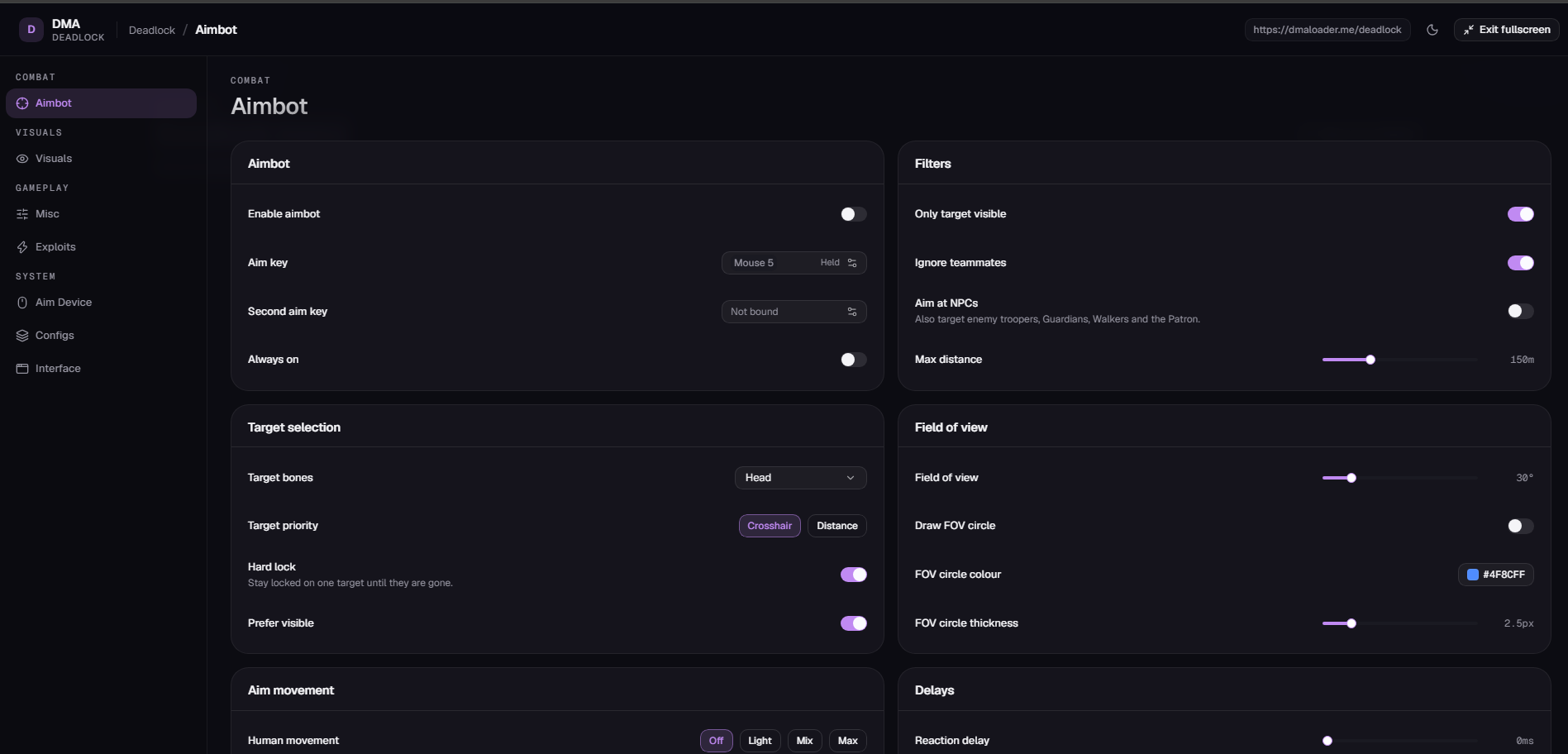
The listing names a browser for the settings menu and an Open Menu in Browser option. The supplied screenshots show the actual panel navigation. Use the current access instructions associated with your licence rather than treating an address visible in a demonstration as a universal sign-in procedure.
The browser does not replace the required second-PC loader or DMA hardware. If the page opens but a device is disconnected, report that as a connection issue rather than a completed setup. The requirements guide explains the hardware and access dependencies around menu use.
Deadlock Gameplay & DMA Menu Preview
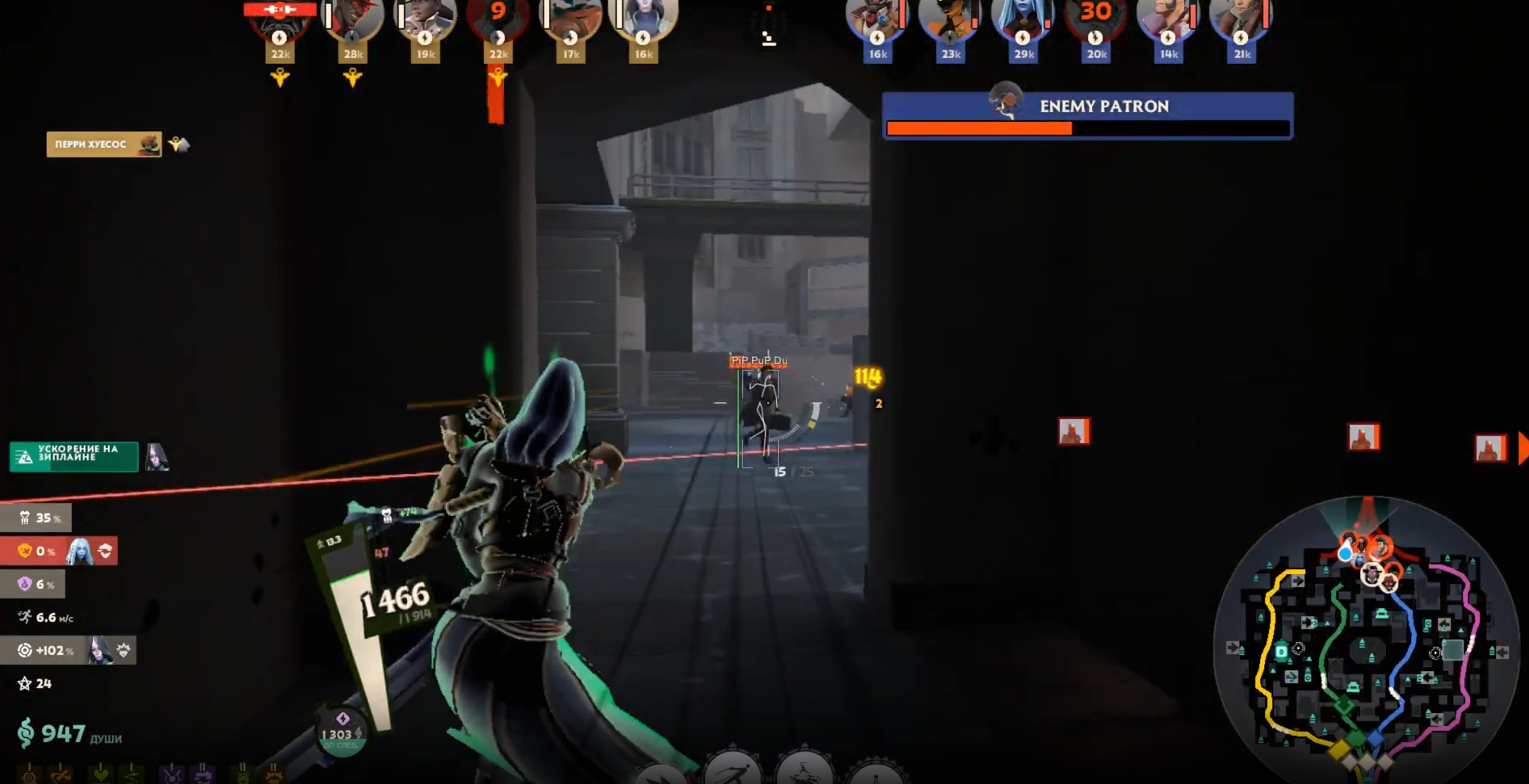
Deadlock Gameplay Previews: Predator & Prey
These supplied videos feature the separate Predator and Prey products. For DMA-specific controls, inspect the DMA menu gallery and current DMA listing.
Deadlock: Predator Gameplay
Deadlock: Prey Gameplay
Use the Panel Names to Find the Right Control
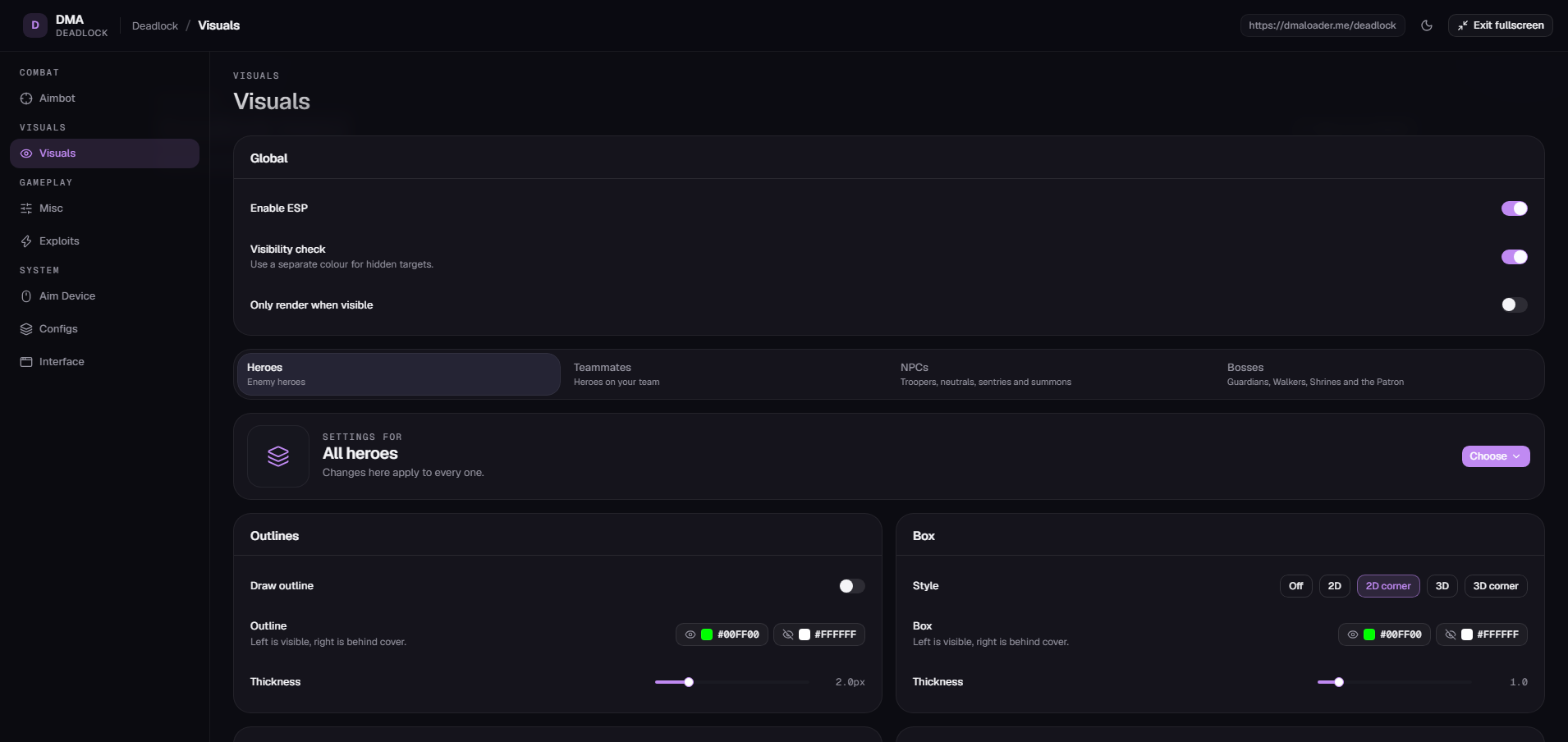
The screenshots show Aimbot, Visuals, Misc, Exploits, Aim Device, Configs and Interface. These sections separate targeting, display, parrying, relevant memory controls, device connections and saved settings. Knowing the section helps you describe a setting accurately when a shared profile or support instruction refers to it.
For example, Auto Parry appears in Misc, while the shown memory-writing dependency appears under Exploits. A device’s connection state is in Aim Device rather than the aimbot targeting panel. A saved profile is managed under Configs rather than inferred from a theme selection.
Deadlock DMA Browser Menu & Interface Guide at a Glance
| Topic or control | What to check |
|---|---|
| Navigation | Locate the setting’s actual panel |
| Appearance | Theme, scaling, density and animations |
| Menu key | Settings-interface access control |
| Panic / shutdown | Separate listed controls; follow current instructions |
Adjust Appearance Without Confusing It With Features
Interface lists cloud-saved appearance settings, Dark/Light mode, accent colour and intensity, corner radius, scaling, density and animations. The screenshot also shows festive themes and automatic theme selection. Those choices change the menu presentation; they do not establish that an ESP category or targeting function is enabled.
Choose an interface size and density you can read, especially before comparing similarly named fields. Keep menu appearance separate from in-game visual colours, which are controlled in Visuals. A purple accent in the settings page does not tell you which visible or hidden colour is selected for an entity.
Know the Menu and Panic Controls
The listing includes a custom menu key, a custom panic key and instant client shutdown. Understand the specific labels and current instructions before relying on a control. A key that opens the settings interface has a different role from a key associated with a gameplay function or shutdown action.
If access or a binding behaves unexpectedly, note the chosen key and the component involved. Use troubleshooting for the observed symptom and the config guide for saved gameplay choices. Keep any automatically signed-in access private when sharing screens; you can show a relevant setting without exposing account or licence information.
Deadlock DMA Pricing & Licence Options
Licence prices checked 26 October 2026. Review current product availability and confirm your hardware before purchase.
Frequently Asked Questions
Click a question to view the answer.
Does the browser menu mean I do not need a second PC?
No. The listing separately requires a second PC for the loader.
Does changing the accent colour change ESP colours?
Menu appearance and the Visuals panel are separate settings areas. Check the actual in-game display controls.
Are menu and panic keys interchangeable?
They are listed as separate controls with different purposes. Use the current product instructions and your selected bindings.