
-
View Deadlock DMA
Deadlock DMA vs 1-PC Cheats: Hardware, Input Paths & Product-Specific Features
Compare Deadlock DMA with 1-PC cheats by hardware, loader environment, input methods, features and total setup cost. Review actual product requirements.
-
Featured Products
Compare the setup you will actually use: hardware and two-PC dependencies on the DMA side, versus the requirements of a separately selected one-PC product.
What Our Deadlock Customers Say
Customer feedback supplied by EsHub, with product references kept as provided. Individual experiences are not universal performance or support-time guarantees.
Been really happy with EsHub’s Deadlock cheat. It works great, and there’s a lot to play around with in the settings. Having that much customization has been one of my favorite things about it.
I did need help with an issue, but support got back to me straight away and helped sort it out.
Good product overall, and I appreciated how quickly they responded.
Auto parry is easily my favorite feature in EsHub’s Deadlock cheat. It’s been amazing to use and is the feature that stands out most to me.
There’s plenty more to explore in the product, with lots of settings to customize, but auto parry has definitely been the highlight.
Really happy with how it works overall.
The Deadlock cheat has been great so far. There are loads of features to try, and I’ve enjoyed going through the settings and getting things how I like them.
Had an issue that I needed help with, so I messaged EsHub. Got a reply almost immediately, and they helped me get everything working again.
Very pleased with it. The features are great, and my experience with support was just as good.
Really happy with EsHub’s Deadlock cheat so far. I ran into an issue and contacted support, and they responded almost instantly. They helped me get it sorted quickly, which made a great first impression.
Once that was fixed, everything worked great. There are loads of features and settings to explore, so you have plenty of room to customize things to your liking. The product itself has been great, but the quick support really stood out to me.
Compare the Setup Before Comparing Features
Deadlock DMA requires hardware and a second PC to run its loader. A one-PC option should be assessed using that product’s own published requirements. An external software label, a browser interface and a DMA hardware setup are not interchangeable descriptions of where components run.
If you already have compatible hardware, your purchasing decision differs from someone starting with only a gaming PC. List the additional components and access you need before comparing subscription prices. The requirements guide provides the DMA checklist; the general Deadlock collection provides links to the separate software products.
Deadlock Gameplay & DMA Menu Preview
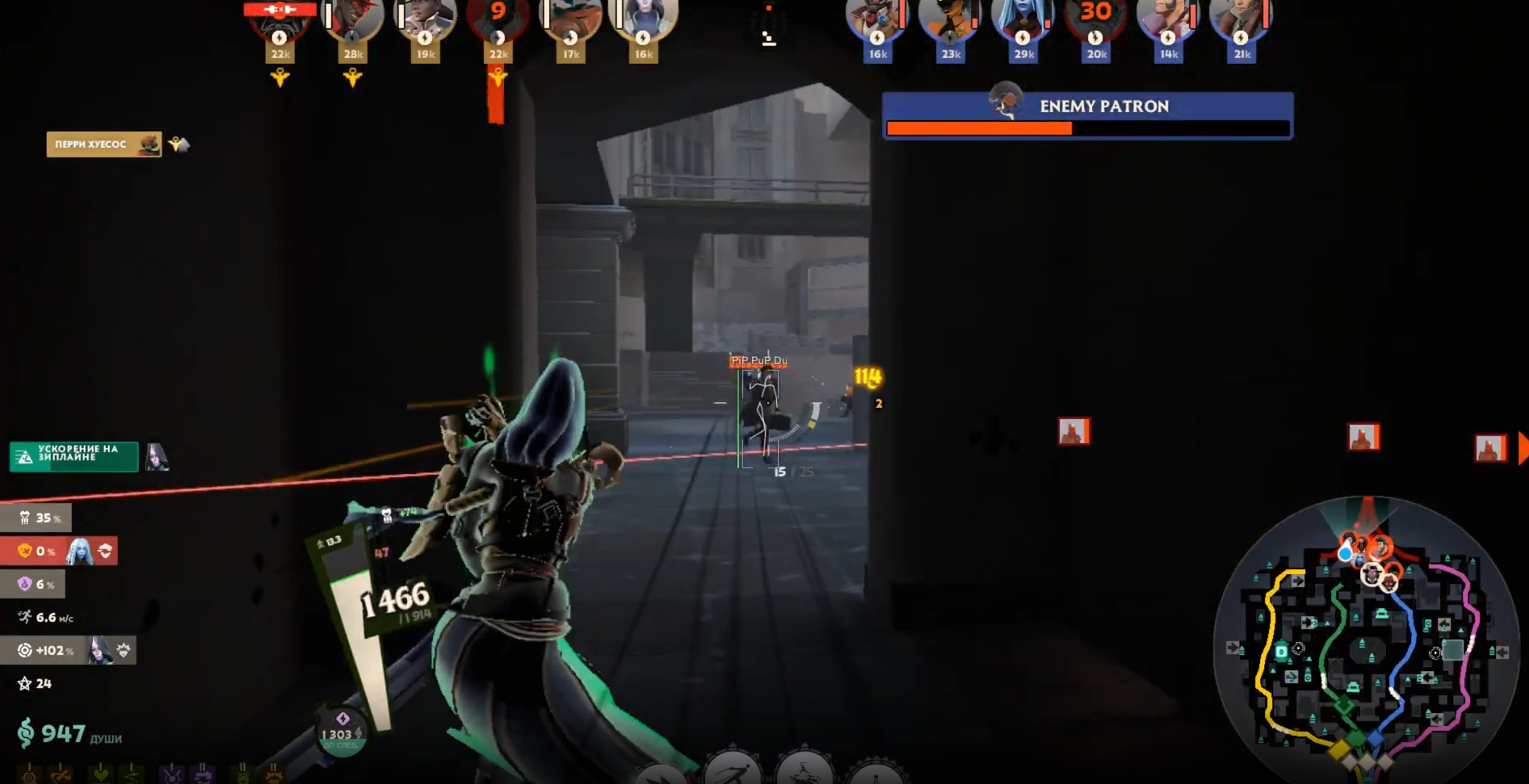
Deadlock Gameplay Previews: Predator & Prey
These supplied videos feature the separate Predator and Prey products. For DMA-specific controls, inspect the DMA menu gallery and current DMA listing.
Deadlock: Predator Gameplay
Deadlock: Prey Gameplay
Look at the Real Menu for Each Product
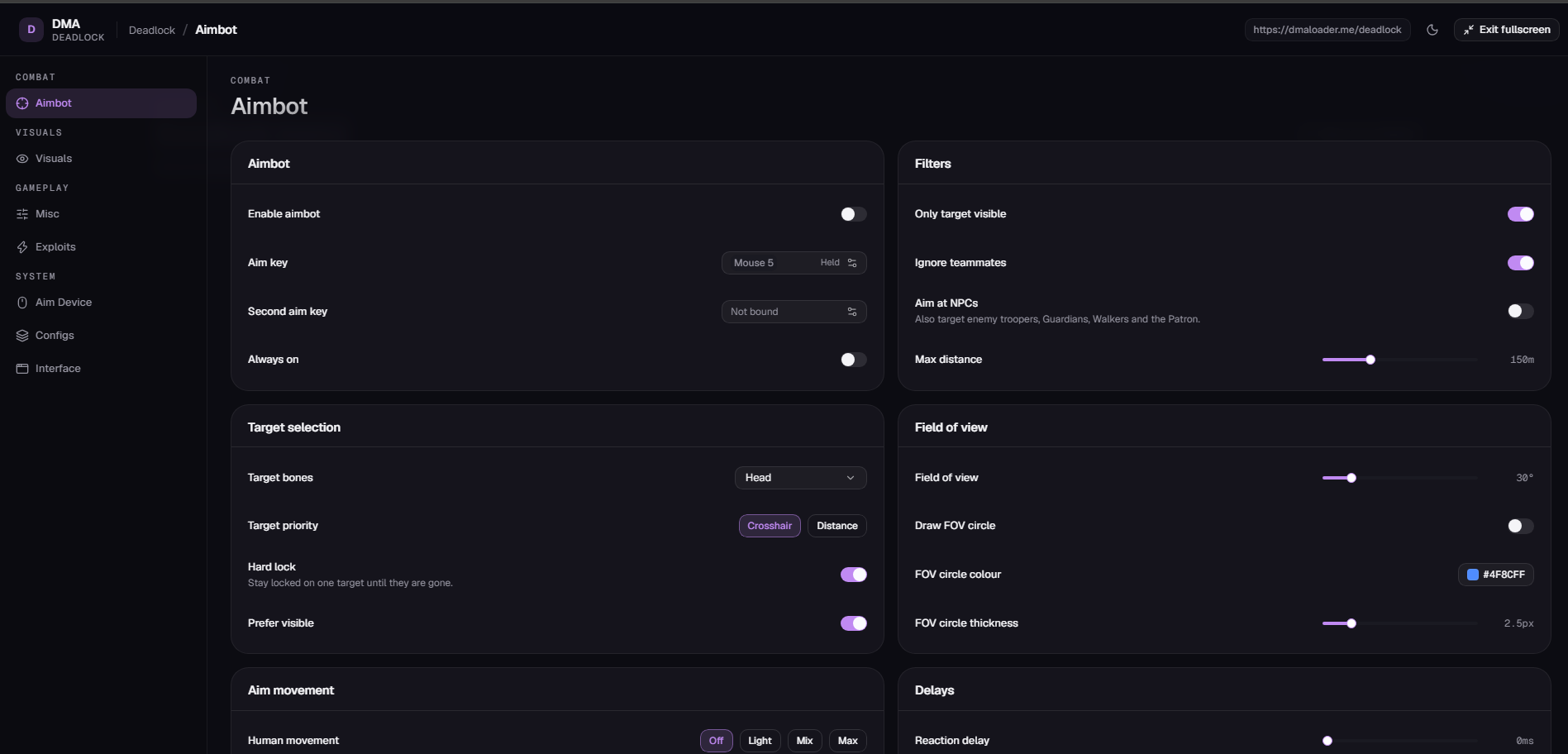
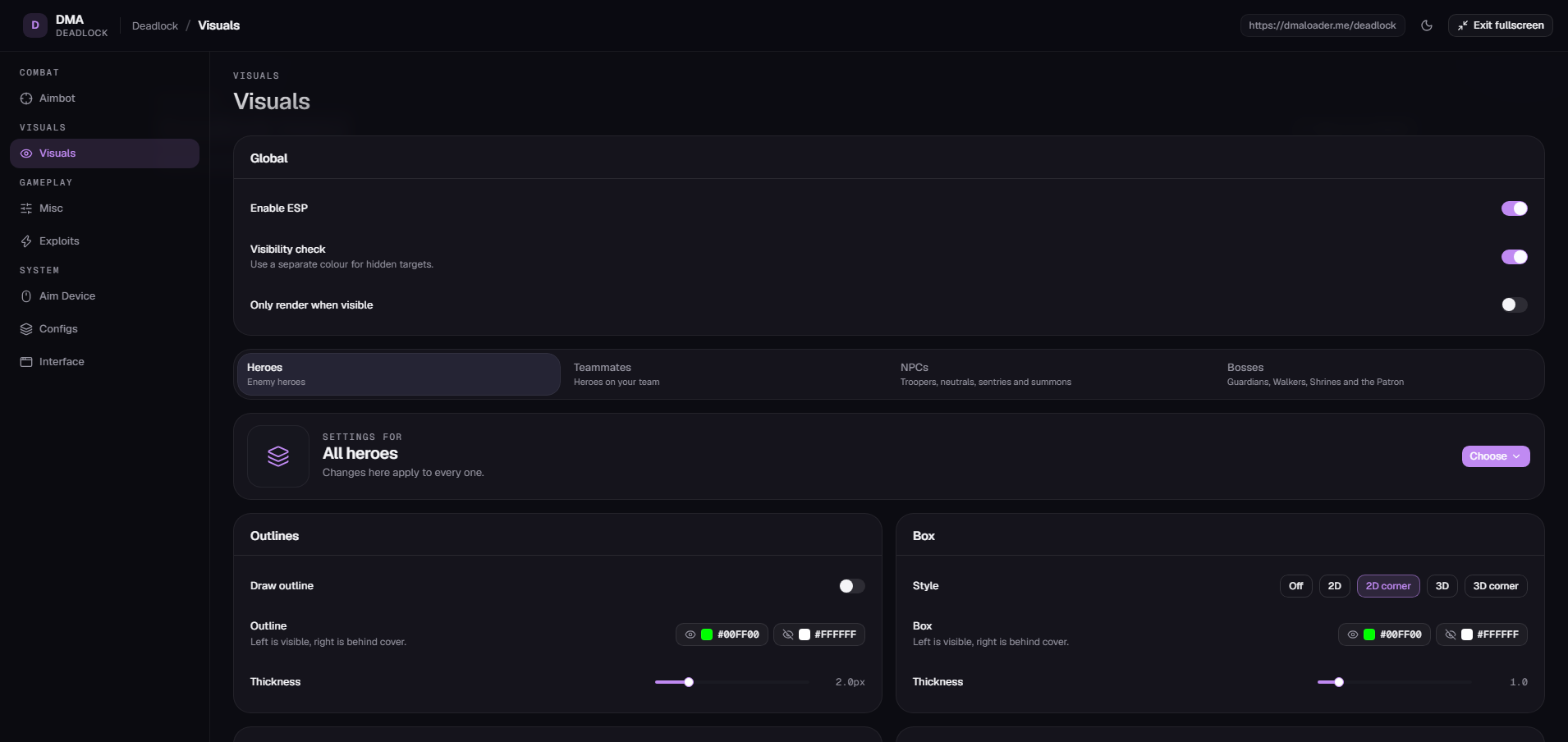
The DMA listing includes aimbot, hero and NPC ESP, heavy-melee auto parry, aim-device support, cloud configurations and interface customization. Compare those named functions with the actual listing for the alternative you are considering. Sharing a game name does not make menus or saved profiles interchangeable.
The Predator and Prey videos here are clearly labelled comparison previews. Their footage is not used to establish that DMA supports every feature shown. Use the DMA screenshot gallery to inspect its actual controls, then follow the aimbot, visuals or auto-parry guide for the function relevant to your decision.
Deadlock DMA vs 1-PC Cheats at a Glance
| Topic or control | What to check |
|---|---|
| Environment | DMA hardware and second PC vs selected product requirements |
| Features | Compare current listings, not just game names |
| Input | Check selected Device/Memory or other documented path |
| Cost | Include hardware, second PC and licence |
Input Method Matters as Much as the Label
The DMA product lists several aim-device connections, and Auto Parry offers Device or Memory input. The menu screenshot also shows an Allow memory writing control associated with the Memory parry path. These details matter more than assuming that a hardware product can only read memory or always uses one input method.
Record the actual selected path when asking about compatibility or behaviour. The aim-device guide covers the supported devices and tests; Auto Parry explains its separate keybind and input controls. A successful device connection does not mean every targeting option is configured, just as visible ESP does not prove the input path is working.
Compare Total Cost, Support and Account Risk
Include any hardware purchase, the second PC and the licence duration in your own cost comparison. Do not compare only a daily subscription if one option requires components you do not yet own. Check current prices and ask support about your specific combination before choosing a product.
A two-PC arrangement is not a permanent ban-free guarantee. Use the safety guide to understand the difference between an architecture description and current provider status. The better comparison is the product that fits your confirmed hardware and feature needs, with instructions you can follow and a support route for that exact setup.
Deadlock DMA Pricing & Licence Options
Licence prices checked 26 October 2026. Review current product availability and confirm your hardware before purchase.
Frequently Asked Questions
Click a question to view the answer.
Does external automatically mean DMA?
No. Check whether the selected product specifically requires DMA hardware and a second PC.
Can I transfer a profile between different products?
Do not assume that. Menu labels, supported features and configuration formats can differ.
Does DMA guarantee no ban?
No. Hardware architecture and a current status label do not guarantee an account outcome.