
Counter-Strike 2 Cheats: Aimbot, ESP & Wallhack
Explore ESHub's CS2 cheats with configurable aim assistance, triggerbot, recoil controls, player visuals and cosmetic options. Compare CS2: Predator and CS2: Fecurity by their documented features and system requirements.
Predator adds listed tools such as chams, glow, cloud radar, grenade trajectory and a C4 timer. Fecurity offers detailed per-weapon aim controls alongside player ESP and skin features. Choose the package that matches the specific controls you need.
Compare ESHub's CS2 Products
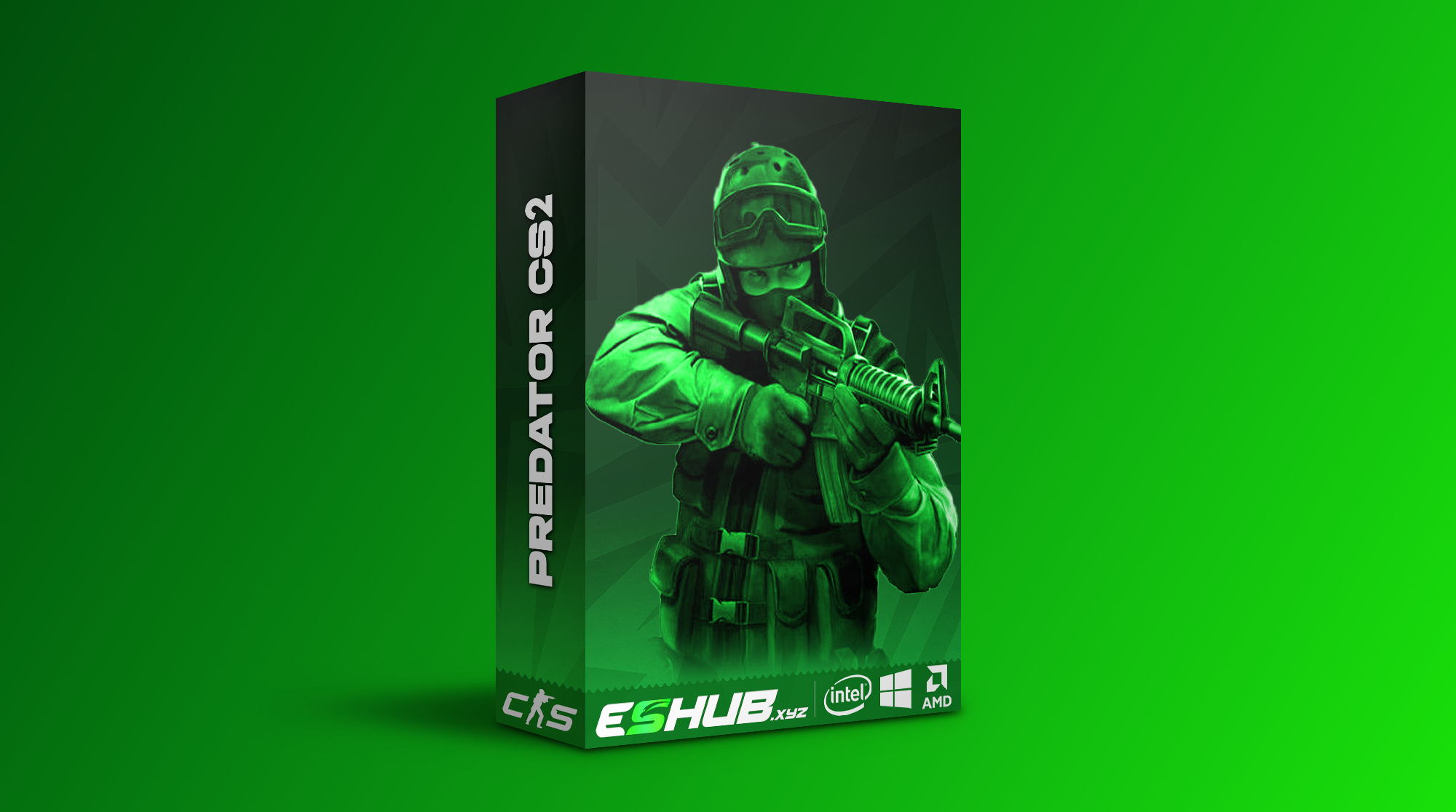
CS2: Predator
Predator lists aim FOV, smoothing, body-part targeting, Auto Wall, recoil controls and target selection delay. Triggerbot options include filters, Seeded Mode and smoke or flash-related settings.
Visual tools include skeletons, chams, glow, weapons and healthbars. Radar, Cloud Radar, grenade trajectory, grenade warning, Bomb Zone and C4 Timer are also listed.
Skinchanger, Cloud Synchronization, Website Inventory Editor and Nametag appear in its cosmetic and inventory feature groups.
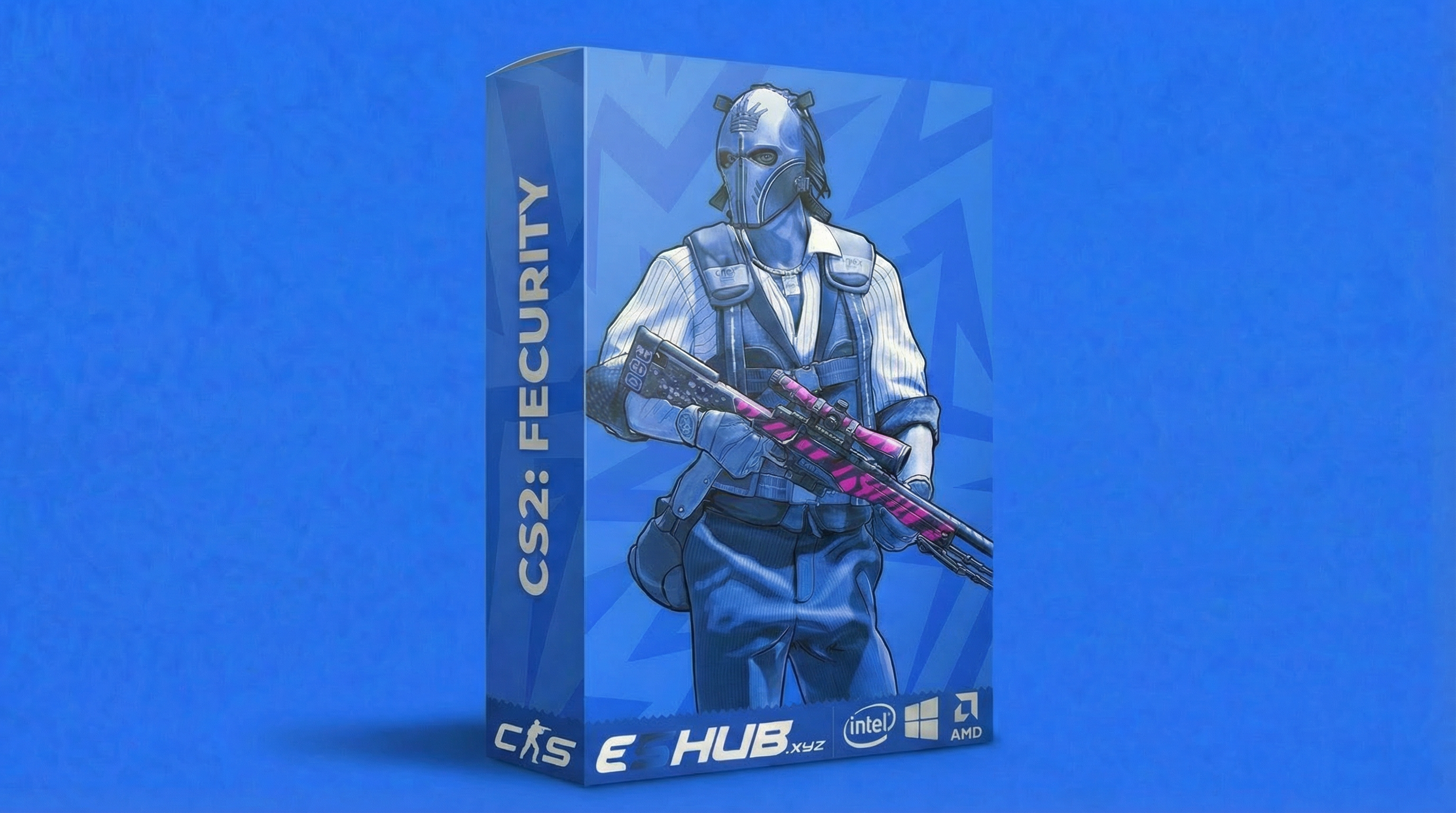
CS2: Fecurity
Fecurity lists aim activation controls, Visible Only, Enemy Only, two aim keys and separate horizontal and vertical aim speeds.
Its per-weapon settings include FOV, axis speeds, target switch delay, hitscan coefficient and recoil compensation. Triggerbot lists Key, Toggle and Always On modes with a delay control.
Visuals include boxes, skeletons, health, shield, distance and player information. Unlock All Skins, a spectator list, night mode and camera FOV options are also listed.
CS2 Aimbot & Recoil Controls
Aim assistance is configurable rather than one identical system across every package. Compare targeting, activation keys, FOV and speed or smoothing in the CS2 Aimbot guide.
Predator lists Hit Groups, FOV Type, smoothing, Auto Wall, RCS, target selection delay, Multipoints, Auto Stop and Auto Scope. Fecurity lists hitbox priorities, axis aim speeds, target switch delay and per-weapon controls.
The Recoil Control guide distinguishes compensation from a recoil crosshair. Fecurity's recoil crosshair is a visual reference; its recoil compensation controls are a separate function.


CS2 ESP, Wallhack, Chams & Glow
Player ESP displays information such as skeletons, health, equipment and distance. Fecurity lists Box ESP, Box Outline, Health, Shield, Skeleton, dropped weapons, ammo and player information.
Predator lists skeletons, weapons, healthbars and additional model-highlighting options. Chams and glow are explicitly listed for Predator; they should not automatically be attributed to Fecurity.
Read CS2 ESP & Wallhack for the feature comparison. An ESP heading does not mean every product includes every visual category.
Triggerbot, Radar & Objective Information
Triggerbot
Both products list firing assistance with different controls. Predator includes filters and Seeded Mode; Fecurity lists Key, Toggle and Always On modes and Trigger Delay.
Radar & Cloud Radar
Predator lists Radar, Cloud Radar, Static External Radar Mode and External Radar X/Y Grid. Do not assume these are identical to modifying the in-game minimap.
Grenade Tools
Predator lists Grenade Trajectory, Grenade Warning and grenade ESP customization. Fecurity lists grenade visuals. A grenade display does not by itself confirm trajectory prediction.
Bomb ESP & C4 Timer
Predator lists Bomb, C4 ESP customization, Bomb Zone and C4 Timer. These entries do not establish automatic planting, defusing or explosion-damage calculations.
Skin & Inventory Changer Options
Predator lists Skinchanger alongside Cloud Synchronization, Website Inventory Editor and Nametag. Fecurity lists Unlock All Skins.
These are different feature descriptions. Review the Skin & Inventory Changer guide and product instructions for the scope of each tool.
Cosmetic software does not establish ownership of tradable Steam items. Predator's inventory cloud synchronization also should not be treated as confirmation that all aim and visual configurations are cloud-synced.


Settings, Interface & Additional Features
Fecurity lists Menu Key, Menu DPI, Distance Units, Force Reload and Cache Delay. Predator lists a Search Bar, Manual Slider Value Input and interface animation options.
Both list a spectator list and night-mode features. Predator additionally lists Hitmarker, Damage Indicator and Edge Bug. The verified lists do not establish bunnyhop, auto-strafe, silent aim, backtrack, resolver or anti-aim support.
Use the Config & Per-Weapon Settings guide to understand the documented controls without assuming universal presets or interchangeable configurations.
CS2 Gameplay Preview
Watch the CS2 gameplay preview, then compare it with the selected product's current listing. Recorded footage can show an earlier version and should not replace its feature documentation.
System Requirements & Getting Started
Both products list Windows 10 and 11 with Intel and AMD processors. Fecurity additionally lists UEFI BIOS, Steam/5E and Fullscreen, Borderless and Windowed display modes.
Review CS2 System Requirements before purchasing. Follow the exact product's delivery and loading instructions for menu keys and setup order.
If you are new to the terminology, start with Cheats for Beginners. Use How to Choose CS2 Cheats for the purchasing comparison and Free vs Paid for subscription value.
Compatibility, Availability & Account Risk
Both products are described as external. The External vs Internal guide explains the label, which does not establish Faceit support or universal anti-cheat compatibility.
Current availability and update information belong on the live product listing. No fixed update turnaround or permanent detection status is promised here.
Using cheats carries account risk. Trusted Mode, smoothing, a paid subscription or an “undetected” label does not guarantee protection from penalties. Read Are CS2 Cheats Safe? for the separate discussion.
Setup Help and Purchase Information
If the interface is inaccessible, use Cheat Menu Not Opening. If the interface opens but overlays are missing, use ESP Not Showing.
When requesting help, provide the product name, Windows build, display mode and exact error. Keep license keys and private account details out of public screenshots.
Check current pricing, available payment methods and applicable purchase terms in the CS2 store category and checkout. Review delivery, license and refund terms rather than assuming that all subscriptions use the same conditions.
Frequently Asked Questions About CS2 Cheats
Which CS2 products can I compare at ESHub?
The CS2 category includes Predator and Fecurity. Both list aim, triggerbot and visual tools, with different additional features and controls.
What is the difference between aimbot and ESP?
Aimbot assists targeting. ESP displays information such as skeletons, health, weapons or distance. Triggerbot is a separate firing feature.
Which product includes cloud radar, chams and a C4 timer?
Predator explicitly lists Cloud Radar, Chams, Glow and C4 Timer. These features are not confirmed in Fecurity’s listed feature set.
Are Predator and Fecurity external?
Both product listings describe them as external. That label does not guarantee account safety or support for every anti-cheat environment.
Do these listings confirm Faceit, silent aim or HvH support?
The verified feature lists used here do not confirm dedicated Faceit mode, silent aim, backtrack, resolver or anti-aim. Do not assume those capabilities.
What systems do the CS2 products support?
Both list Windows 10 and 11 with Intel and AMD processors. Fecurity additionally lists UEFI BIOS, Steam/5E and Fullscreen, Borderless and Windowed display modes.
Are CS2 cheats risk-free?
No. No product, preset or status label guarantees protection from detection or account penalties.
Do skin features give me tradable Steam items?
Do not assume that. Cosmetic and inventory tools do not establish ownership of tradable Steam items. Check the product instructions for the scope of each feature.
Where should I start if the menu or ESP is missing?
Use Cheat Menu Not Opening for interface access problems and ESP Not Showing for missing visuals after the menu opens.
Where can I check prices, availability and purchase terms?
Use the live CS2 category and individual product pages. Review current plans, requirements, delivery instructions and applicable terms before purchase.
All CS2 Feature, Setup & Comparison Guides
Explore all 18 child pages for detailed coverage of a specific topic.
Explore CS2 Cheats at ESHub
Compare Predator and Fecurity using their current features, requirements and subscription options.