
CS2 Skin Changer Cheats
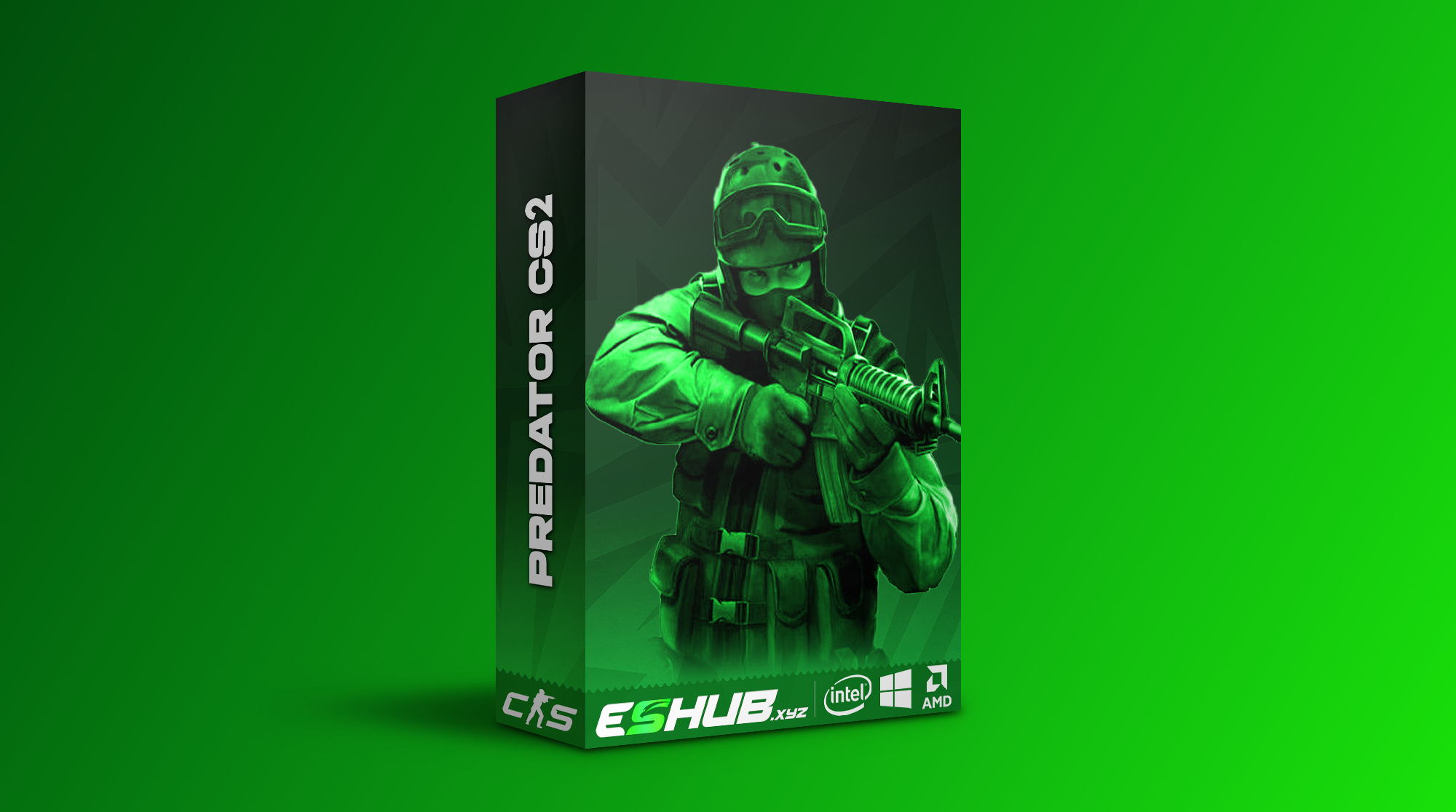
CS2 skin changer cheats are about the appearance of the weapons you use in a match. On ESHUB, CS2 Predator has a Skinchanger alongside an Inventory Changer, Website Inventory Editor, Nametag and Cloud Synchronization. Those are useful distinctions if you want a different finish on a familiar rifle or a wider cosmetic selection. Our Counter-Strike 2 cheats page places Predator among the current Counter-Strike 2 options.
Predator gives you a skin changer for the weapon you are carrying and an inventory changer for a broader cosmetic selection. You can concentrate on the rifle you buy most rounds or spend time choosing a look for your other favourites. Either way, the point is to enjoy what you see while playing; the scoreboard will remain stubbornly uninterested in your colour scheme.
CS2 Skin Changer and Weapon Finishes
Predator's Skinchanger gives you a way to change the appearance of weapons during play. The practical starting point is the weapon you actually carry. If your usual rounds centre on an AK-47, M4 or AWP, choosing its cosmetic look is more relevant than arranging an entire armoury you rarely see. The CS2 skin changer changes presentation; your decision about which gun to buy and when to take a duel remains part of the match.
Keep the skin changer separate from Predator's combat features. Aimbot, Triggerbot and Player ESP have their own jobs, while the cosmetic feature concerns how a weapon appears. A finish will not alter the rifle's damage, recoil pattern or ammunition. Recoil control is a separate feature with its own settings. When you read a CS2 skin changer description, look for the named cosmetic controls rather than assuming a striking preview changes the underlying weapon.
A useful cosmetic selection starts with visibility. Choose a finish for the weapons you carry most often, then consider whether a nametag adds anything you will actually notice. That is more satisfying than arranging a large set of rarely used items. If one specific finish, wear level, knife or glove is essential, confirm that choice in the current selection.
Predator Inventory Changer and Online Editor
Predator also names an Inventory Changer, Website Inventory Editor, Cloud Synchronization and Nametag. The editor gives you a place to consider cosmetic choices outside the immediate gunfight. That is useful if you care about more than the finish on the weapon currently in your hands. You can think about a consistent appearance across the weapons you regularly carry without interrupting a live round.
Nametag support matters if the detail you care about is the name displayed with a weapon rather than its finish alone. The online editor adds room to consider those details before play. If you choose a bright finish for your main rifle, a nametag is a second, smaller decision. It is worth choosing one you will still like after the novelty of the finish wears off.
A sensible workflow is to settle on a small set of frequently carried weapons first, then revisit the editor when you want a different look. That keeps the cosmetic arrangement legible. There is little joy in hunting through choices for the rifle you bought while the round timer is already moving.
Cloud Synchronisation, Nametags and Limits
Cloud synchronisation sits under Predator's Inventory Changer, alongside the Website Inventory Editor and Nametag. The website editor is relevant when you want to consider more than one weapon appearance away from the pace of a match. Cloud synchronisation is a separate named capability in that cosmetic group; if a particular device or account arrangement matters to you, check Predator's current instructions for it.
Skinchanger is for weapon appearance, while Nametag handles the name detail. Think about how often you actually see the weapon in play: the finish on your usual rifle may matter more to you than a large selection for guns you rarely buy. If visibility to other players is essential to your choice, check the current product details for that specific behaviour.
A simple choice is to start with your usual rifle and sidearm, then decide whether the wider inventory editor adds value for you. A cosmetic configuration that you recognise at a glance is easier to enjoy than a crowded set of changes you never notice. There is no prize for choosing the greatest number of finishes before the pistol round.
Choosing CS2 Cosmetics Alongside Combat Features
Cosmetics are one part of Predator. The same CS2 Predator page also names Aimbot, Triggerbot, player visuals, Cloud Radar, grenade trajectory and a C4 timer. If you want a skin changer as well as combat information, you can consider those features together. Do not let the cosmetic headline blur which function you are actually buying for each part of a round.
For example, a new AK finish affects the look of the weapon you hold, while player Skeletons and Healthbars affect the information you read about an opponent. Cloud Radar concerns positions during a rotation. Chams and glow change player rendering, which is separate from selecting a weapon finish. Those features can coexist, but the cosmetic choice does not make the radar more precise or the shot more reliable. Each has its own purpose.
Browse the current CS2 product selection, then read Predator's live description for the particular cosmetic control you want. Decide whether the skin on your main weapon, the editor or the nametag feature matters most. Choose on the appearance and editor features you will actually use.
Skin Features in Predator and Fecurity
CS2: Predator includes Skinchanger and a separate Inventory Changer group with Website Inventory Editor, Cloud Synchronization and Nametag. Choose it around those specific cosmetic controls.
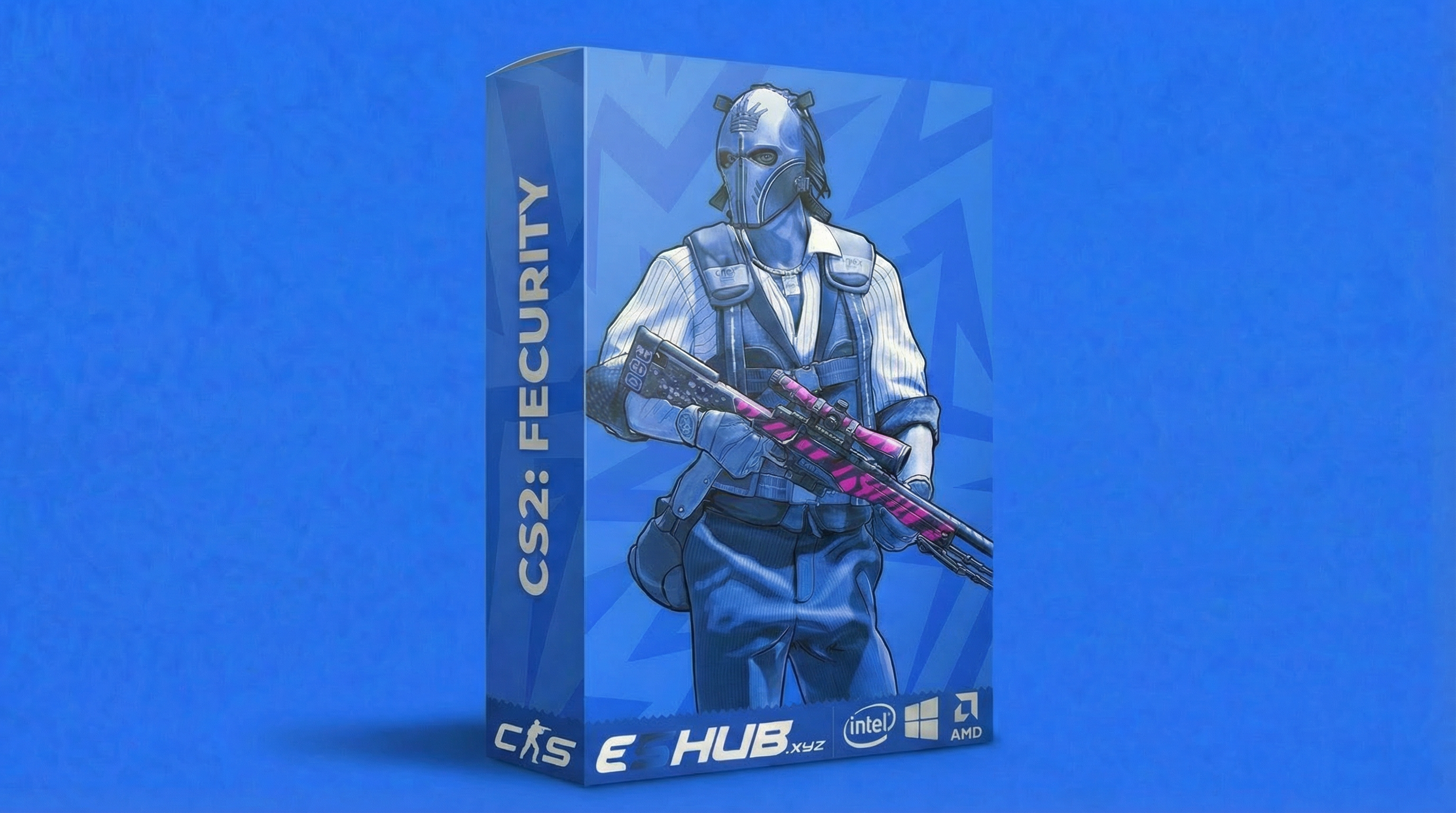
CS2: Fecurity lists Unlock All Skins in its Misc section. That feature name does not establish that it includes Predator's website editor, nametags or cloud synchronisation. Check the current product details for the exact cosmetic options you need.
For broader product comparisons, read How to Choose CS2 Cheats. The config and settings guide covers organising your setup, and system requirements covers compatibility. Cosmetic changes do not remove the risks discussed in the CS2 safety guide.
CS2 Skin Changer Cheats Questions
Which ESHUB CS2 cheat names a skin changer?
Does the CS2 inventory changer add tradable items to my Steam account?
Can I manage cosmetic choices outside a match?
Are nametags part of Predator's cosmetic features?
Does a skin changer affect aim or weapon damage?
Explore CS2 Feature Guides & Help
Explore individual features, compare your options and find help with configuration. Use the main CS2 cheats page for an overview or the CS2 purchase category for available products.
View Counter-Strike 2 Cheats at ESHUB
Choose Predator if weapon appearance, an online cosmetic editor and nametags are the CS2 features you want. Read the live CS2 Predator details, then browse Counter-Strike 2 cheats for the broader Counter-Strike 2 selection.
View Counter-Strike 2 cheats →