
CS2 External vs Internal Cheats: What the Labels Mean
External and internal describe how software operates in relation to the CS2 game process. They do not tell you the complete feature list, supported platforms or account risk.
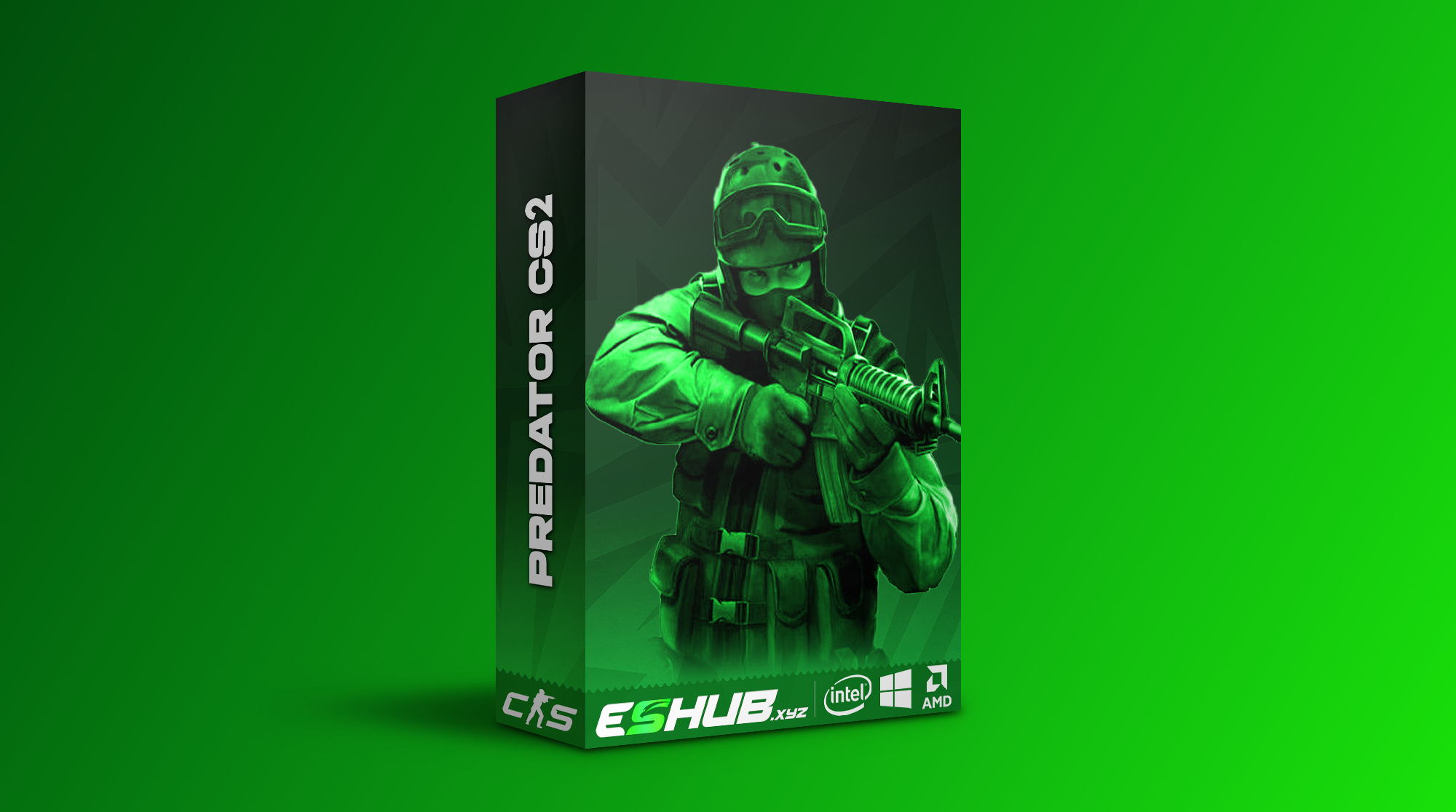
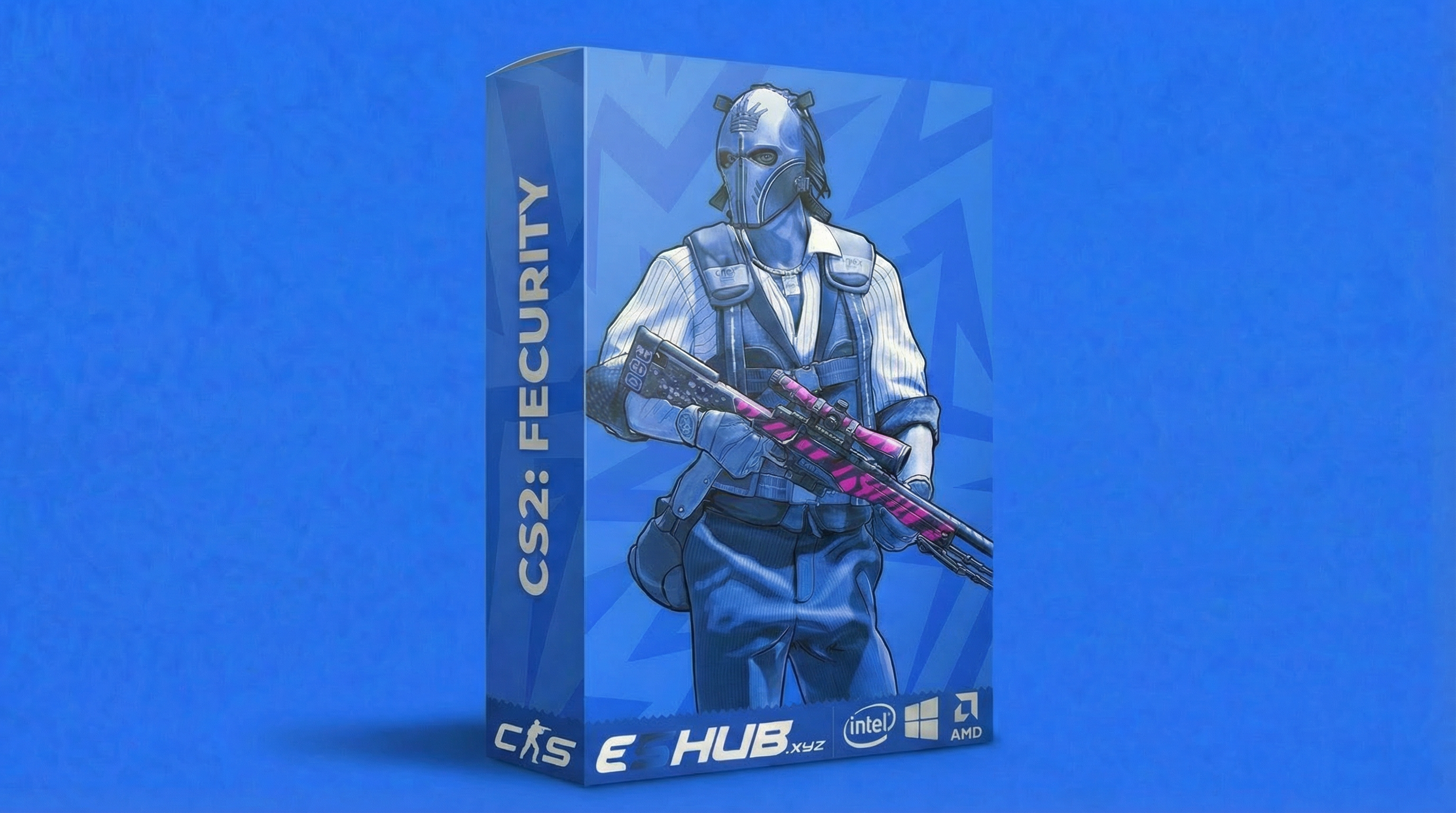
Both CS2: Predator and CS2: Fecurity are described as external in ESHub's product listings. This guide explains the terminology and how to interpret it when reviewing their features.
External and Internal: The Basic Difference
External Software
An external tool runs outside the game's process. Depending on its implementation, it may interact with game data, use a separate overlay or send input through another component.
Running externally does not automatically mean pixel-only targeting, no interaction with game memory or no additional components.
Internal Software
An internal tool runs code inside the game's process, commonly through an injected component. This can provide direct access to rendering or game functions, depending on its design.
The label does not confirm that every internal product offers the same features, performance or configuration options.
Some products combine multiple components. A short label is a starting point; the product's own requirements and instructions describe the setup you will actually use.
Architecture Does Not Replace a Feature List
It is easy to assume that a particular feature belongs exclusively to one approach. ESHub's listings show why checking the individual product matters.
CS2: Predator — External
Predator lists aim controls, triggerbot, skeletons, Chams, Glow, Radar and Cloud Radar. Grenade Trajectory, Grenade Warning, Bomb Zone and C4 Timer are also listed.
Its cosmetic and inventory features include Skinchanger, Cloud Synchronization, Website Inventory Editor and Nametag.
CS2: Fecurity — External
Fecurity lists aim controls, triggerbot, recoil compensation, boxes, skeletons, health, shield and player information.
It also lists per-weapon aim settings, Unlock All Skins, a spectator list, night mode and camera FOV options. Its available controls differ from Predator's.
These listings confirm advertised features and product labels; they do not document every implementation detail. Chams or skin features alone are not enough to reclassify a product as internal.
Compare Feature Groups Separately
- Aim: Compare activation keys, targeting, FOV and speed or smoothing in the CS2 Aimbot guide.
- Firing: Review the actual modes and filters in CS2 Triggerbot.
- Recoil: Check axis and weapon-specific controls in Recoil Control.
- Player visuals: Compare the displayed information in ESP & Wallhack and model highlighting in Chams & Glow.
- Additional views: Check Radar & Cloud Radar, Grenade Prediction and Bomb ESP & C4 Timer individually.
- Cosmetics: Review Skin & Inventory Changer for the specific options listed by each product.
Neither “external” nor “internal” confirms silent aim, DMA support or any other unlisted feature. Choose from documented functionality.
Compatibility, Display Modes and Menu Behavior
Both products list Windows 10 and 11 with Intel and AMD processors. Fecurity additionally lists UEFI BIOS, Steam/5E and Fullscreen, Borderless and Windowed display modes.
Those are product-specific requirements. An external label alone does not establish supported display modes, operating systems or competition platforms. Use the System Requirements guide and the current product instructions.
If you need help with a menu or overlay, start with Cheat Menu Not Opening or ESP Not Showing. A missing overlay is a symptom to investigate, not proof that the software belongs to a particular architecture.
Does One Approach Always Perform Better?
No single performance conclusion follows from the label. Update frequency, rendering, enabled visuals, configuration and the computer's workload can affect how a product behaves.
Compare performance under similar conditions instead of relying on a general claim that every external or internal tool is faster. The Config & Per-Weapon Settings guide explains the relevant controls without assuming identical settings across products.
External Does Not Guarantee Account Safety
Software operating outside the game process can still be detected or lead to account penalties. Internal software also carries account risk. Architecture alone does not establish which product is safer.
A setting name, paid subscription or external label is not a guarantee against detection. See Are CS2 Cheats Safe? for the separate risk discussion.
Use the Label as One Part of Your Decision
Start with the features and environment you require, then review the product's documented approach and instructions. For a purchasing comparison, use How to Choose CS2 Cheats.
If you are comparing costs, read Free vs Paid. If the terms are unfamiliar, Cheats for Beginners explains the main feature categories.
External vs Internal Questions
What is the difference between external and internal CS2 cheats?
External tools run outside the game process. Internal tools run code inside the game process, commonly through an injected component. Actual implementation varies by product.
Are CS2: Predator and CS2: Fecurity external?
Both ESHub product listings describe these products as external. Their feature sets differ, so compare the individual listings.
Can an external CS2 cheat include chams or skin features?
The external label alone does not determine the feature list. Predator lists Chams, Glow and Skinchanger; Fecurity lists Unlock All Skins. Check each product rather than assuming those features require an internal product.
Does external mean it works with Faceit or every anti-cheat?
No. External describes a software approach, not universal platform or anti-cheat support. Confirm the specific environment with the product instructions.
Is an external cheat guaranteed safer than an internal cheat?
No. The label alone cannot establish detection risk or account safety. Neither architecture guarantees protection from penalties.
Explore All CS2 Guides
Continue to a specific topic or return to the main CS2 cheats page.
Review ESHub's CS2 Products
Compare each product's current features and requirements alongside its external label.