
Free vs Paid CS2 Cheats: What Are You Paying For?
Comparing free and paid CS2 cheats means looking beyond the download price. Features, maintenance, compatibility, subscription terms and access to support determine what a package actually offers.
A free download does not automatically establish poor quality, and a paid subscription does not guarantee reliability or account safety. Evaluate the specific software and its source.
Compare the Offer, Not Just the Price
Free Access
A free offer may be a public release, trial or limited version. Check whether it has an expiry, restricted features or separate conditions. “Free” alone tells you none of those details.
Look for a clear source, requirements and maintenance information before considering a download.
Paid Access
A paid plan typically sells access under defined terms. Check its duration, included features, delivery instructions and support options.
Payment does not prove that every advertised feature is supported in your environment or that the software is protected from detection.
1. Compare the Features You Need
Broad descriptions such as “full ESP” or “advanced aim” are less useful than a specific list of controls. Compare the same feature categories across each offer.
- Aimbot: activation, targeting, aim FOV and speed or smoothing controls.
- Triggerbot: activation modes, delays and supported filters.
- Recoil Control: axis controls and any documented weapon-specific settings.
- ESP & Wallhack: player and world information actually displayed.
- Chams & Glow and Radar & Cloud Radar: check these separately from standard player overlays.
- Grenade Prediction and Bomb ESP & C4 Timer: verify each additional tool explicitly.
- Skin & Inventory Changer: review the scope of cosmetic and inventory options.
Extra features have value when they match your requirements. A longer feature list alone does not make a package a better purchase.
2. Understand ESHub's Paid CS2 Options
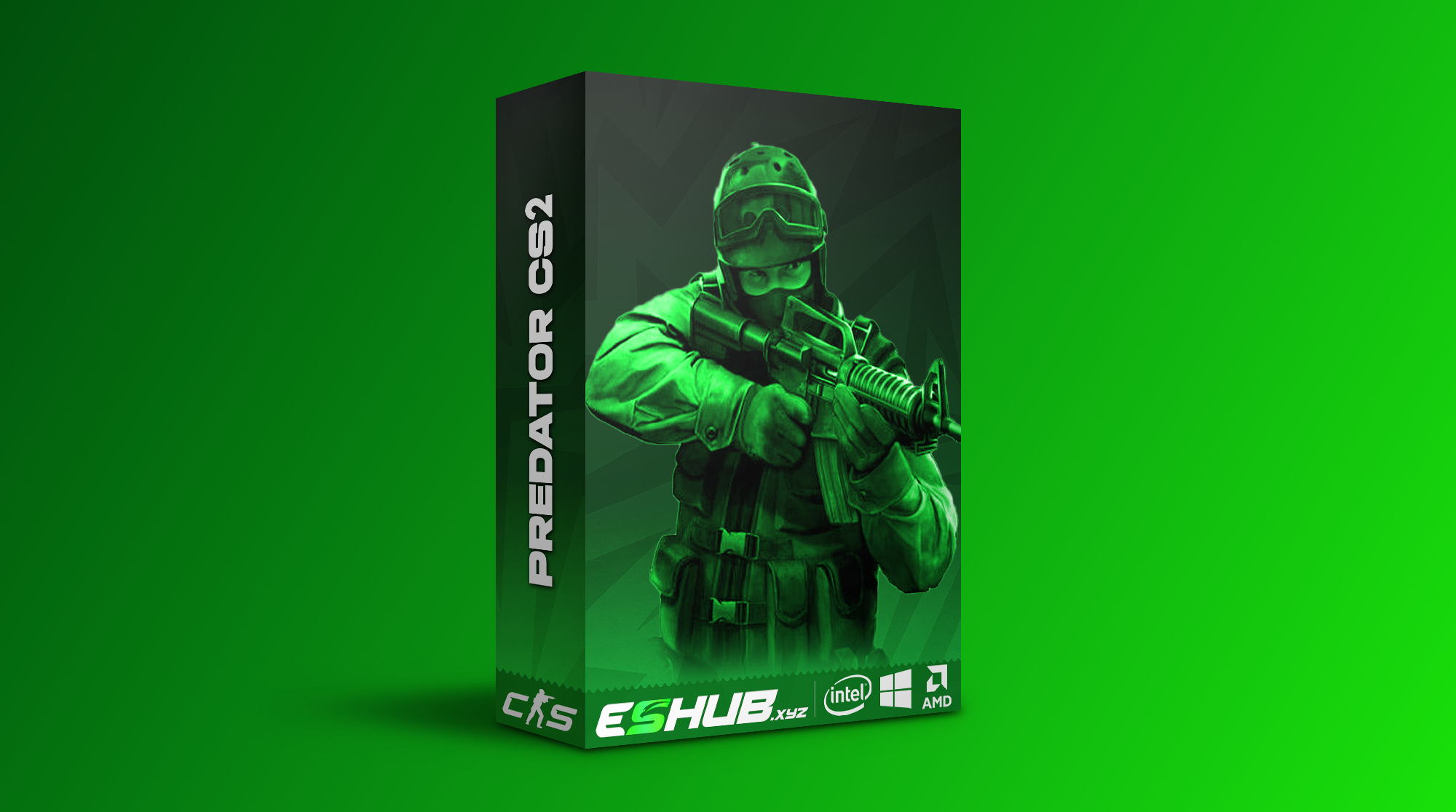
CS2: Predator
Predator lists aim controls, triggerbot, skeletons, Chams, Glow, Radar and Cloud Radar. It also lists Grenade Trajectory, Grenade Warning, Bomb Zone and C4 Timer.
Its cosmetic and inventory entries include Skinchanger, Cloud Synchronization, Website Inventory Editor and Nametag. Review the live product page for current subscription choices.
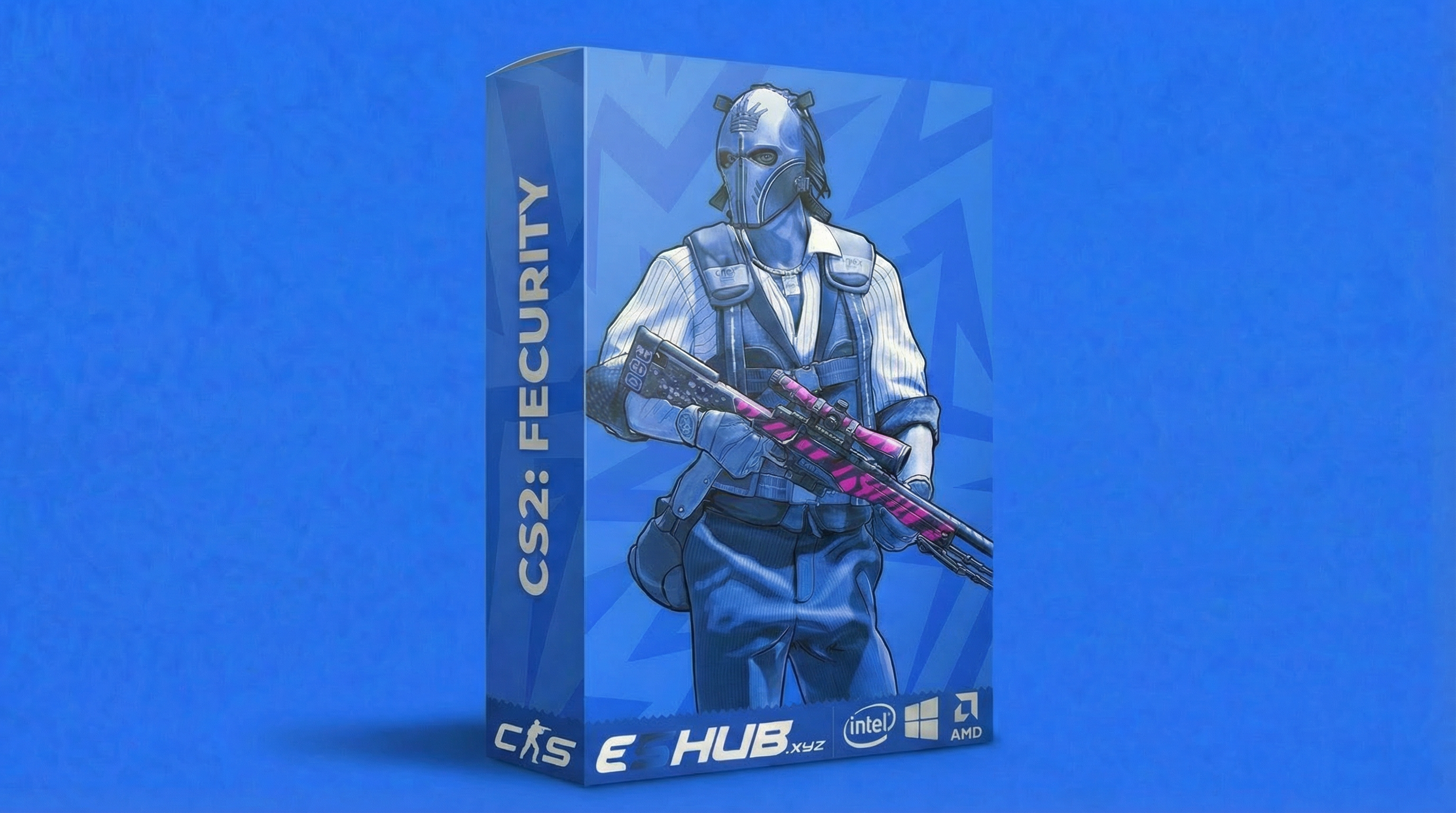
CS2: Fecurity
Fecurity lists aim controls, triggerbot, recoil compensation, boxes, skeletons, health, shield and player information.
Its per-weapon aim controls include FOV, axis speeds, target switch delay, hitscan coefficient and recoil compensation. Unlock All Skins is also listed. Review its current plans and requirements separately.
Both products are described as external, but their controls and additional tools differ. Use How to Choose CS2 Cheats for the detailed product comparison.
3. Check Maintenance and Support
Game updates can change compatibility. Look for current update information and clear guidance on availability rather than assuming a download remains functional indefinitely.
Review where help is provided, which information support needs and what access instructions accompany the purchase. A support claim is more useful when there is a clear way to request assistance.
If you already own a product, route the issue correctly: Cheat Menu Not Opening covers interface access, while ESP Not Showing covers missing overlays. Include the product name, setup and exact symptom.
4. Calculate the Cost for the Same Duration
- Choose a comparison period. Compare plans covering the same amount of time. A short plan and a monthly plan have different upfront costs.
- Review the access terms. Confirm when access begins and whether renewal is automatic or requires another purchase.
- Read the current policies. Check any stated terms for interruptions, refunds or subscription extensions; do not assume they are included.
- Match the package to your needs. Paying for unused extras may offer little value compared with the features you actually require.
Prices and available plans can change. Use the CS2 purchase category and individual product pages for the current offer.
5. Verify Compatibility Before Spending
Both Predator and Fecurity list Windows 10 and 11 with Intel and AMD processors. Fecurity additionally lists UEFI BIOS, Steam/5E and Fullscreen, Borderless and Windowed display modes.
Check the System Requirements guide and your selected product's instructions. A low price is not useful if the package does not support your setup.
The External vs Internal guide explains architecture labels. Those labels do not establish support for every anti-cheat or competition platform.
Price Is Not a Safety Guarantee
Free and paid cheats can both lead to account penalties. A subscription, preset or feature label does not guarantee protection from detection. Read Are CS2 Cheats Safe? for the separate risk discussion.
Software-source risk also deserves attention. Avoid unknown reuploads, credential requests unrelated to the service and downloads with unclear ownership. A paid label alone does not verify a file's origin.
Keep Learning Before Choosing
If you are unfamiliar with the terminology, use CS2 Cheats for Beginners. For the available adjustment controls, continue to the Config & Per-Weapon Settings guide.
Compare documented features, requirements and terms together. That gives you a more useful basis for assessing value than the words “free” or “premium.”
Free vs Paid CS2 Questions
Are free CS2 cheats always unsafe?
Price alone does not establish safety or software quality. Evaluate the source, maintenance, requirements and support. Unknown downloads can expose your computer or credentials to risk.
Are paid CS2 cheats guaranteed undetected?
No. Paying for access does not guarantee protection from detection or account penalties.
What should I compare before paying?
Compare the specific features, system requirements, subscription duration, access terms, support and update information. Review the current product listing before purchase.
Do Predator and Fecurity have the same features?
No. Both list aim, triggerbot and visual features, but their controls and additional tools differ. Predator lists cloud radar, chams and a C4 timer; Fecurity lists detailed per-weapon aim controls.
Does a skin changer add tradable items to my Steam inventory?
Do not assume that. A cosmetic feature does not establish ownership of tradable Steam items. Review the product’s description and instructions for the scope of its skin or inventory options.
Explore All CS2 Guides
Browse related topics or return to the main CS2 cheats page.
Compare Current CS2 Plans
Review the current features, requirements and subscription terms for each ESHub product.