
CS2 Cheats for Beginners: Features, Requirements & First Checks
New to CS2 cheat terminology? Start by separating what a feature displays from what it controls. ESP provides information, aimbot assists aiming, triggerbot controls firing and RCS concerns recoil compensation.
This guide gives you a starting point for understanding ESHub's CS2 products and finding the right feature, requirements or troubleshooting page. Detailed controls are covered in the linked guides.
The Main Feature Categories
Aim Assistance
Aimbot assists aiming toward a selected target. Body-part selection, aim FOV, speed or smoothing and activation controls shape how the feature behaves.
Aim FOV is a targeting region. It is different from a camera FOV setting that changes the view.
Firing & Recoil
Triggerbot controls firing when its conditions are met. RCS compensates for recoil-related movement.
Shot delay, target switch delay and aim speed are separate controls, even when they appear in nearby menu sections.
Player Information
ESP and wallhack cover player and world overlays. Available displays can include skeletons, health, equipment and distance.
Chams and glow concern model highlighting. A box outline is a different type of visual effect.
Other Features You May See
Several feature groups sit outside aim and player overlays. Their purpose is easier to understand when each has its own guide.
- Radar & Cloud Radar present position information in a separate view. Predator lists both, along with Static External Radar Mode.
- Grenade Prediction & Warning covers Predator's trajectory, warning and grenade ESP entries.
- Bomb ESP & C4 Timer covers Predator's objective visuals and timer.
- Skin & Inventory Changer concerns cosmetic and inventory options rather than aim or player information.
A product including one visual feature does not mean it includes every other visual tool. Read its specific feature list before choosing.
Predator and Fecurity: Where to Start
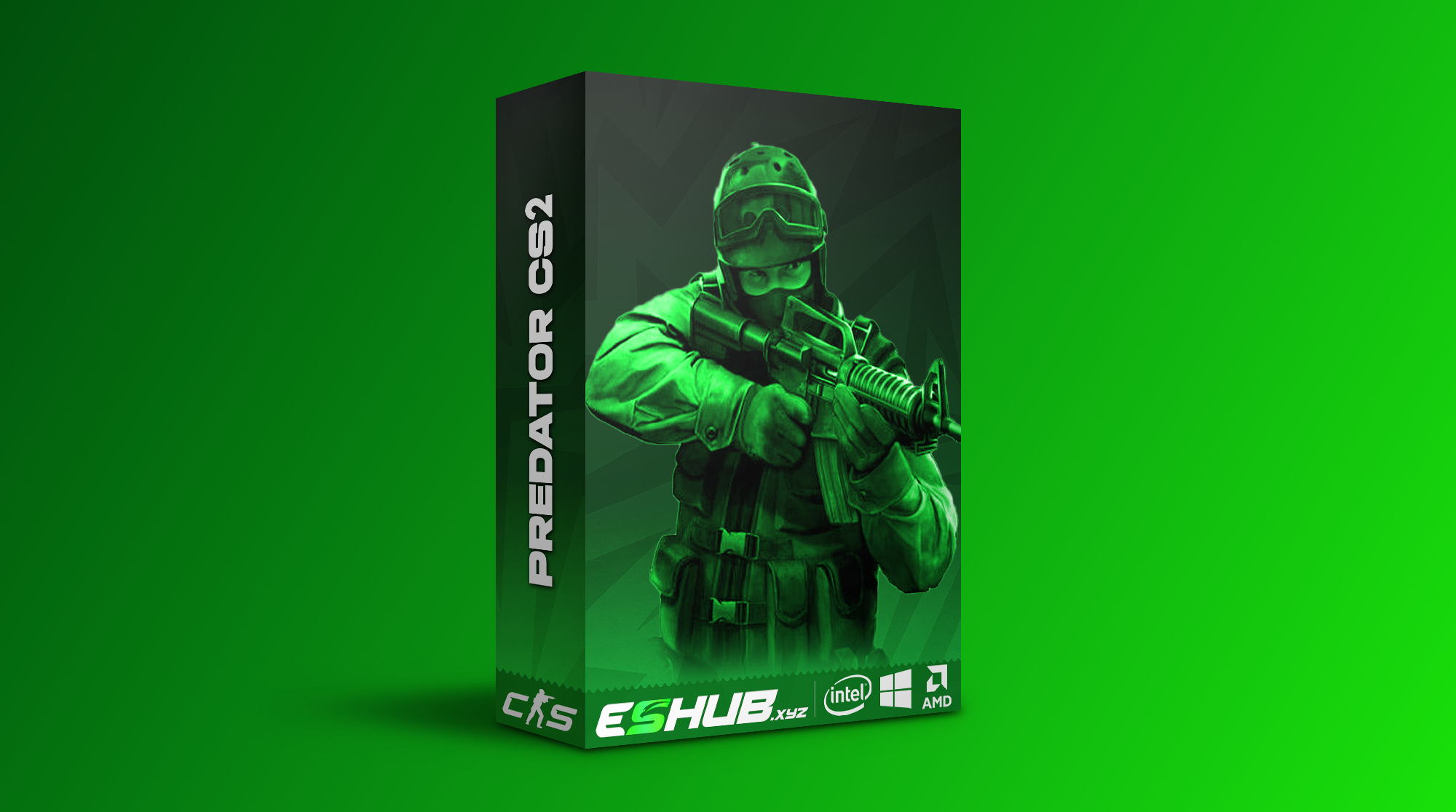
CS2: Predator
Predator lists aim controls, triggerbot, skeletons, chams, glow, radar and cloud radar. It also lists grenade trajectory, grenade warning, bomb visuals, a C4 timer and skin or inventory features.
Review it when those additional visual categories are priorities. Its menu includes a Search Bar and Manual Slider Value Input.
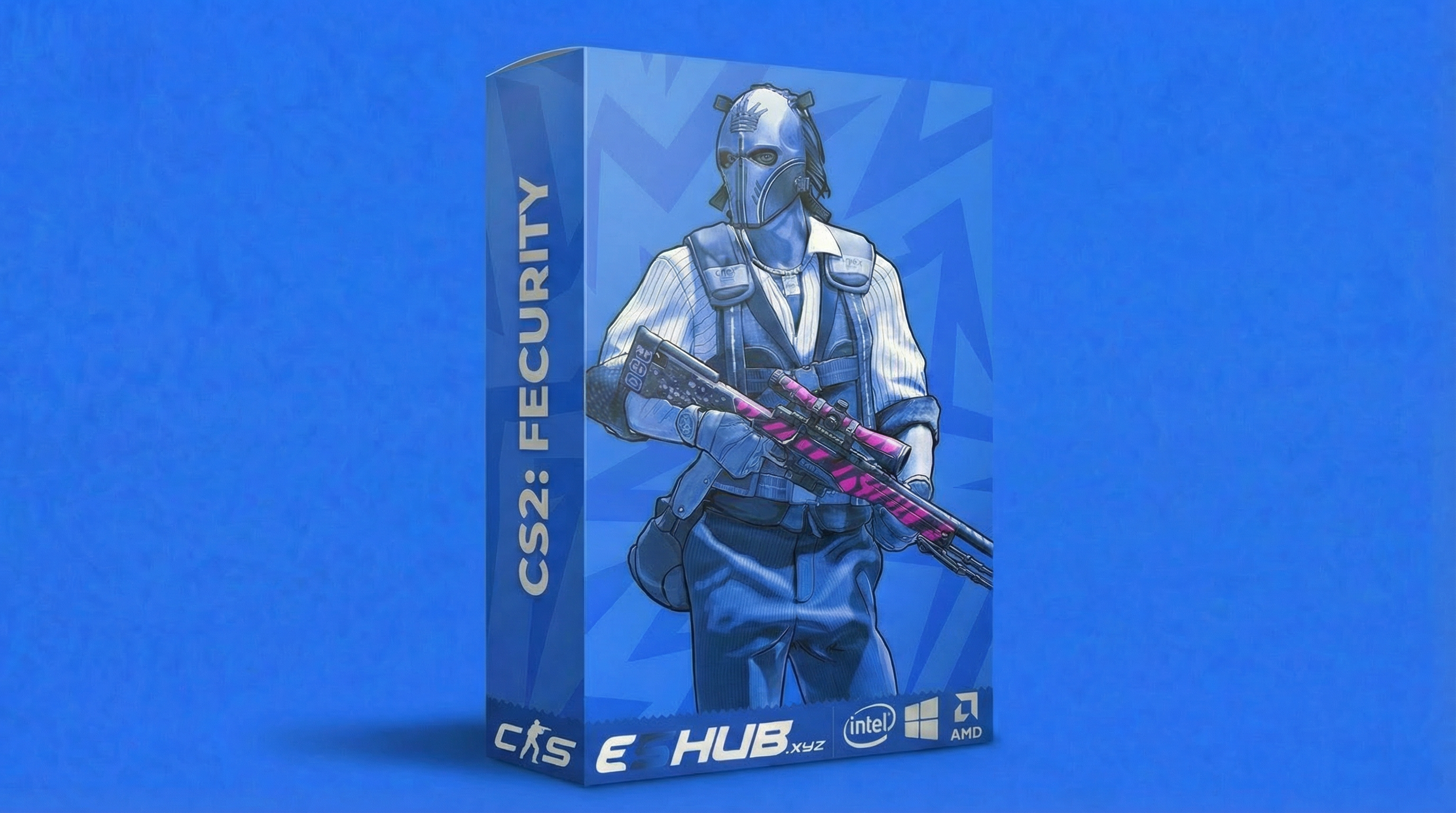
CS2: Fecurity
Fecurity lists aim controls, triggerbot, recoil compensation, boxes, skeletons, health, shield and player information. Its per-weapon settings include FOV, axis aim speed, target switch delay and recoil compensation.
Review its specific weapon controls and compatibility requirements. Its listed features also include Unlock All Skins.
For a detailed purchasing comparison, read How to Choose CS2 Cheats. This beginner guide explains the terminology and first checks rather than choosing a product for every reader.
First Checks Before Loading
- Confirm compatibility. Both products list Windows 10 and 11 with Intel and AMD processors. Fecurity additionally lists UEFI BIOS, Steam/5E and supported display modes. See System Requirements.
- Read your product's instructions. Loading steps, menu keys and supported modes can differ. Use the instructions for the product you purchased.
- Identify activation modes. A hold action requires holding a key; a toggle changes state when pressed. Fecurity's triggerbot lists Key, Toggle and Always On modes.
- Record the original settings. Keep a reference for keybinds and values before making changes. Use supported save or profile controls if available.
- Keep feature groups distinct. Organize aim, firing, recoil and visuals separately. Continue with the Config & Settings Guide for the detailed controls.
Terms That Do Not Guarantee Compatibility or Safety
An “external” or “internal” label describes a software approach; it does not establish support for every platform or anti-cheat environment. The External vs Internal guide covers the distinction.
A paid subscription also does not guarantee protection from detection. Compare the offered features and support in Free vs Paid, and read Are CS2 Cheats Safe? for account risk.
Settings such as smoothing or humanization change behavior. A preset is not a guarantee against account penalties.
Find the Right Troubleshooting Page
If you cannot access the interface, use Cheat Menu Not Opening. If the menu opens but overlays are missing, use ESP Not Showing.
When requesting help, include the product name, operating system, display mode, exact symptom and any error message. State whether the loader, menu or a particular feature is affected. This gives support a clearer starting point than “it does not work.”
CS2 Beginner Questions
What is the difference between aimbot and ESP?
Aimbot assists aiming toward a selected target. ESP displays information such as player boxes, skeletons, health and equipment. They have different purposes.
Do both CS2 products include triggerbot and recoil controls?
Yes. Predator and Fecurity both list triggerbot and recoil-related controls. Their available modes, filters and settings differ.
Which product should I review for cloud radar or chams?
Predator explicitly lists Cloud Radar, Chams and Glow. Fecurity’s listed features focus on player ESP, aim controls, triggerbot, recoil compensation and other options.
Can I use one config across both products?
Do not assume that configs are interchangeable. Labels, units and supported formats can differ. Follow the chosen product’s instructions for any supported saving or importing.
Does a beginner preset make cheating safe?
No. A preset changes settings; it does not guarantee protection from detection or account penalties.
Explore All CS2 Guides
Browse the complete collection, return to the main CS2 cheats page or review products in the CS2 purchase category.
Explore CS2 Products at ESHub
Compare the features you need with the requirements of each product. Use the individual guides to understand unfamiliar terms before choosing.