
CS2 Radar Cheats
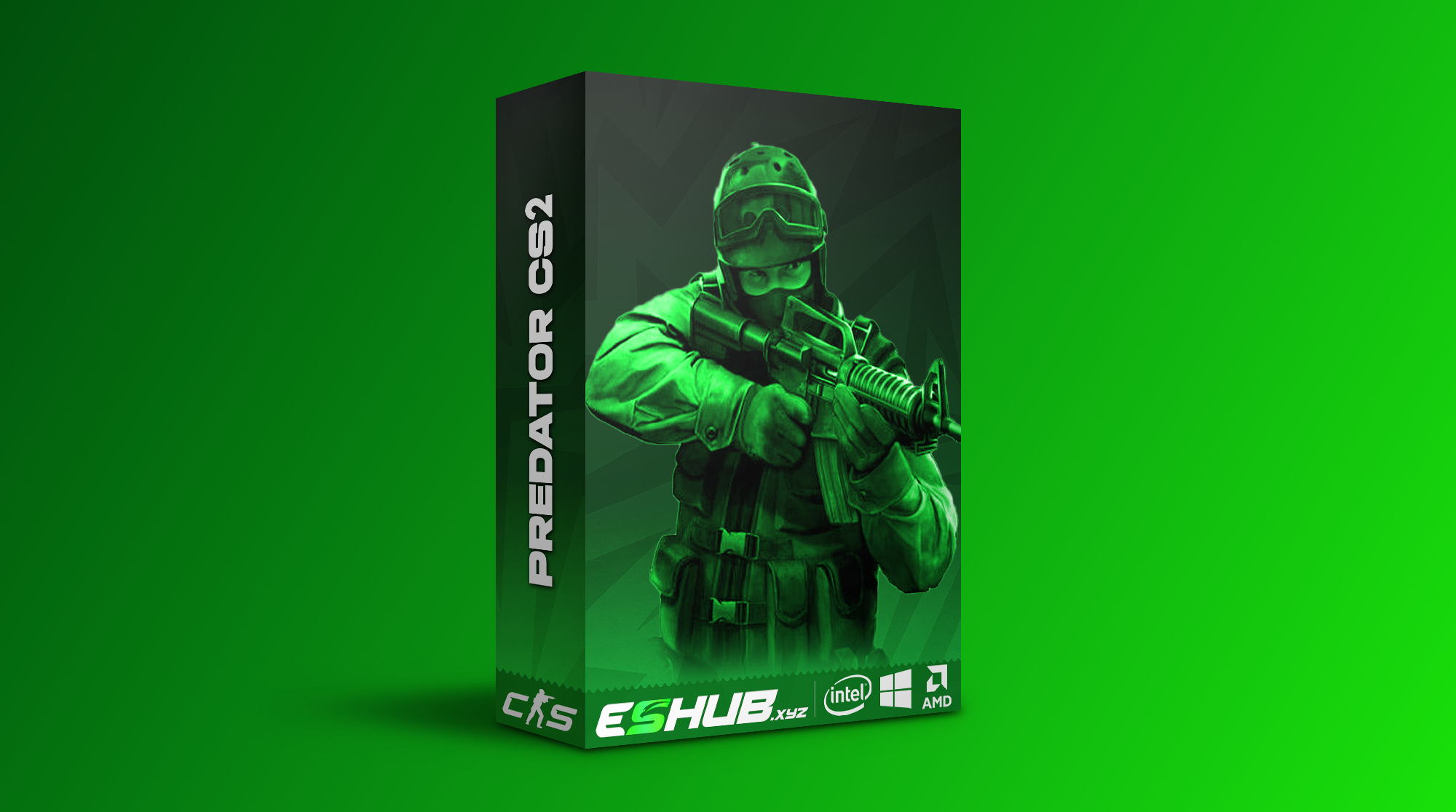
CS2 radar cheats give you a position view to consult while a round moves beyond your current sightline. CS2 Predator includes Radar, Cloud Radar and Static External Radar Mode, plus an external radar X/Y grid. You can use that wider position picture during a rotation, a site entry or a late retake. Browse Counter-Strike 2 cheats for the current CS2 selection if radar is central to your choice.
Radar and Player ESP both concern opponents, but they answer different questions. A radar view helps you place activity around the route. Player ESP can show the person in front of you with Skeletons, Healthbars, Chams or Glow. You still need to interpret where a position sits relative to the doors, cover and timing of the round.
Predator Cloud Radar in CS2
Predator includes Cloud Radar for CS2, giving you a position view during rotations. Consider the mid-round moment when you have left one bombsite and are crossing towards the other. A CS2 cloud radar view can help you account for developing player positions while you decide whether to continue, slow down or change your route. Keep checking the game view as you approach the next angle.
Read radar as positional context. A player shown towards the next site may be holding an entrance, moving through a connector or already changing direction. A dot cannot tell you which doorway is safe, what utility has just landed or whether that player has a teammate behind them. Use the information to decide where to check next, then read the game view before committing to the peek.
Keep the radar in its proper role during a rotation. A position that moves towards the other site can change your route, but it does not tell you whether the next corridor has been smoked or which angle an opponent is holding. Let the position prompt a check rather than sending you around a corner on faith.
For how these radar modes fit into a broader setup, read the CS2 config and settings guide. Keep aim, firing and visual settings separate so each profile has a clear purpose.
Static External Radar and the X/Y Grid
Predator includes Static External Radar Mode alongside an External Radar X/Y Grid. That gives you another named CS2 radar option beside Cloud Radar. During a site approach, the useful information is where detected opponents sit in relation to the area you intend to enter. The radar view supports that decision, but you still need to recognise the map and the route available to you.
Think of a retake with one defender near the plant and another further back. A CS2 static radar can help you account for both positions while you plan which entrance to clear. Do not read more precision into a position than the view gives you: check the relative positions, then verify the angle and cover as you enter. A retake is still a sequence of decisions, not a glance at a grid.
If you need a particular external display arrangement, check Predator's current instructions before choosing it. In play, make the radar a quick source of context. Repeatedly staring at any position view while you cross a doorway can cost you the very information you were trying to use. Look at the route, glance at the positions, then clear the immediate angle.
CS2 Radar and Player ESP During a Round
A CS2 player radar helps with the wider position picture. Predator's player visuals add Skeletons, Chams, Glow, weapon information and Healthbars for a closer read of the opponent you are about to face. Those two views are complementary. Radar can draw attention to a defender beyond your direct view; ESP can help you read that defender when the fight reaches the relevant piece of cover.
On a site entry, use radar to notice whether more than one opponent is gathered around the approach. Once you near the doorway, a skeleton or health bar is more immediate than repeatedly looking away to the position display. During a rotation, the balance changes: the radar view can carry more value while no opponent is yet in your camera. That is a useful way to think about CS2 radar versus ESP without pretending one replaces the other.
Predator also lists Grenade Warning and a C4 timer. A radar position does not tell you that a smoke is about to land or that a planted bomb has only a short time left. Keep those round cues separate. Read our grenade prediction and warning guide for utility information, and our Bomb ESP and C4 timer guide for objective tracking.
Choosing a Radar Cheat for CS2
If radar is your main requirement, start with CS2 Predator. It has Radar, Cloud Radar, Static External Radar Mode and External Radar X/Y Grid. Think about the rounds in which you most often lose track of a rotation or arrive at a site with an incomplete position picture. Those are the moments when a CS2 radar view has a clear purpose.
Ask which radar view you expect to consult and why. If you need a broad view during rotations, Cloud Radar is the named feature to investigate. If you prefer the external static view, check its current presentation and grid before deciding. In either case, consider how much of your attention a radar display can reasonably take while you move and clear angles.
Predator's Skeletons, Chams, Glow and Healthbars give you nearby player detail alongside radar positions. Browse the CS2 selection, then check Predator's instructions for its display arrangement. While moving, glance at the position view and leave close player detail to the fight in front of you.
Radar Support: Predator and Fecurity
CS2: Predator explicitly lists Radar, Cloud Radar, Static External Radar Mode and an External Radar X/Y Grid. These are the radar features covered on this page.
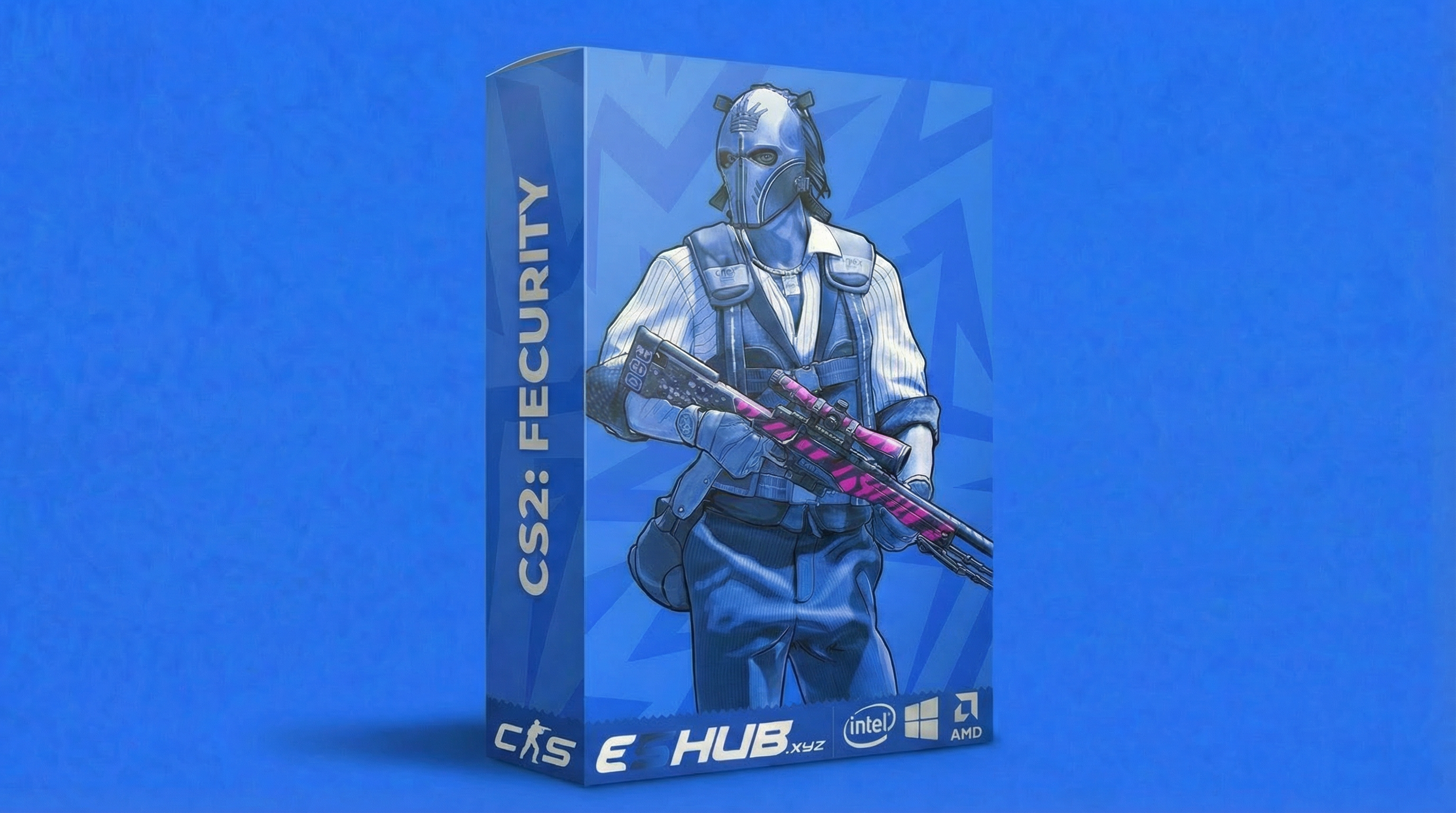
CS2: Fecurity lists player ESP, weapon-specific aim settings, triggerbot and recoil compensation. Its current feature list does not list Cloud Radar or Static External Radar Mode; check the product details before buying for a specific radar requirement.
Compare the available products in How to Choose CS2 Cheats, or start with the beginner guide. System requirements covers compatibility, while the CS2 safety guide explains why a feature or mode is not a guarantee against bans.
CS2 Radar & Cloud Radar Questions
Which CS2 product at ESHUB includes Cloud Radar?
Is CS2 radar the same as Player ESP?
Does Predator have a static radar mode?
Do I need a second device for Predator Cloud Radar?
Can radar tell me which angle is safe?
Explore CS2 Feature Guides & Help
Explore individual features, compare your options and find help with configuration. Use the main CS2 cheats page for an overview or the CS2 purchase category for available products.
View Counter-Strike 2 Cheats at ESHUB
For CS2 radar, read CS2 Predator for its Cloud Radar and Static External Radar modes. Browse Counter-Strike 2 cheats for the wider selection, then choose the display that fits how you read rotations and retakes.
View Counter-Strike 2 cheats →