-
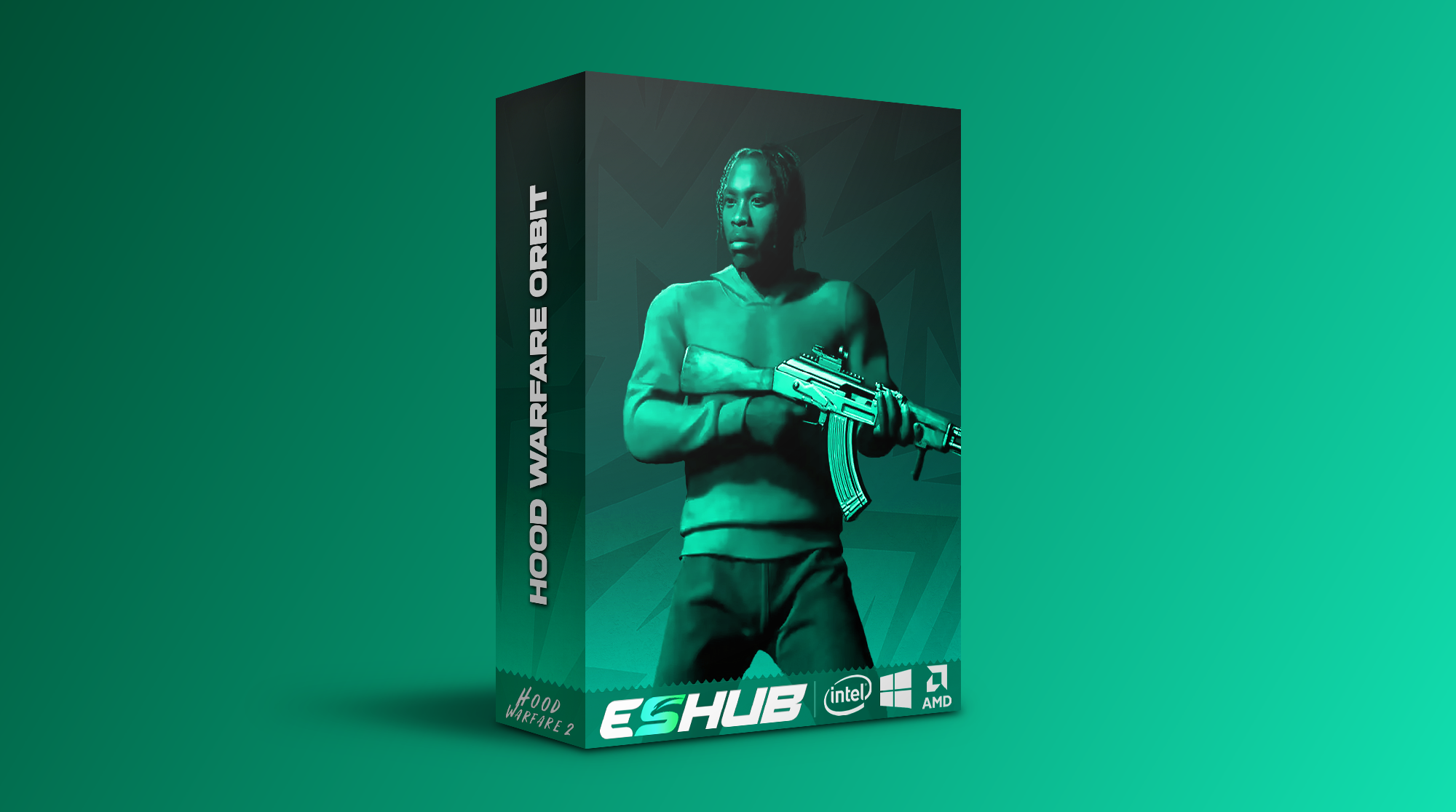
Hood Warfare 2: Orbit
Undetected
Hood Warfare 2 Cheats & Hacks: Aimbot, ESP & Radar
Customizable targeting, player ESP, item markers and radar in one feature set. Hood Warfare 2 combines detailed aim controls with visual tools for players, pickups and objectives.
Build your display around the information you want to see. Adjust smoothing, choose your ESP layout, customize the HUD and save separate configurations for later.
Bone scan, prediction, target priorities and Magic Bullet.
Player boxes, skeletons, health, items and objectives.
Radar, crosshair, HUD widgets and named profiles.
Hood Warfare 2 Gameplay Showcase
Watch Hood Warfare 2: Orbit in action, then explore the features and interface previews below.
Hood Warfare 2: Aim, Visuals & Awareness
The targeting options include five priority modes, bone selection and scan, stick-to-target controls and movement prediction. Smoothing can be tuned through Basic Smooth, Balanced and Aggressive profiles, with additional humanized controls and aim-path visualization.
Player ESP covers boxes, skeletons, names, held items and health. Item ESP adds weapon pickups, ammo boxes, medkits and objective markers. Radar and off-screen arrows give you another way to track directions without adding every label to the main view.
Hood Warfare 2 Feature Overview
Explore targeting, ESP, radar, graphics and configuration options.
Aimbot & Targeting
Choose how targets are selected, set an activation key and adjust prediction for moving players.
- Enable aimbot with an optional aim key
- Adjustable aim-key delay
- Magic Bullet toggle
- Five target-priority modes
- Target bone selection and bone scan
- Stick-to-target control
- Non-visible target selection
- Maximum target distance
- Movement prediction
Smoothing & Aim FOV
Tune the aim response with smoothing profiles, humanized controls and a separate targeting radius.
- Basic Smooth, Balanced and Aggressive profiles
- Basic strength and Humanized controls
- Advanced aim speed and assist strength
- Bezier curve points, random factor and endpoint noise
- Aim-path and assist-point visualizer
- Adjustable targeting FOV radius and colour
- Dynamic FOV multiplier when aiming down sights
Player ESP & Wallhack
Display player information with adjustable boxes, skeletons, health indicators and colour filters.
- Outline, corner and filled boxes
- Skeleton overlay
- Player names and held-item labels
- Distance labels
- Health bar and health percentage
- Team, enemy and self filters
- Ignore non-visible players option
- Player render-distance control
- Friendly, enemy and visible-enemy colours
- ESP preview with editable element placement
Item & Objective ESP
Keep weapon pickups, supplies and objectives visible with their own names, boxes and distance controls.
- Weapon pickups
- Ammo boxes and medkits
- Objective and bomb markers
- Bullet markers
- Drive-by car markers
- Suicide blast markers
- Item names and distance labels
- Outline, corner and filled item boxes
- Item colour and maximum-distance controls
Radar & Awareness
Combine radar, compass markers and off-screen indicators to keep track of player directions.
- Radar size, scale and blip-radius controls
- Directional compass
- Compass bar with player and team markers
- Off-screen direction arrows
- Distance-scaled indicators
- Marker size and screen-padding controls
- Friendly, enemy and visible-player snaplines
- Threat-warning widget
HUD & Crosshair
Customize the crosshair and add readable widgets for health, ammunition and performance.
- Custom crosshair with presets
- Crosshair colour, gap, length and thickness
- Crosshair rotation controls
- FPS counter and frame-history graph
- Equipped-weapon and loaded-ammo widgets
- Healthbar widget
- Widget opacity and layout reset
Graphics Controls
Adjust camera FOV and disable selected visual effects through the graphics override settings.
- Enable or disable graphics overrides
- Disable film grain
- Disable chromatic aberration
- Disable motion blur
- Disable depth of field
- Camera field-of-view override
- Sun Color, Fullbright and No Fog
- Fullbright brightness slider
Configuration Profiles
Save configurations so different aim and visual setups are ready to load when you need them.
- Save named configurations
- Browse and load saved profiles
- Delete custom profiles
- Default profile retained
- Keep separate aim and visual setups
Movement Controls
Customize movement and its activation.
- Bunny Hop with a configurable keybind
- Speed editor
In-Game Music Player
Manage music through a movable in-game widget.
- In-game music playback
- Previous, next, pause and resume controls
- Volume controls
- Movable Music Player widget
Bullet Tracers & Impact Markers
Personalize shot trails and supported impact indicators.
- Bullet tracers starting at the weapon muzzle
- Customizable tracer color, thickness and duration
- Optional impact markers with a custom color
Camo Selector
Choose a camo mode through the published selector.
- Off mode
- Automatic Cycle mode
- Selected Camo mode
A Clearer Display, Built Around Your Settings
Player ESP includes an editable preview, so you can choose where information appears. Friendly, enemy and visible-enemy colours help separate player categories, while render-distance controls limit how much information fills the screen.
The HUD includes equipped-weapon, loaded-ammo and healthbar widgets, plus an FPS counter and frame-history graph. Crosshair presets, opacity controls and a layout reset make it easier to adjust the display. Save your named profiles once the settings are arranged.
Explore Our Hood Warfare 2 Cheat Pages
Browse each feature in detail, then return here for the complete software overview.
Getting Started with Hood Warfare 2 Cheats
Explore access, configuration and beginner feature explanations before choosing your setup.
Common Questions
What does Hood Warfare 2 player ESP include?
Player ESP includes outline, corner and filled boxes, skeletons, names, held-item labels, distance, health bars and health percentages. You can adjust filters, colours, render distance and element placement.
Can I customize aimbot smoothing and targeting?
Yes. The feature set includes Basic Smooth, Balanced and Aggressive profiles, humanized controls, aim speed, assist strength and an aim-path visualizer. Targeting options include priority modes, bone selection, bone scan, prediction and target-distance controls.
Is aim FOV the same as camera FOV?
Aim FOV adjusts the targeting radius, including a dynamic multiplier when aiming down sights. The camera field-of-view override is a separate option in Graphics Controls.
Does it include radar and off-screen arrows?
Yes. Radar has size, scale and blip-radius controls. Awareness tools include a directional compass, player and team markers, off-screen arrows, snaplines and a threat-warning widget.
Can I save different configurations?
Yes. You can save named configurations, browse and load profiles, and delete custom profiles. A default profile is retained, and you can keep separate aim and visual setups.
Where can I check compatibility and get support?
Contact ESHub on Discord for current product availability, requirements and setup questions.
What additional customization features are available?
The current list includes Bunny Hop, a speed editor, music playback, a movable music widget, muzzle-start tracers, impact markers, Sun Color, Fullbright, No Fog and camo selection. Tracer appearance, Fullbright brightness and music playback controls are configurable.
Explore Hood Warfare 2 with ESHub
Review the features or contact us for current availability and product details.
Explore more Cheats & Hacks
Explore our collection of premium cheats & hacks.