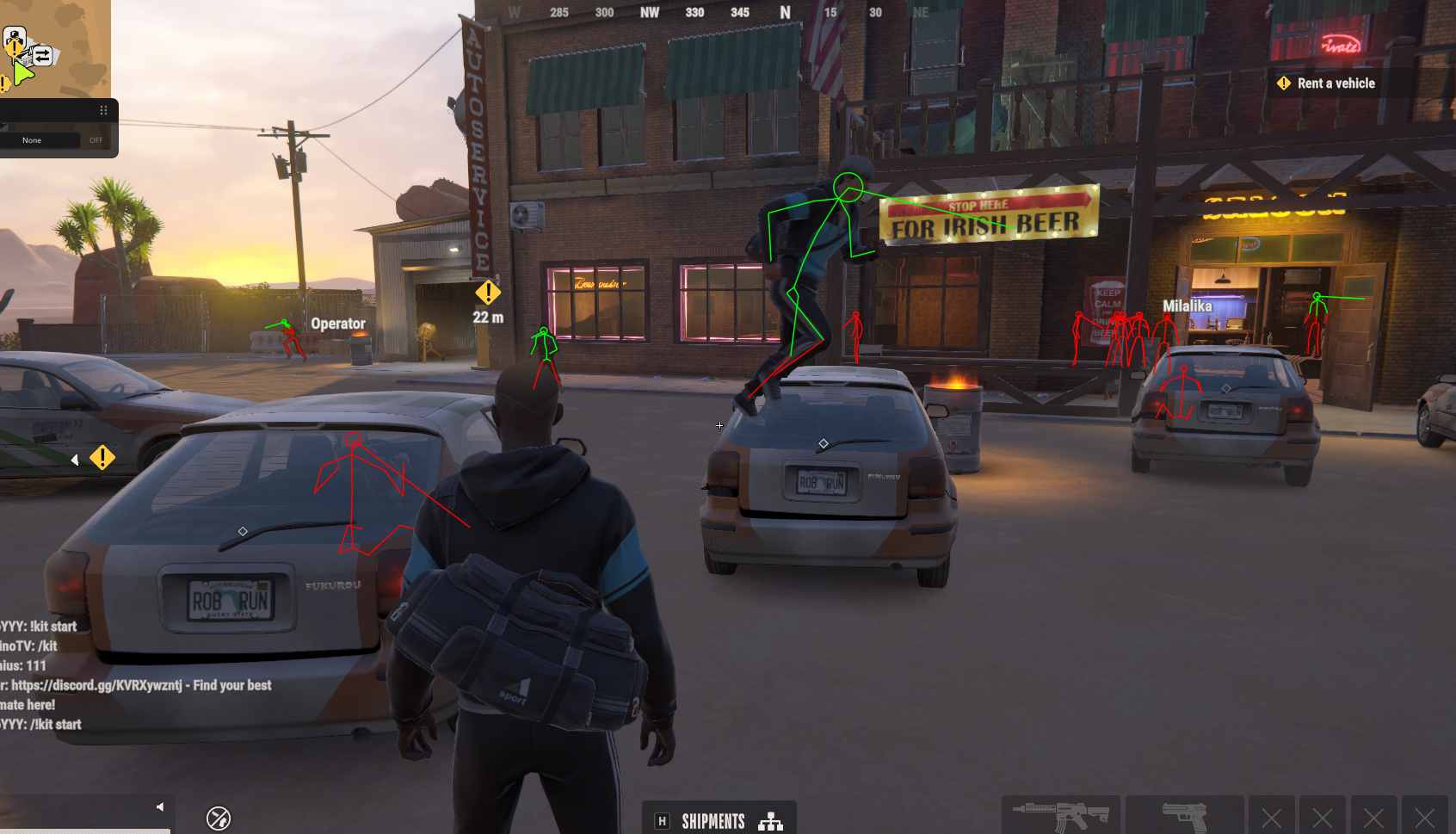
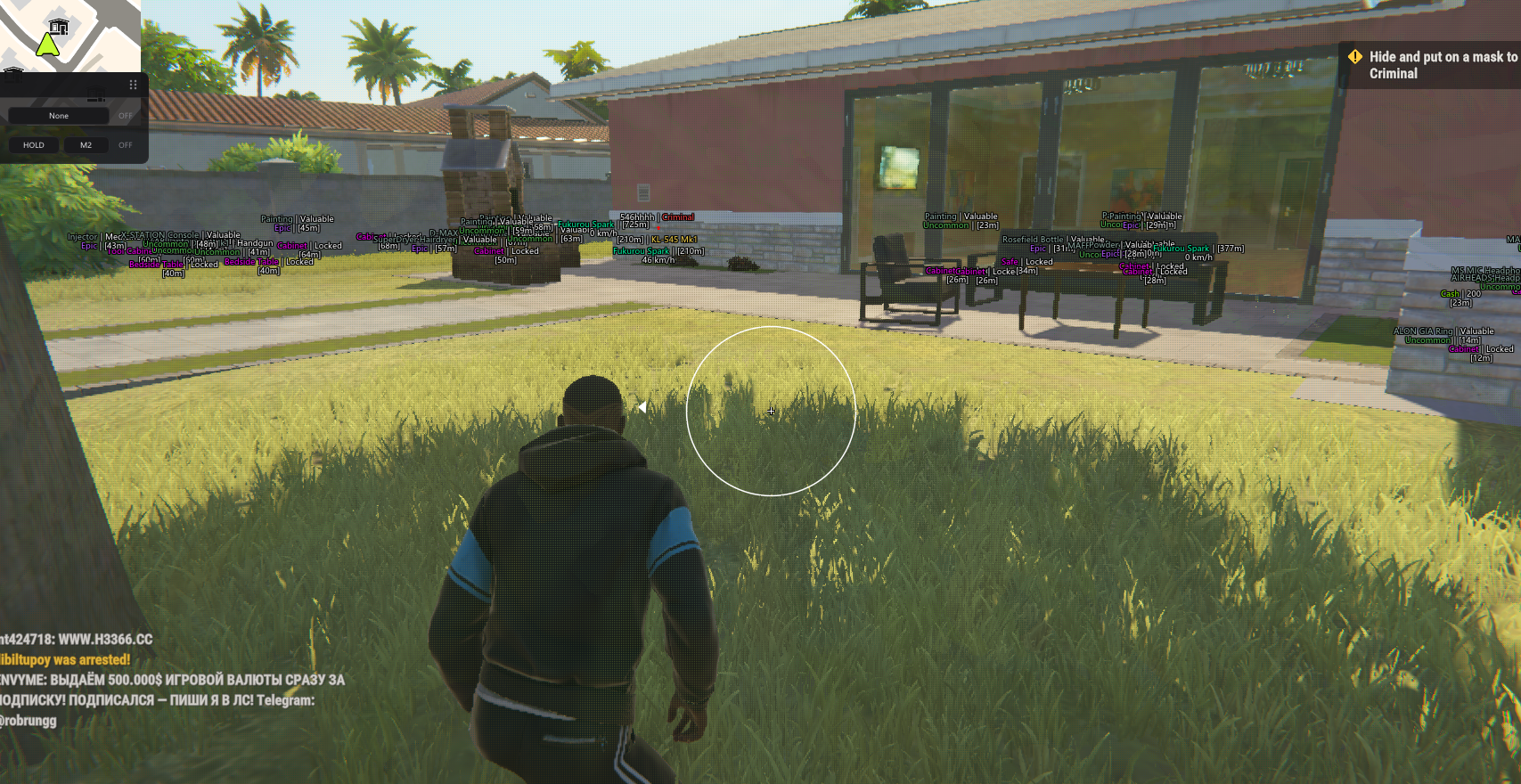
Compare Orbit, Arcane and Python for ROB RUN: aim controls, ESP, native controller support and Windows requirements. See screenshots and product guides.
Orbit is worth comparing for loot-value filters and visual profiles. Arcane lists weapon-specific controls, Glow and Battle Mode. Python explicitly lists native controller support and Silent Aim. Void combines configurable aim, player/world ESP and Combat Mode. The useful choice is the one whose documented controls and PC requirements fit your needs—not simply the longest feature list.
Undetected is a reported status, not a guarantee against account penalties.
Orbit vs Arcane vs Python vs Void: Feature Comparison
These are selected differences from the available feature lists, not an exhaustive compatibility test. “Confirm support” means it is not established by this comparison; it does not mean the feature is absent. Product updates can change the listings.
Orbit vs Arcane vs Python vs Void · revised 11 November 2026
Compare
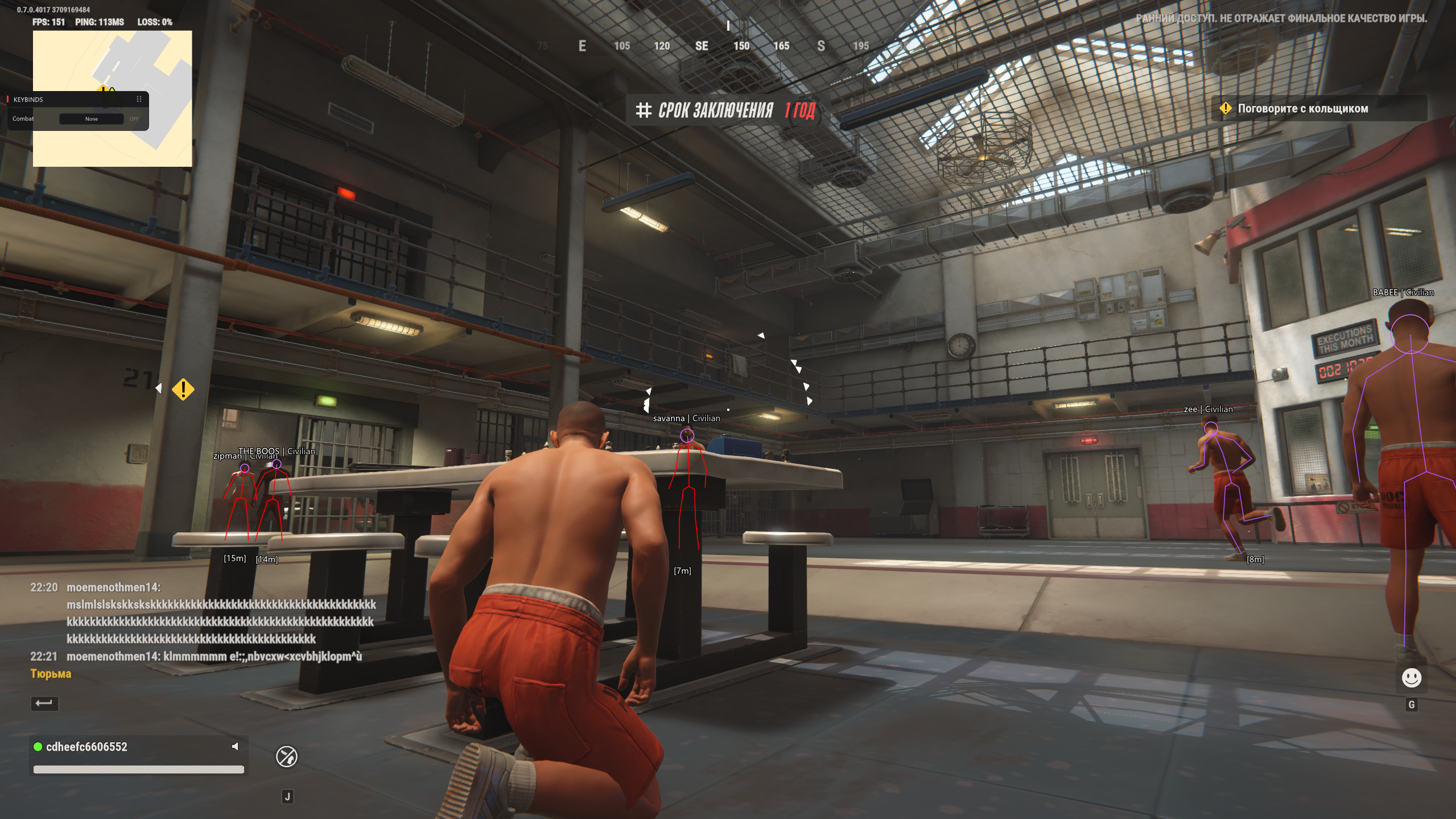
Orbit
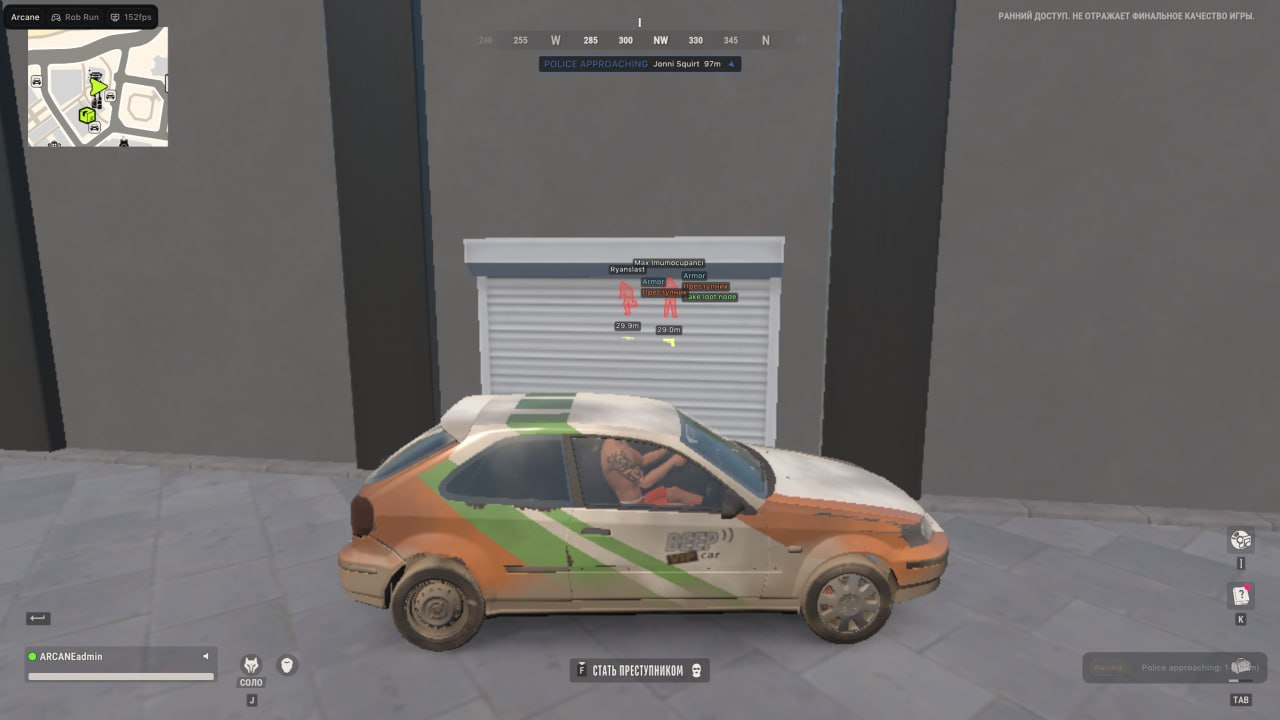
Arcane
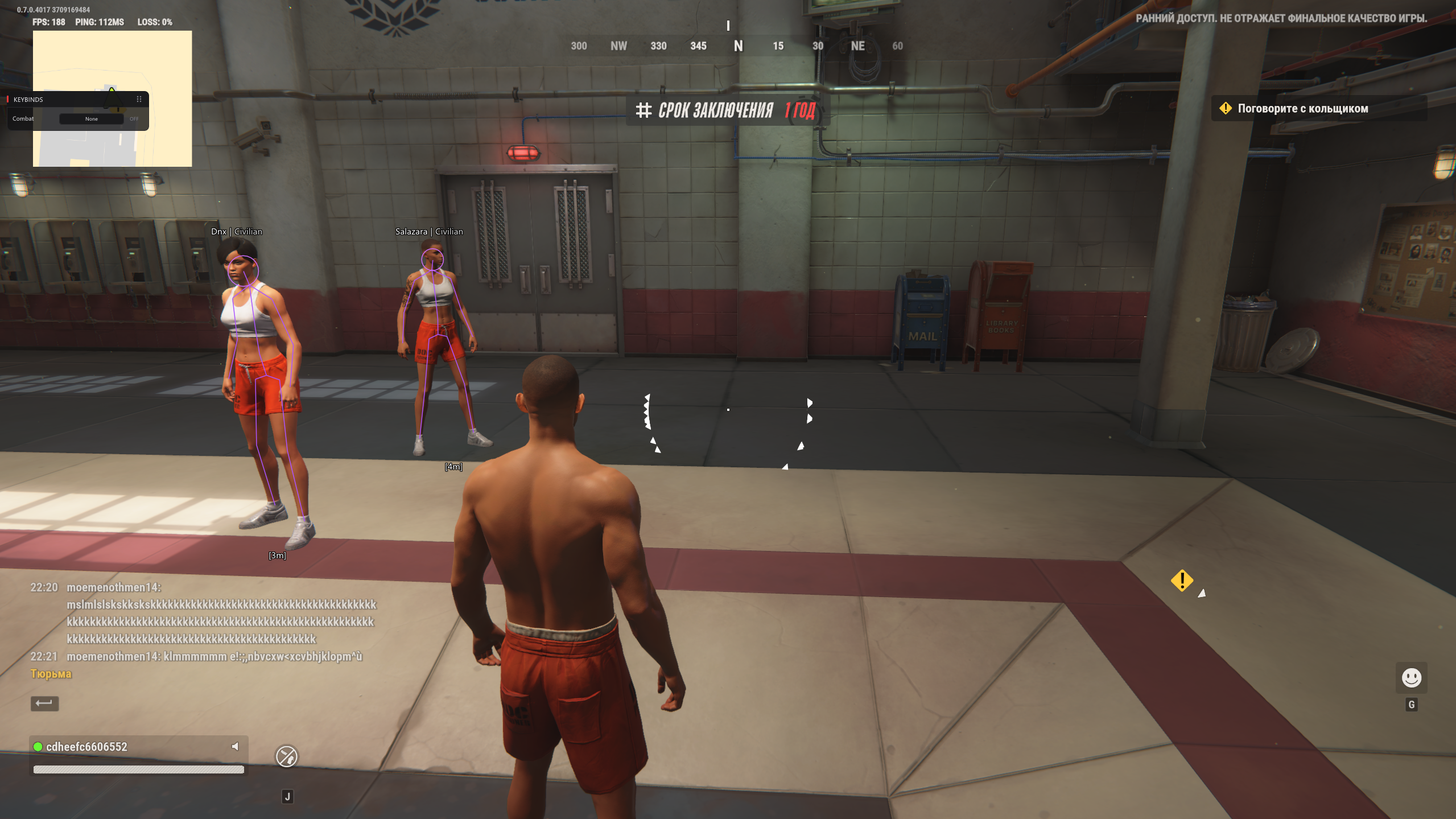
Python
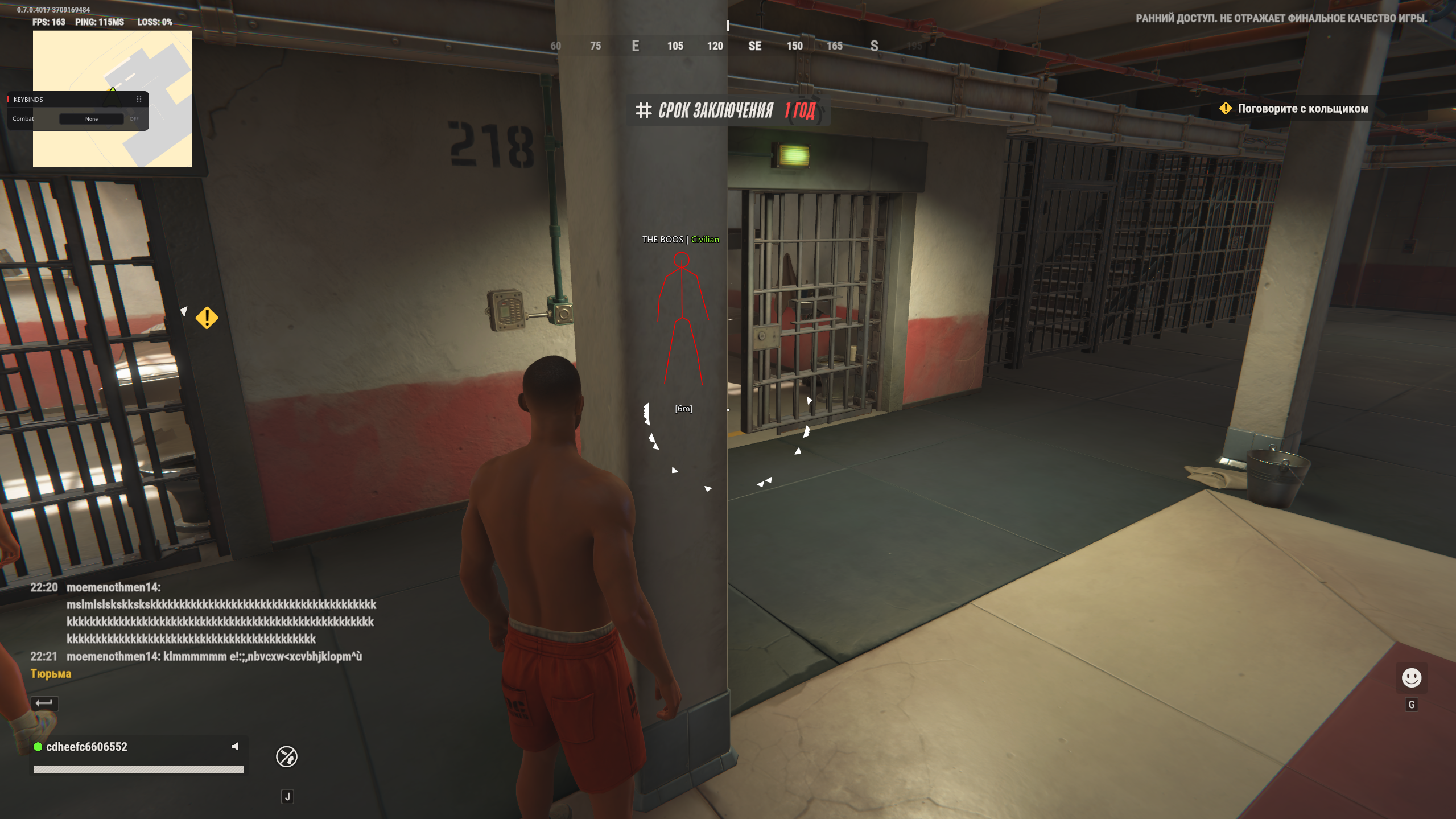
Void
Aiming controls
Five target-priority modes, bone scan, smoothing and movement prediction
Weapon-category controls, target roles and aim settings
Aimbot and Silent Aim with separate settings
Activation key, target priority, bone selection and smoothing
Player information
Role labels, boxes and skeletons; some details depend on available data
Player and NPC categories, role-based Glow and player information
Player roles, held items and directional markers
Skeleton, boxes, roles, visibility filters and off-screen arrows
Loot and world markers
Loot-value filters, unknown/empty distinctions and Homestead markers
Item categories, price controls and vehicle overlays
Separate cash, container, cargo, loot and vehicle categories
Loot bags, loose loot, cash, cargo and vehicle categories
Display organization
Saved profiles and separate player/world filters
Battle Mode and saved configurations
Separate visual categories and configuration profiles
Combat Mode world filters and saved profiles
Controller input
Confirm current support on the listing
Confirm current support on the listing
Native controller support explicitly listed
Confirm current support on the listing
Check before choosing
Whether the loot values and supported Windows build match your needs
Weapon profiles, overlay categories and window mode
Controller controls, Silent Aim and PC compatibility
World-marker coverage and the product-specific setup guide
Prices and durations are intentionally kept on the current product listings. Compare the available access duration as well as the features; a price for one subscription length is not a like-for-like comparison with another.
Which ROB RUN Product Should You Compare First?
Start with the function that matters to you. These are reasons to investigate each option, not a safety ranking or a claim that one product is best for everyone.
Loot information & visual profiles
Rob Run: Orbit
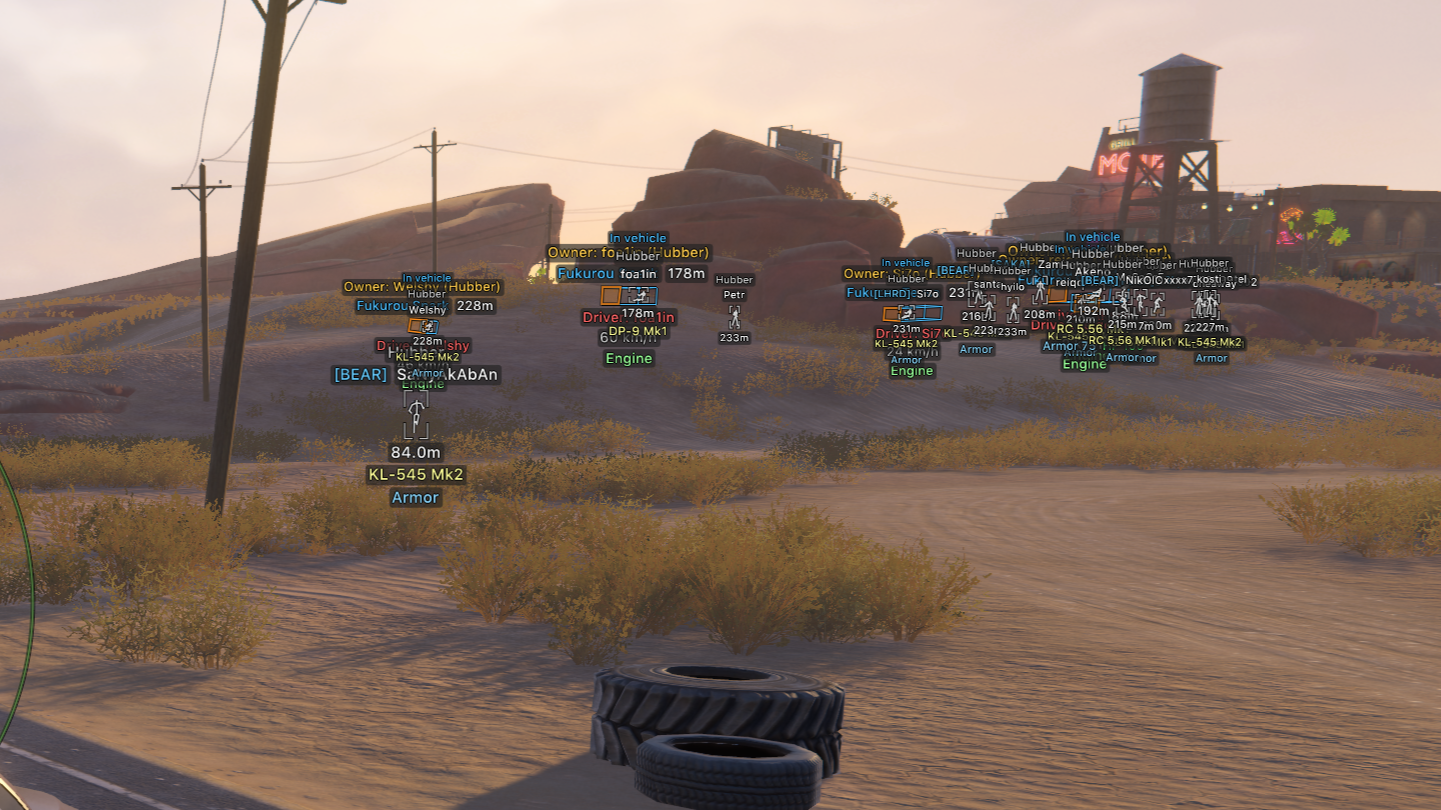
Orbit brings role-based player overlays, loot-value filters, radar and adjustable targeting together. It distinguishes estimated values, exact known cash, unknown contents and confirmed empty loot. Homestead markers add supported machines, safes and containers.
Who should look at it? Compare first if you care about loot values and detailed visual profiles.
Limitation to understand A detected container may still have unknown contents. Confirmed empty, unknown value and an estimated total are different states; a marker does not guarantee an inventory readout.
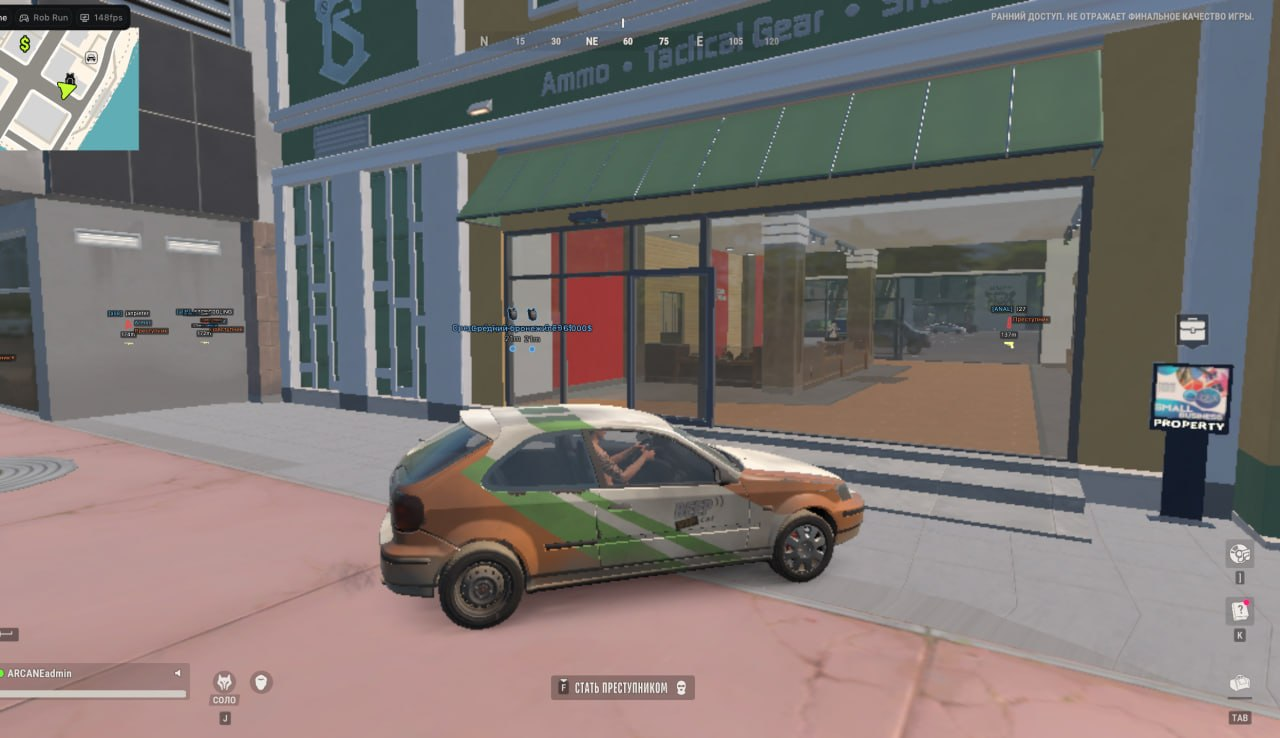
Arcane lists weapon-specific aim settings, player and NPC overlays, role-based Glow and radar. Battle Mode can reduce the displayed information with separate controls, and triggerbot is listed as its own feature group.
Who should look at it? Compare first if you want weapon-specific controls and several overlay categories.
Limitation to understand A role label, NPC marker and Glow setting are separate controls. Confirm the supported categories and display modes rather than treating them as one interchangeable ESP feature.
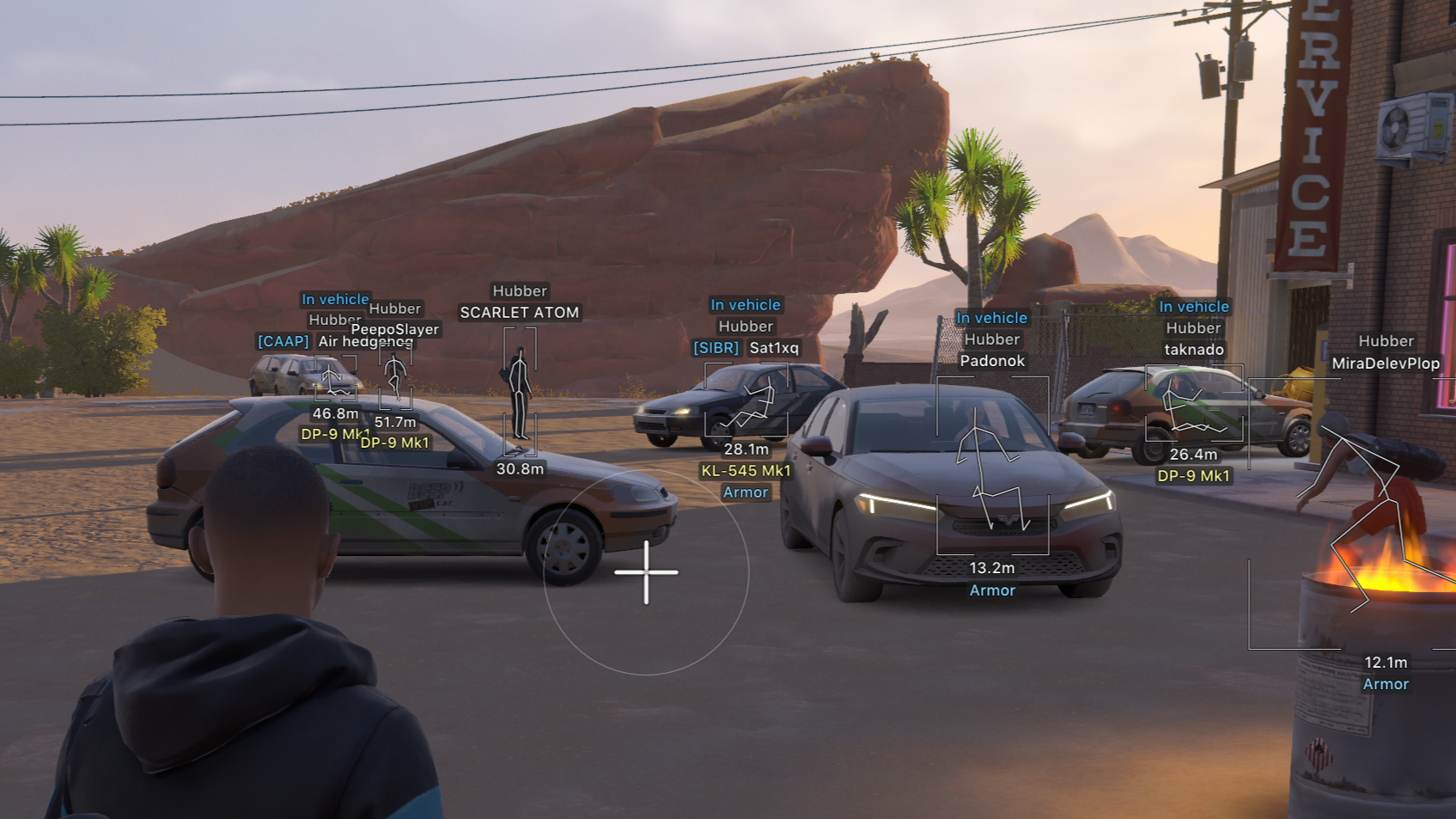
Python explicitly lists native controller support alongside Aimbot, Silent Aim and triggerbot controls. Its visual categories separate players, vehicles, loot, cash, containers and cargo, so compare the exact labels you want.
Who should look at it? Compare first if native controller input or Silent Aim is a requirement.
Limitation to understand Native controller support does not establish console installation. Capture-related protection also does not establish protection from all anti-cheat checks.
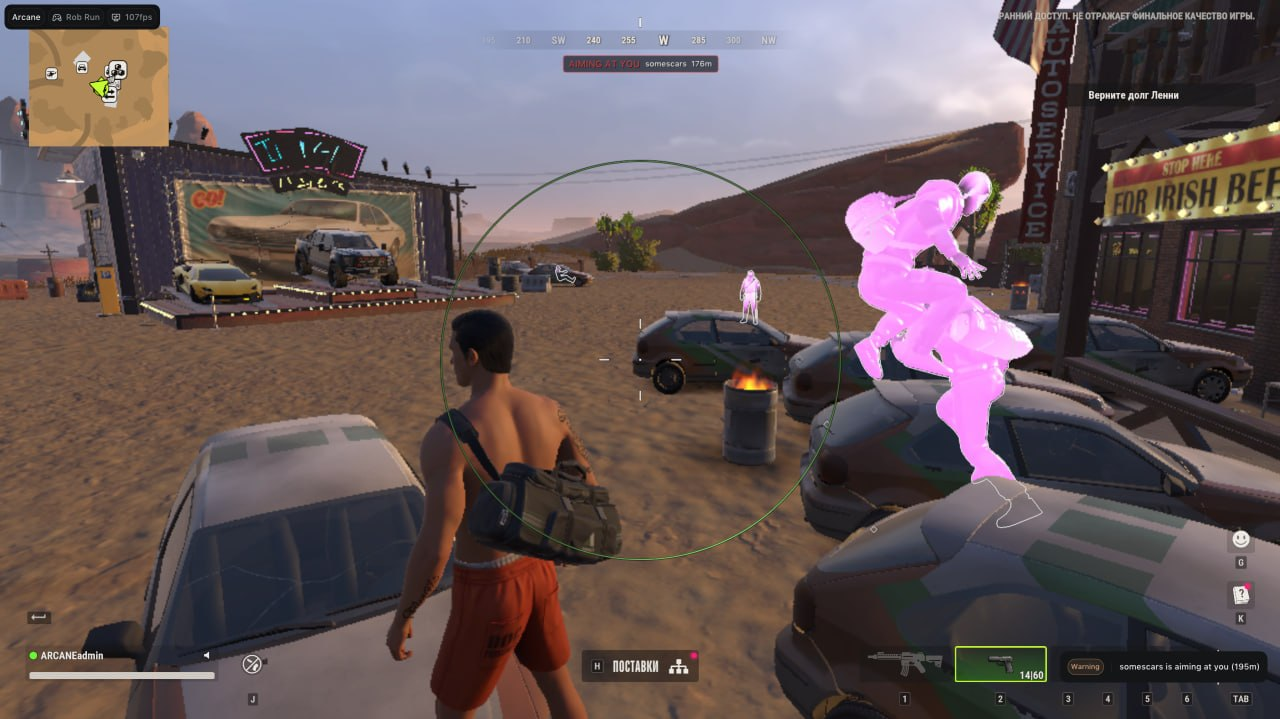
Void combines configurable Aimbot, player and world ESP, No Recoil and No Spread. Combat Mode toggles world-marker categories, while profiles store different configurations. Its world overlays include loot bags, cash, cargo and vehicles.
Who should look at it? Compare first if its player/world controls and Combat Mode match your needs.
Limitation to understand Check the exact world-marker categories and setup requirements. No Recoil, No Spread and visual controls are different functions; do not infer other features from those names.
Customer feedback, edited for spelling and readability. Ratings and reported response or update times describe individual experiences. The 777 review concerns support and an expired key, rather than a completed gameplay test.
lilttv Rob Run: Python10/10 overall
Product — 10/10 It was really easy to set up, and everything is self-explanatory, so you don’t have to try too hard to find anything.
Support — 10/10 Every time I had a problem, Eagle helped me within a minute and had a great attitude the entire time.
Reliability — 10/10 Everything worked. Even after updates, it was fixed within 10 minutes, with everything working again.
Product — 10/10 Clean, simple, everything actually works, and there are lots of different options. I mainly use ESP, which works really well for items and players. The colour system is ace: blue for police, red for criminals and green for civilians makes things a lot easier.
There’s also a radar that shows when people are getting close. It’s a lifesaver when going to the sales points on your own. I use vehicle ESP to find people around the sales building, because if they hide in the cupboards, the ESP doesn’t show them.
View more ↓View less ↑
Support — 10/10 Great support. Setup was a bit of a pain, but a few messages with support and it was sorted. If you don’t get a reply instantly, just wait—these people have lives too. If you were complaining to me or others that they hadn’t replied, I’d leave you until last.
Reliability — 10/10 I haven’t actually had any issues since using it. The only thing I can’t figure out is that the cargo-specific ESP doesn’t really find cargo. It shows with another option, but that includes everything, so it’s hard to see which is which.
Product — 10/10 The loader is pretty good, but my key expired, so I couldn’t play.
Support — 10/10 I got help very fast.
Reliability — 10/10 Did everything work as expected? I don’t know.
Overall — 10/10 I will buy again, and I’ll be faster about asking for help in Discord. I paid but didn’t get to use it; that was my fault. Nice Discord and helpful support. I will buy again.
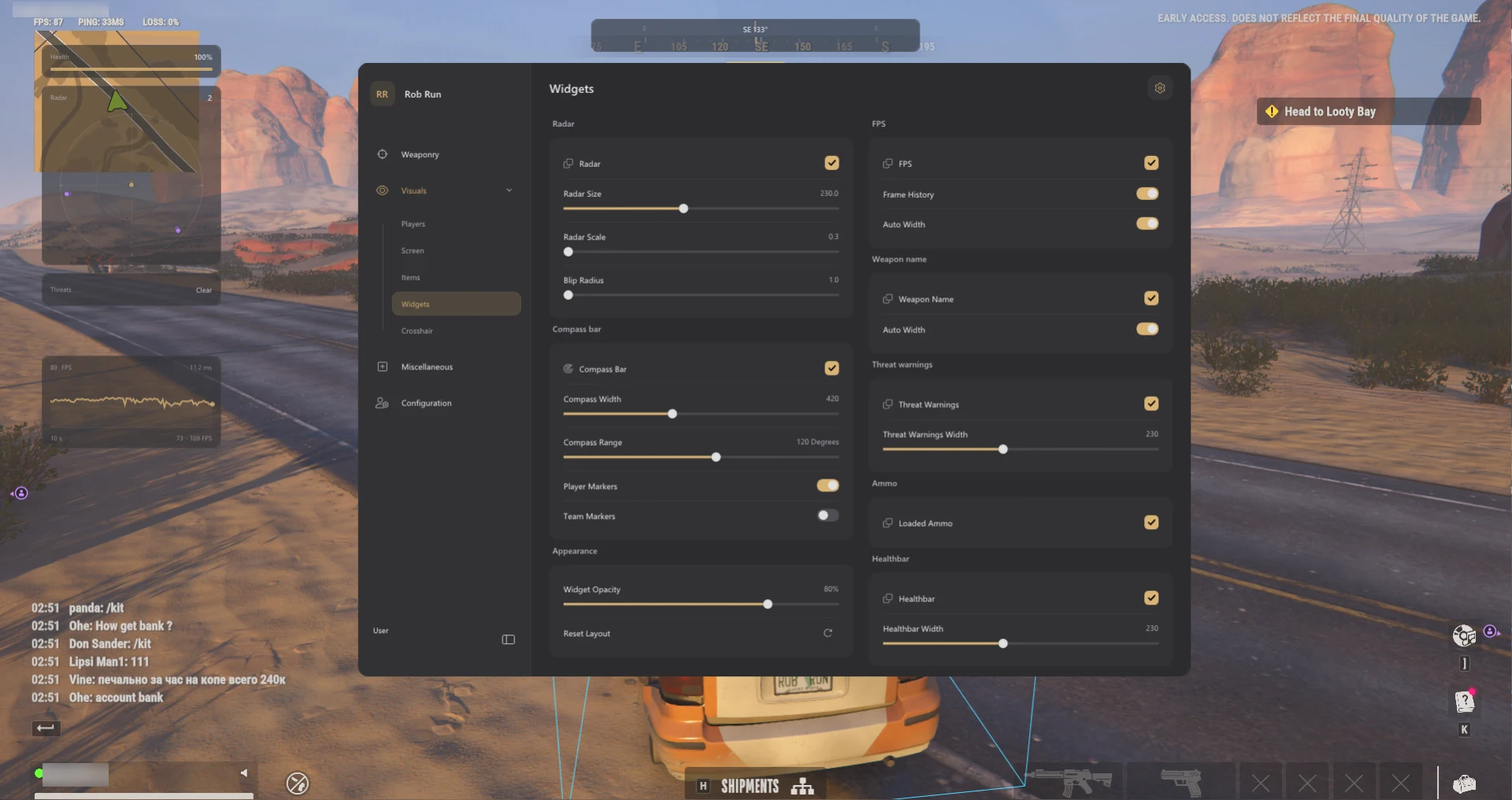
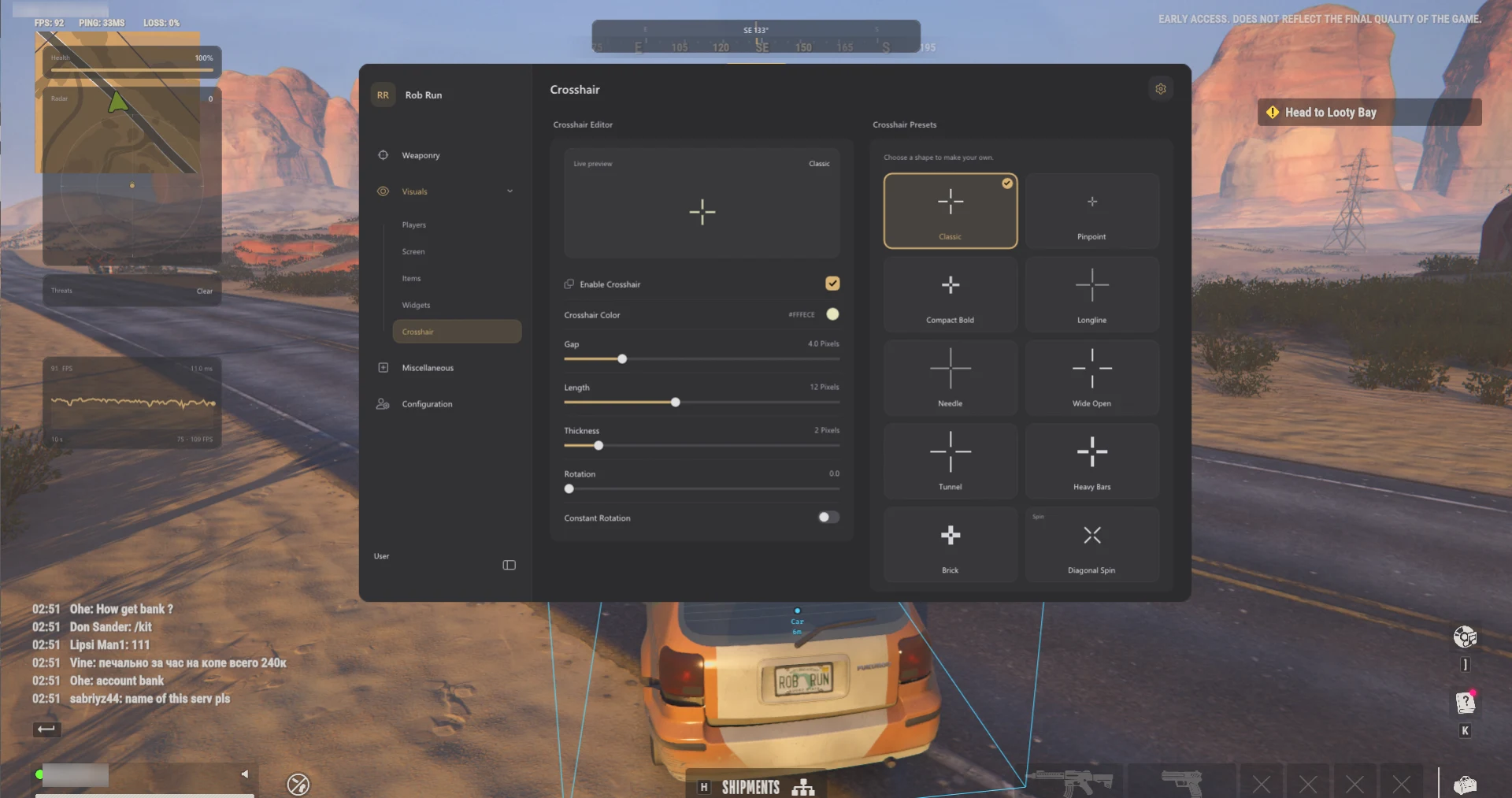
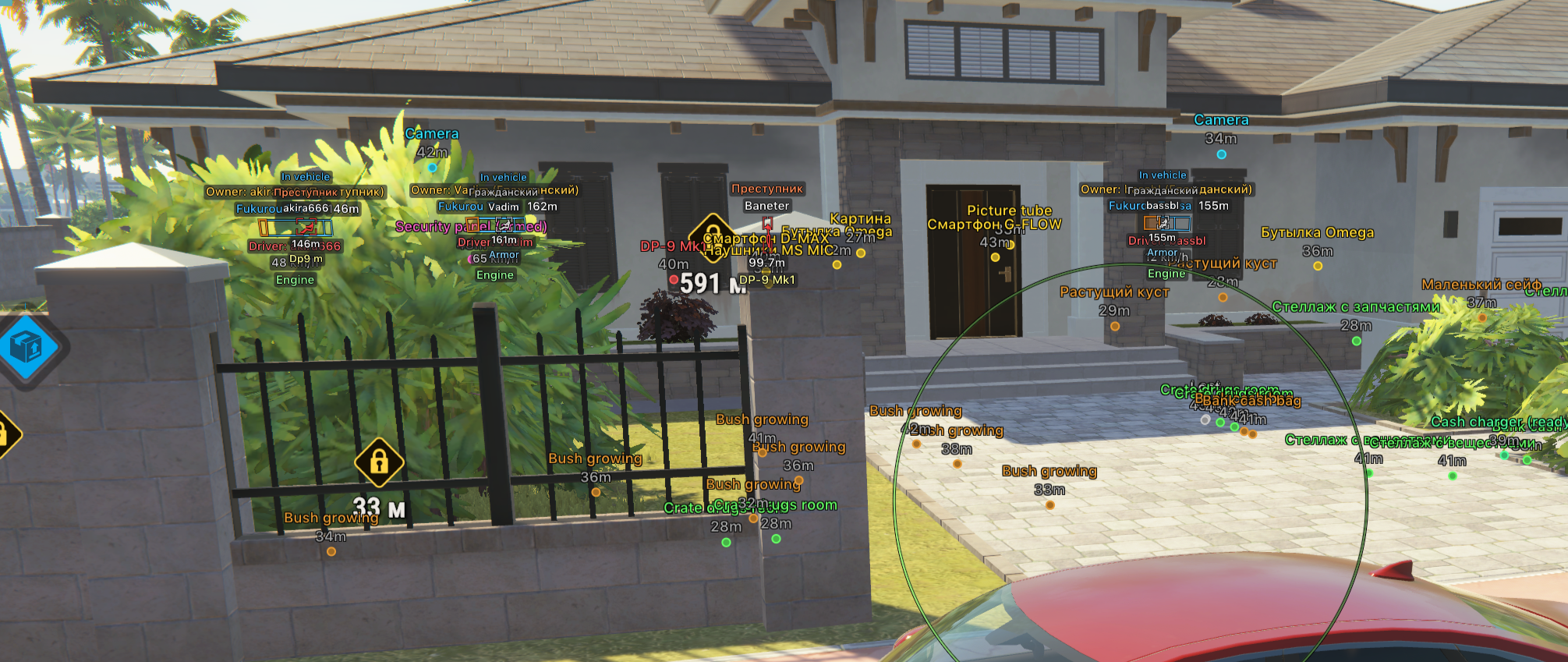
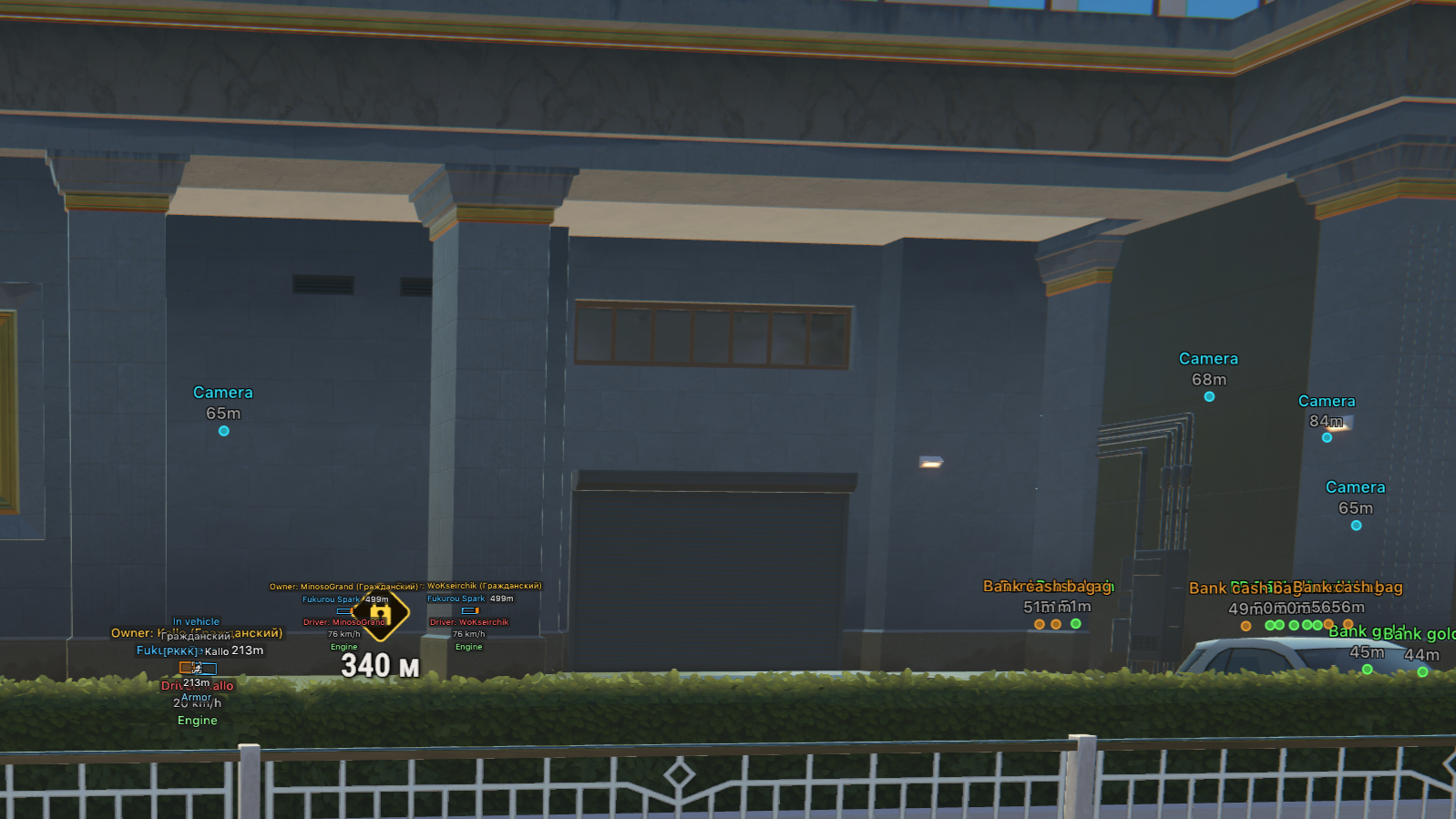
Compare all four products. Use the arrows to browse each gallery; select an image to open it full size.
Rob Run: Orbit
Role-based ESP, loot-value filters and radar. Save separate visual and targeting profiles; unknown loot contents remain distinct from confirmed empty loot.
Native controller support, configurable Aimbot and Silent Aim. Separate player, vehicle, cash, container and cargo overlays let you compare the information each category provides.
Configurable Aimbot, player and world ESP, No Recoil and No Spread. Combat Mode toggles world-marker categories, with named profiles for different configurations.
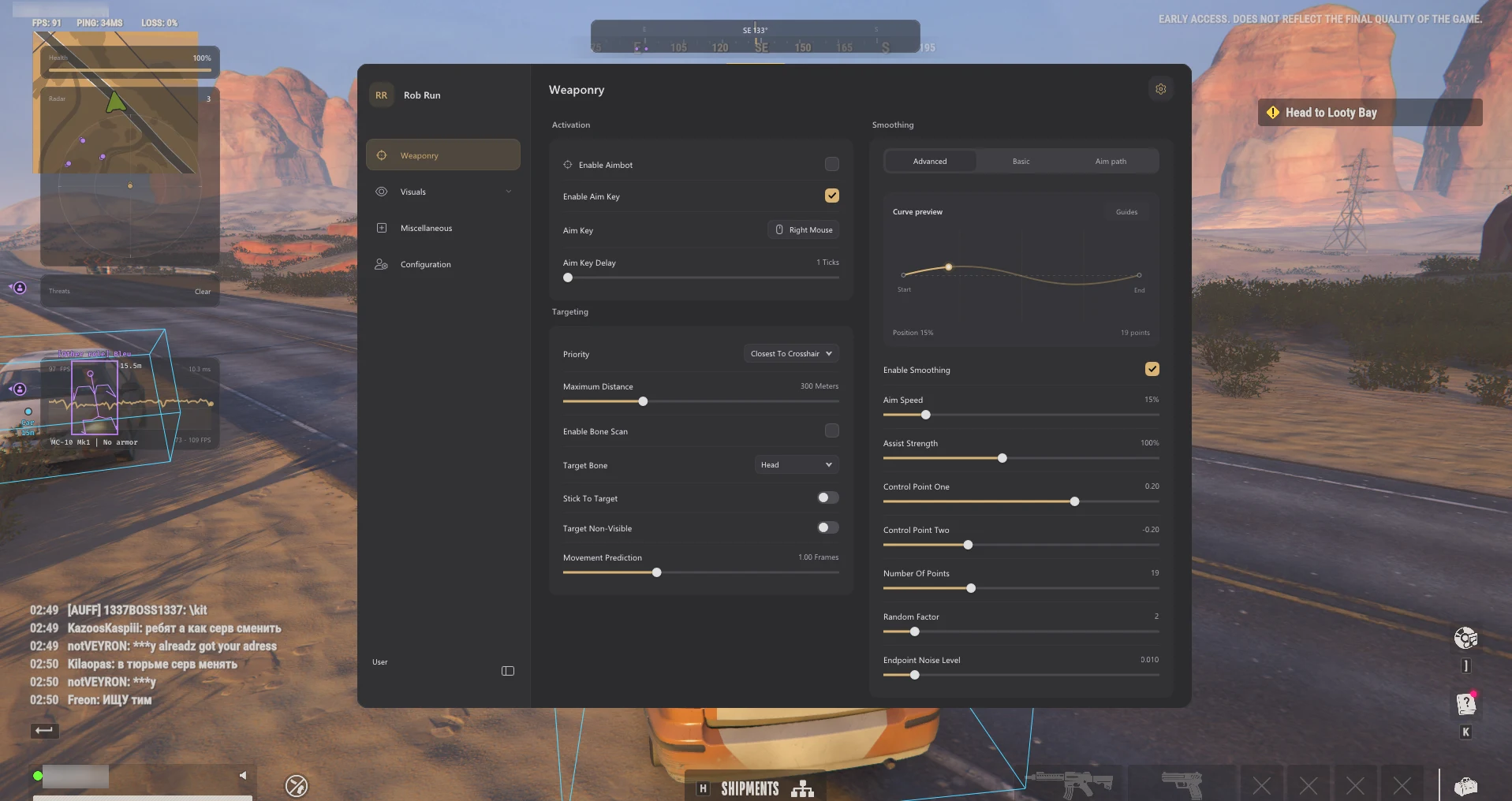
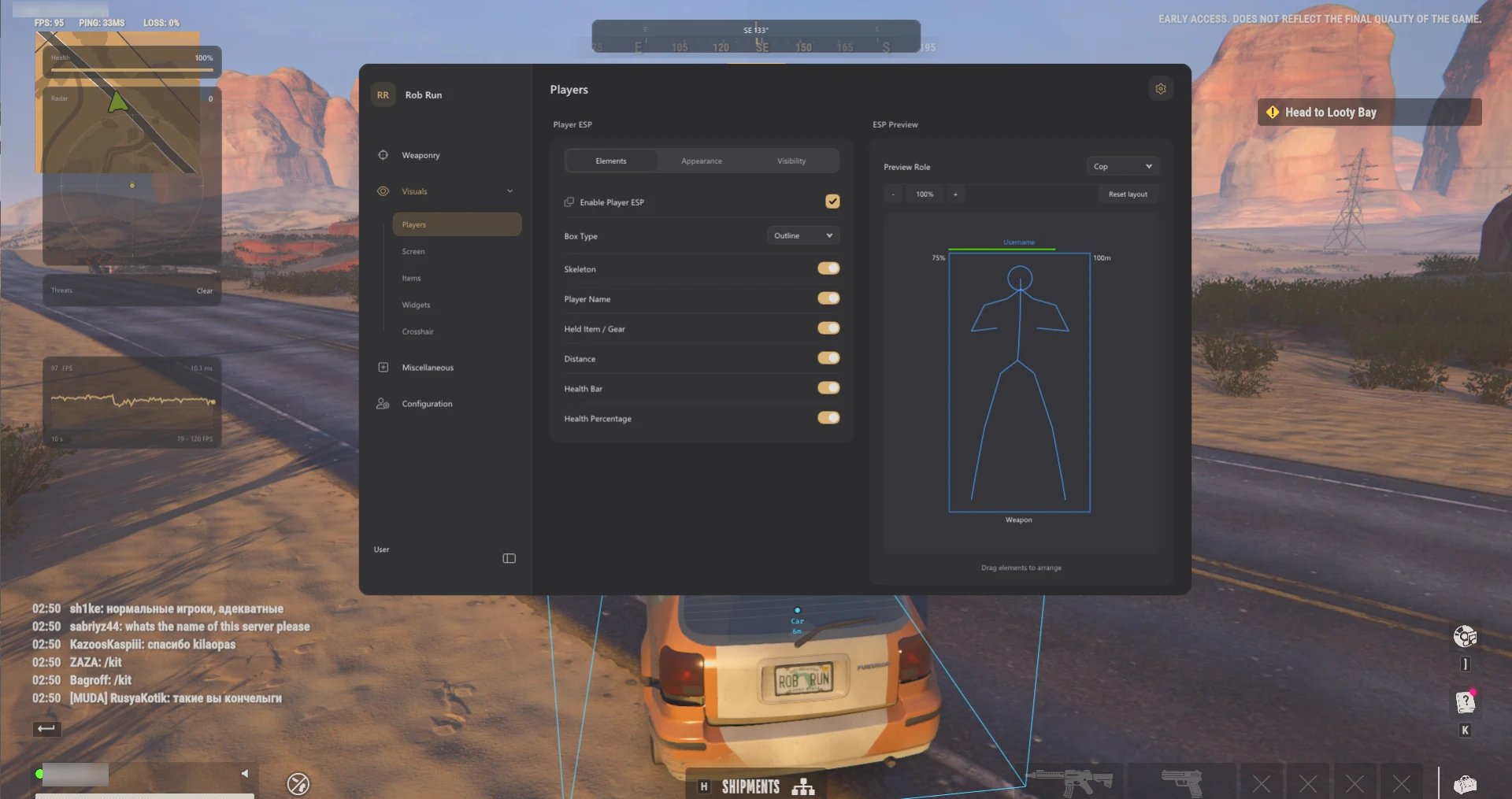
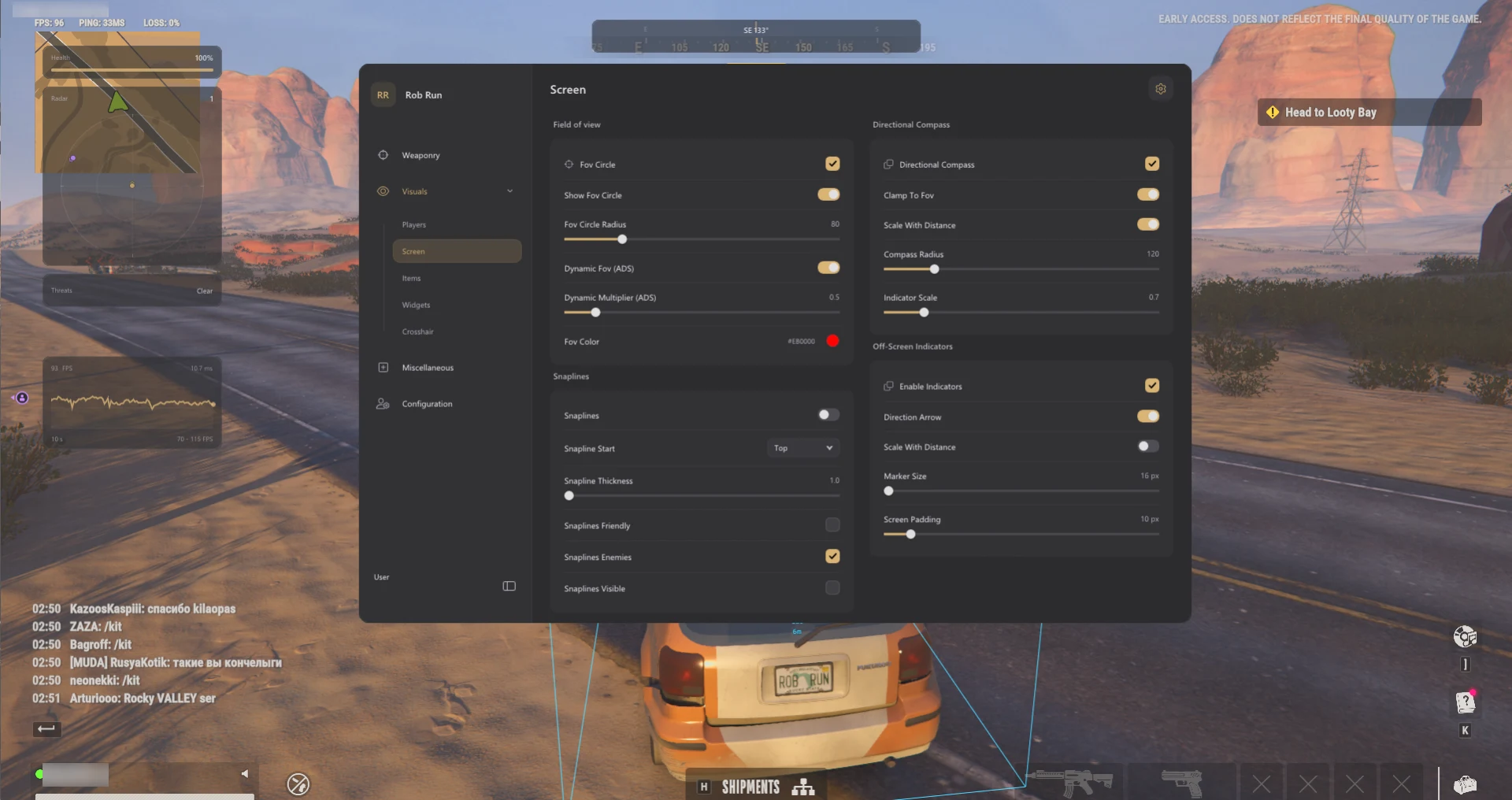
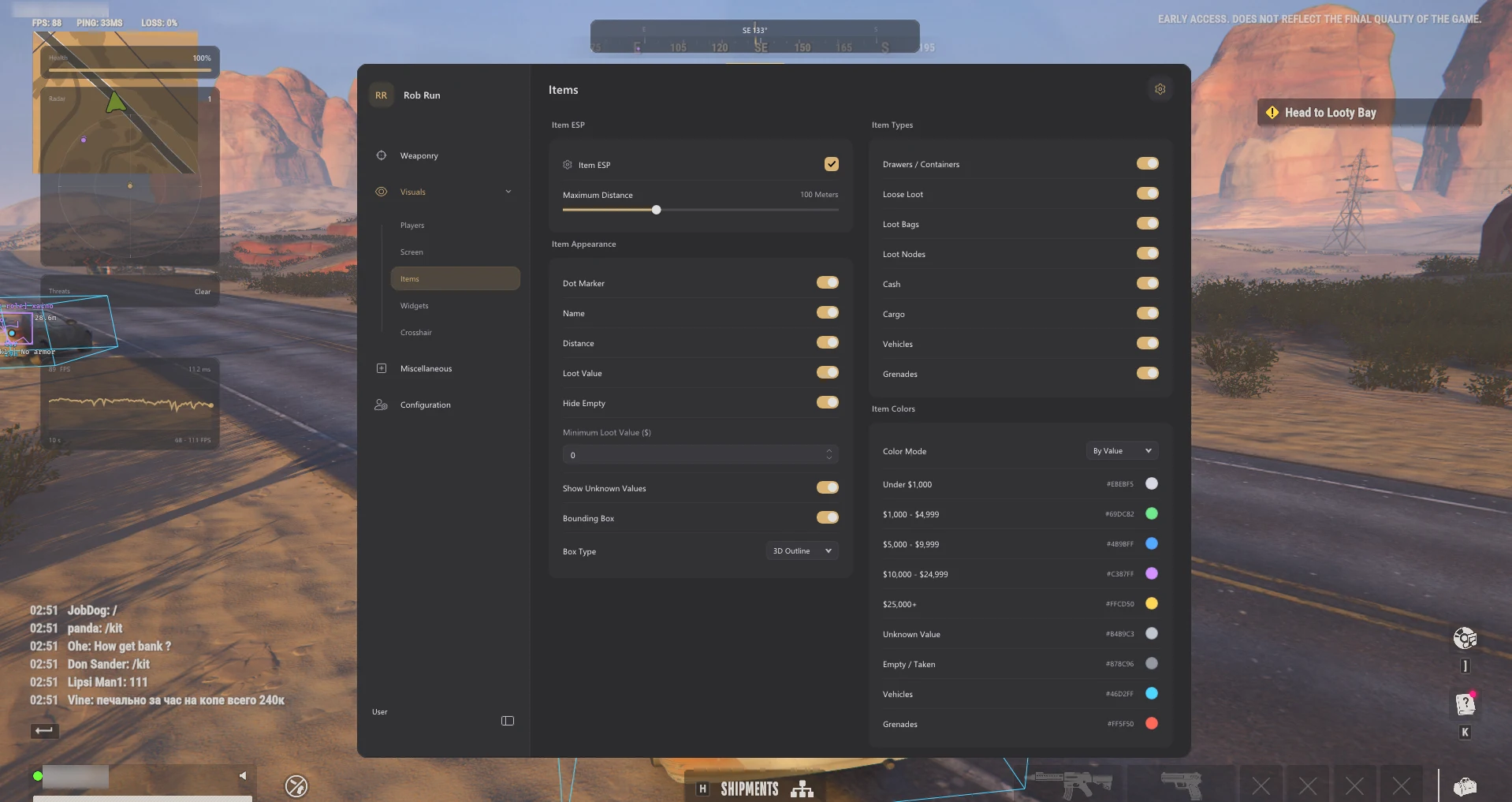
Void Aimbot settingsVoid Exploits settingsVoid Miscellaneous and configuration settingsVoid Player visual settingsVoid World ESP settings
Aimbot and ESP appear across several products, but those labels do not describe every supported control. Compare targeting, player data, world objects and input support separately. A feature relevant to a controller user may matter more than several extra visual categories.
Player ESP and Glow answer different display questions
Player ESP can attach labels or shapes to supported players. Glow changes how a supported model is displayed. A role colour is not proof that a product can read every player state. Compare player ESP with the product’s actual display options, then decide whether those controls give you the information you want.
Loot information depends on the available data
A world marker can identify an object without revealing its contents. Orbit distinguishes unknown contents and confirmed empty loot; other products expose their own categories and filters. Compare the exact labels rather than assuming every container marker includes a reliable total. Read loot ESP and value filters.
Configuration features affect organization
Saved profiles, Battle Mode and Combat Mode are ways to organize or change settings. They do not establish that the underlying feature sets are identical. Use the configuration guide to keep track of which product and profile produced a display you want to compare.
Requirements and Controller Support: Check Them Separately
Arcane lists Windows 10/11, Intel or AMD, Steam, and borderless/windowed play. Python lists Steam and a minimum of 8 GB RAM, with 16 GB recommended. Orbit has its own supported Windows-build list; Void has a separate setup guide and runtime requirements. Open the exact listing for current details before buying.
Python explicitly lists native controller support. That is the documented controller distinction here, not a statement that the other products cannot support a controller. Ask about menu navigation, activation controls and your input device when those details are not stated.
A PC controller feature does not mean the software installs on Xbox or PlayStation. Use the setup overview and the product-specific instructions. For loading or missing-visual problems, see ROB RUN troubleshooting.
Compare Subscriptions Without Guessing What Is Included
Check the duration, current price, included features and the time at which access begins. Compare subscriptions of the same duration where possible. A screenshot shows one configuration, while the listing describes the available product.
Before choosing, confirm PC compatibility and ask about any feature essential to your purchase. Read the buyer guide and use the public status page for the current reported state. Reviews can help describe setup and support experiences, but they cannot establish today’s compatibility.
Live Status, Updates & Account Risk
Check the live status panel before choosing access and again before use after a game update. Availability can change; an earlier video, review or guide revision does not establish the current state of a product.
“Undetected” is a reported status, not a guarantee against detection or account penalties. Screenshot protection and capture visibility do not establish protection from every anti-cheat check. Read ROB RUN account risk for the full explanation.
There is no verified universal winner in this comparison. Compare Orbit for loot-value controls, Arcane for weapon-category settings and Glow, Python for explicitly listed native controller support and Silent Aim, and Void for its player/world controls and Combat Mode. Check requirements before choosing.
Which product explicitly lists native controller support?
Python does. Confirm menu navigation, activation binds and your input setup. This comparison does not establish the same support for Orbit, Arcane or Void.
Are all four ESP feature lists identical?
No. Compare player labels, world-object categories, filters and data availability. A shared ESP label does not establish an identical display or the same contents information.
Does an unknown loot value mean the container is empty?
No. Unknown contents and confirmed empty loot are different states. An overlay may mark an object even when inventory or value data is unavailable.
Can I move a configuration between these products?
Do not assume that you can. Profile formats, menu names and available controls can differ. Use the configuration tools and instructions for the exact product.
Which ROB RUN product is safest?
This comparison cannot establish a safest product or guarantee protection from account penalties. Reported detection status can change. Check current status and read the account-risk guide.
Does radar mean DMA or web-radar sharing?
No. Radar describes a display feature. DMA hardware requirements and browser-sharing support must be explicitly listed for the exact product; do not infer them from the word radar.
Where should I check current prices and access durations?
Use each product listing for current subscription options, prices and requirements. The comparison highlights feature differences and is not a live price quotation.
Explore the Four ROB RUN Products
Compare features, check live status and open the listing for current access options.