
-
View Rob Run: Orbit
ROB RUN Orbit Guide
See how Orbit’s aimbot, role-based ESP, loot values and radar work. Check Windows compatibility, setup resources and ROB RUN account risks.
-
Featured Products
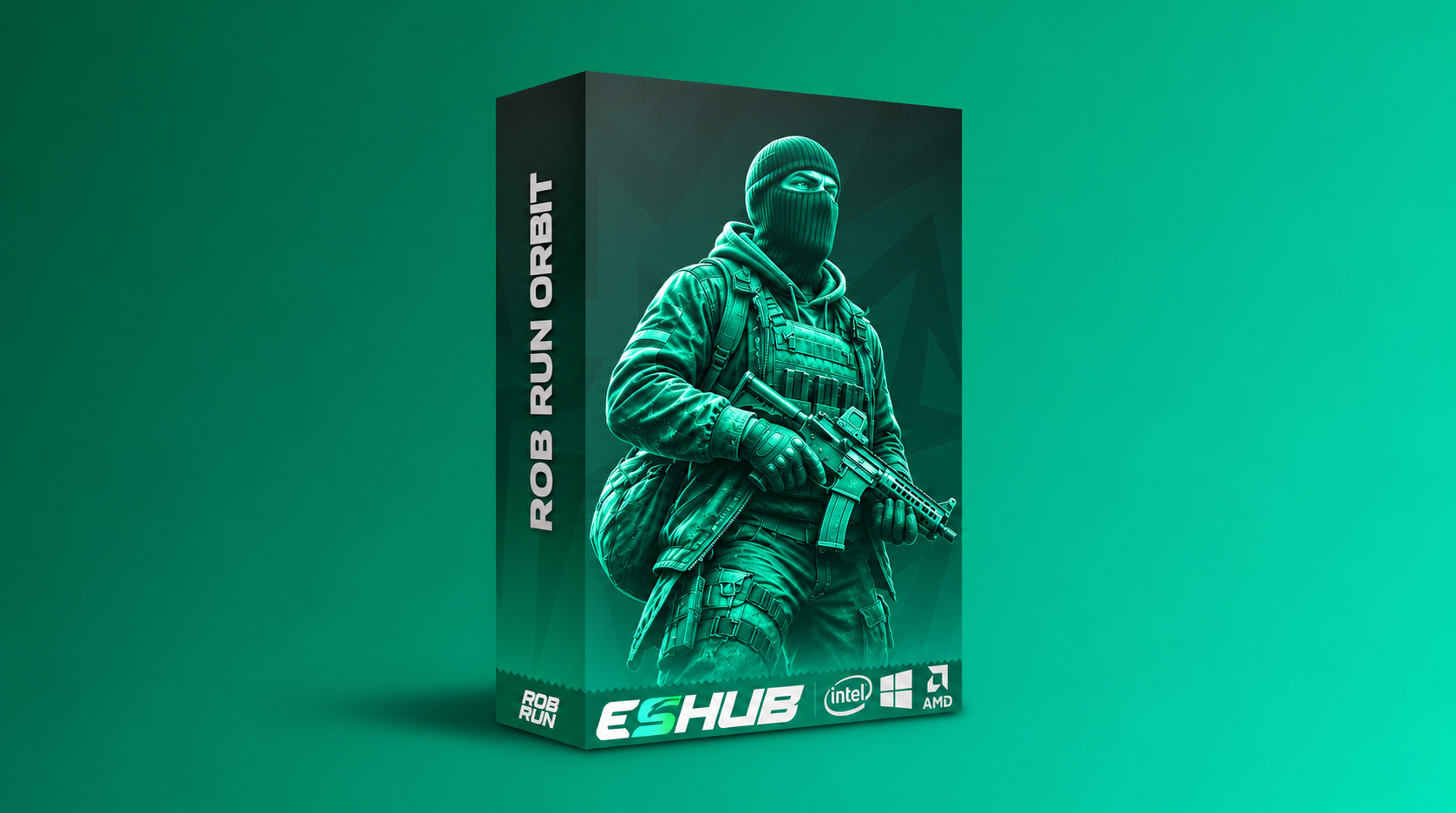
Orbit combines configurable targeting, role-based player markers, loot-value filters and radar. Start here to understand which controls change targeting, which change the display, and what the overlay can show when data is missing.
Explore the controls and limitations below, then check the current requirements and availability for Rob Run: Orbit.
Rob Run: Orbit Features
Aimbot & targeting
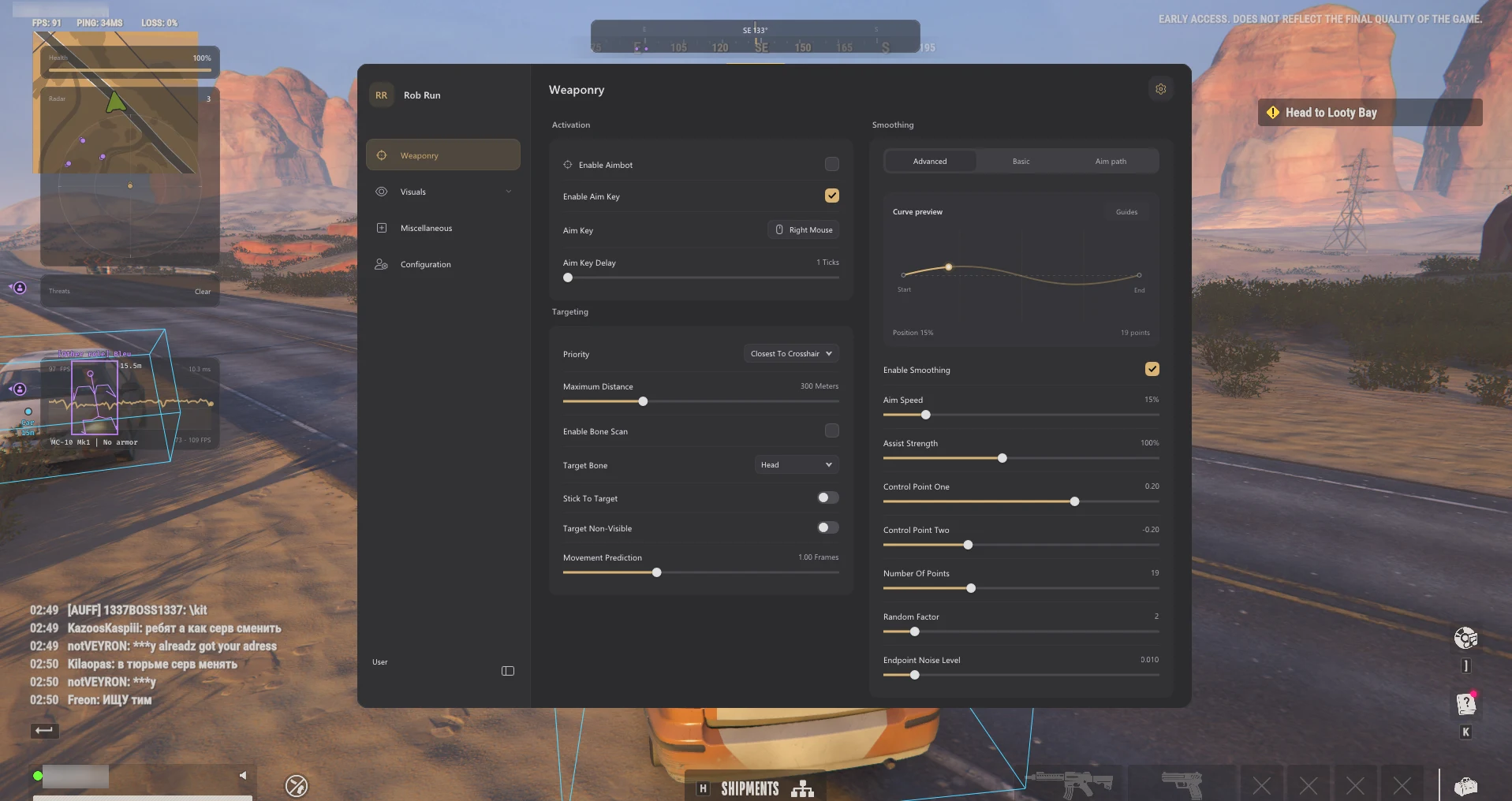
Choose an optional activation key and delay. Role, distance and FOV filters define eligible targets; priority chooses among them using crosshair, bone, distance, health or FOV. Smoothing shapes aim movement after selection. Targeting FOV is separate from camera FOV. Read the aim settings guide.
Player ESP & roles
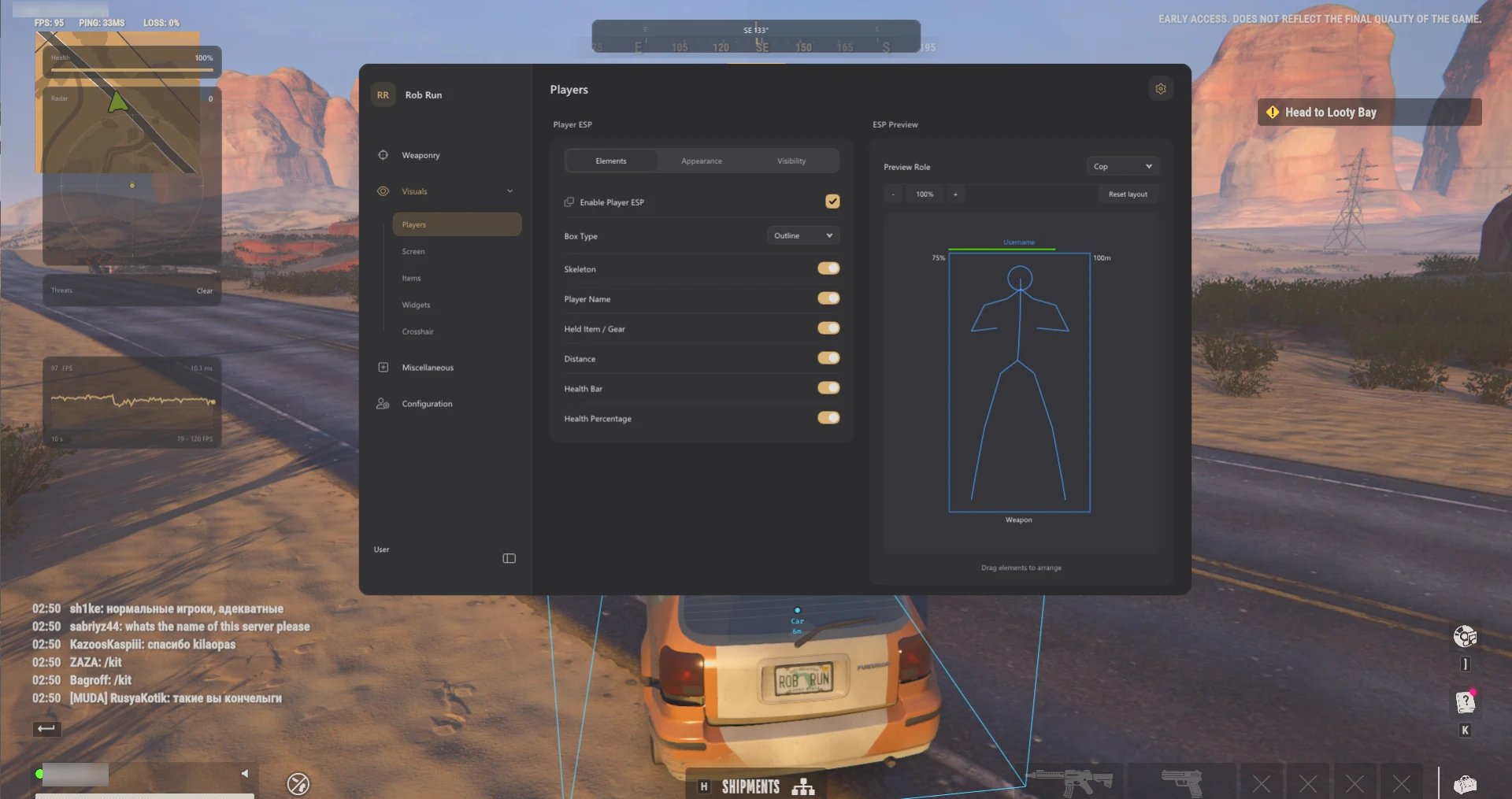
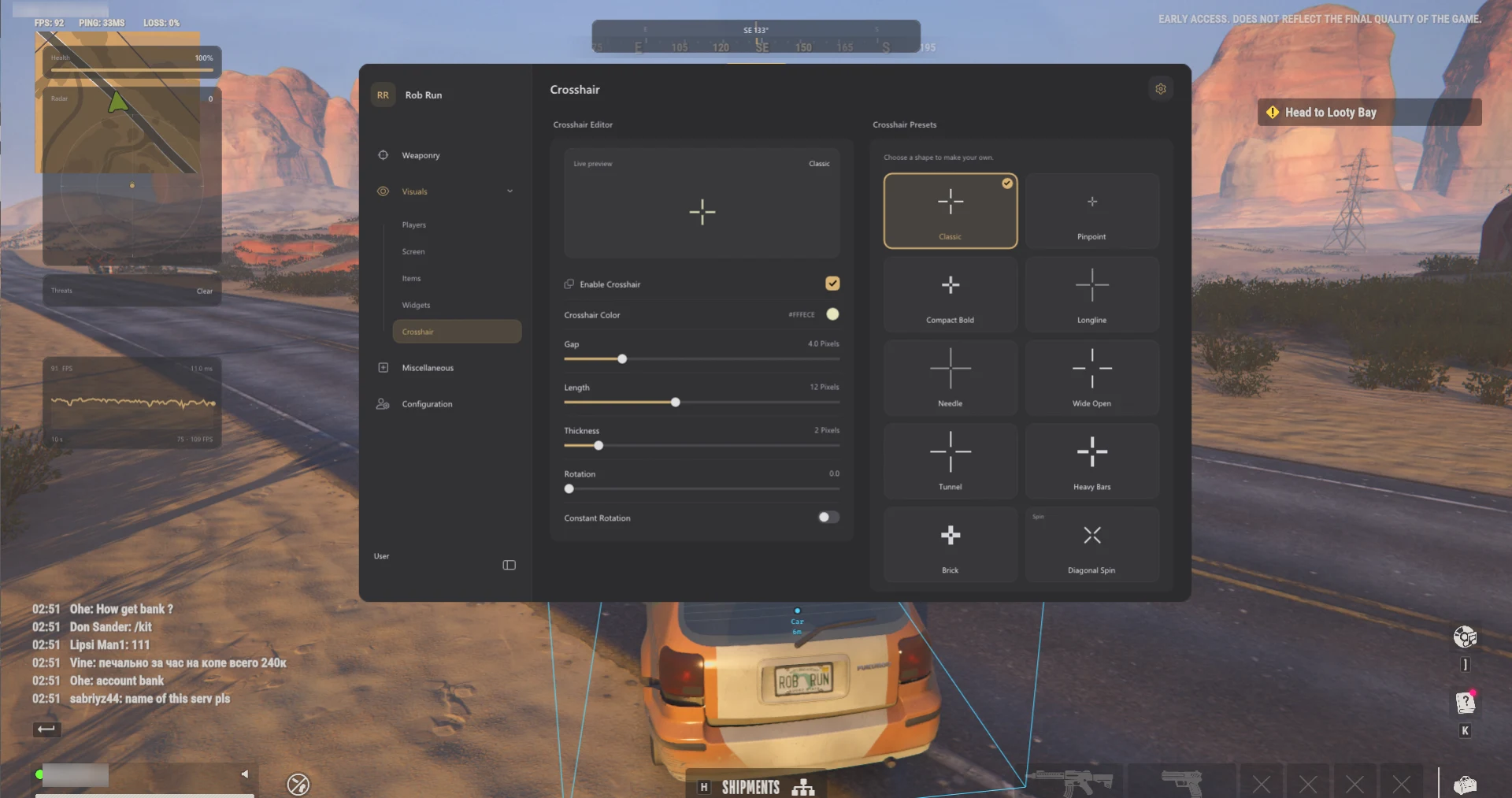
Orbit can draw boxes and skeletons and label a player’s role, name, held item and distance. It only shows health or detailed armour information when the data is available. The Criminals Only display filter changes the overlay; it does not set the aimbot’s target roles. Read the Player ESP guide.
Loot values & world markers
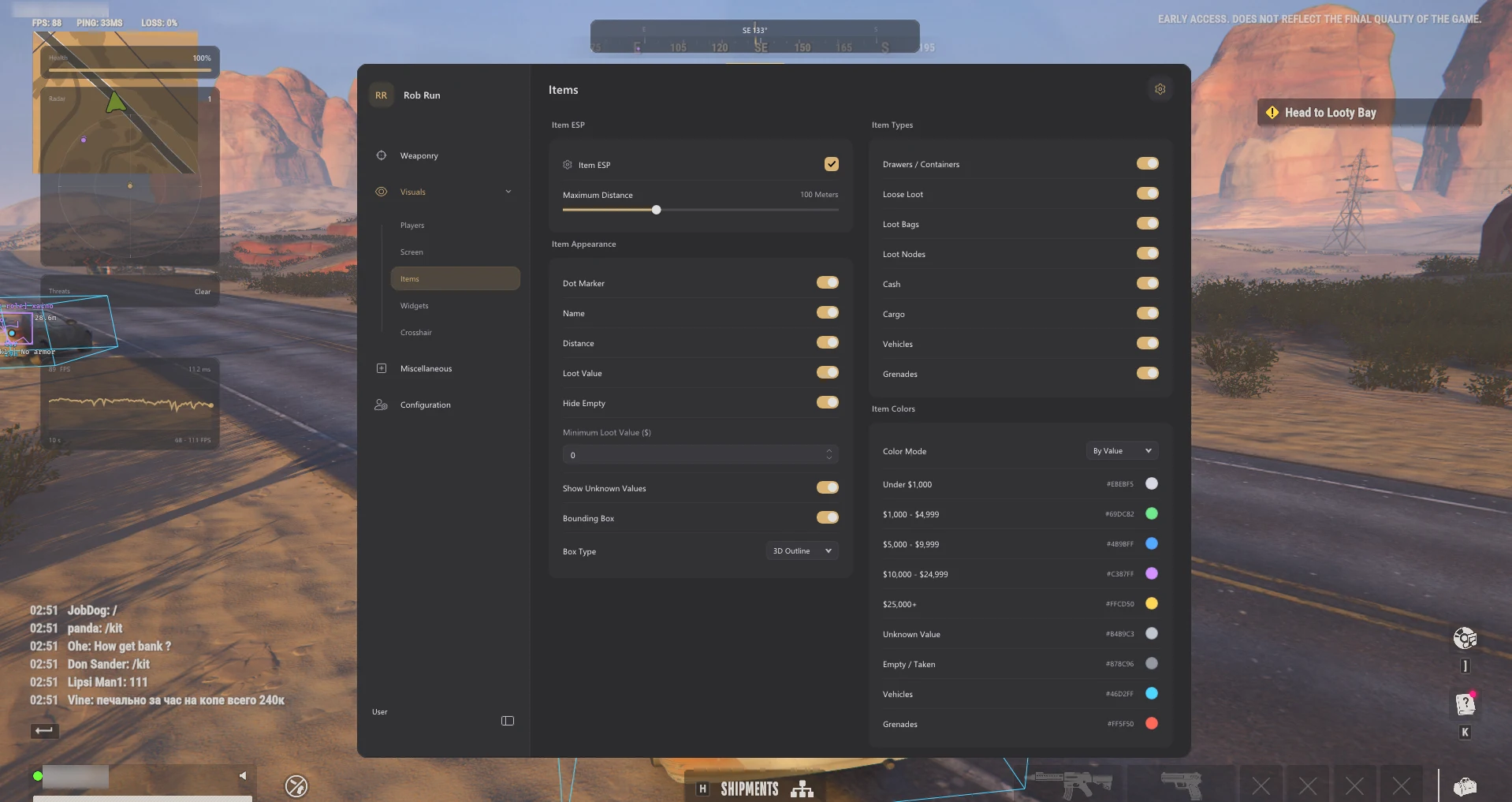
Known cash uses $; an estimate uses ~$. A container marker can appear even when its contents are unknown. The minimum value, unknown-value and hide-empty settings each control a different case. Vehicles and grenades have their own marker categories. See how loot values work.
Radar, camera & profiles
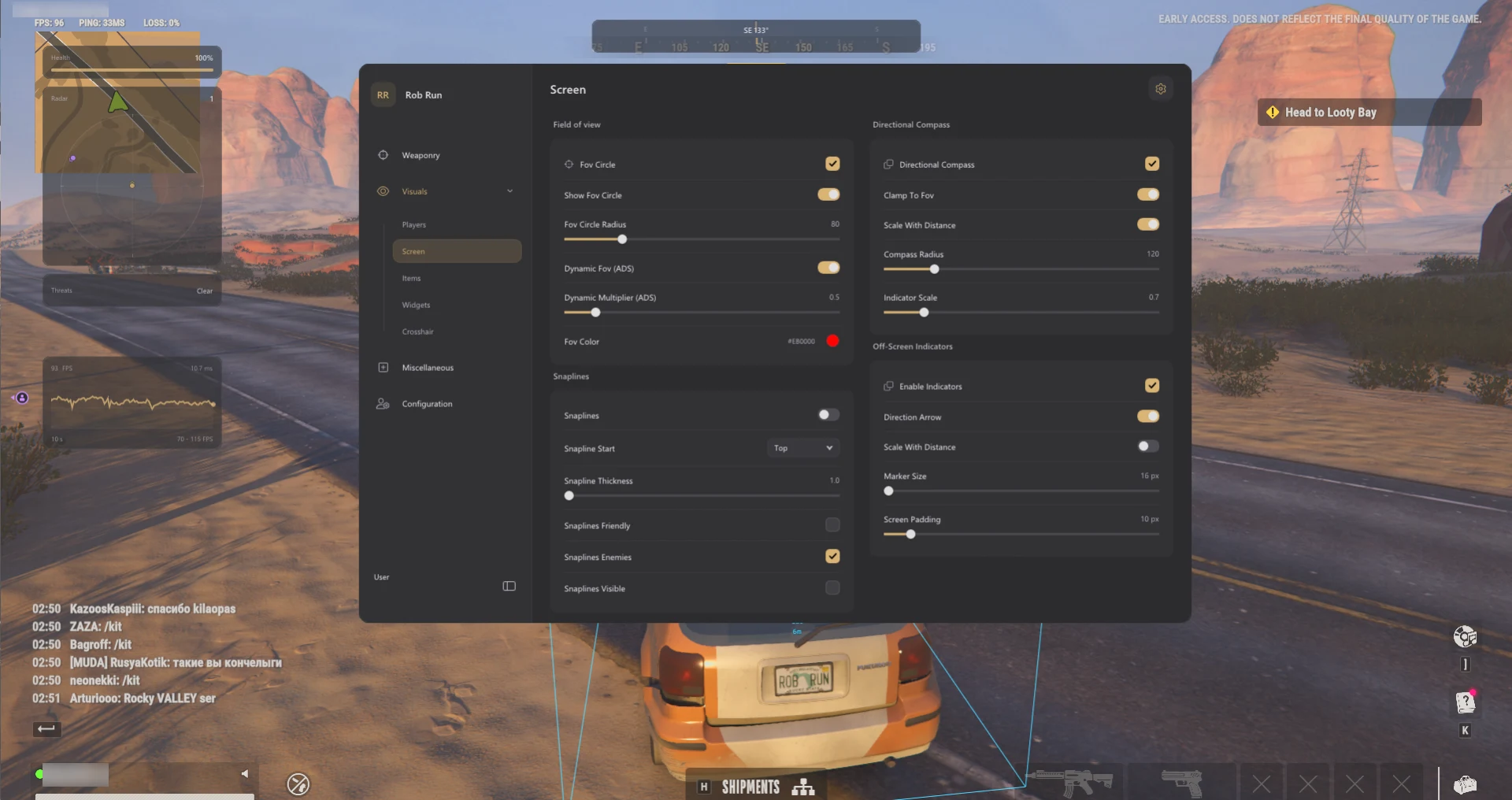
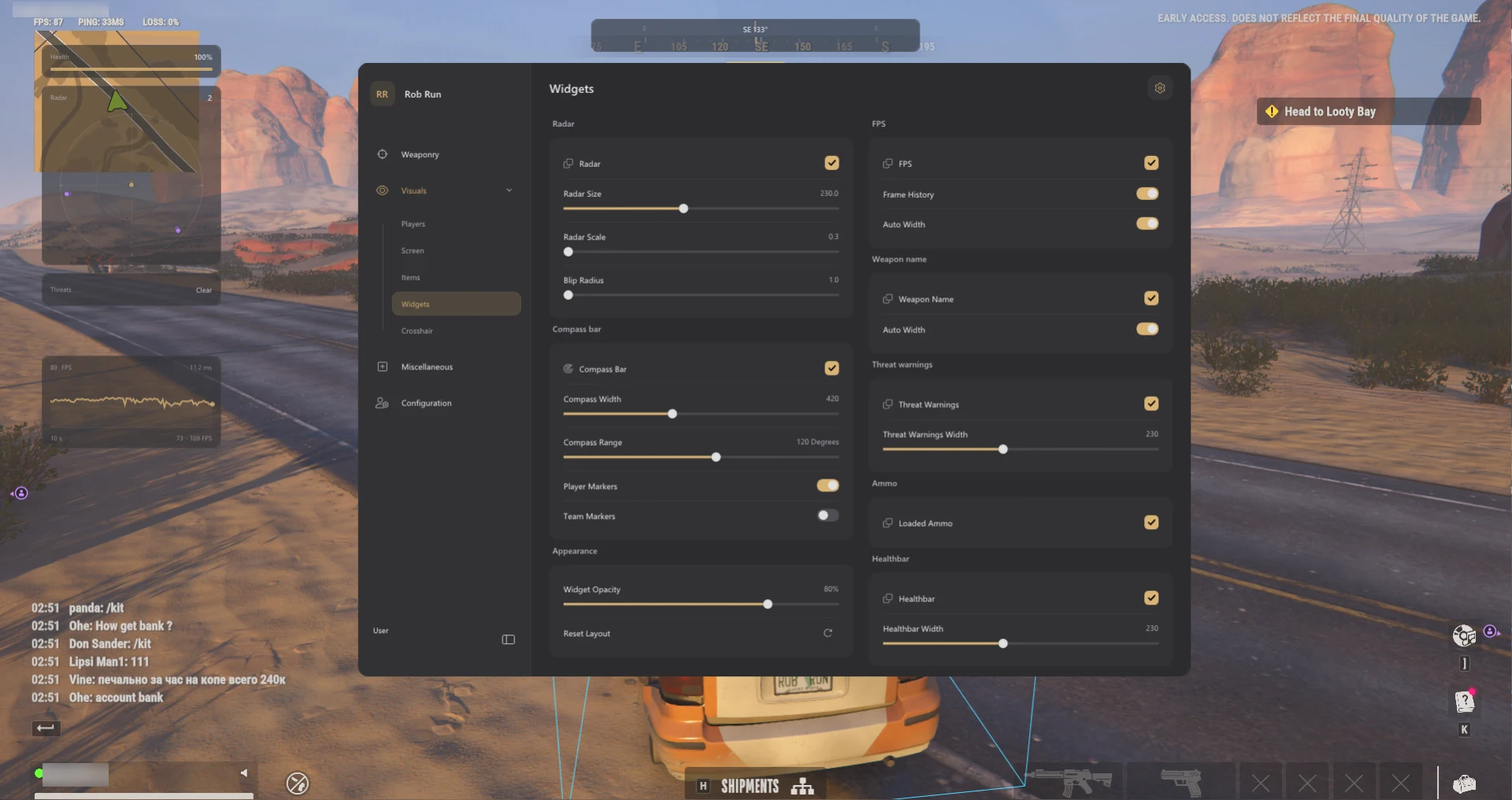
Radar shows relative positions, while off-screen arrows show direction. Blip size changes the size of a marker, not its range. Orbit also lists crosshair and camera controls and named profiles for separate aim and visual settings. Read the radar guide.
Rob Run: Orbit Screenshots
Show 4 more Orbit screenshots
PC requirements & setup
The Orbit listing specifies Windows 11 23H2, 24H2 and 25H2. Windows 10 22H2 is listed with limited compatibility and no technical support. Check the exact build and current Requirements tab before choosing a license.
Open the product listing and follow the instructions linked to your ESHub order. If the menu opens but loot markers are missing, check the active profile, item category, distance and unknown-value filter. For a missing menu or launch error, use the ROB RUN troubleshooting guide.
Is Rob Run: Orbit safe?
No third-party ROB RUN cheat is ban-proof. Kefir’s support documentation says ROB RUN uses Easy Anti-Cheat and cheating can lead to a permanent ban. An “Undetected” label is the seller’s reported status at the time of the check. It does not mean the game permits the software, and it cannot guarantee future compatibility or account safety.
ROB RUN Videos
ROB RUN Products
Compare features, Windows requirements and license options on each product listing.
Rob Run: Orbit
Open the Orbit listing for its full feature list, Windows requirements and available license durations.
View Rob Run: Orbit →Rob Run: Arcane
Open the Arcane listing for its features, Windows requirements and available license durations.
View Rob Run: Arcane →Rob Run: Python
Open the listing for current features, requirements and license options.
View Rob Run: Python →Frequently Asked Questions: Rob Run: Orbit
Click a question below to view the answer.