
-
ROB RUN Radar & Off-Screen Indicators
See how Orbit displays role colours on radar, compass and off-screen arrows, and what snaplines add.
View Rob Run: Orbit -
Featured Products
See how Orbit displays role colours on radar, compass and off-screen arrows, and what snaplines add.
Explore the controls and limitations below, then check the current requirements and availability for Rob Run: Orbit.
Rob Run: Orbit Reviews
Rob Run: Orbit feedback supplied by ESHub. Individual experiences vary.
+++rep for EsHub. Orbit was a little more than I wanted to spend at first, but I’m glad I gave it a shot. There’s a lot to tweak, and once I got the settings how I wanted them, it felt great to use. The EsHub team was chill and answered my questions too.View Rob Run: Orbit →
I mainly wanted ESP for Rob Run, so I started with a day key to see how I liked it. Being able to see where players were made it easier to decide when to push and when to back off. I ended up grabbing a month after that first day.View Rob Run: Orbit →
First time trying anything like this, so I got stuck during setup. I opened a ticket and EsHub walked me through the step I missed. Once I was in-game, the menu was pretty easy to figure out. Thanks for the help.View Rob Run: Orbit →
A friend put me onto Orbit after I told him how rough my Rob Run matches had been, lol. I mostly used ESP at first, then spent some time dialing in the aimbot. Being able to tweak both was what sold me on it.View Rob Run: Orbit →
Guide Updates & Product News
— Updated this guide’s layout, related links and product information placement.
See live product status for current availability and EsHub Discord for product updates. Read the Rob Run: Orbit reviews.
Radar and role colours
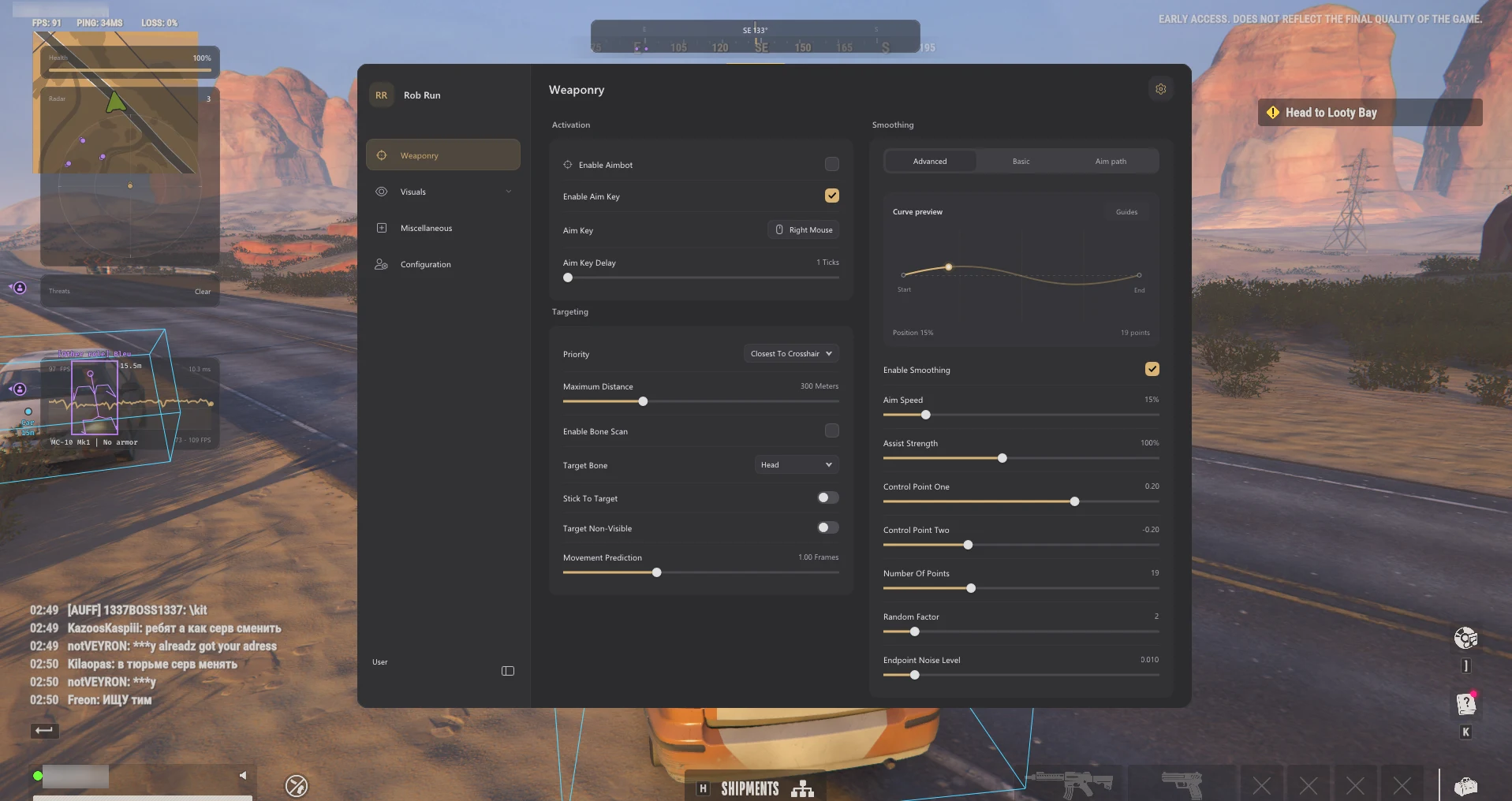
Radar places supported player positions in a separate widget. Orbit lists size, scale and blip-radius controls, along with role colours shared by the player overlay and directional markers.
Rob Run: Orbit Screenshots
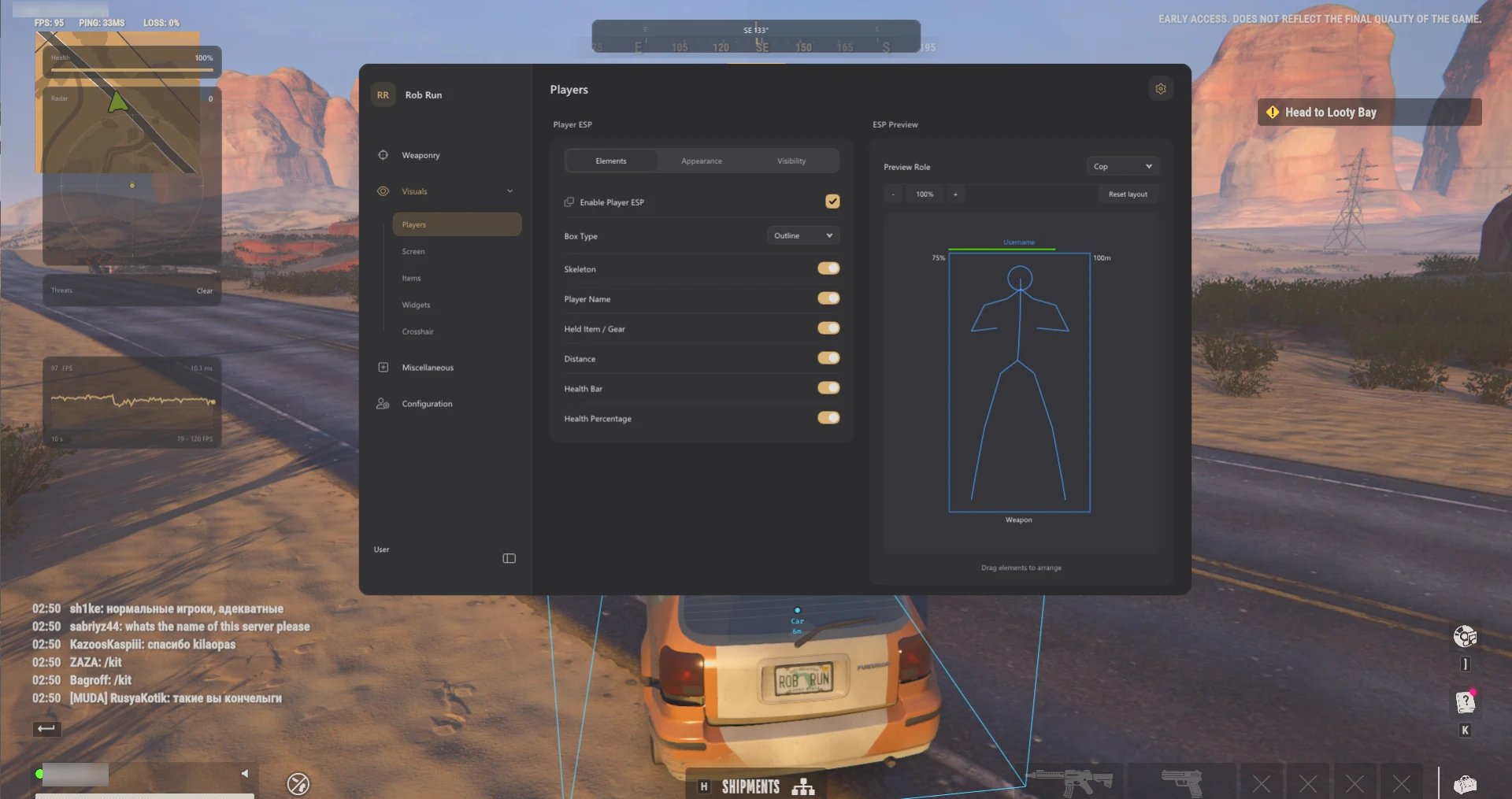
When to use radar, compass or arrows
Radar
A compact panel for comparing relative positions. Panel size, scale and blip radius are separate.
Compass
A direction readout with its own width, range and player or team markers.
Off-screen arrows
Direction indicators for eligible players outside the visible frame.
Snaplines
Lines from a selected on-screen origin to eligible markers, with separate relationship filters.
Compass and off-screen arrows
The compass bar represents direction with adjustable width, range and player or team markers. Directional indicators have separate size, padding and distance scaling controls.
Snaplines and threat warning
Snaplines connect an on-screen origin to eligible markers. Start position, thickness and relationship filters are adjustable. Orbit also lists a separate threat-warning widget.
Why use ROB RUN Radar?
Radar keeps relative positions together in one compact widget. The compass is useful when you want direction without a separate positional panel. Off-screen indicators can provide direction while leaving the centre of the display clear.
Which display control changes what?
Radar size changes the panel, scale changes the spacing of plotted positions, and blip radius changes marker size. Compass range and off-screen indicator sizing are separate settings.
How to keep directional information readable
Choose one primary direction display first. Radar shows more than a single heading; arrows can be easier to read when you only want to know which edge to look toward. The shared role colours help you recognize the same player category when switching between the two displays.
Related ROB RUN Features & Guides
ROB RUN Player ESP & Role Filters
Explore Orbit’s player boxes, skeletons, cop and criminal labels, gear, visibility filters and conditional armour data.
Read the Guide →ROB RUN Vehicle & Grenade ESP
See how Orbit marks cars, helicopters and grenades, including distance labels and conditional 3D boxes.
Read the Guide →Rob Run: Orbit Product Information
Check the product listing for supported Windows versions, current requirements and subscription options.
Rob Run: Orbit
Read the Orbit listing for the full feature list, supported Windows versions and available durations. Game updates can change compatibility. Third-party multiplayer software can lead to account penalties.
Listed access: 1 day · 1 week · 1 month · Lifetime. Check current checkout options.
View Rob Run: Orbit →Frequently Asked Questions: ROB RUN Radar & Off-Screen Indicators
Click a question below to view the answer.