
-
View Rob Run: Arcane
ROB RUN Arcane Guide
See how Arcane’s weapon-specific aimbot, Glow, camera ESP and Battle Mode work. Check PC requirements, beta features and ROB RUN account risks.
-
Featured Products
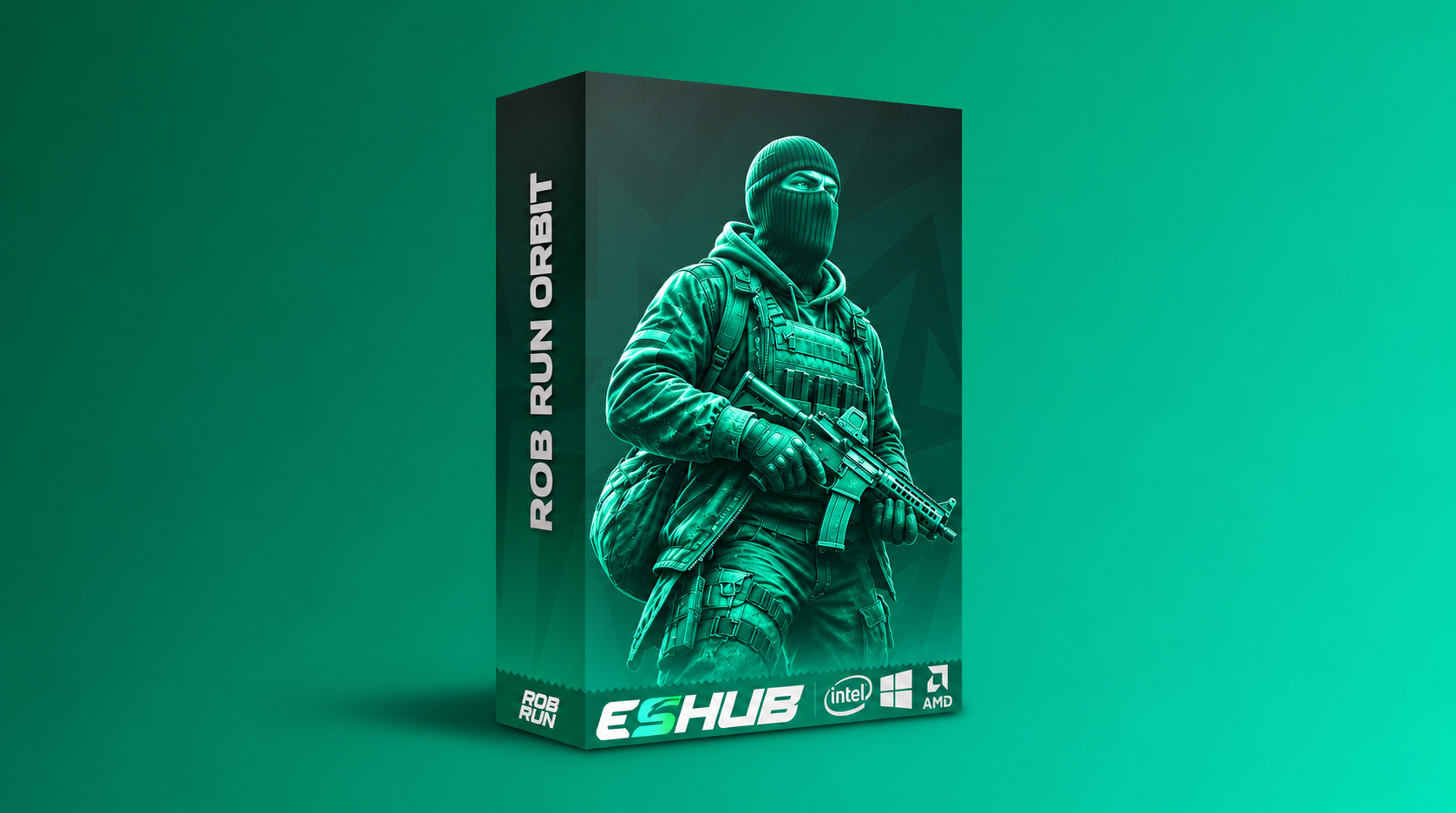
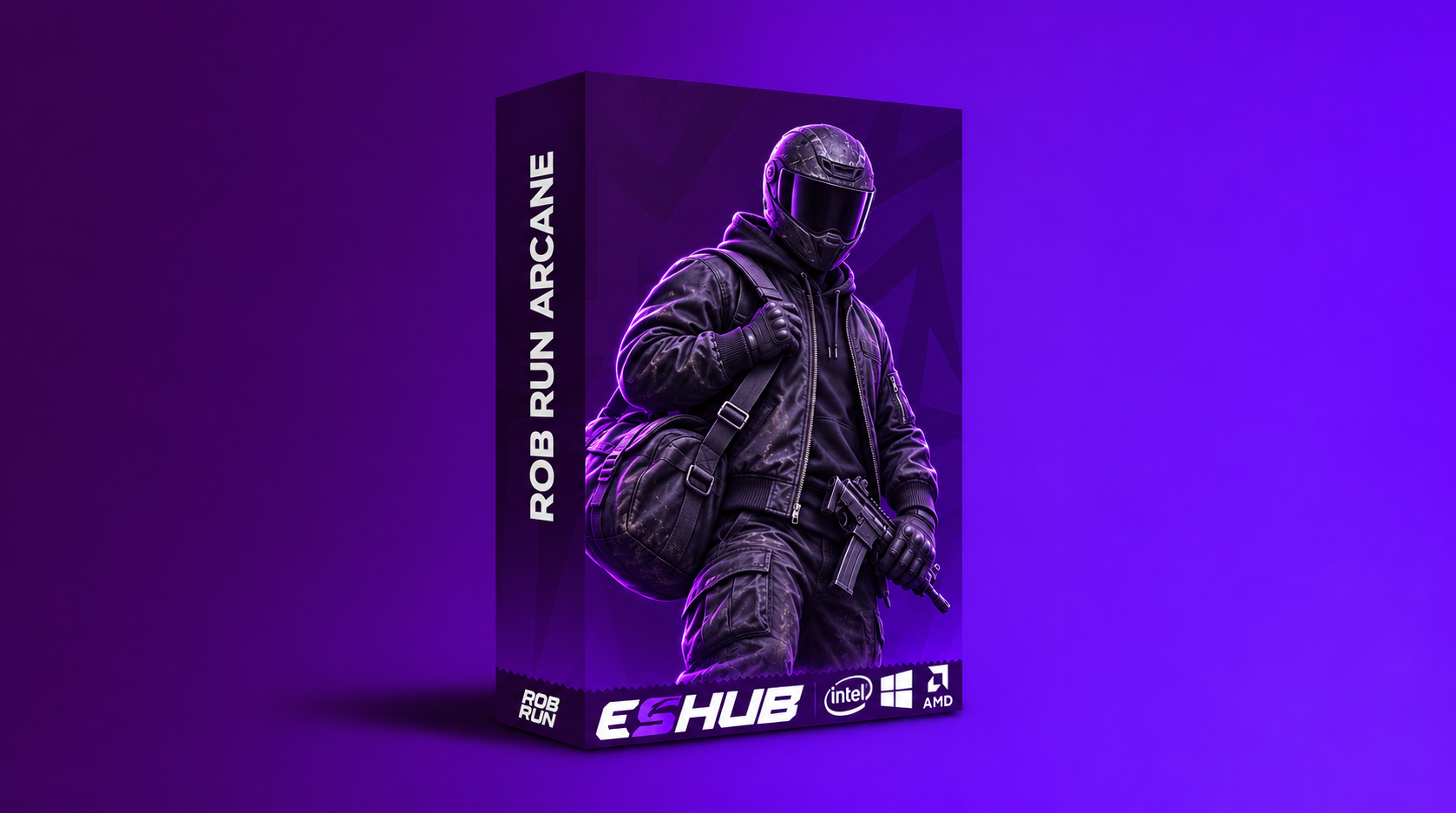
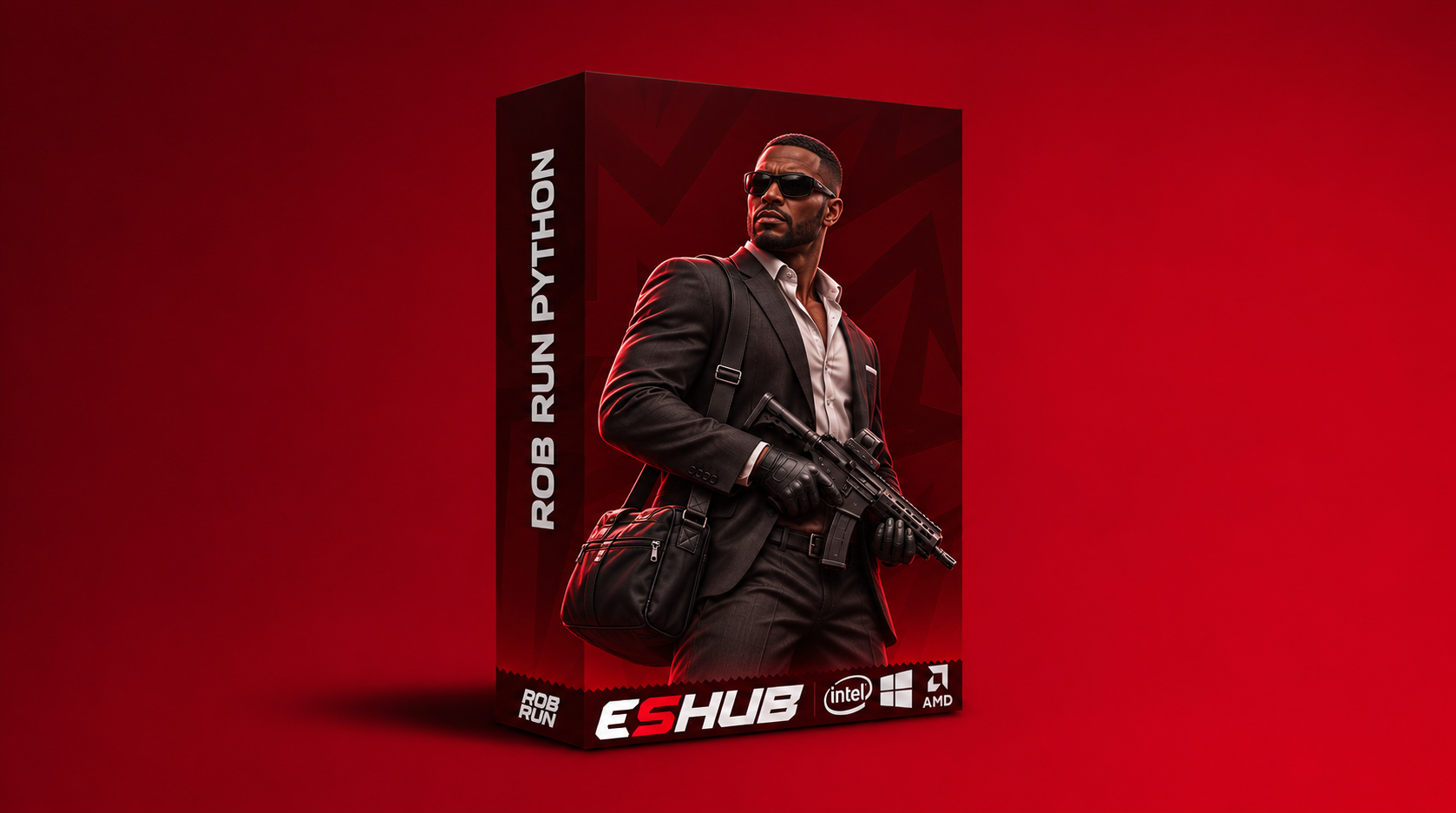
Arcane groups aiming settings by weapon type and gives players, NPCs, vehicles, cameras and items their own overlays. This guide explains where Glow and Battle Mode fit, and which visibility controls are still in beta.
Explore the controls and limitations below, then check the current requirements and availability for Rob Run: Arcane.
Rob Run: Arcane Features
Weapon-specific aimbot
Global, Pistol, Automatic and Other have their own aim settings. The menu lists hold or always activation, role and bone selection, smoothness, prediction and adaptive FOV. Visible Only is marked beta.
Player ESP & Glow
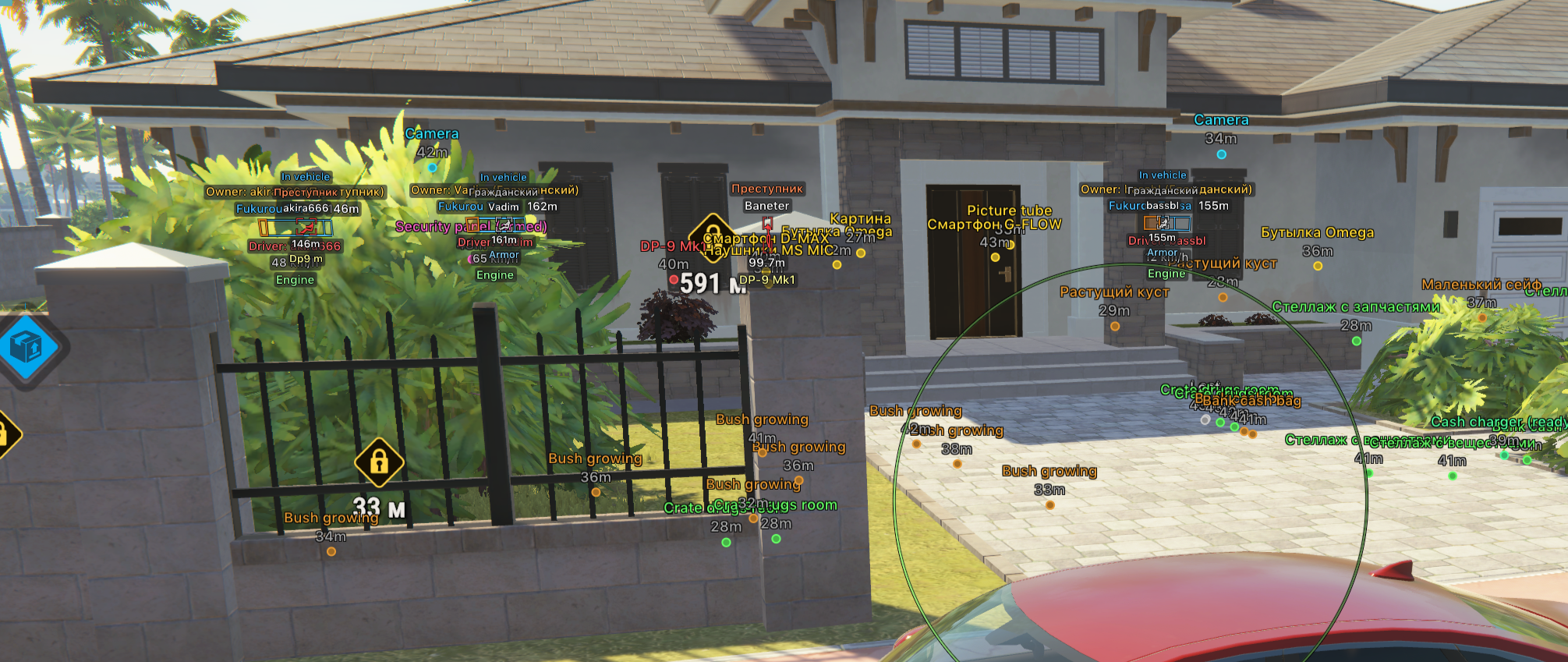
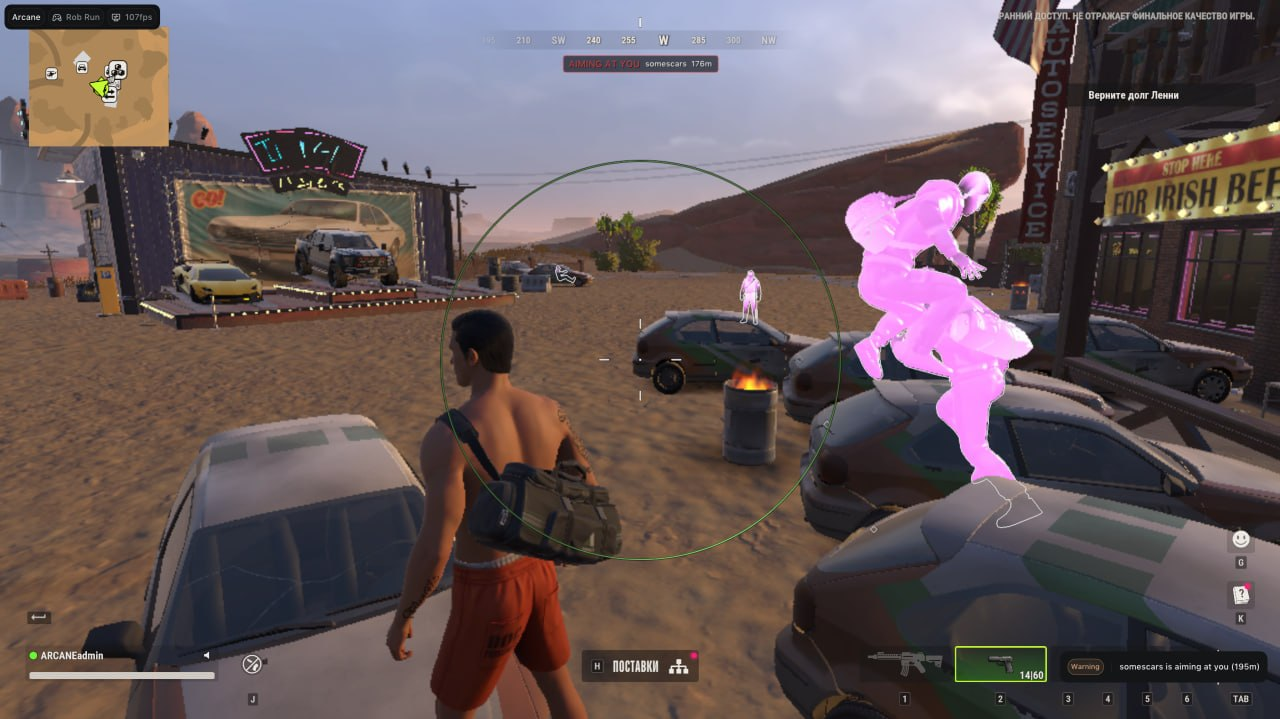
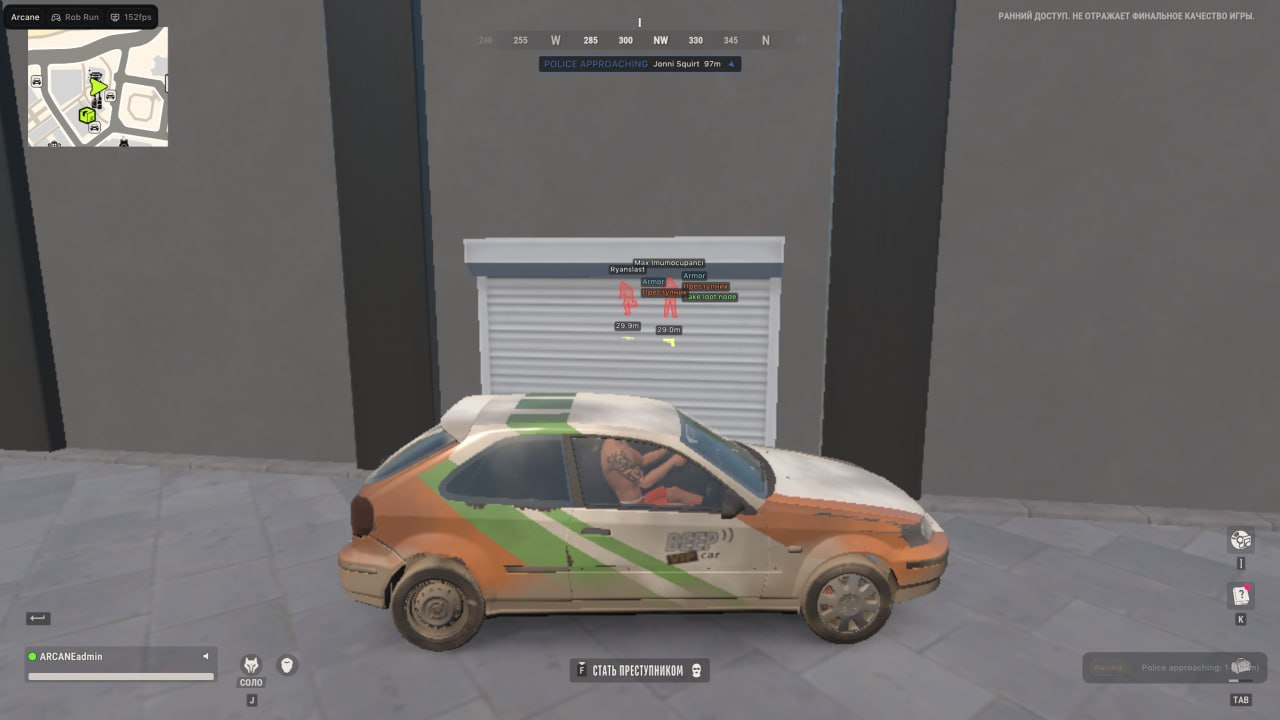
Player ESP offers boxes, skeletons and labels for supported details like role, held item and distance. Glow is a separate display layer with role-specific styles, colours and distance limits. The visibility check that changes how boxes and skeletons appear is marked beta.
NPC, vehicle, camera & item ESP
Each has separate controls. The camera overlay lists camera state and view zones. Vehicle labels can include occupancy, owner, driver and speed. Item ESP includes category filters, icon display and price controls.
Radar, Battle Mode & configs
Radar lists entity filters, distance rings, an FOV cone and zoom. Battle Mode can hide selected categories or overlays, including radar and off-screen indicators. Saved configurations let you reload a layout without rebuilding it.
Rob Run: Arcane Screenshots
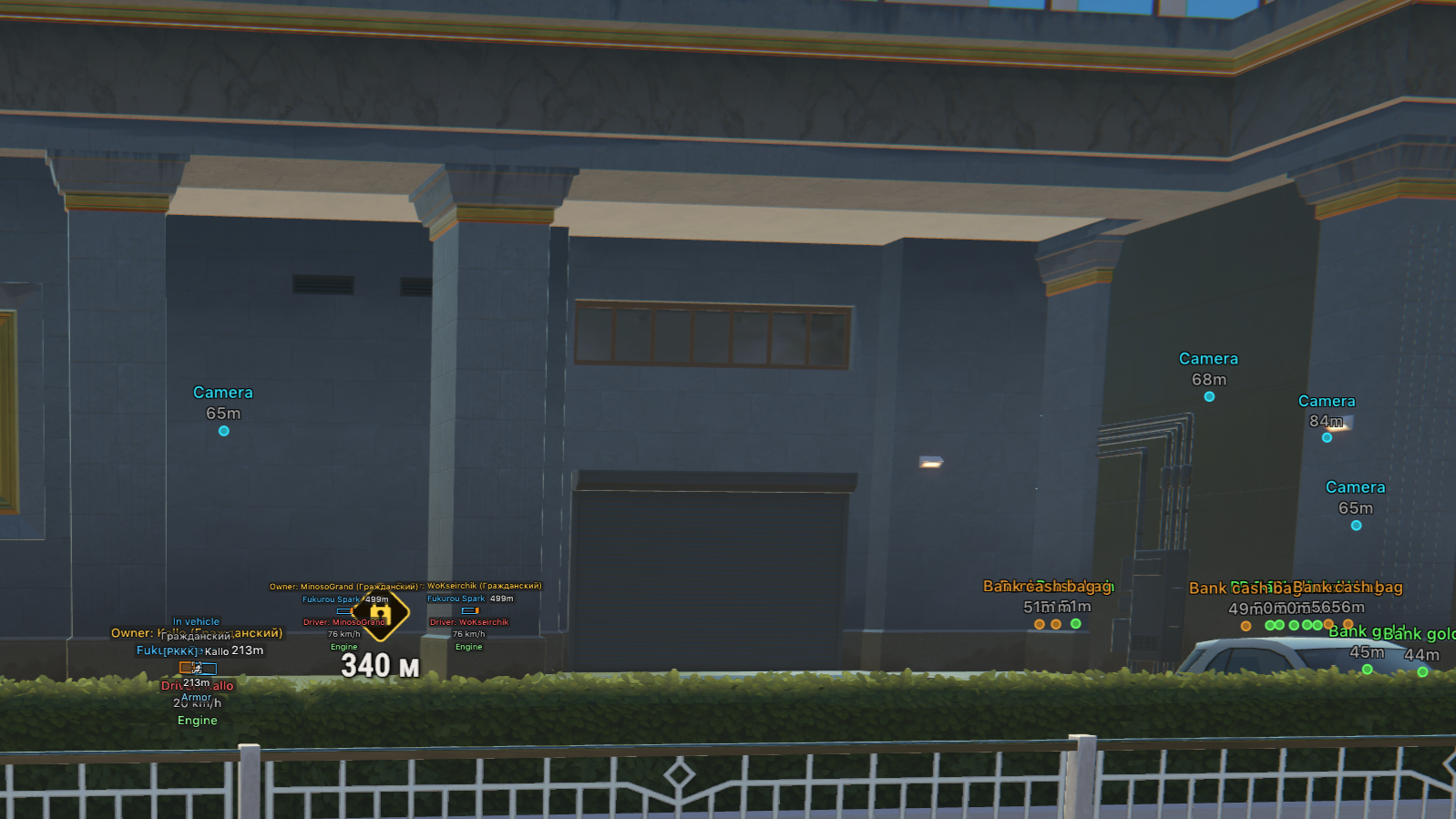
Show 5 more Arcane screenshots
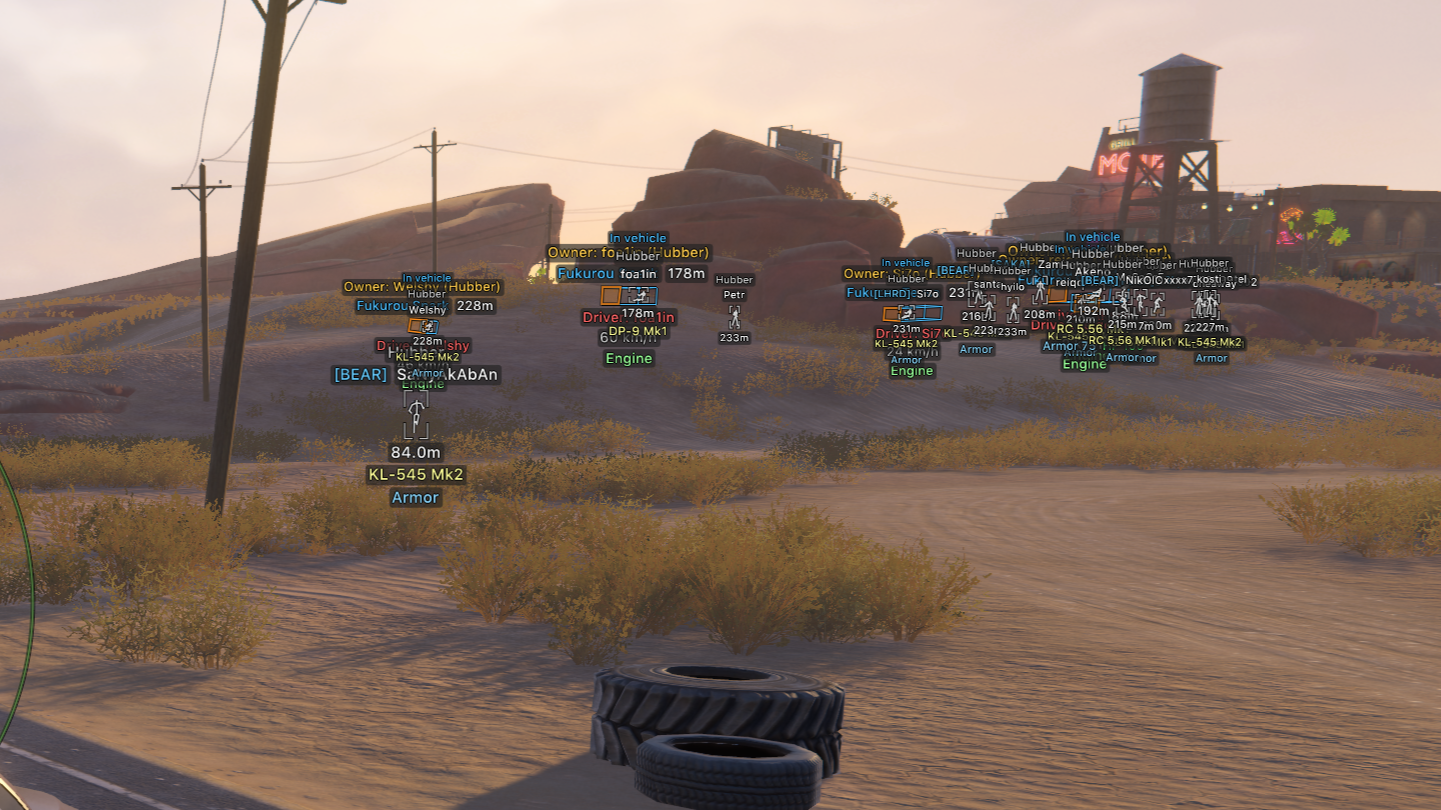
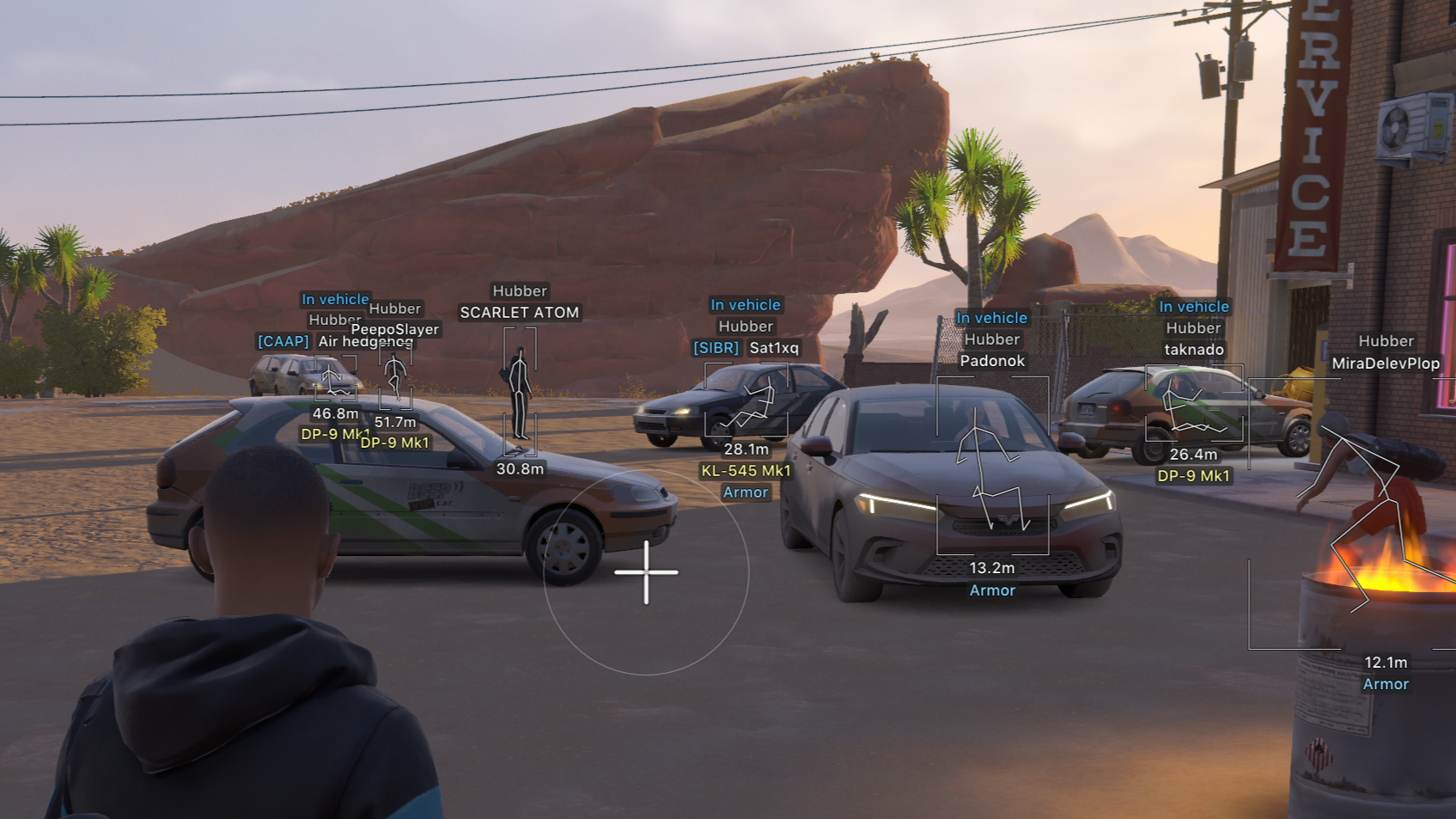
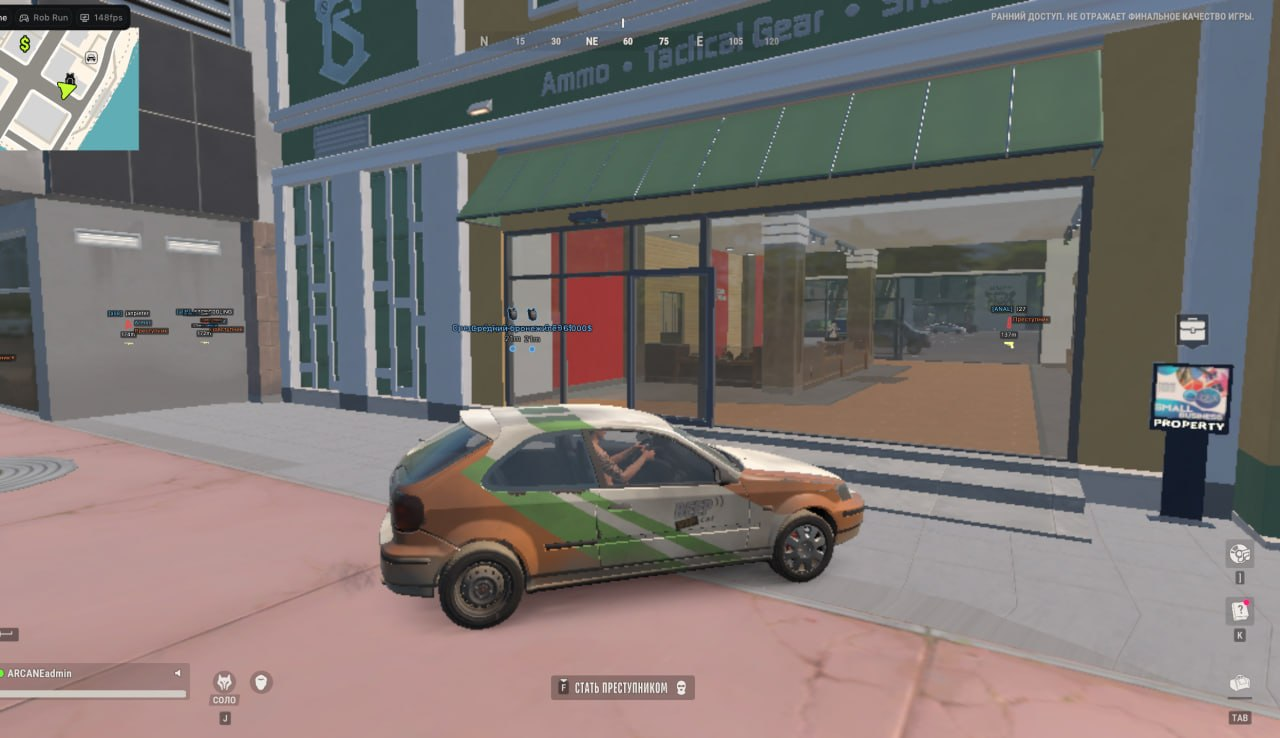
PC requirements & setup
The Arcane requirements list Windows 10 or 11, Intel or AMD, Steam, and borderless or windowed display. They list no USB drive requirement and no bundled spoofer. Confirm your exact Windows build in the product’s Requirements tab or with support before buying.
Open the product listing and follow the instructions linked to your ESHub order. If labels disappear while the menu still works, check whether Battle Mode is hiding that overlay. If only one role is missing, check that role’s toggle and distance limit. If the issue started with a patch, check the status page and contact ESHub with the exact error and game build.
Is Rob Run: Arcane safe?
No third-party ROB RUN cheat is ban-proof. Kefir’s support documentation says ROB RUN uses Easy Anti-Cheat and cheating can lead to a permanent ban. An “Undetected” label is the seller’s reported status at the time of the check. It does not mean the game permits the software, and it cannot guarantee future compatibility or account safety.
ROB RUN Videos
ROB RUN Products
Compare features, Windows requirements and license options on each product listing.
Rob Run: Arcane
Open the Arcane listing for its full feature list, Windows requirements and available license durations.
View Rob Run: Arcane →Rob Run: Orbit
Open the Orbit listing for its features, Windows requirements and available license durations.
View Rob Run: Orbit →Rob Run: Python
Open the listing for current features, requirements and license options.
View Rob Run: Python →Frequently Asked Questions: Rob Run: Arcane
Click a question below to view the answer.