
Aimbot
Adjust activation, target selection and aim movement.
ESHub provides premium undetected game softwares, DMA Hardware, ESP, Aimbot, and HWID spoofers for popular PC titles including Apex Legends, Arena Breakout Infinite, ARC Raiders, Escape from Tarkov, Fortnite, Rust, Rainbow Six Siege, and more. Our solutions are secure, frequently updated, and designed to stay undetected.
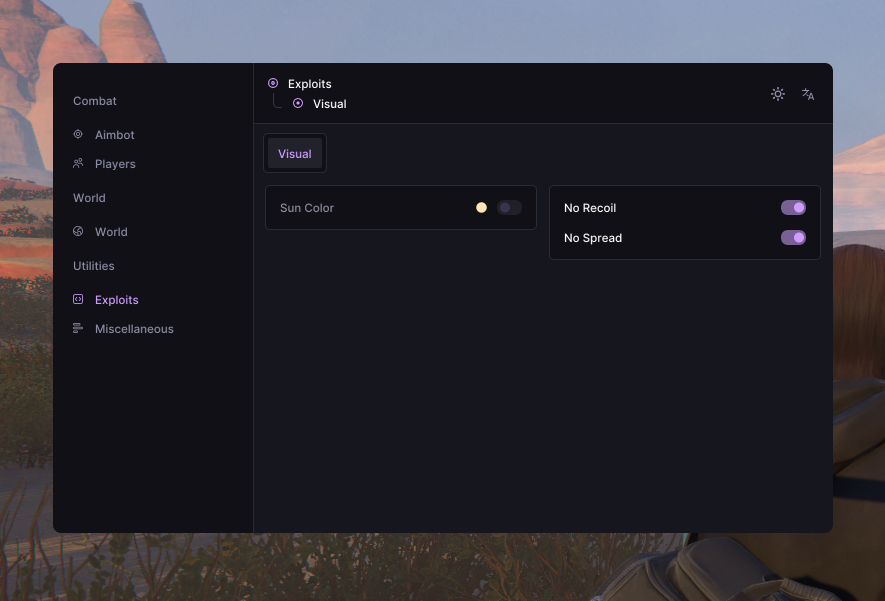
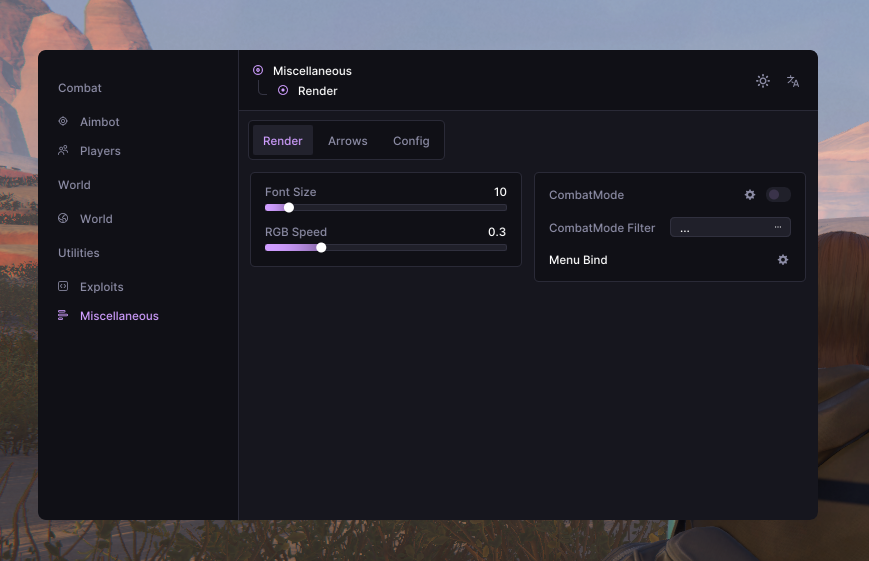
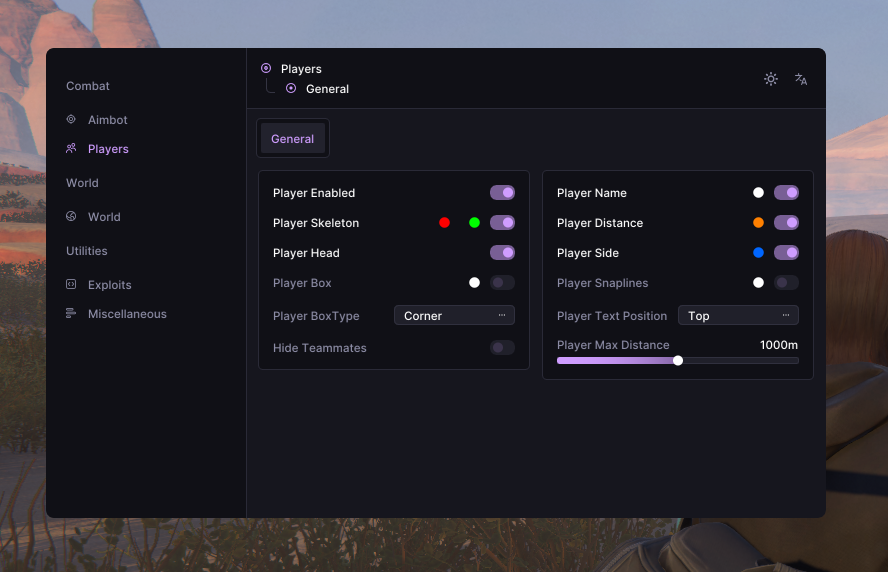
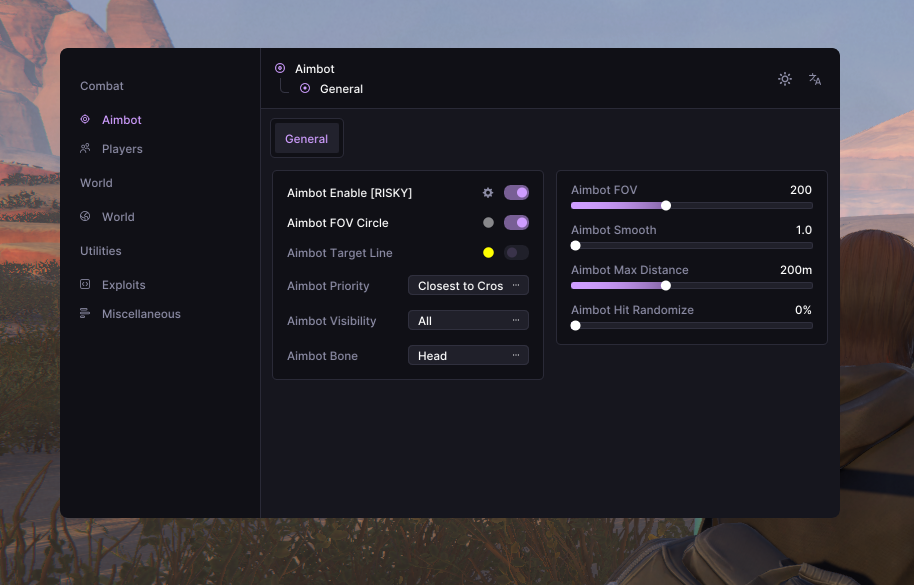
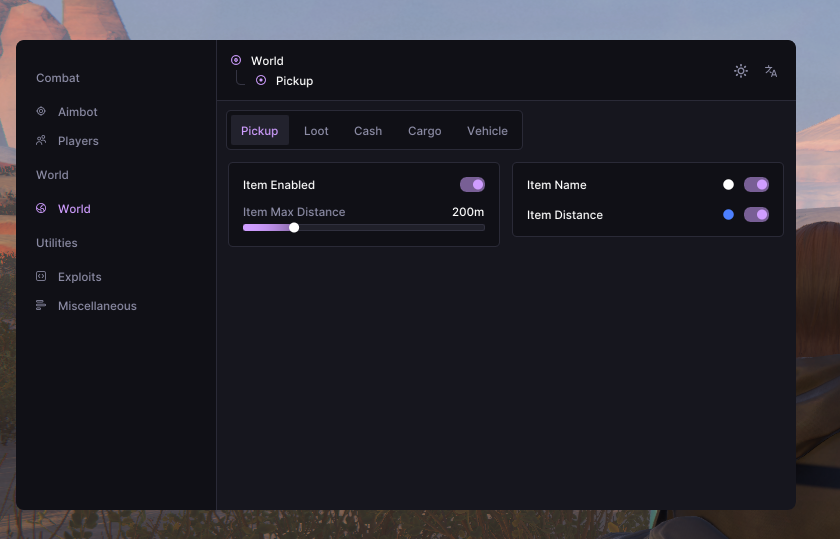
Rob Run: Void includes configurable Aimbot, Player ESP, World ESP, No Recoil and No Spread. Adjust targeting, visibility filters, player overlays and loot markers, then save your settings across multiple profiles. Combat mode lets you toggle per-category World ESP filters with a keybind.
Activation key, target priority, bone selection, FOV and smoothing.
Player overlays plus loot, cash, cargo and vehicle markers.
Recoil control and base, air and movement spread settings.
Keybind toggle with per-category World ESP filters.
5 categories / 39 listed features
Open a linked feature to visit the ESHub Wiki, or expand a category to see its full list.
Adjust activation, target selection and aim movement.
Customize player overlays, role labels and visibility filters.
Track loot, cash and vehicles with distance filters.
Configure weapon settings and visual customization.
Manage combat mode, menu access and saved profiles.
Required installs and on/off settings from the Rob Run: Void guide.
Keep security protections enabled for standard setup. If a file is blocked, check Protection History or quarantine and verify its source before allowing it.
Close unused Overwolf, SteelSeries GG, Discord Overlay, NVIDIA Overlay and Xbox Game Bar overlays.
Keep Steam Overlay enabled when your setup requires it.
If installed, confirm current compatibility with EsHub before launching.
If Windows reports a conflict, review Windows Security details and contact EsHub for current setup guidance.
Microsoft Visual C++ Runtime (x64) is required. Select Repair if offered and restart Windows if prompted.
Install the DirectX End-User Runtime before launching.
Extract the loader archive, then right-click the launcher and select Run as administrator.
Select Rob Run and Rob Run: Void in the launcher, follow its prompts and wait at the game main menu or lobby. Press F2 when prompted, wait about 5–10 seconds, then press Insert to open the menu when applicable.