
-
Browse EFT Cheats
Escape from Tarkov: Scav & Boss ESP
Review EFT Scav and boss visuals, including Lite’s category colors and distance controls. Distinguish AI displays from player ESP and aiming filters.
-
Featured Products
EFT Scav & Boss ESP: AI Categories, Colors & Range
Both packages list Scav ESP. Lite publishes additional controls for bosses, elites and sniper Scavs, with separate color and distance entries. Those categories deserve a different explanation from player statistics.
Read Player ESP for character statistics and teams. Do not transfer that menu’s controls into the Scav group without documentation.
AI Categories Need Separate Checks
Scav labels can include names, distance, weapon and health. Lite also names Scav value, skeletons and box styles. Boss, elite and sniper-Scav limits appear separately in its detailed list.
These are display categories. They are distinct from Full’s targeting filter for ignoring Scavs while playing as a player Scav, which appears in the aiming section.
EFT Gameplay & Menu Previews
Watch the supplied gameplay video and open a screenshot for a closer look.
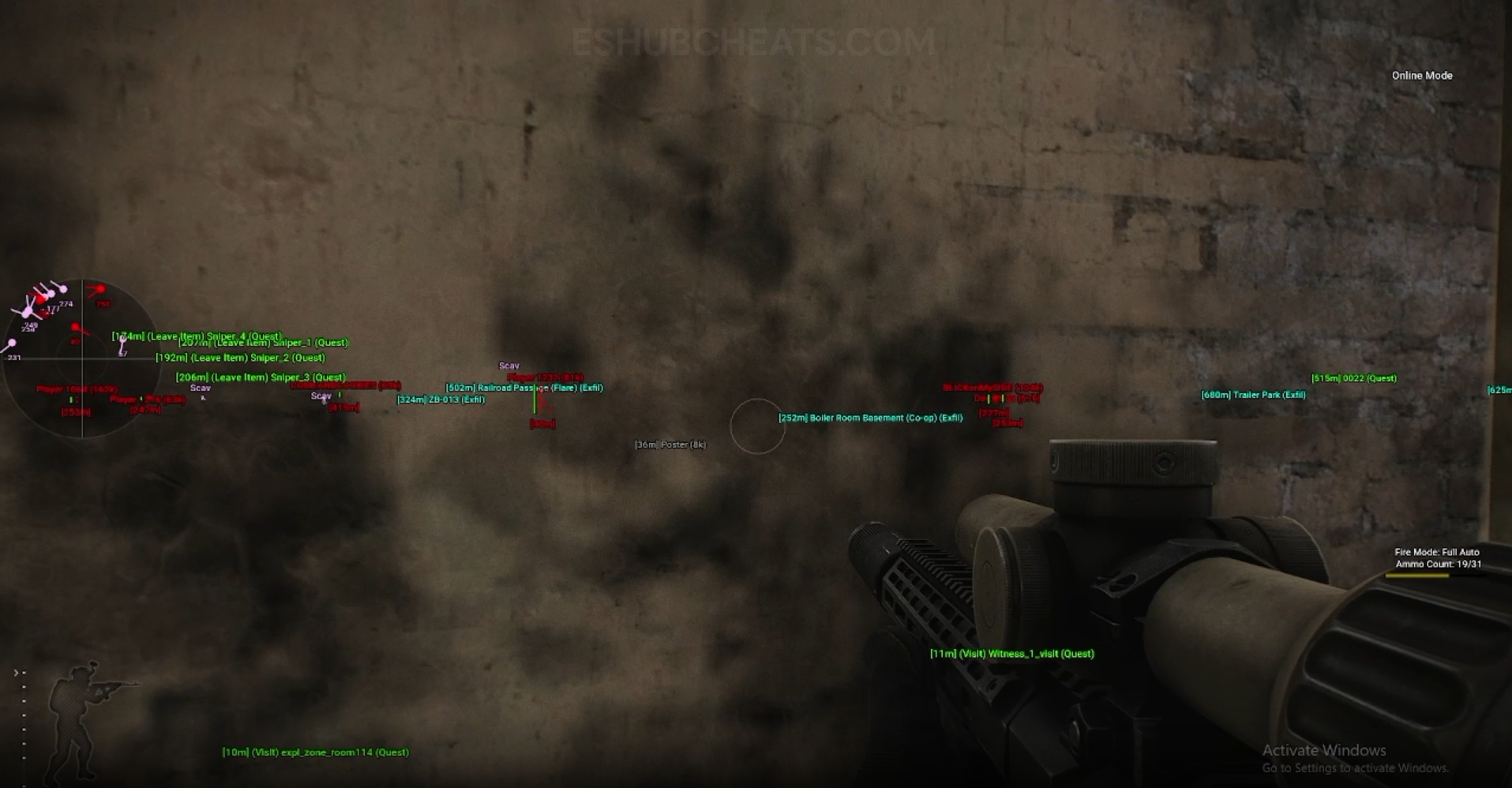
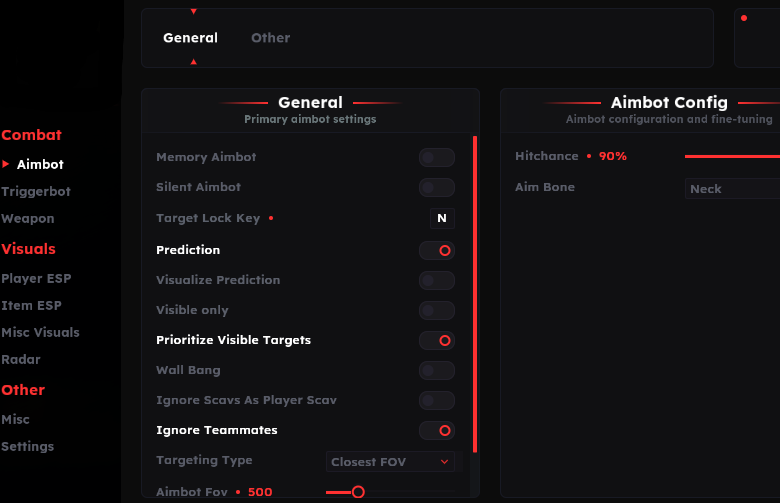
Screenshots show example displays and settings, rather than recommended values or proof that every listed feature appears in the footage.
Scav & Boss ESP: Main Concepts
Understand these groups before comparing menu controls or profiles.
Scav Information
Read names, weapons and health as separate fields.
Boss & Elite Groups
Lite lists dedicated color and draw-distance entries for these categories.
Sniper Scav Range
Lite names a separate maximum sniper-Scav draw distance.
Visible & Invisible Colors
Category colors can differ, so confirm which group you are inspecting.
EFT Scav & Boss ESP: Features & Differences
Check which entries belong to the selected package and the relevant feature group.
Listed in both packages’ Scav summaries.
These fields describe the marked AI character.
Explicitly named in Lite’s Scav display menu.
Lite has a category-specific maximum draw-distance entry.
Review the dedicated range rather than only the general Scav limit.
Lite distinguishes Scav, boss and elite visibility colors.
Inspect the Category That Is Missing
A working ordinary Scav display does not establish that the boss range or colors are correct. Identify the affected category before making broad visual changes.
Use Config & Settings to inspect loaded settings and Radar for the separate Scav radar toggle.
Scav ESP Is Shared; Detail Differs
Compare documented coverage rather than assuming shared category names mean identical menus.
EFT: Full
Full lists Scav names, distance, weapon and health in its summary. Confirm finer controls in the current menu.
View EFT: Full Features →EFT: Lite
Lite’s published list goes further, naming box and skeleton styles, value, boss/elite distances and separate category colors.
View EFT: Lite Features →Scav Visibility Is Not Disable AI
PvE Features covers the separate mode-specific Disable AI entry. A visual label does not turn off AI behavior.
Targeting exclusions belong to Aimbot, while category displays belong to this guide.
Compare the EFT Product Options
Review current features, requirements, availability and licence terms on the selected listing.
EFT: Full
The internal package listing memory and silent aiming, visuals and additional movement/action features. Use its own setup guide and confirm the particular feature you need.
View EFT: Full →EFT: Lite
The internal package listing Triggerbot, detailed visual and loot controls, configurations and a separate PvE section. Compare its current coverage with your requirements.
View EFT: Lite →Describe a Visual Issue Precisely
Include which AI category is absent, which others remain visible and the active distance settings. A screenshot with readable menu labels can help identify a category mismatch.
Do not promise perfect enemy classification based only on a short feature name. The current implementation and available labels belong to the selected product.
Related Escape from Tarkov Guides
Frequently Asked Questions About Scav & Boss ESP
Do both products list Scav ESP?
Yes. Their public breakdowns differ in detail.
Does Lite list boss-specific settings?
Yes, with elite/boss distance and category-color entries.
Does Scav ESP disable AI?
No. Disable AI is a separate PvE feature.
Is ignoring Scavs an ESP toggle?
Full lists that filter in its aiming section.
Where are radar Scav markers explained?
Use Radar.
More Escape from Tarkov Guides & Products
Explore the main EFT overview, choose another topic from the guide directory or compare current product listings.
Compare EFT Full and Lite
Review the feature coverage for scav & boss esp, then check current requirements, availability and licence terms before choosing.