
-
Browse EFT Cheats
Escape from Tarkov: PvE Features
Review EFT Full and Lite PvE feature sections, including Disable AI, Godmode, Fly/Noclip and Force Offline Streets. Keep mode-specific claims separate.
-
Featured Products
EFT PvE Features: Disable AI, Godmode & Fly/Noclip
Both product lists have a separate PvE section containing Disable AI, Godmode, Flyhack/Noclip and Force Offline Streets. This guide preserves that mode-specific grouping rather than presenting those entries as universal multiplayer features.
For the products as a whole, use Full and Lite. For Full’s other movement entries, use Speedhack & Movement.
The PvE Section Defines the Scope of This Guide
The public lists deliberately group these features under PvE. That distinction matters when comparing what a product offers in different modes. A named PvE entry does not establish support for the same behavior in ordinary multiplayer.
The labels do not publish every session or hosting condition. In particular, Force Offline Streets is a named option, not a complete explanation of which session combinations it affects.
EFT Gameplay & Menu Previews
Watch the supplied gameplay video and open a screenshot for a closer look.
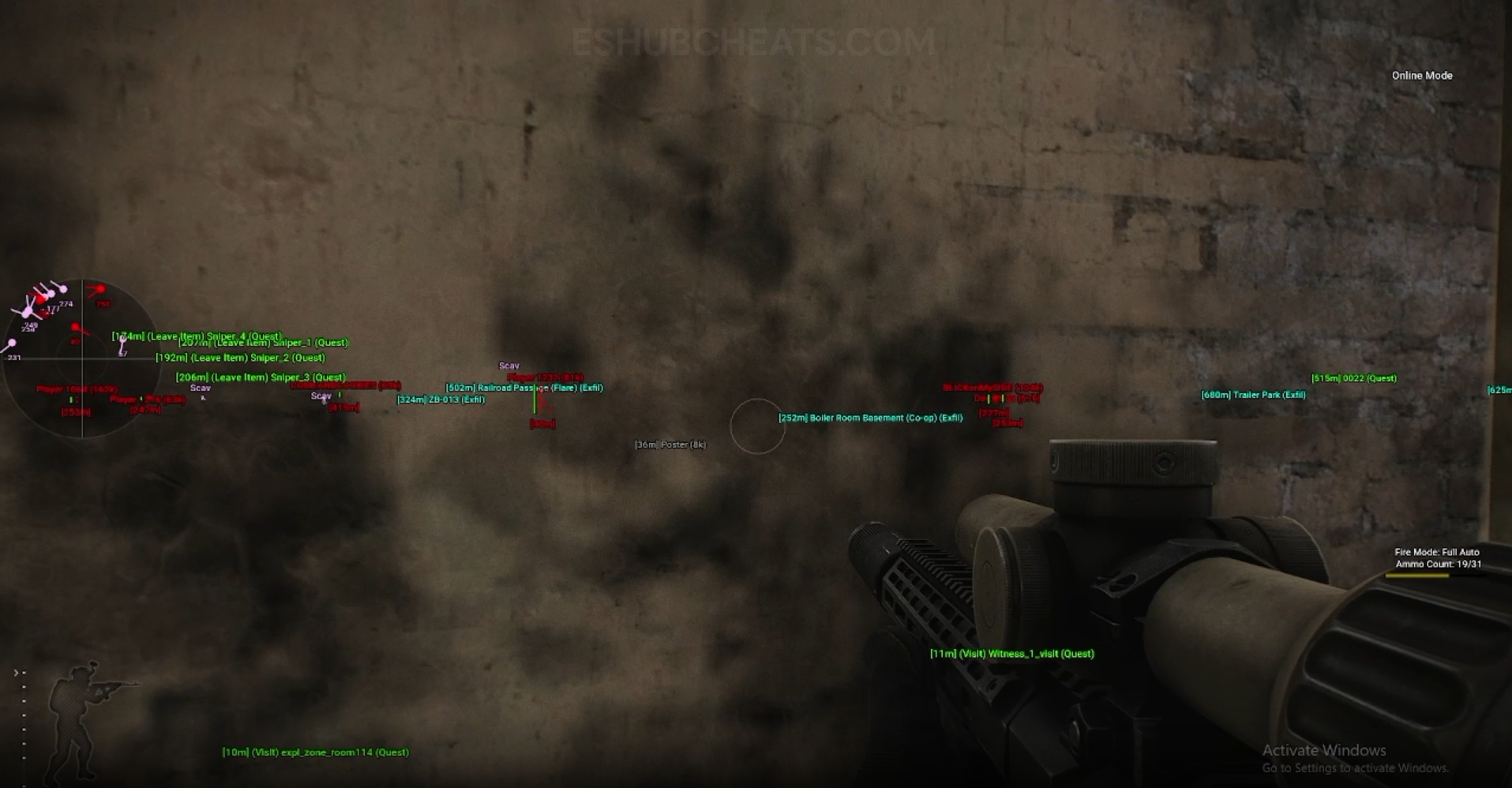
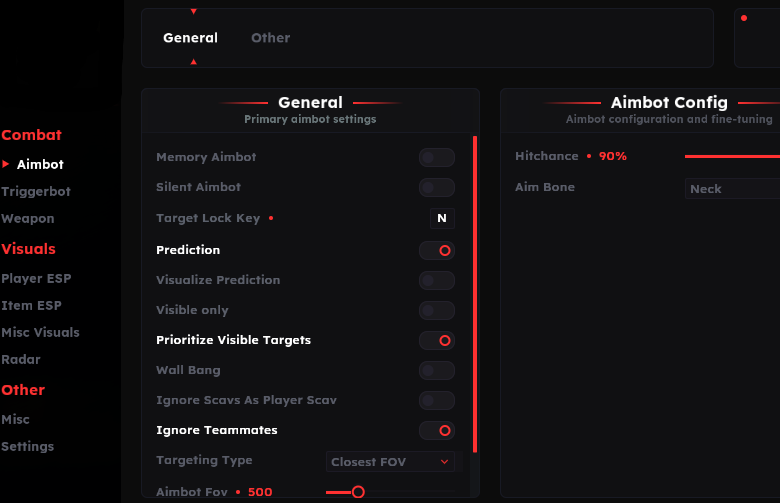
Screenshots show example displays and settings, rather than recommended values or proof that every listed feature appears in the footage.
PvE Features: Main Concepts
Understand these groups before comparing menu controls or profiles.
Disable AI
Listed in the PvE group; it is not the same as hiding Scav markers.
Godmode
A PvE feature label whose current supported scope needs the guide.
Fly/Noclip
Listed as a mode-specific option rather than a generic camera setting.
Offline Streets
Confirm what the named option does in the current supported session type.
EFT PvE Features: Features & Differences
Check which entries belong to the selected package and the relevant feature group.
Lists the four core entries covered here.
Lists the same named group with additional fly/noclip key and speed entries.
AI behavior and the visibility of its markers are different topics.
Keep claims under the documented mode rather than promising universal behavior.
Lite explicitly names a binding and speed in this section.
Ask about the actual mode and session instead of guessing from a feature label.
Mode Comes Before a Configuration Claim
State the selected product, game mode and session context when asking about support. A profile cannot establish feature scope that the current documentation does not confirm.
Use Config & Settings to review stored toggles and PC Requirements to separate system compatibility from mode support.
Full’s PvE Group
Compare documented coverage rather than assuming shared category names mean identical menus.
EFT: Full
Full lists Disable AI, Godmode, Flyhack/Noclip and Force Offline Streets in a separate PvE section.
View EFT: Full Features →EFT: Lite
Lite lists the same named section and adds explicit fly/noclip keybind and speed controls. The current guide should clarify session conditions.
View EFT: Lite Features →Display Changes Are Not AI Changes
Scav & Boss ESP draws supported AI information. Turning off a marker is not the same function as the separately listed Disable AI feature.
Similarly, a debug camera or FOV change should not automatically be described as moving the character through the world.
Compare the EFT Product Options
Review current features, requirements, availability and licence terms on the selected listing.
EFT: Full
The internal package listing memory and silent aiming, visuals and additional movement/action features. Use its own setup guide and confirm the particular feature you need.
View EFT: Full →EFT: Lite
The internal package listing Triggerbot, detailed visual and loot controls, configurations and a separate PvE section. Compare its current coverage with your requirements.
View EFT: Lite →What to Confirm with Support
Ask about the precise option and the session you intend to use. The public lists do not establish a complete compatibility matrix for every mode, map and session configuration.
This is why the PvE group stays together: it can explain a shared scope clearly without four repetitive pages promising more detail than the documentation provides.
Related Escape from Tarkov Guides
Frequently Asked Questions About PvE Features
Do both products list a PvE section?
Yes, with the four core features covered here.
Does a PvE label confirm multiplayer support?
No. Keep the documented mode scope separate.
Does hiding Scav ESP disable AI?
No. Display and AI behavior are different features.
Does Lite list fly/noclip controls?
Yes, a keybind and speed appear in its PvE section.
Are every session’s conditions documented publicly?
The reviewed list does not provide a complete session matrix.
More Escape from Tarkov Guides & Products
Explore the main EFT overview, choose another topic from the guide directory or compare current product listings.
Compare EFT Full and Lite
Review the feature coverage for pve features, then check current requirements, availability and licence terms before choosing.