
-
Browse EFT Cheats
Escape from Tarkov: PC Requirements
Review EFT Full and Lite system requirements, Windows and CPU support, documentation gaps and pre-purchase checks without assuming unsupported setup rules.
-
Featured Products
EFT PC Requirements: Windows, CPU & Setup Checks
Both reviewed listings identify Windows 10 and 11, Intel and AMD processors and a built-in HWID spoofer. This page distinguishes those published requirements from setup details that the short lists do not establish.
Compare the selected Full or Lite guide and use current package instructions for anything more specific.
Published Support Is the Starting Point
Operating system and processor support do not answer every setup question. A launcher, display mode or boot requirement should not be invented when the current listing does not document it. Review the exact package guide on the computer you intend to use.
The reviewed lists say all WINVER versions are supported and explicitly mention 25H2. Treat that as the current listing’s claim, not a promise that every future Windows release will be supported indefinitely.
EFT Gameplay & Menu Previews
Watch the supplied gameplay video and open a screenshot for a closer look.
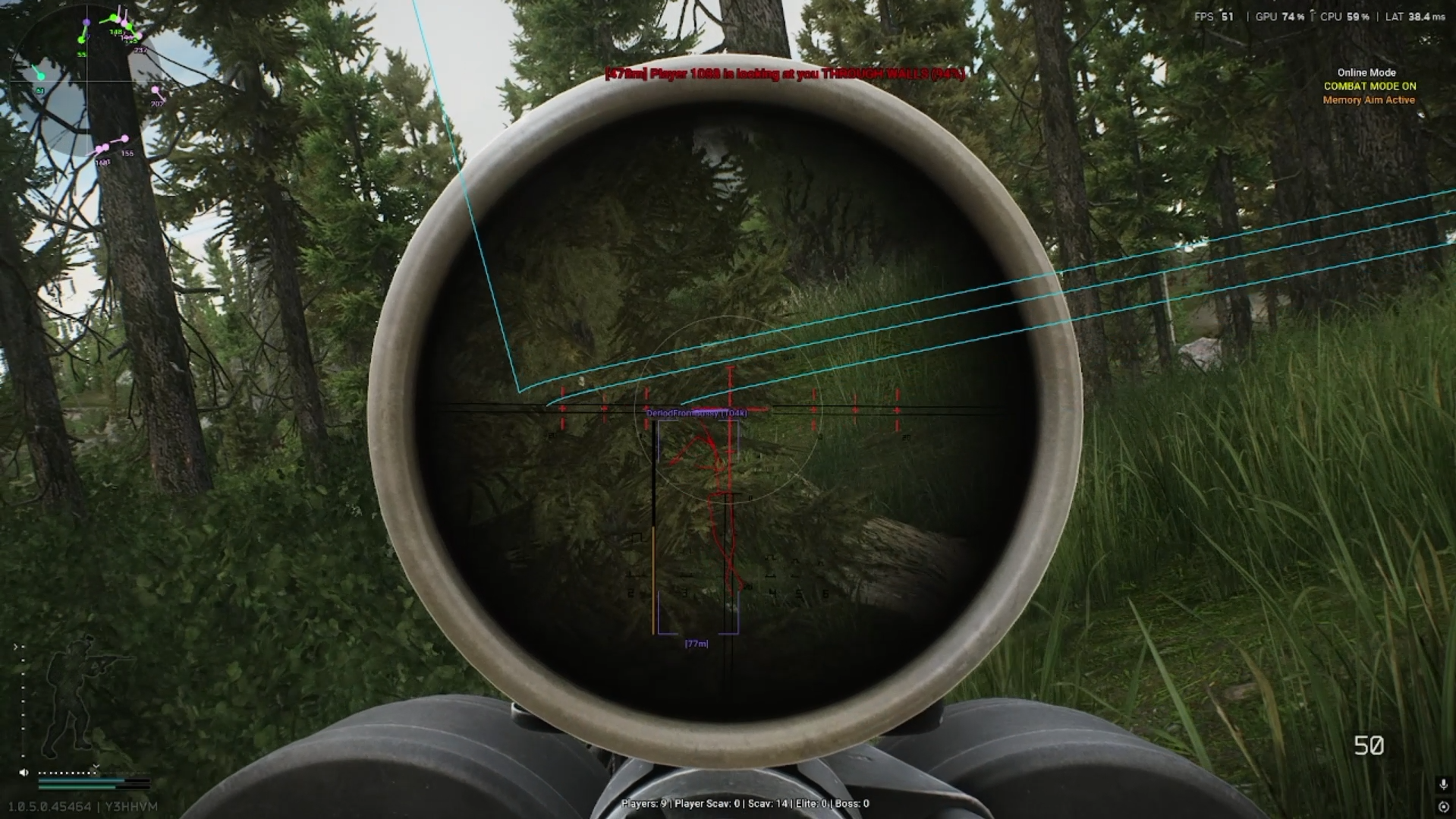
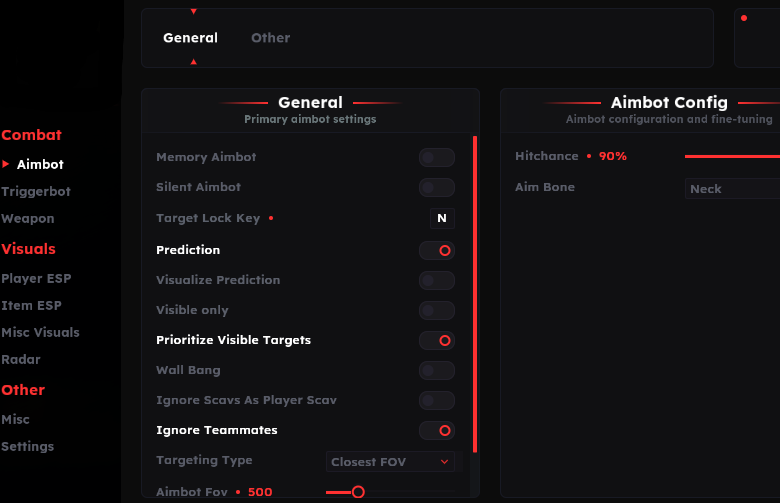
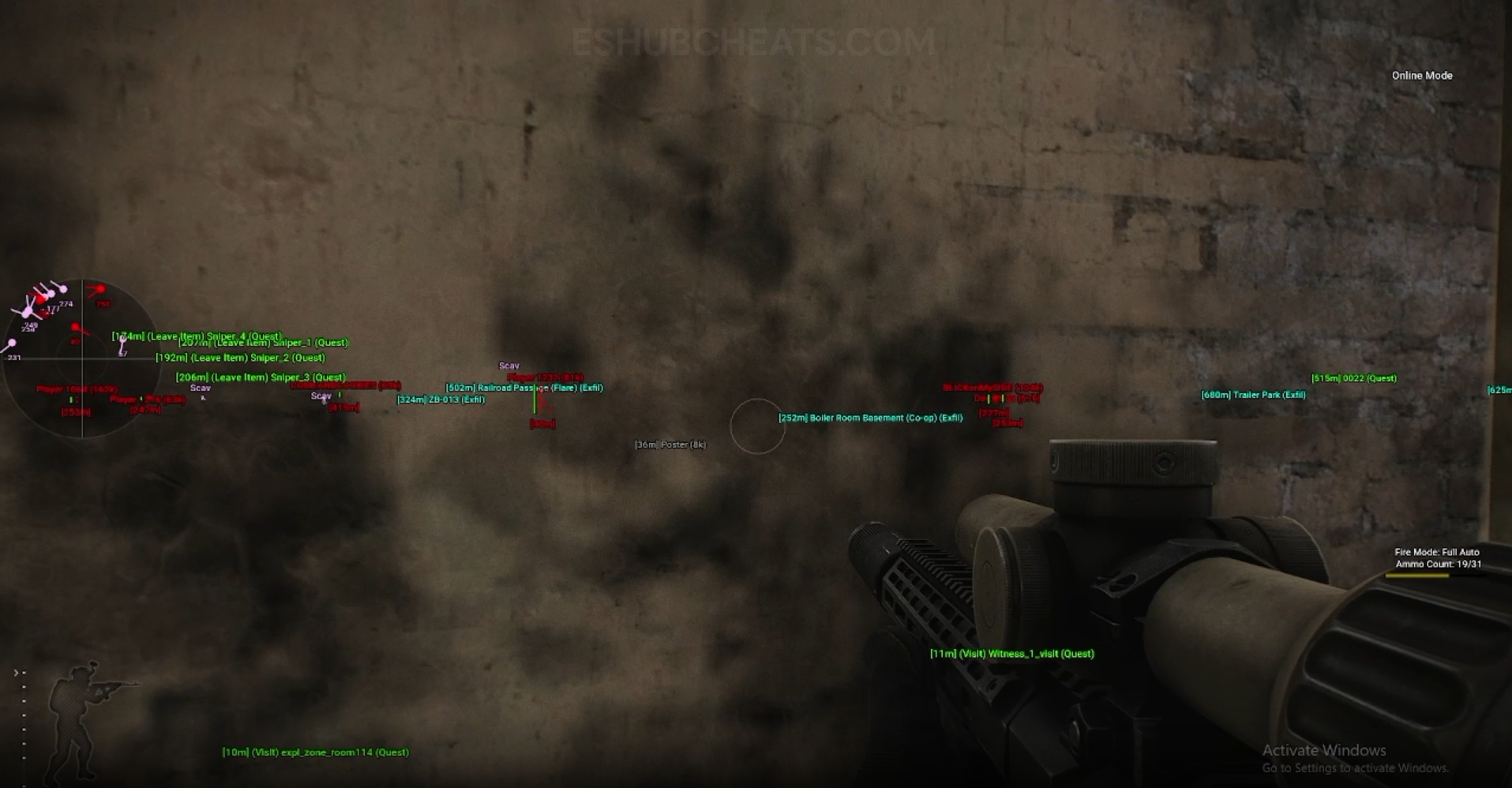
Screenshots show example displays and settings, rather than recommended values or proof that every listed feature appears in the footage.
PC Requirements: Main Concepts
Understand these groups before comparing menu controls or profiles.
Windows
Confirm the current supported version and your actual installed build.
Processor
Both lists identify Intel and AMD; they do not publish an exhaustive hardware matrix.
Package Guide
Use the instructions for Full or Lite rather than another game’s setup.
Mode & Release
System support and mode-specific feature support are separate questions.
EFT PC Requirements: Features & Differences
Check which entries belong to the selected package and the relevant feature group.
Both product listings name these operating systems.
The listings identify broad build support; verify the current release when an update changes your system.
Both name these processor families without a detailed model table.
A listed feature, not a replacement for compatibility or an account-restoration guarantee.
The reviewed short requirement lists do not establish every launcher or window-mode rule.
Ask about any unclear boot, driver or software requirement in the current guide.
Mode-specific features need their own support confirmation.
Check live product status separately from the system-support list.
Before Purchase, Confirm What Is Unclear
Provide the package name, Windows version/build, processor and intended game mode. Ask a specific compatibility question instead of applying requirements from Apex, Fortnite or another EFT provider.
Use Full vs Lite for feature choice and PvE Features for mode scope.
Full’s Published System Summary
Compare documented coverage rather than assuming shared category names mean identical menus.
EFT: Full
Full identifies Windows 10/11, Intel/AMD, broad WINVER support and built-in spoofing. Confirm further prerequisites through its current guide.
View EFT: Full Features →EFT: Lite
Lite publishes the same broad system summary. That similarity does not establish that every installation step or menu option is identical.
View EFT: Lite Features →A Config Is Not a Compatibility Fix
Config & Settings covers stored controls, not unsupported operating systems or missing prerequisites. Importing someone else’s setup does not answer a system-support question.
If setup stops, preserve the exact message and the stage where it occurs. Loader, game and feature-display problems should not be collapsed into one diagnosis.
Compare the EFT Product Options
Review current features, requirements, availability and licence terms on the selected listing.
EFT: Full
The internal package listing memory and silent aiming, visuals and additional movement/action features. Use its own setup guide and confirm the particular feature you need.
View EFT: Full →EFT: Lite
The internal package listing Triggerbot, detailed visual and loot controls, configurations and a separate PvE section. Compare its current coverage with your requirements.
View EFT: Lite →Details to Give Product Support
Include the exact package, Windows build, CPU, game mode and error text where applicable. State which guide you followed and whether the issue began after an update.
Do not delete unknown files, uninstall unrelated software or change security settings based on an assumption in an SEO page. Use the documented package-specific procedure.
Related Escape from Tarkov Guides
Frequently Asked Questions About PC Requirements
Do both listings name Windows 10 and 11?
Yes.
Do both identify Intel and AMD?
Yes, without an exhaustive processor model matrix.
Can I reuse another game’s setup requirements?
Use the current EFT package instructions instead.
Does built-in spoofing guarantee access?
No. Feature operation, compatibility and account penalties are separate.
What should I ask support?
Name the exact package, your Windows build and the requirement you cannot confirm.
More Escape from Tarkov Guides & Products
Explore the main EFT overview, choose another topic from the guide directory or compare current product listings.
Compare EFT Full and Lite
Review the feature coverage for pc requirements, then check current requirements, availability and licence terms before choosing.