
-
Browse EFT Cheats
Escape from Tarkov: Lite
Explore EFT Lite Triggerbot, detailed player and loot visuals, radar, quest and exfil displays. Compare its documented feature groups with Full.
-
Featured Products
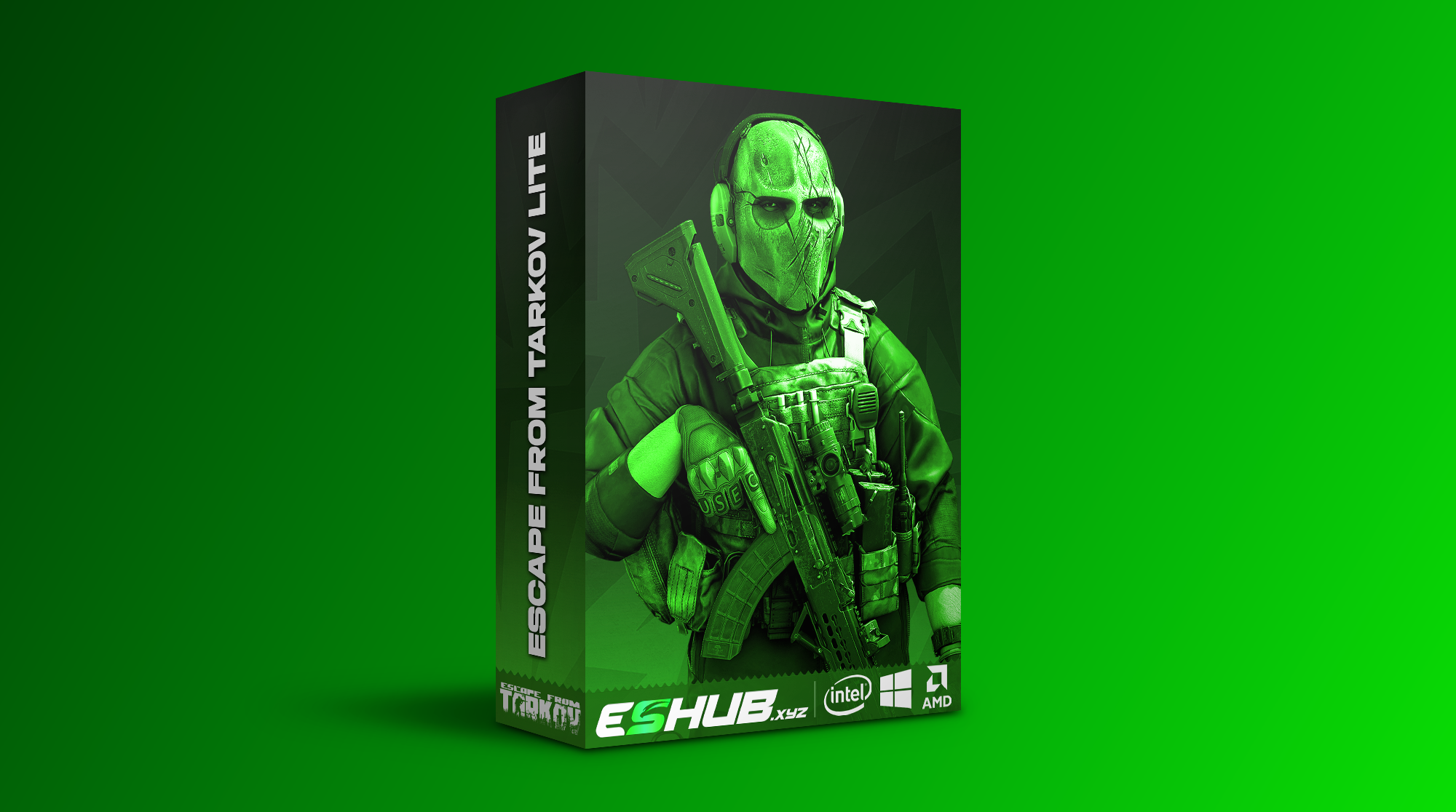
EFT Lite: Triggerbot, Player ESP, Loot Filters & Radar
EFT: Lite is listed as an internal package with Triggerbot and substantial visual controls. Its public breakdown includes player and Scav information, value-based loot filters, radar, quest and extraction markers, configurations and PvE entries.
Lite should not be described as external or as ESP-only. The Full vs Lite comparison separates shared groups from Full’s additional aiming and movement features.
Lite Has More Than a Basic Visual List
The player and Scav groups publish box styles, skeletons, health fields and range/color controls. Loot adds price-per-slot and tier-specific filters, while containers and corpses have separate object options.
Triggerbot and weapon-handling entries sit outside those visual groups. The listed PvE features also have a separate heading, so they should not become unrestricted multiplayer claims.
EFT Gameplay & Menu Previews
Watch the supplied gameplay video and open a screenshot for a closer look.
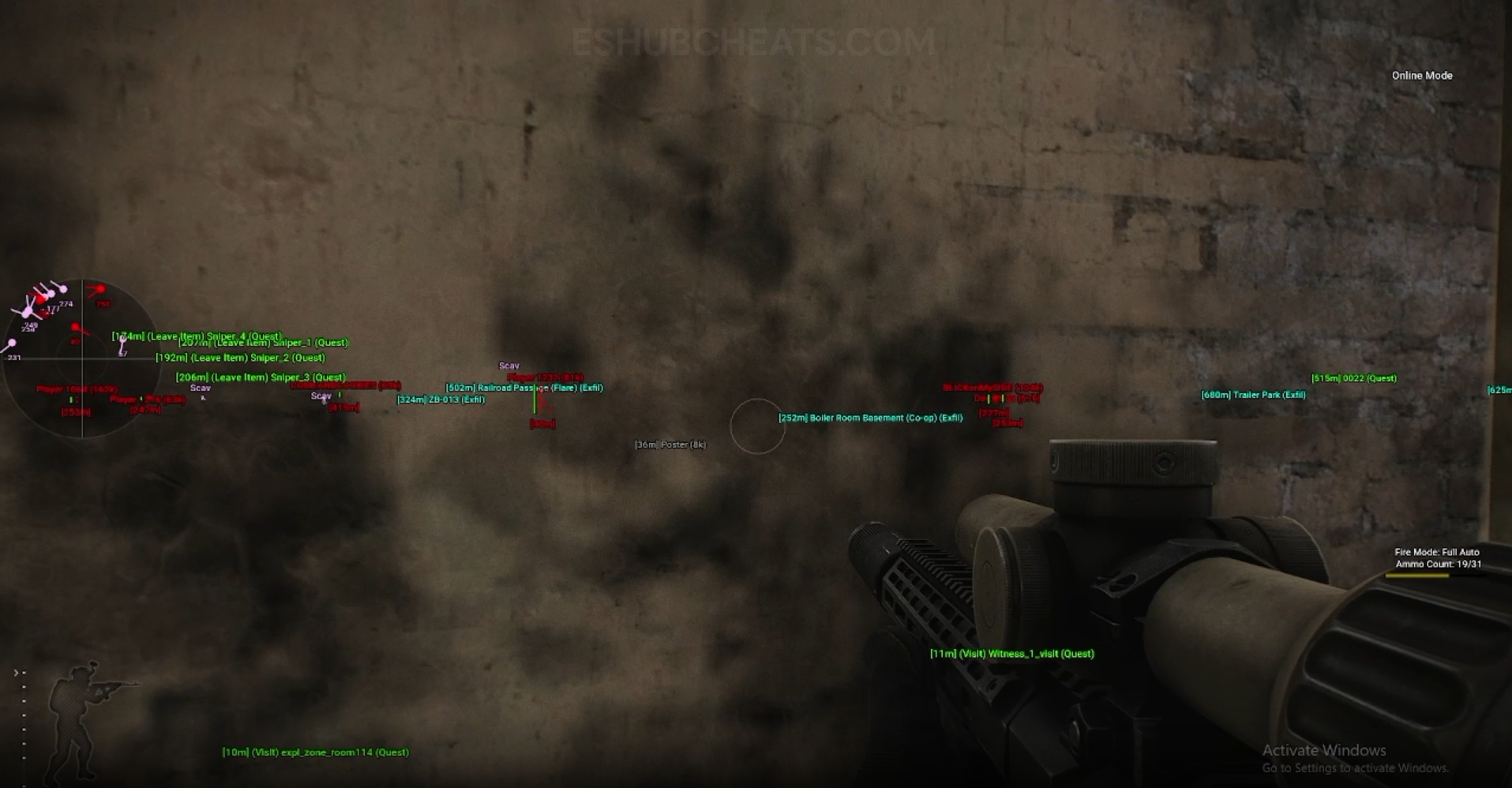
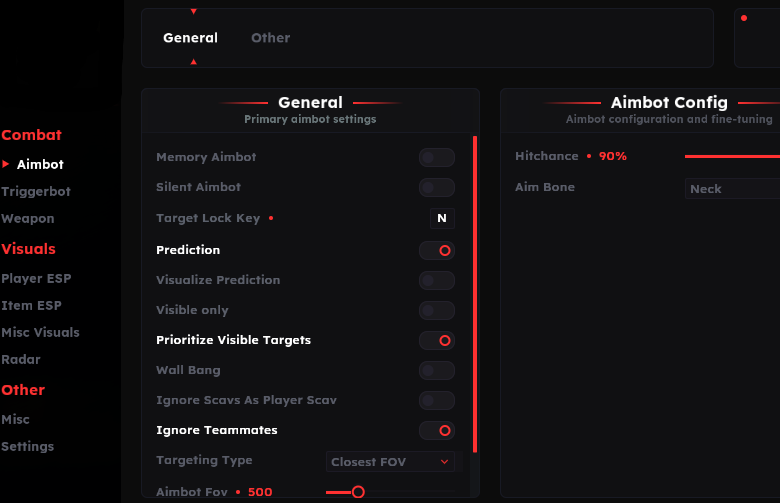
Screenshots show example displays and settings, rather than recommended values or proof that every listed feature appears in the footage.
Lite: Main Concepts
Understand these groups before comparing menu controls or profiles.
Conditional Firing
Triggerbot includes ADS, timing and range choices.
Character Visuals
The player and AI sections publish detailed presentation controls.
Loot Filtering
Price-per-slot and tier-specific choices have their own purpose.
Raid Information
Radar, quest and extraction groups supplement the main-view display.
EFT Lite: Features & Differences
Check which entries belong to the selected package and the relevant feature group.
Listed with ADS-only firing, delay, range and teammate exclusion.
Recoil, sway, instant ADS and malfunction entries are listed.
Includes detailed labels, boxes, skeletons, colors and range entries.
Price per slot and tier-specific minimum values/ranges/colors are named.
Types, locked-container choices, icons and corpse-item options are published.
Radar, Quest Helper and Exfil ESP are separate groups.
Chams, grenade visuals and other information aids are listed.
Configurations and mode-specific PvE entries remain distinct.
Choose Lite by Its Actual Features
Review whether the listed Triggerbot and visual controls cover your requirements. Do not assume the word Lite means every setting has fewer options or that another package’s profile format is compatible.
Check PC Requirements and compare with Full before deciding.
Full Adds Aiming and Movement Entries
Compare documented coverage rather than assuming shared category names mean identical menus.
EFT: Full
Full lists memory/silent aiming and the broader through-cover and movement features that Lite’s list does not establish.
View EFT: Full Features →EFT: Lite
Lite offers Triggerbot and detailed visuals with configuration and PvE groups. Its menu should be evaluated on those published features.
View EFT: Lite Features →Useful Routes Through the Lite Guides
Use Triggerbot for firing conditions and Player ESP for character information.
Loot ESP and Container & Corpse ESP explain item and object choices without confusing them with automation.
Compare the EFT Product Options
Review current features, requirements, availability and licence terms on the selected listing.
EFT: Full
The internal package listing memory and silent aiming, visuals and additional movement/action features. Use its own setup guide and confirm the particular feature you need.
View EFT: Full →EFT: Lite
The internal package listing Triggerbot, detailed visual and loot controls, configurations and a separate PvE section. Compare its current coverage with your requirements.
View EFT: Lite →Read the Requirements Separately from the Name
The listing identifies Windows 10/11, Intel/AMD and built-in spoofing. The internal package label does not establish every prerequisite or guarantee safety. Use current instructions for further setup details.
Prices, subscription choices and availability should be checked on the live listing. Do not rely on an earlier screenshot as evidence that the same release state still applies.
Related Escape from Tarkov Guides
Frequently Asked Questions About Lite
Is Lite external?
No. Its reviewed listing identifies it as internal.
Is Lite ESP-only?
No. It lists Triggerbot, weapon features, other groups and PvE entries.
Does it list memory aimbot?
Its reviewed list does not.
Does it list price per slot?
Yes, in its loot section.
Where is the direct comparison?
Use Full vs Lite.
More Escape from Tarkov Guides & Products
Explore the main EFT overview, choose another topic from the guide directory or compare current product listings.
Compare EFT Full and Lite
Review the feature coverage for lite, then check current requirements, availability and licence terms before choosing.