
-
Browse EFT Cheats
Escape from Tarkov: Triggerbot
Explore EFT Triggerbot in Full and Lite. Understand ADS-only firing, shot delay and maximum distance separately from memory aim and Silent Aim.
-
Featured Products
EFT Triggerbot: ADS Conditions, Shot Delay & Distance
Both Full and Lite list Triggerbot. The documented controls include firing only while aiming down sights, a shot delay and maximum distance. These conditions belong to the firing feature rather than the player-information display.
A Triggerbot page should not imply that Lite includes memory aim. For aiming movement, compare Aimbot and Silent Aim.
Conditional Firing and Aiming Are Different
Triggerbot concerns automatic firing when its supported conditions are met. The reviewed lists identify ADS-only operation, delay and a distance limit. They do not publish a complete account of every weapon interaction.
An activation or eligibility condition can explain why the feature does not respond in one situation. Inspect the current menu before treating a non-response as evidence that the product is unavailable.
EFT Gameplay & Menu Previews
Watch the supplied gameplay video and open a screenshot for a closer look.
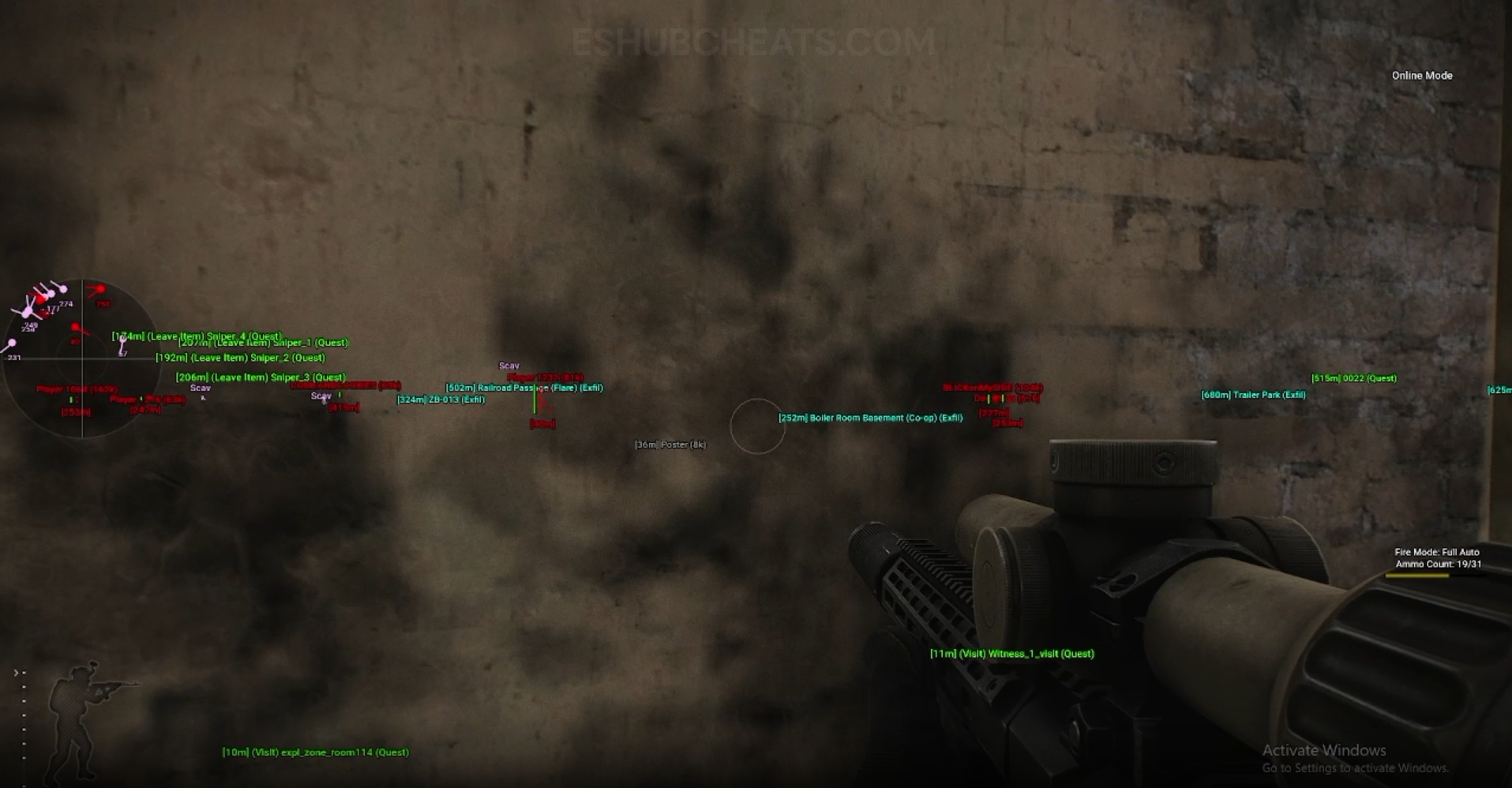
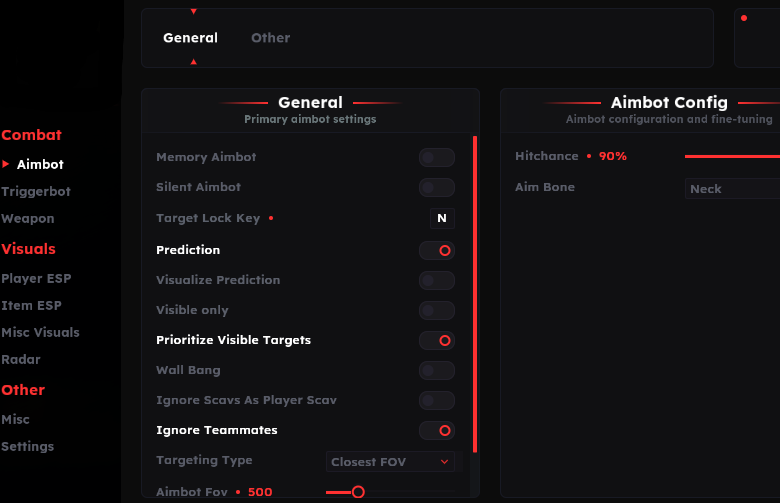
Screenshots show example displays and settings, rather than recommended values or proof that every listed feature appears in the footage.
Triggerbot: Main Concepts
Understand these groups before comparing menu controls or profiles.
ADS Condition
The listed option can restrict firing to aiming down sights.
Shot Delay
Delay is a firing-timing control rather than an aim-smoothing value.
Distance
A maximum range limits the firing group, separately from ESP draw distance.
Team Handling
Lite explicitly lists ignoring teammates; confirm the options in each current menu.
EFT Triggerbot: Features & Differences
Check which entries belong to the selected package and the relevant feature group.
Triggerbot is listed separately from Full’s memory and silent aiming.
Triggerbot is Lite’s listed automated firing feature.
Review whether the aiming-down-sights condition is enabled.
Check the configured timing without copying another menu’s assumed scale.
An ESP-visible player can still be outside this firing limit.
Lite names a teammate exclusion control; use package-specific documentation.
Review Conditions Before Changing Timing
Check the active toggle, ADS requirement and distance limit first. Changing a delay cannot explain a target excluded by another condition.
Use Config & Settings to review the active profile and Full vs Lite to compare the wider feature sets.
Triggerbot Appears in Both Listings
Compare documented coverage rather than assuming shared category names mean identical menus.
EFT: Full
Full includes Triggerbot as well as its additional aiming modes. Do not confuse its Triggerbot controls with silent-aim autoshoot.
View EFT: Full Features →EFT: Lite
Lite lists Triggerbot with ADS-only firing, shot delay, maximum distance and teammate exclusion. It does not list memory aimbot.
View EFT: Lite Features →Triggerbot vs Silent-Aim Autoshoot
Full describes another firing control tied to holding the silent-aim key. That label belongs to the aiming section and should not be copied into Lite’s Triggerbot description.
The Silent Aim guide explains that separation; Weapon Handling covers a different control group again.
Compare the EFT Product Options
Review current features, requirements, availability and licence terms on the selected listing.
EFT: Full
The internal package listing memory and silent aiming, visuals and additional movement/action features. Use its own setup guide and confirm the particular feature you need.
View EFT: Full →EFT: Lite
The internal package listing Triggerbot, detailed visual and loot controls, configurations and a separate PvE section. Compare its current coverage with your requirements.
View EFT: Lite →Support Needs the Condition That Failed
Report the product, active profile and whether the issue concerns ADS, range or timing. Explain whether the menu is available and whether the problem began after an update.
Do not invent a universally appropriate delay value. The product list establishes the control, not a recommended number for every configuration.
Related Escape from Tarkov Guides
Frequently Asked Questions About Triggerbot
Do both products list Triggerbot?
Yes. Both reviewed feature lists include it.
Does Triggerbot mean Lite has memory aim?
No. Those are different features.
Can ADS-only mode affect activation?
Yes. Review that condition in the menu.
Is the distance limit an ESP setting?
No. Triggerbot range and visual draw range are separate.
Where can I review a stored configuration?
Use Config & Settings.
More Escape from Tarkov Guides & Products
Explore the main EFT overview, choose another topic from the guide directory or compare current product listings.
Compare EFT Full and Lite
Review the feature coverage for triggerbot, then check current requirements, availability and licence terms before choosing.