
-
Browse Apex Cheats
Apex Legends Cheats Guides: Features & Products, Setup & Help
Find Apex guides for aimbot, ESP, player glow, loot visuals and DMA. Compare Fecurity and Full, check requirements, and explore settings, troubleshooting and HWID topics.
-
Featured Products
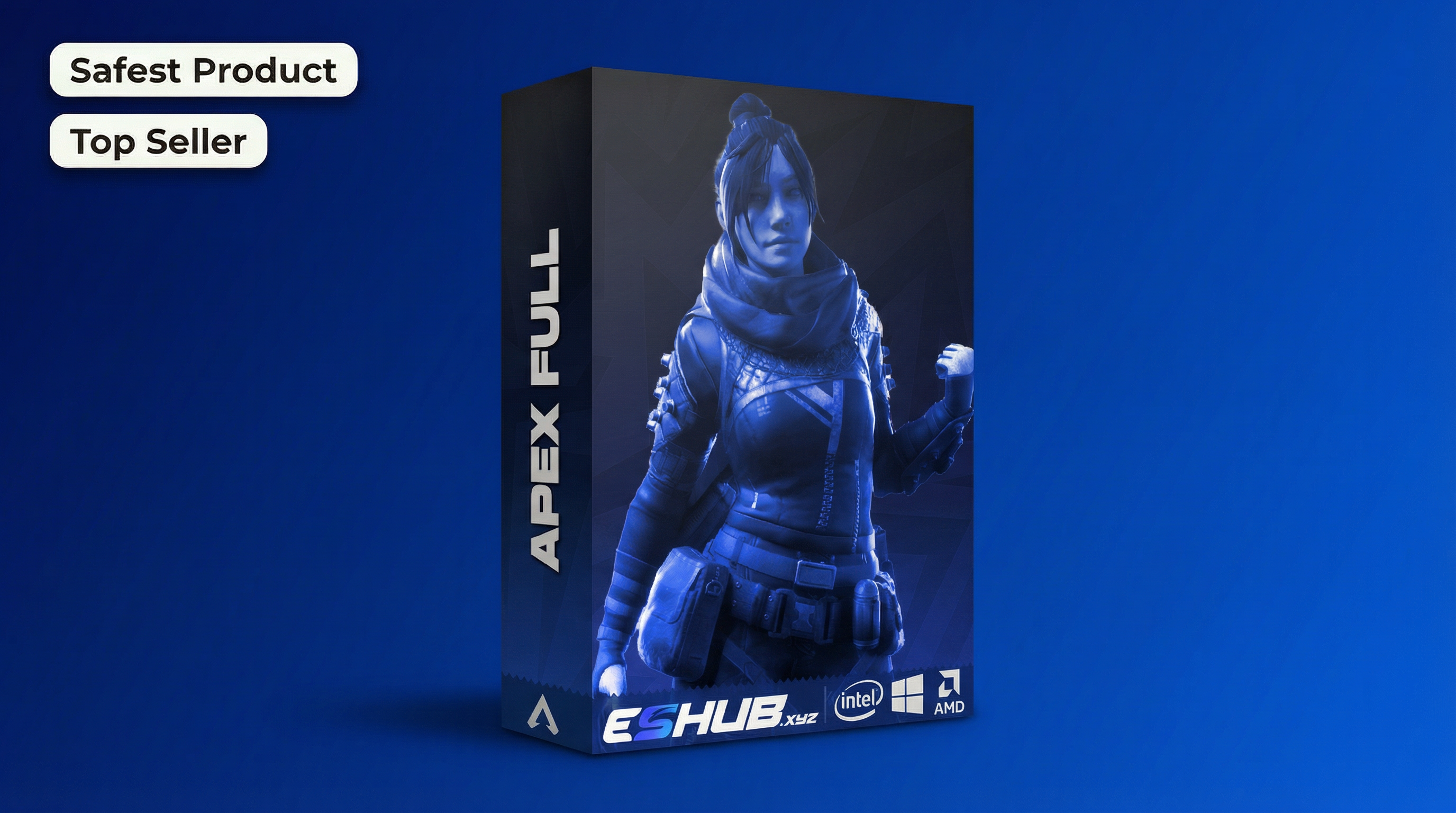
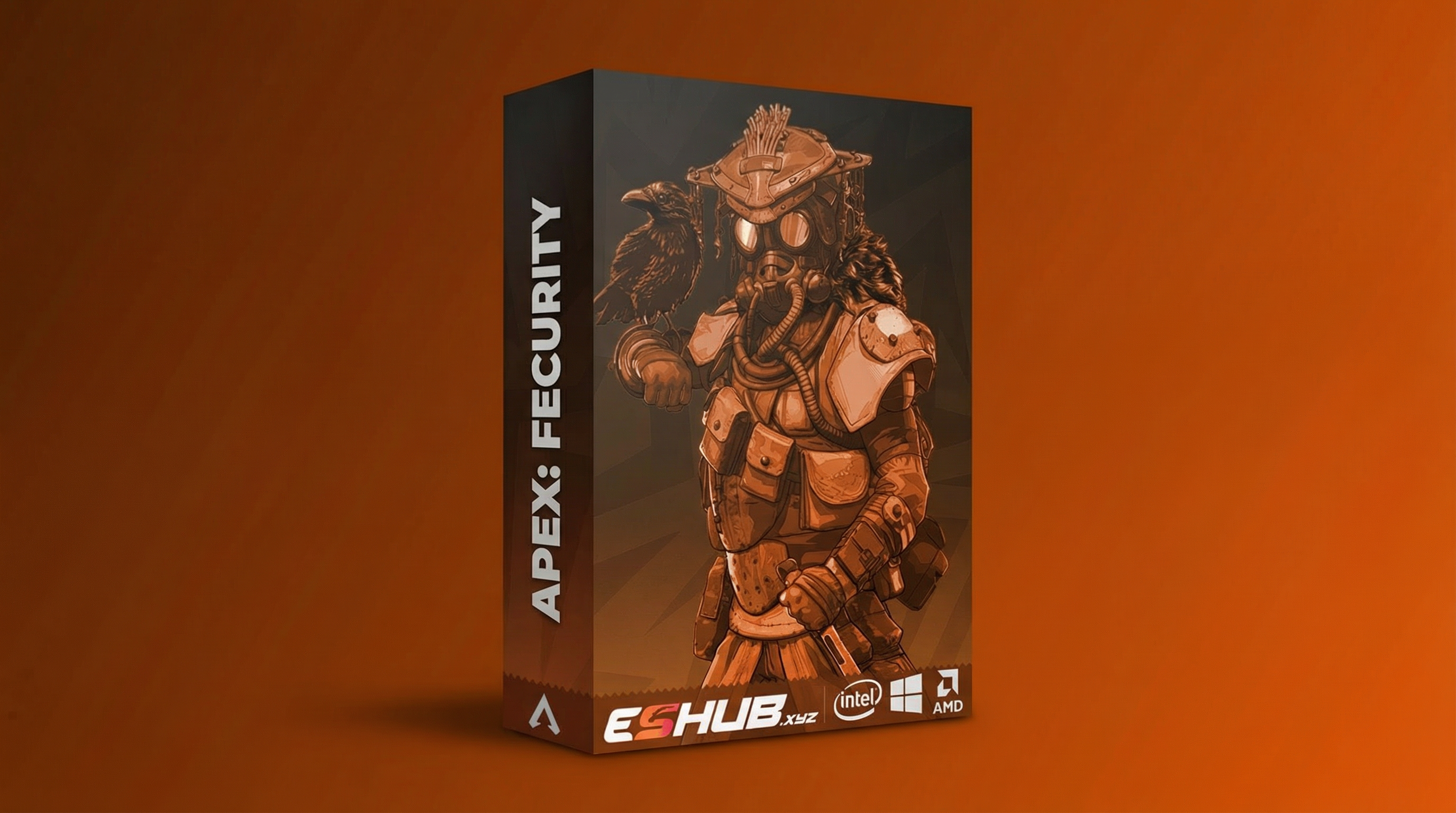
Apex Legends Cheats Guides – Features, Products & Help
Explore 23 Apex Legends guides covering aiming, player visuals, loot information, product comparisons, requirements and troubleshooting.
Start with the topic you need. Compare Fecurity, Full and DMA options, then follow the dedicated guide for a feature, setup question or specific issue.
Find the Apex Guide That Answers Your Question
This directory brings the Apex child pages together in one place. Feature guides explain individual controls; product pages introduce the packages; comparison pages help you evaluate differences. Requirements and troubleshooting pages answer separate setup questions.
For a broad overview, open the main Apex Legends Cheats guide. For current prices, availability and the full feature list, use the selected product’s store listing. This directory helps you reach the right page quickly.
Choose a Starting Point
Jump to the guide group that matches what you want to learn.
Solve a Setup Issue
Profiles, menu activation, missing visuals and capture behavior.
Open this group →
Understand HWID & Status
Spoofer compatibility, penalty terminology and product status.
Open this group →
Apex Feature Guides
Understand each feature separately, then check the controls available in your selected product.
Aimbot
Understand activation keys, FOV, target selection and aim movement. Compare the controls documented for each Apex package.
Read Aimbot →ESP & Wallhack
Explore player boxes, skeletons and supported character information. Keep visual filters separate from aiming controls.
Read ESP & Wallhack →Player Glow
Read about character highlighting and its appearance controls. Compare glow with box and skeleton displays.
Read Player Glow →Loot ESP & Item Glow
Explore world-item information, item categories and range. Compare Fecurity’s loot visuals with Full’s item glow.
Read Loot ESP & Item Glow →No Recoil
Understand recoil-control terminology and the selected package’s supported settings. Distinguish recoil control from targeting.
Read No Recoil →Radar
Understand radar-style position information and its relationship to other visuals. Confirm supported options on the current listing.
Read Radar →New to Apex Products or Troubleshooting an Issue?
Start with Cheats for Beginners for the main terms, then How to Choose and PC Requirements before comparing packages.
If the menu does not open, use Menu Not Opening. If the menu opens but a visual group is missing, use ESP Not Showing.
Apex Product Guides
Explore each product category before comparing its current features, setup and requirements.
Apex: Fecurity
Review the external package’s aiming controls, player boxes, skeletons and loot visuals. Check its own prerequisites and instructions.
Read Apex: Fecurity →Apex: Full
Review the internal package’s aiming controls, player glow, item glow and stored configurations. Confirm its current setup requirements.
Read Apex: Full →Apex DMA
Explore hardware-based options and their equipment requirements. Treat DMA as a separate setup from the software packages.
Read Apex DMA →Settings, Setup & Troubleshooting
Choose the page for the symptom or setting you are reviewing. An unavailable menu, missing visual information and a capture question need different checks.
Config & Settings
Review profiles, key assignments, aiming controls and visual filters. Inspect actual settings after loading a configuration.
Read Config & Settings →Menu Not Opening
Separate loader and menu problems. Check the correct menu key, focus, display mode and package instructions.
Read Menu Not Opening →ESP Not Showing
Identify the missing visual group. Review toggles, categories, range and appearance before collecting support evidence.
Read ESP Not Showing →Stream Proof
Understand capture-protection terminology and inspect actual recorded output. Check claims for the exact product.
Read Stream Proof →Compare Apex Options & Check Requirements
Separate direct product comparisons from technical categories, purchase terms and system compatibility.
Fecurity vs Full
Compare the two named products directly by feature presentation, menu controls and requirements.
Read Fecurity vs Full →Internal vs External
Understand the broader technical categories. Product labels do not replace the package-specific setup guide.
Read Internal vs External →Free vs Paid
Compare feature documentation, update availability, compatibility and support beyond the advertised price.
Read Free vs Paid →Cheats for Beginners
Start with the meaning of aimbot, ESP, glow, configuration and product status before comparing packages.
Read Cheats for Beginners →How to Choose
Build a practical comparison around feature needs, system compatibility, current status and licence terms.
Read How to Choose →PC Requirements
Review operating system, hardware, launcher, display mode and software prerequisites before choosing.
Read PC Requirements →HWID Spoofer, Ban & Detection Guides
Review the exact notice or compatibility question before choosing a route. Account penalties, device terminology, product status and spoofer requirements are different topics.
HWID Spoofer
Compare current compatibility, requirements and persistence behavior. Separate product operation from account penalties.
Read HWID Spoofer →HWID Bans Explained
Distinguish account notices, suspected device restrictions and technical errors. A single symptom is not a complete diagnosis.
Read HWID Bans Explained →Ban Removal & Spoofing Options
Review official account appeals and product compatibility questions as separate routes, with their respective limits.
Read Ban Removal & Spoofing Options →Detection & Product Status
Understand status labels, updates and detection terminology. A status label does not guarantee an account outcome.
Read Detection & Product Status →Popular Starting Points
Apex Guide Directory FAQ
Where should I start if I am new to Apex products?
Start with Cheats for Beginners, then review How to Choose and PC Requirements.
Which page compares Fecurity and Full?
Use Fecurity vs Full for the named products. Internal vs External explains the broader technical categories.
What is the difference between player glow and item glow?
Player glow concerns characters; item glow concerns world objects. Use Player Glow and Loot ESP & Item Glow for those separate topics.
Which guide should I use when something does not appear?
Use Menu Not Opening for an unavailable menu. For missing boxes, glow or item information with an available menu, use ESP Not Showing.
Does a status label or spoofer restore an account penalty?
No. Review Detection & Product Status for status terminology and HWID Bans Explained for penalty scope and official review. A product should not be treated as guaranteed account restoration.
More Apex Legends Cheats & Guides
Explore the full Apex guide, compare products or browse related aiming and visual feature pages.
Ready to Compare Apex Products?
Use the guides to understand the features, then review Fecurity and Full’s current listings for requirements, availability and licence terms.