
-
Browse Apex Cheats
Apex Legends: Fecurity
Explore Apex Fecurity aiming controls, box and skeleton ESP, loot visuals and setup requirements. Compare its menu with Apex Full before choosing.
-
Featured Products
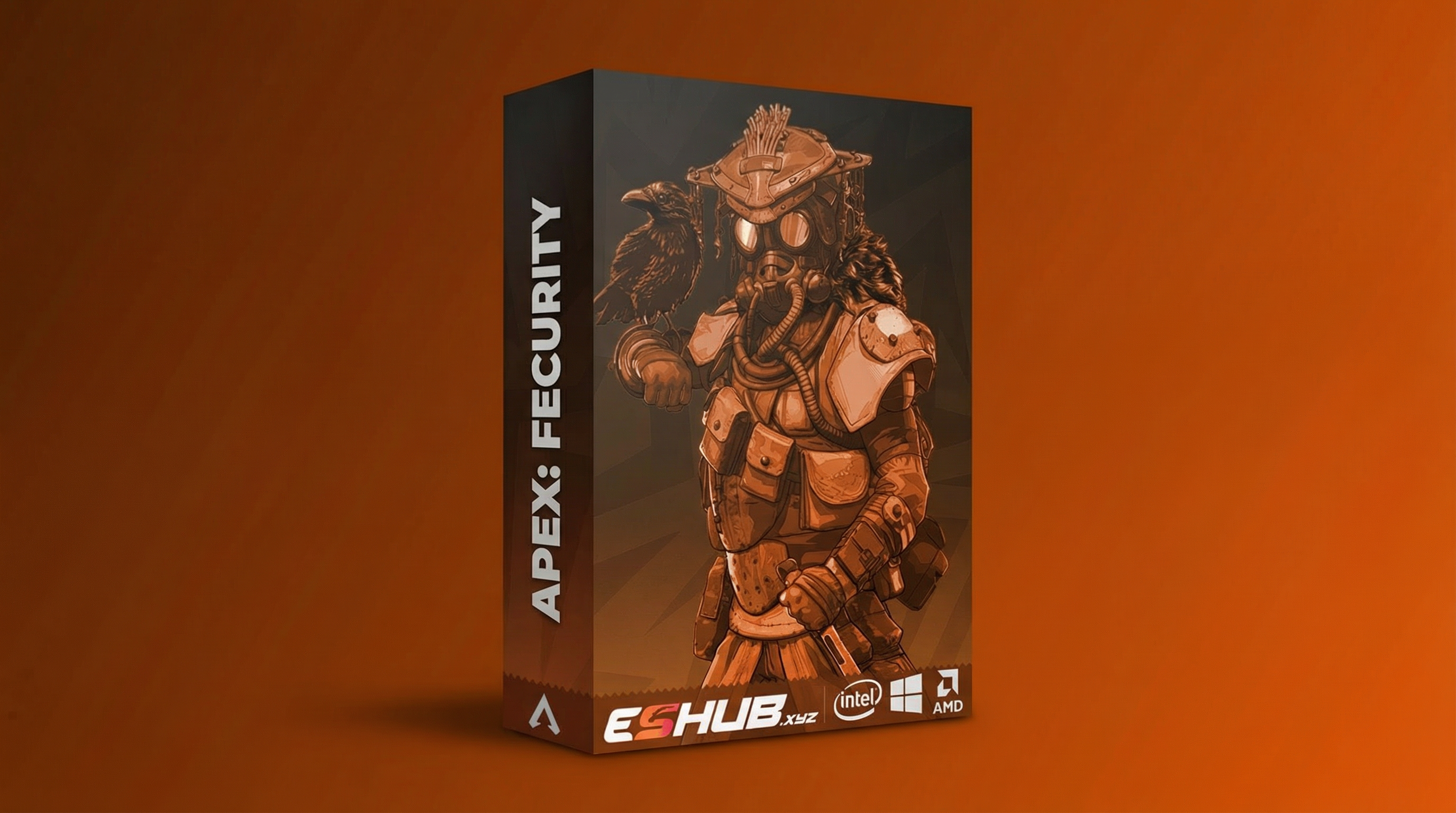
Apex Fecurity: Aimbot, ESP, Loot & Requirements
Apex: Fecurity is ESHUB’s external Apex package. Its feature layout brings together aiming controls, player information and loot visuals. This overview explains the main menu groups and points you to the current listing for availability and requirements.
Compare Apex: Fecurity and Apex: Full. Use their current listings for the exact controls, requirements and availability.
Read the Aiming Controls as Separate Choices
An activation key decides when an aiming function is engaged. FOV limits a selection area, while hitbox priority identifies the preferred target area. A target-switch delay addresses a different part of the behavior.
Labels and scales belong to this package. A value copied from Full should not be assumed to have the same meaning in Fecurity.
The Main Fecurity Feature Groups
Explore Apex Fecurity aiming controls, box and skeleton ESP, loot visuals and setup requirements. Compare its menu with Apex Full before choosing.
Aiming
Aim keys, FOV and hitbox priority organize target selection. Target-switch delay is a separate choice from which hitbox is preferred.
Player Visuals
Box and skeleton displays present character information. Appearance, relevant filters and distance controls determine how much is shown.
Loot Visuals
Item categories let the display distinguish groups such as weapons, ammunition and armor. Review the group you need instead of enabling everything by default.
Capture Behavior
The listing includes a stream-proof claim. Review captured output with your actual recording setup rather than assuming all methods behave identically.
Apex Fecurity: Features & Checks
Review the controls, differences and requirements relevant to this topic.
The menu includes aim activation choices. Distinguish these from the menu-opening binding.
Review the target-selection area in Fecurity’s own menu and scale.
The listed targeting controls include hitbox priority; use the options supported by this package.
Fecurity lists a delay control for switching between eligible targets.
The player visuals use box and skeleton styles rather than Full’s glow presentation.
Review supported item categories and loot distance separately from character information.
The listing includes a stream-proof claim. Inspect the actual output from your capture setup.
Confirm the current Windows, launcher, display mode and overlay requirements before purchase.
Requirements to Confirm Before Purchase
Review the live listing for:
- Supported Windows version, CPU and launcher.
- Boot-mode and display-mode requirements.
- The supported overlay dependency in the current guide.
- Current availability, updating status and licence terms.
- The correct instructions for this package.
Fecurity’s reviewed listing identifies a supported Discord or Medal overlay dependency. Confirm the current guide at Apex: Fecurity; do not apply Full’s setup steps automatically.
Fecurity Compared with Full
Compare the relevant controls and requirements in each package rather than assuming the menus are identical.
Apex: Fecurity
Fecurity is the external package covered here. Its boxes, skeletons and loot visuals provide a different presentation from Full.
View Fecurity Features →Apex: Full
Full is an internal package with character and item glow and stored configurations. Compare its requirements as well as its menu.
View Full Features →Review Player and World-Item Information
Player visuals and loot visuals answer different questions. Use Apex ESP for character information and Loot ESP & Item Glow for world objects.
A missing item category does not establish that the complete player display has failed. Check the relevant menu group and describe the specific symptom.
Apex Products: Fecurity
Compare their current features, requirements and availability.
Apex: Fecurity
Fecurity is the external package covered here. Its boxes, skeletons and loot visuals provide a different presentation from Full.
View Fecurity →Apex: Full
Full is an internal package with character and item glow and stored configurations. Compare its requirements as well as its menu.
View Full →Fecurity or Full?
Choose by the interface and feature presentation you need. Fecurity’s boxes and skeletons differ from Full’s glow approach. Fecurity vs Full compares the packages directly; Internal vs External covers their broader technical categories.
Use Menu Not Opening for an unavailable menu, ESP Not Showing for missing information and Config & Settings for reviewing controls.
Related Apex Legends Guides
Frequently Asked Questions About Fecurity
Is Fecurity external?
The reviewed listing identifies it as an external product.
Which player display does this overview cover?
Boxes and skeletons, with the applicable information and filters in the menu.
Is loot information separate from player ESP?
Yes. Review the item categories separately.
Should Full’s installation steps be reused?
Use Fecurity’s own current guide and requirements.
Where should I check availability?
Check the product listing and live status before purchase.
More Apex Legends Cheats & Guides
Explore the full Apex guide, compare current products or continue with the related feature and troubleshooting pages.
Review Fecurity Options
Review Fecurity and Full's current features, PC requirements and availability before choosing.