
-
Browse Apex Cheats
Apex Legends: Loot ESP & Item Glow
Explore Apex loot ESP and item glow. Compare Fecurity item categories with Full highlights, and understand range, readability and product differences.
-
Featured Products
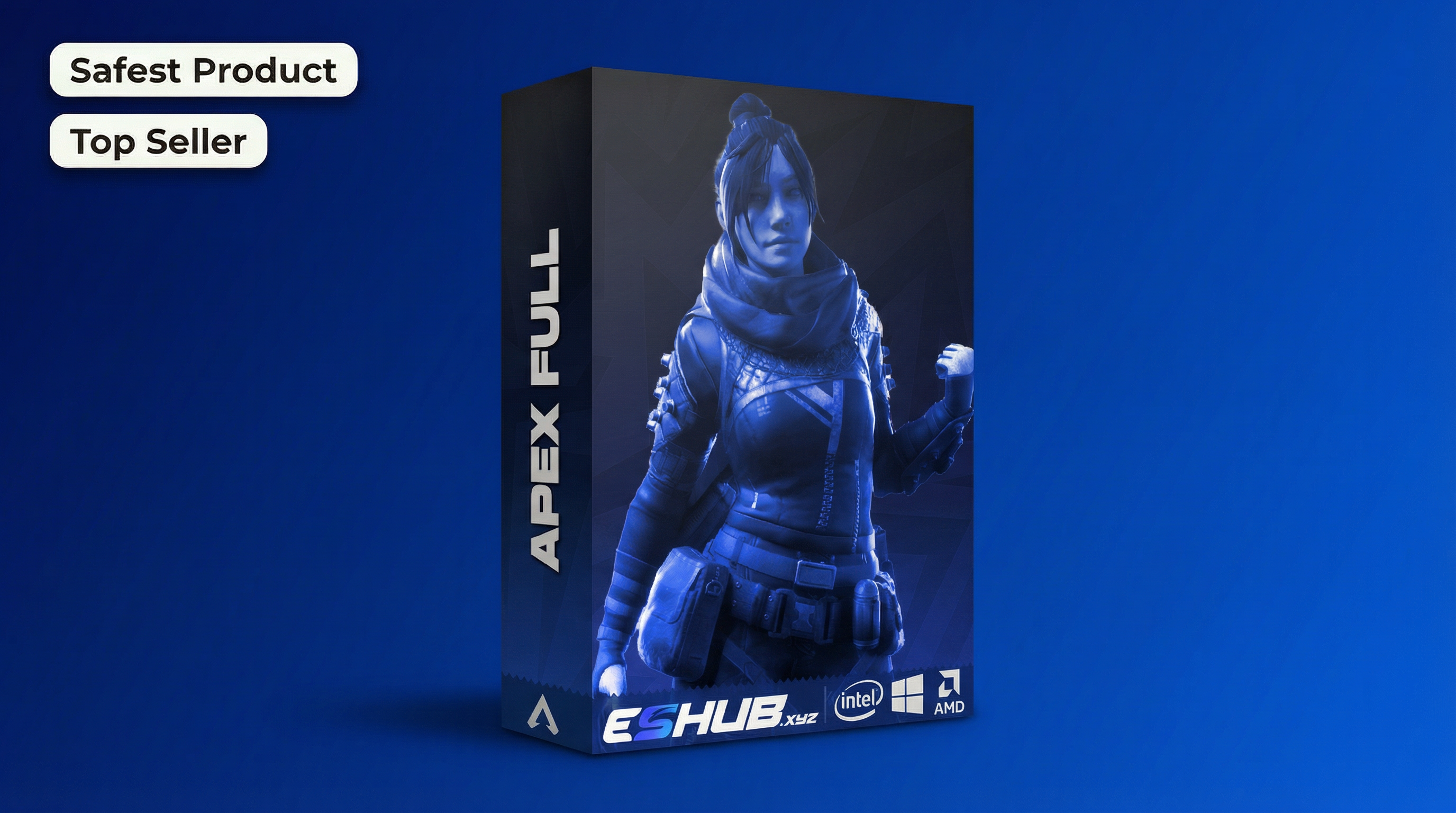
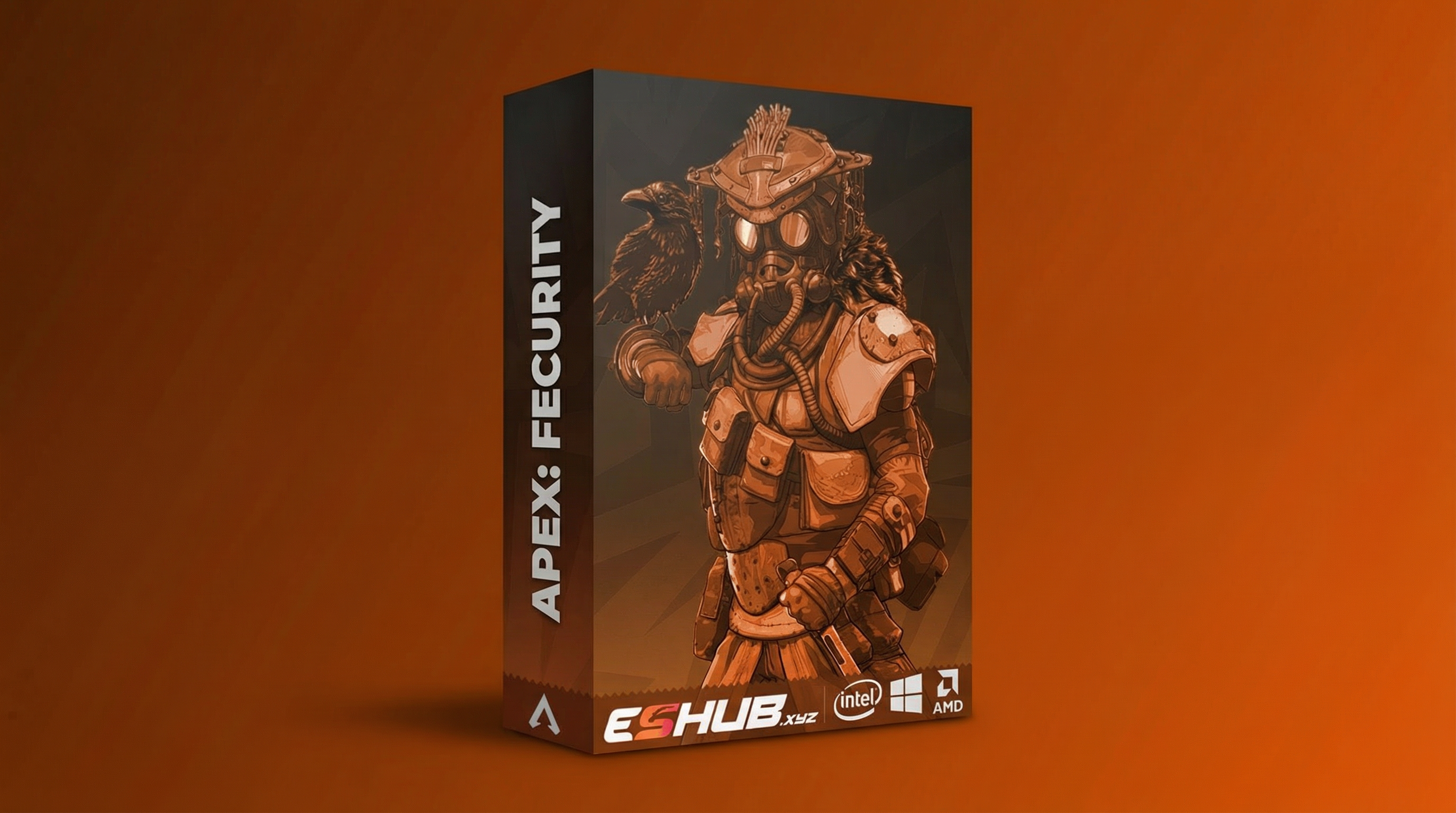
Apex Loot ESP & Item Glow: Weapons, Armor & Filters
Apex loot ESP concerns world items rather than enemy targeting. ESHUB’s Apex products present that information differently: Fecurity uses loot visuals, while Full includes item glow. This guide focuses on the item display, leaving character highlighting to the separate Player Glow page.
Compare Apex: Fecurity and Apex: Full. Use their current listings for the exact controls, requirements and availability.
Loot Information Is Separate from Player Information
A weapon marker or item highlight answers a different question from a player outline. Player ESP identifies characters, while Player Glow covers character highlighting. Item displays help you understand the world objects shown by the selected package.
If player visuals work but item information is absent, review the loot controls first. A missing object can be filtered out or outside the display range without indicating a complete visual failure.
How to Read Loot Displays
Explore Apex loot ESP and item glow. Compare Fecurity item categories with Full highlights, and understand range, readability and product differences.
Item Category
An item-type filter determines which groups are included. Weapons, ammunition and armor are different categories; showing one does not imply the others are enabled.
Distance
A loot distance limit controls how far object information extends. Range and text readability are separate checks when a distant item seems missing.
Highlight Style
A glow is a visual treatment of an item. It is different from a text label or an outline drawn around a character.
Screen Clutter
Several nearby objects can compete for attention. Keep the categories you need and avoid treating more visible information as automatically more useful.
Apex Loot ESP & Item Glow: Features & Checks
Review the controls, differences and requirements relevant to this topic.
Fecurity’s loot category controls distinguish weapons from other world items. Review that group when a weapon marker is missing.
Ammunition is a separate item category. Showing weapons does not automatically mean every ammunition item is included.
Review the supported health-item group independently of player health information.
World armor and a character’s armor indicator are different displays; check the relevant menu group.
Fecurity lists a loot distance control. An item outside the selected range may be excluded from the display.
Full lists item glow rather than the same loot-label presentation as Fecurity.
Where available, inspect item glow color and brightness separately from category selection.
Character ESP and player glow have their own controls. A working player display does not confirm the item group is enabled.
If Loot Information Is Missing
Inspect the relevant group in a consistent order:
- Confirm that the loot or item-highlight feature is enabled.
- Check the selected categories and applicable distance limits.
- Inspect brightness, color or label presentation where available.
- Review the loaded configuration rather than assuming earlier settings remain active.
- Record which object groups appear before asking support.
Continue with ESP Not Showing for broader display checks or Config & Settings for profiles.
Fecurity Loot Visuals vs Full Item Glow
Compare the relevant controls and requirements in each package rather than assuming the menus are identical.
Apex: Fecurity
Fecurity lists loot visuals with item categories and distance controls. Check which world-item groups are enabled and how far the display extends.
View Fecurity Features →Apex: Full
Full lists item glow. Review its item-highlight appearance rather than expecting Fecurity’s loot-label menu.
View Full Features →Choosing a Useful Item Display
Start with the object group you are trying to read. Then review distance and presentation. An item hidden by a category filter needs a different adjustment from a label that is too small or faint.
Use the same terminology when asking for support. “Player glow is visible but world-item highlights are absent” narrows the issue more effectively than “ESP does not work.”
Apex Products: Loot ESP & Item Glow
Compare their current features, requirements and availability.
Apex: Fecurity
Fecurity lists loot visuals with item categories and distance controls. Check which world-item groups are enabled and how far the display extends.
View Fecurity →Apex: Full
Full lists item glow. Review its item-highlight appearance rather than expecting Fecurity’s loot-label menu.
View Full →Confirm Current Requirements and Availability
Use the selected product’s current requirements and setup documentation. Check live status independently of a feature description or an older screenshot.
Related Apex Legends Guides
Frequently Asked Questions About Loot ESP & Item Glow
Is item glow the same as player glow?
No. Item glow concerns world objects; player glow concerns characters.
Do Fecurity and Full use identical loot displays?
No. Compare their current item-display controls separately.
Can a filter explain missing item information?
Yes. Review item categories and applicable range limits before assuming the whole display failed.
Does Loot ESP automatically aim at an enemy?
Loot information is a visual feature. Aim assistance is a separate group.
Where is player highlighting explained?
Use the existing Apex Player Glow guide.
More Apex Legends Cheats & Guides
Explore the full Apex guide, compare current products or continue with the related feature and troubleshooting pages.
Review Loot ESP & Item Glow Options
Review Fecurity and Full's current features, PC requirements and availability before choosing.