
Aimbot
Aim selection, smoothing and activation controls.
ESHub provides premium undetected game softwares, DMA Hardware, ESP, Aimbot, and HWID spoofers for popular PC titles including Apex Legends, Arena Breakout Infinite, ARC Raiders, Escape from Tarkov, Fortnite, Rust, Rainbow Six Siege, and more. Our solutions are secure, frequently updated, and designed to stay undetected.
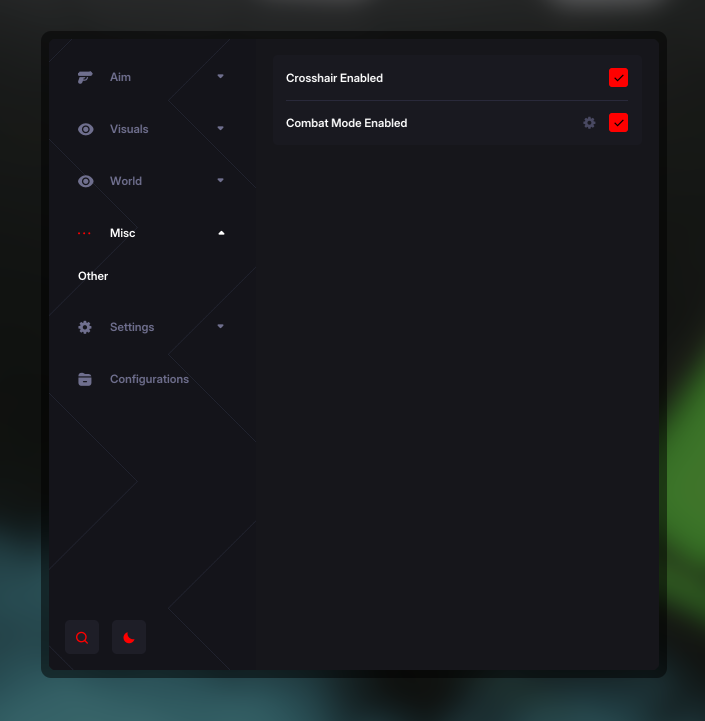
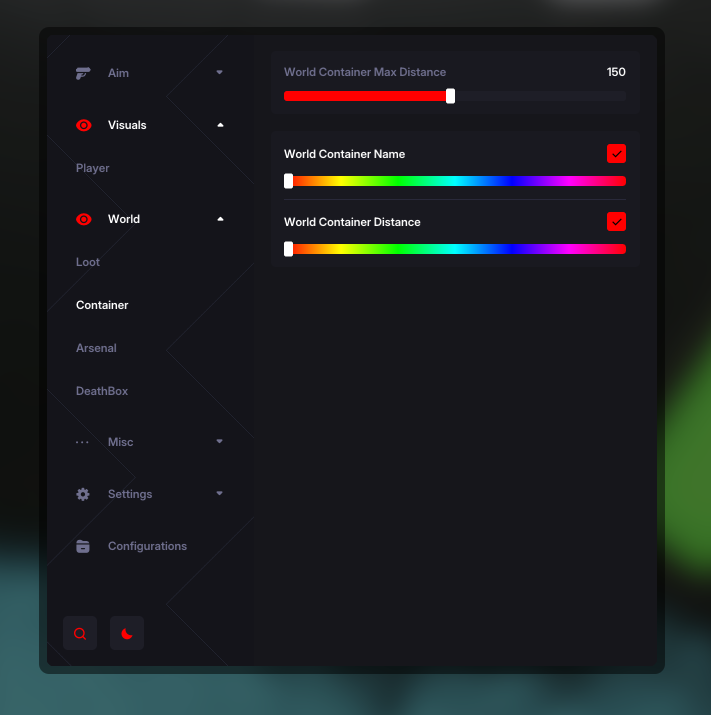
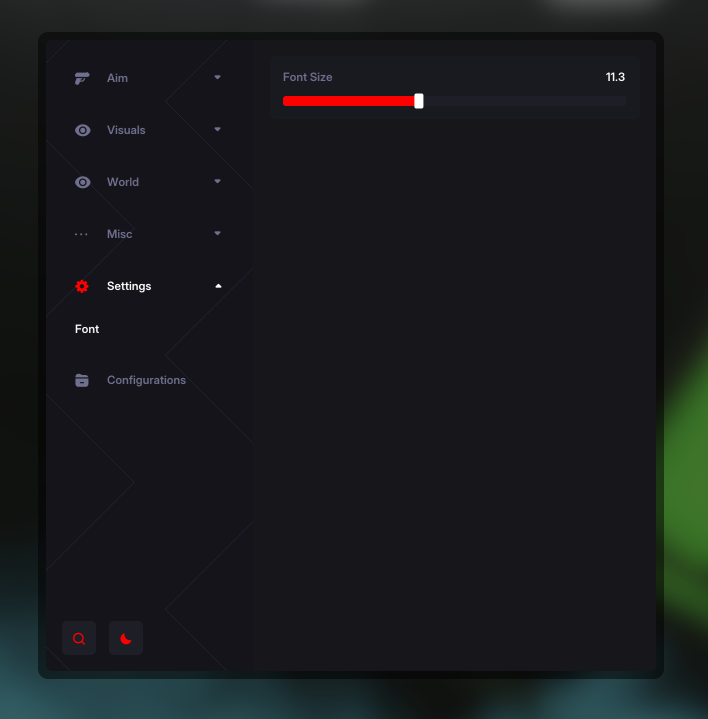
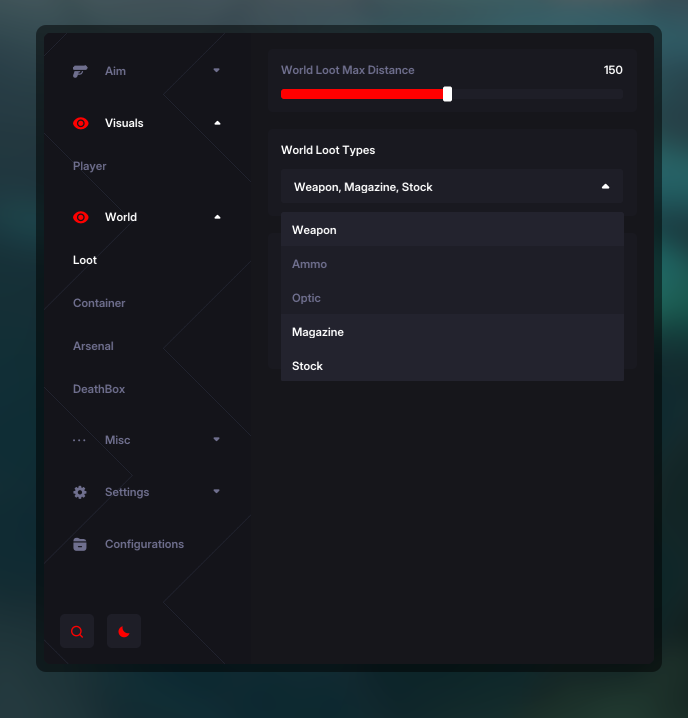
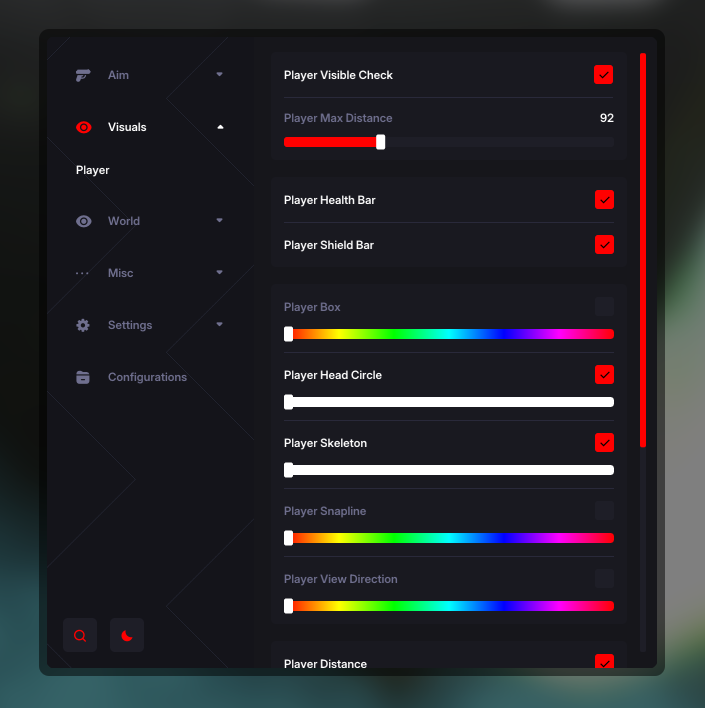
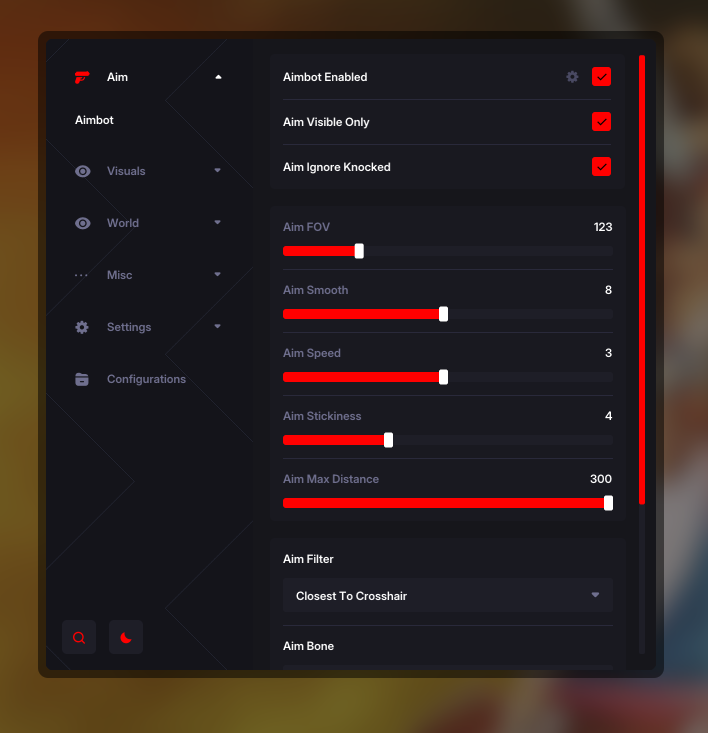
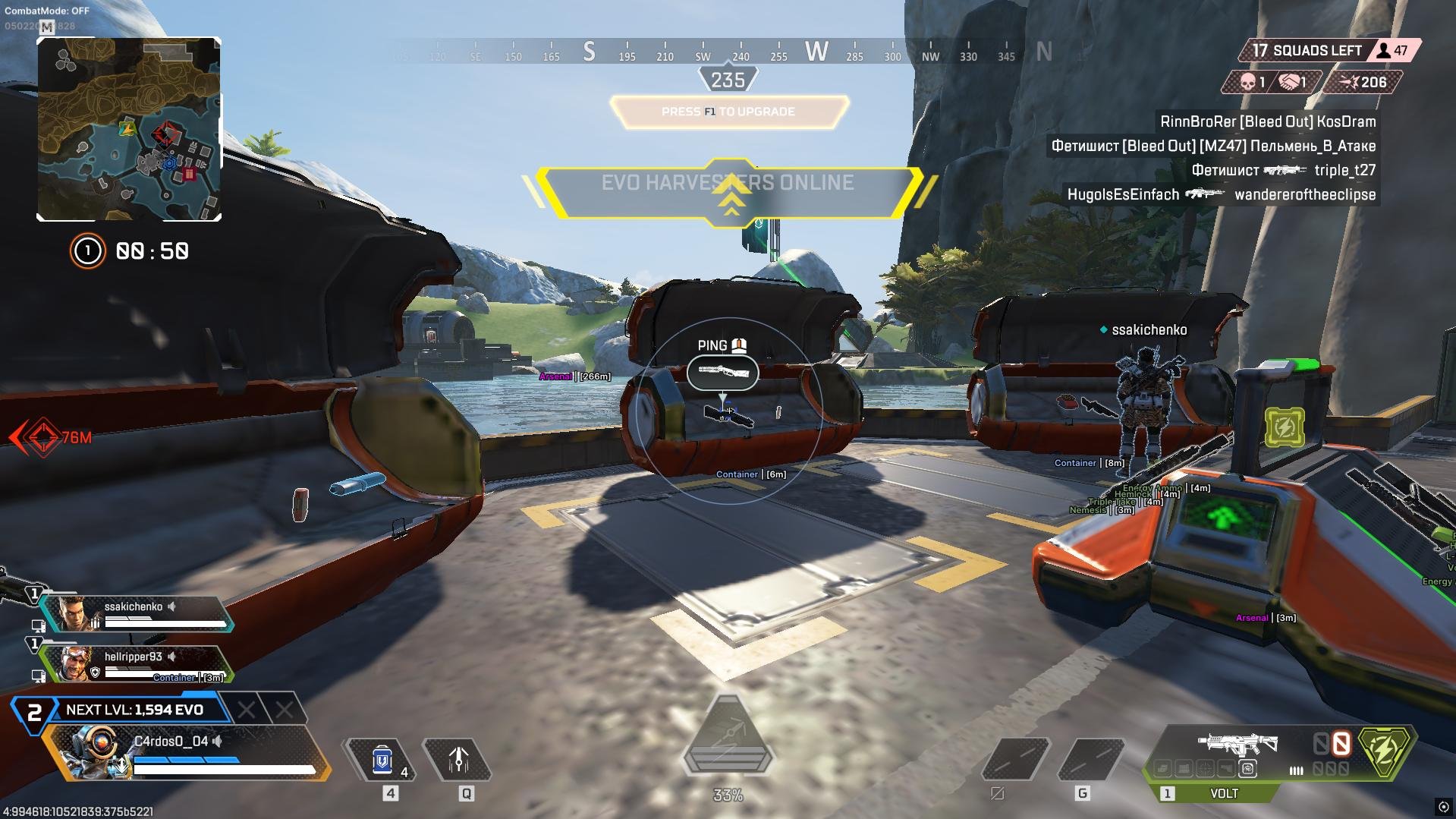
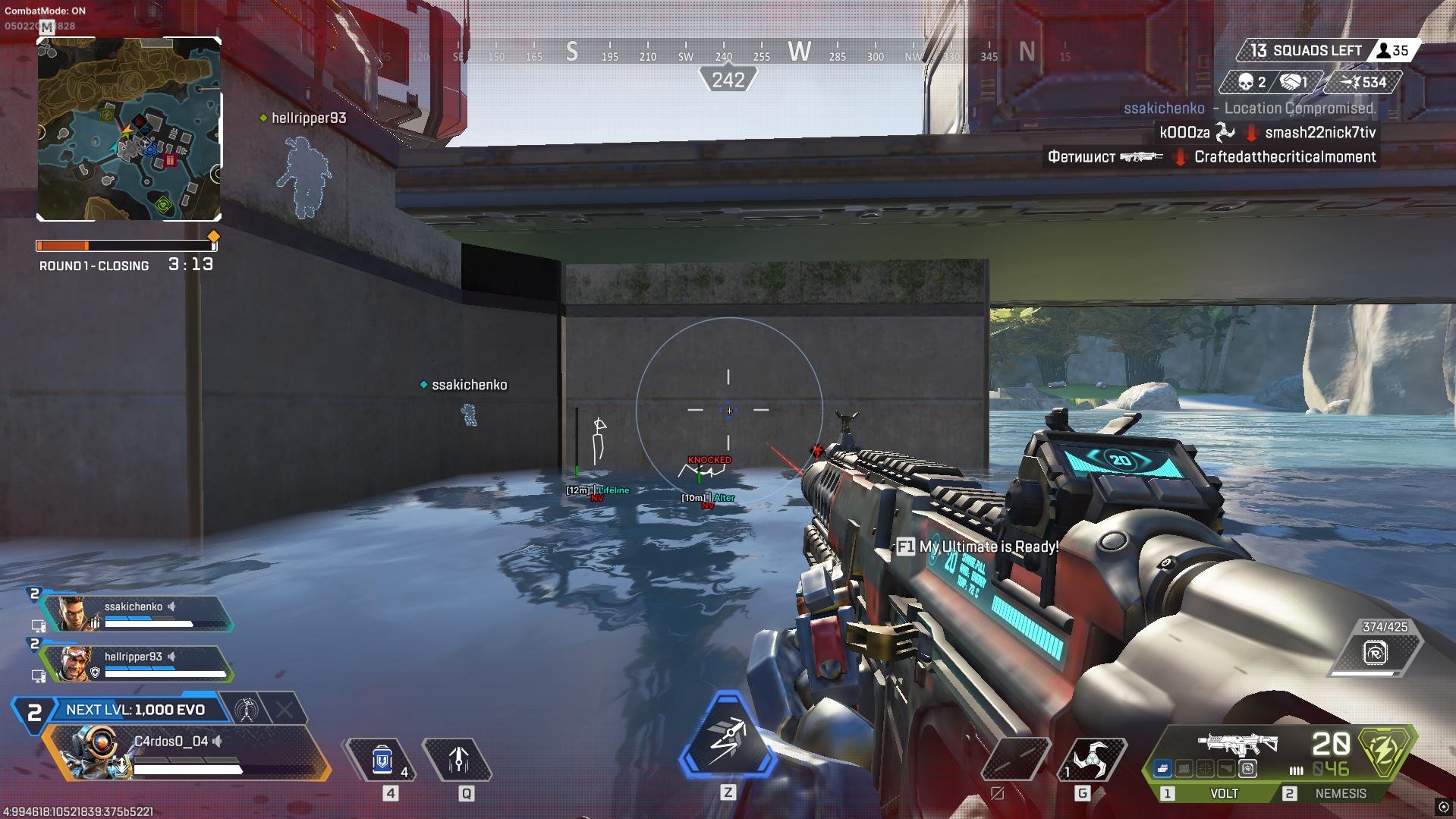
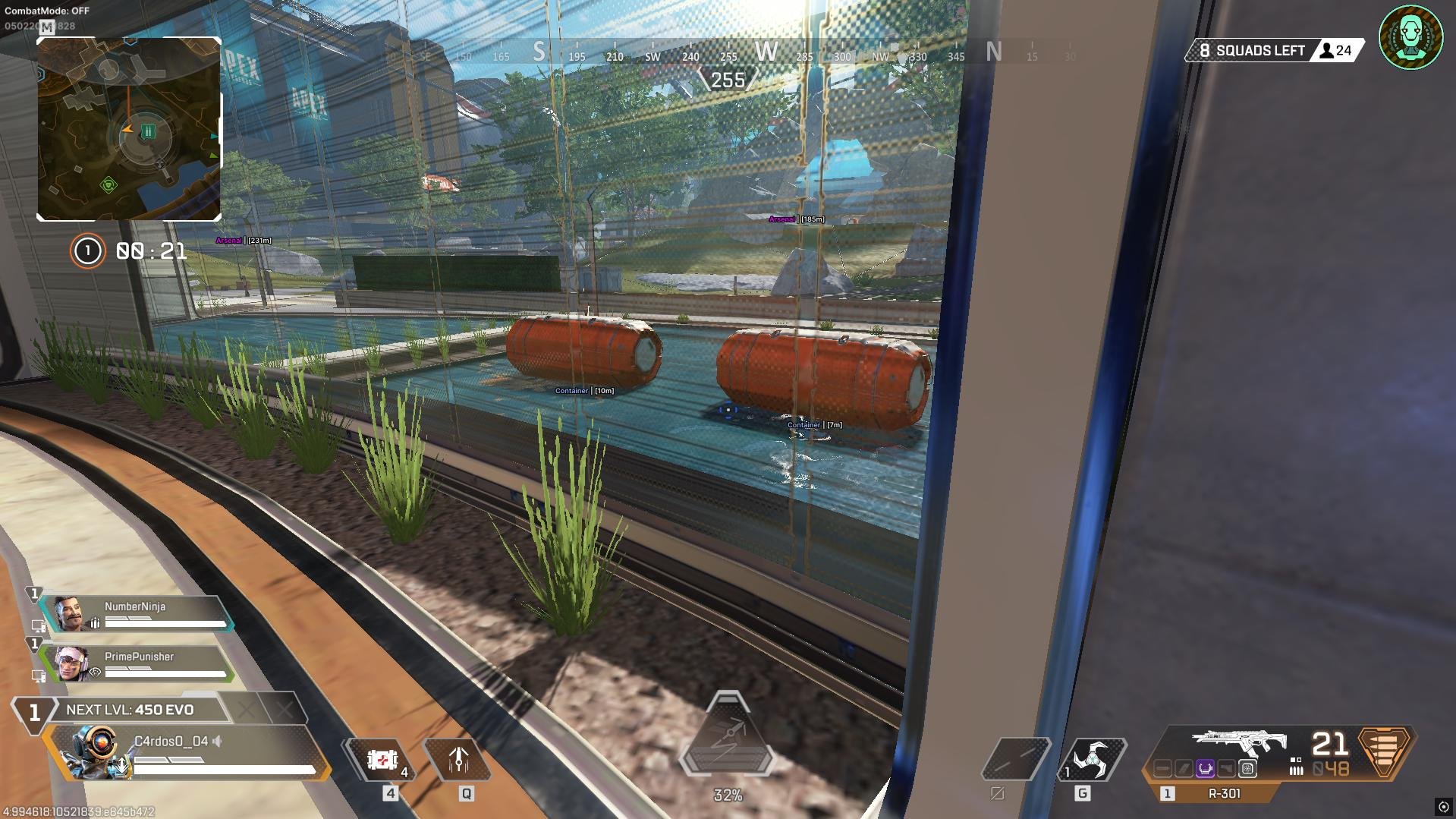
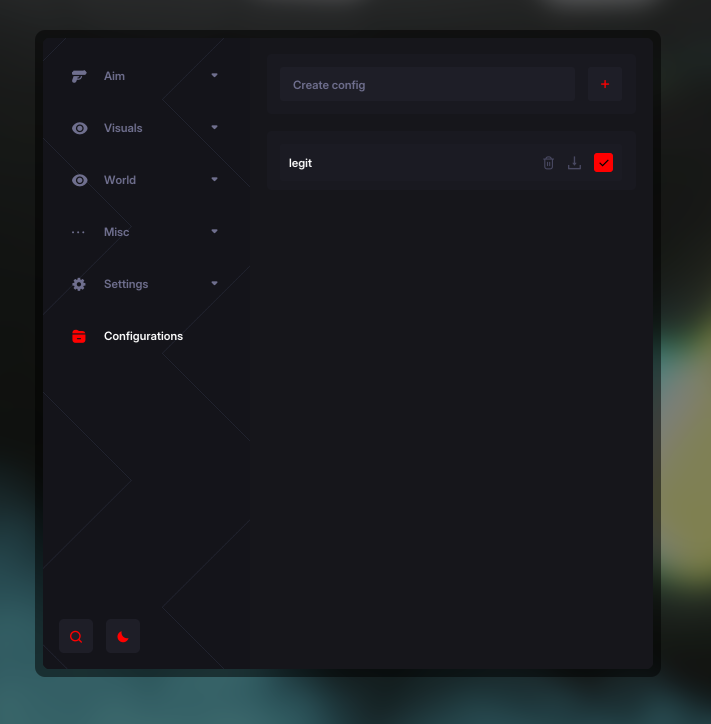
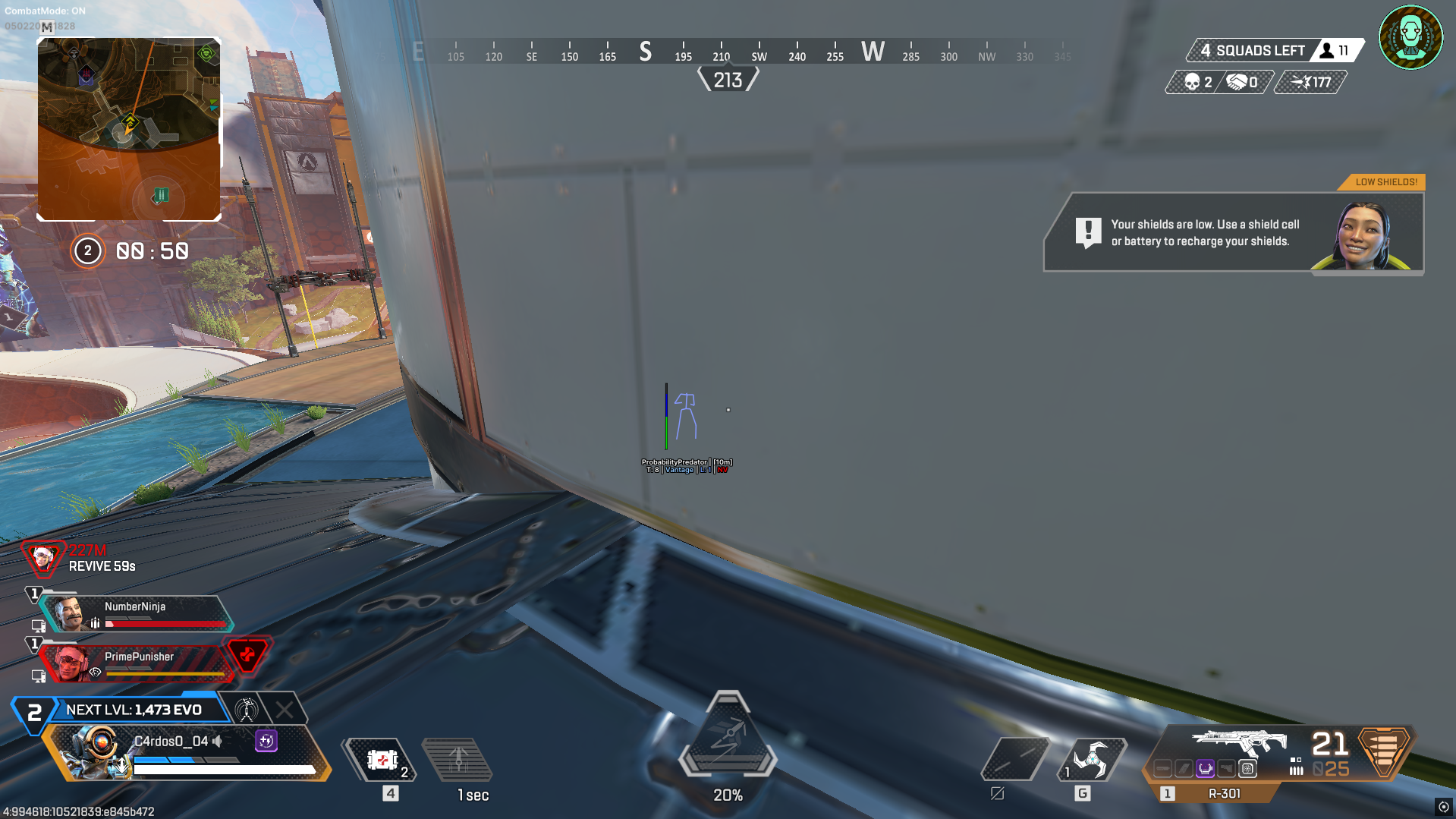
Apex: Full combines configurable aiming, player and weapon glow, item highlights, movement controls and spectator tracking in one package.
Click a linked feature to learn more about what it does.
Aim selection, smoothing and activation controls.
Highlight items with rarity colors and glow styles.
Monitor spectators with a dedicated list.
Player and weapon glow with configurable colors.
Super Glide and Tap Strafe activation settings.
Unload the product and manage saved configurations.
Windows 10 / 11; Windows 11 25h2 supported
Intel & AMD
Borderless Windowed; fullscreen not supported
Redistributable 2015–2022: x64 and x86 installed
DirectX End-User Runtime installed
WDK installed using the configuration shown in the guide
DControl required by the setup guide
Real-time protection disabled before each launch
Fully uninstalled
Fully uninstalled
All settings on Low
Disabled when using EA Launcher; strongly recommended by the guide
Disabled, as listed in the guide’s no-menu checks
Disabled, as listed in the guide’s no-menu checks
Disabled, as listed in the guide’s no-menu checks
Disabled, as listed in the guide’s no-menu checks
Only specified in the alternative no-menu procedure; run as Administrator for that procedure
Apex: Full is an Apex Legends cheat for PC that combines configurable aimbot settings, player and weapon glow, loot highlighting and movement controls. It supports Windows 10 / 11, including Windows 11 25h2, on Intel and AMD processors.
Configure aim FOV, smoothness, target bones and Curve or Linear aiming methods. Legit and Rage modes, recoil control, prediction and target filters let you customize aiming behavior.
Adjust player and weapon glow brightness, visibility colors and weapon glow styles. Item highlights include rarity colors, brightness settings and Weak, Faint, Strong or Waves glow styles.
Super Glide and Tap Strafe have hotkey and always-on options. A spectator list helps you monitor spectators, while configuration controls let you save, load and reset your settings.