
-
Browse Apex Cheats
Apex Legends: Full
Explore Apex Full aiming controls, player glow, item glow and saved configurations. Review its requirements and compare the package with Fecurity.
-
Featured Products
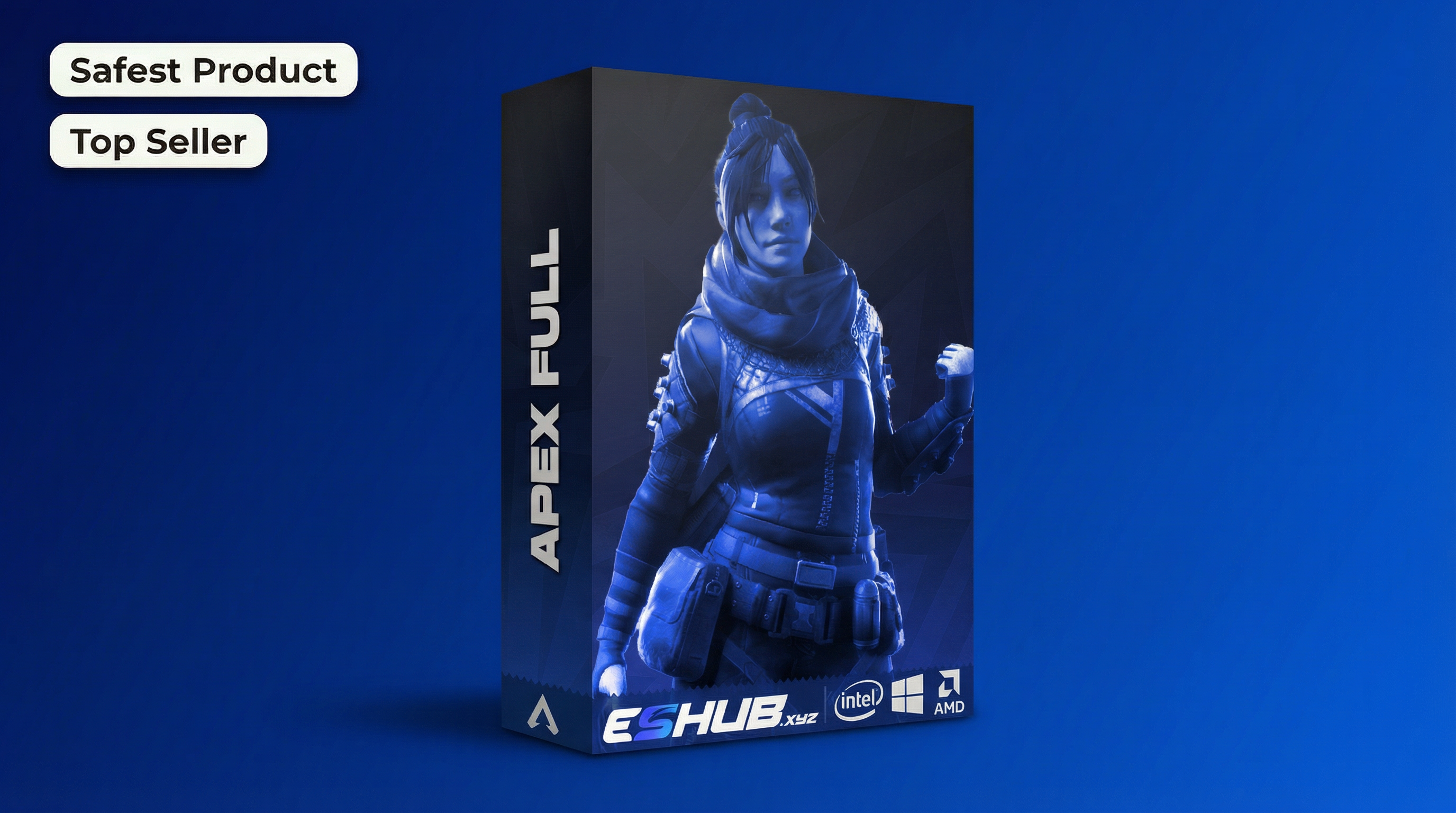
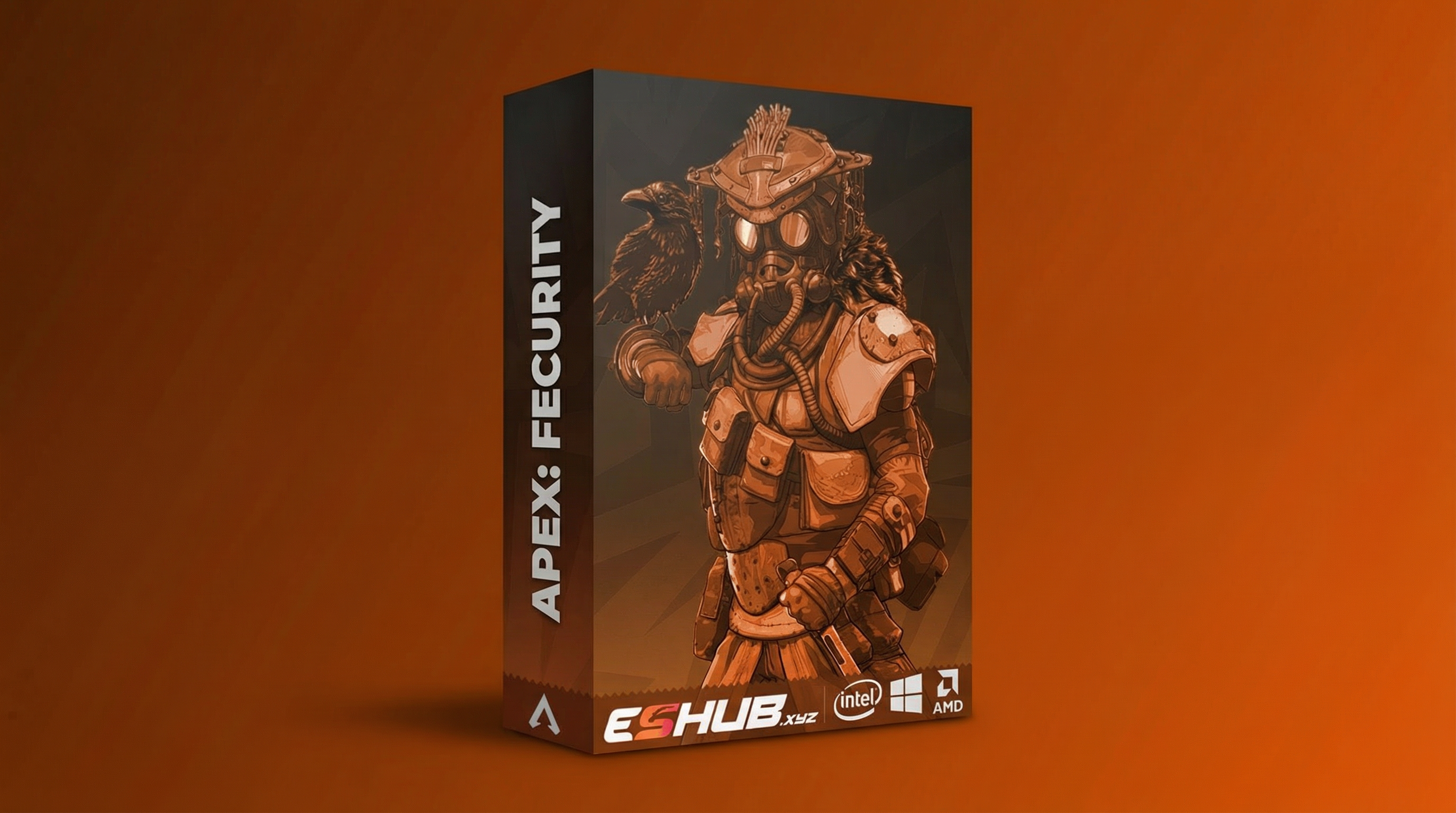
Apex Full: Aimbot, Player Glow, Item Glow & Configs
Apex: Full is ESHUB’s internal Apex package. Its visual presentation centers on player and item glow, alongside aiming controls and saved configurations. This page brings those groups together without replacing the current setup instructions.
Compare Apex: Fecurity and Apex: Full. Use their current listings for the exact controls, requirements and availability.
Aiming and Appearance Have Different Jobs
FOV and smoothness affect the aiming group; the visible glow appearance belongs to the visual group. A change to one does not automatically explain a result in the other.
Read each label in context. A profile can store several choices, so review the complete menu after loading an earlier setup.
The Main Full Feature Groups
Explore Apex Full aiming controls, player glow, item glow and saved configurations. Review its requirements and compare the package with Fecurity.
Aiming
Aim keybind, FOV radius and smoothness are separate controls. Review target-area choices and applicable filters in the current menu.
Player Glow
Character highlighting has its own appearance controls. It is a different presentation from Fecurity’s box and skeleton visuals.
Item Glow
World-item highlighting is separate from character glow. Review the item group before treating an absent object as a player-visual problem.
Configurations
Saved configurations make it possible to return to a stored setup. Inspect loaded controls and key choices rather than assuming a profile changes only colors.
Apex Full: Features & Checks
Review the controls, differences and requirements relevant to this topic.
Identify the aiming activation binding independently of the menu key.
Review the listed aiming radius using Full’s own menu scale.
Full lists smoothness as an aiming control; it is separate from visual appearance.
Character highlighting has its own appearance settings and applicable filters.
World-item glow is a separate feature group from character highlighting.
Inspect keys, toggles and filters after loading a stored setup.
The reviewed listing excludes fullscreen. Confirm the current supported window mode.
The reviewed listing specifies WDK. Follow Full’s own guide for all current prerequisites.
Confirm Full’s Current Requirements
Review the listing and guide for:
- Supported operating system, CPU and launcher.
- The documented display mode.
- Required software and setup prerequisites.
- Current availability and licence terms.
- Product-specific startup and menu instructions.
The reviewed Full listing specifies WDK as a prerequisite and excludes fullscreen display mode. Follow the current Apex: Full instructions rather than borrowing the external package’s procedure.
Full Compared with Fecurity
Compare the relevant controls and requirements in each package rather than assuming the menus are identical.
Apex: Fecurity
Fecurity’s box, skeleton and loot displays belong to a separate external product. Its setup requirements are not interchangeable with Full’s.
View Fecurity Features →Apex: Full
Full’s internal package focuses on its own aiming controls, glow presentation and configurations. Review its current prerequisite list.
View Full Features →Player Glow vs Item Glow
Player Glow covers character highlighting. Loot ESP & Item Glow covers world objects and compares the item displays across the two packages.
When asking about a missing highlight, identify whether the affected object is a character, a weapon or another item. That description points to the relevant group.
Apex Products: Full
Compare their current features, requirements and availability.
Apex: Fecurity
Fecurity’s box, skeleton and loot displays belong to a separate external product. Its setup requirements are not interchangeable with Full’s.
View Fecurity →Apex: Full
Full’s internal package focuses on its own aiming controls, glow presentation and configurations. Review its current prerequisite list.
View Full →Choosing Between the Two Packages
Fecurity vs Full compares feature presentation and requirements. For the wider categories, read Internal vs External. Neither label alone establishes current availability or an account-safety guarantee.
Use Config & Settings for profile review, Menu Not Opening for a missing menu and ESP Not Showing for visual-specific checks.
Related Apex Legends Guides
Frequently Asked Questions About Full
Is Full internal?
The reviewed listing identifies it as an internal product.
What is the main visual style?
Player glow and item glow are the visual groups covered here.
Does Full support saved configurations?
The product feature list and reviewed menu include configuration controls.
Are Full’s requirements the same as Fecurity’s?
No. Review the current guide for your selected package.
Where can I compare both?
Use Fecurity vs Full for a direct comparison.
More Apex Legends Cheats & Guides
Explore the full Apex guide, compare current products or continue with the related feature and troubleshooting pages.
Review Full Options
Review Fecurity and Full's current features, PC requirements and availability before choosing.