
-
Browse Apex Cheats
Apex Legends: How to Choose Apex Cheats
Compare Apex products by feature needs, visual style, compatibility, current status and support. Use a practical checklist before choosing a package.
-
Featured Products
How to Choose Apex Cheats: Features & Compatibility
Choosing an Apex package starts with the features you need and the system you use. A large feature list is only useful when the product fits your launcher, operating system and setup. This guide provides a comparison process rather than a universal ranking.
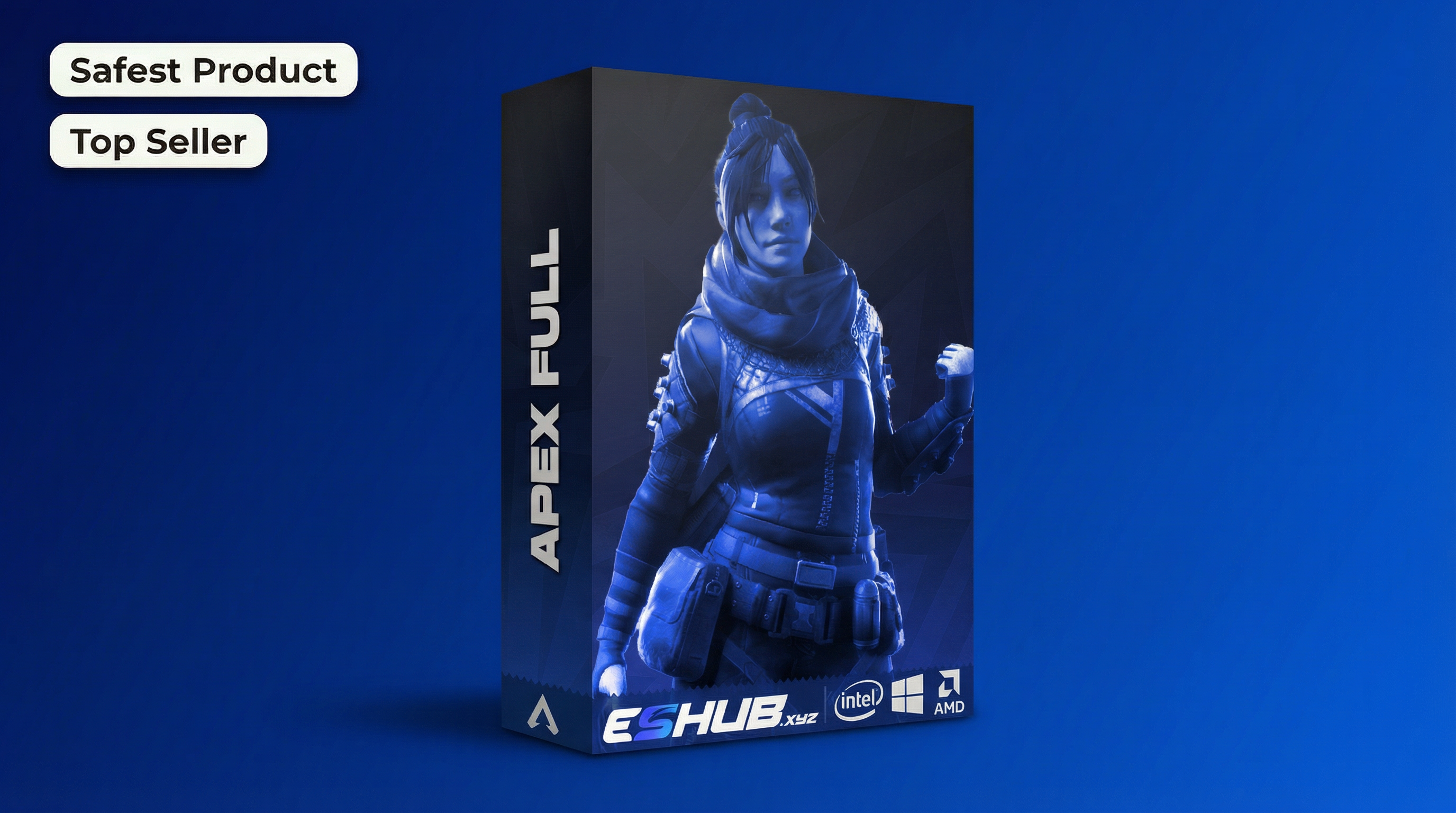
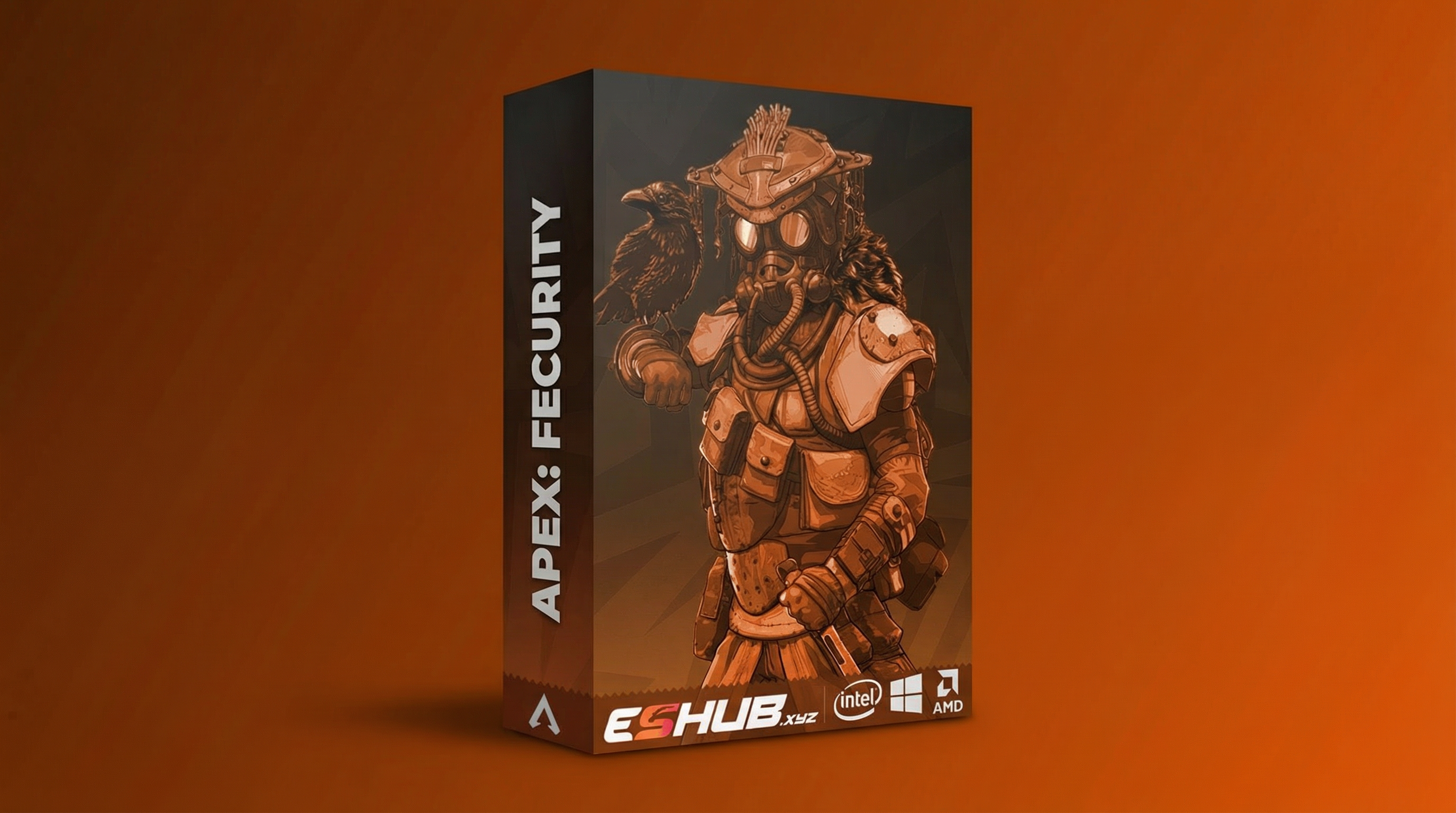
Compare Apex: Fecurity and Apex: Full. Use their current listings for the exact controls, requirements and availability.
Write Down the Features That Matter
Separate aiming controls from player visuals and loot information. Decide whether you are comparing boxes and skeletons, player glow, item highlights or configuration controls.
A product can be a poor fit even when its description contains more feature names. Compare the controls relevant to your use rather than the length of the list.
How to Review How to Choose Apex Cheats
Compare Apex products by feature needs, visual style, compatibility, current status and support. Use a practical checklist before choosing a package.
Feature Needs
Identify the exact aiming controls or visual presentation you want.
System Fit
Confirm the requirements before comparing the licence price.
Current Details
Check the current listing, status and purchase conditions.
Support Questions
Resolve a specific compatibility question before checkout.
How to Choose Apex Cheats: Features & Checks
Review the controls, differences and requirements relevant to this topic.
Write down the exact aiming or display controls you want before comparing packages.
Compare boxes, skeletons and glow according to the information you need to interpret.
Review the world-item presentation rather than assuming every package draws the same labels.
Confirm operating system, CPU, launcher and display requirements on the selected listing.
Check package-specific prerequisites and the supplied guide before checkout.
Use live status and the current listing instead of an older screenshot.
Compare duration and purchase conditions alongside the price.
Name the package and the exact requirement you cannot confirm when contacting support.
Compatibility Comes Before Checkout
Confirm:
- Your supported operating system and launcher.
- The specified processor and other hardware requirements.
- The required display mode and dependencies.
- The current guide for the exact package.
- Any unclear requirement with support before purchasing.
Use PC Requirements and the current product listings together.
Choose by Features and Compatibility
Compare the relevant controls and requirements in each package rather than assuming the menus are identical.
Apex: Fecurity
Consider Fecurity if you are comparing its documented aiming controls and box or skeleton presentation. Confirm that its setup fits your system.
View Fecurity Features →Apex: Full
Compare Full’s glow presentation and saved configurations with your needs. Its internal label does not replace its concrete requirements.
View Full Features →Compare Fecurity and Full Directly
Fecurity vs Full compares the two packages. Use the individual Fecurity and Full pages to understand their main groups.
The internal or external label is one part of the comparison. It does not replace the concrete setup requirements or tell you that a release is currently available.
Apex Products: How to Choose Apex Cheats
Compare their current features, requirements and availability.
Apex: Fecurity
Consider Fecurity if you are comparing its documented aiming controls and box or skeleton presentation. Confirm that its setup fits your system.
View Fecurity →Apex: Full
Compare Full’s glow presentation and saved configurations with your needs. Its internal label does not replace its concrete requirements.
View Full →Check Status and Terms at the Time of Purchase
Visit live status and read the selected listing. An older screenshot or guide can describe an earlier release state. A status label does not establish a guarantee against enforcement.
Compare licence duration and support terms alongside compatibility. A lower price is not a complete comparison if the package lacks the feature or supported setup you need.
Ask a specific question with your proposed package, Windows version, launcher and the requirement you cannot confirm. A focused compatibility question is easier to answer than a request for “the best cheat.”
For a broad introduction, use Cheats for Beginners. For pricing categories, use Free vs Paid.
Related Apex Legends Guides
Frequently Asked Questions About How to Choose Apex Cheats
Is there one best Apex package for everyone?
The appropriate choice depends on feature needs and compatibility.
Should I choose only by price?
Include requirements, current status, licence duration and support terms.
Does internal automatically mean safer?
A category label does not establish an enforcement guarantee.
Can an old status screenshot be relied on?
Check the live status and current listing instead.
What should I ask support?
Name the product and the exact compatibility point you cannot confirm.
More Apex Legends Cheats & Guides
Explore the full Apex guide, compare current products or continue with the related feature and troubleshooting pages.
Review How to Choose Apex Cheats Options
Review Fecurity and Full's current features, PC requirements and availability before choosing.