
-
Browse Apex Cheats
Apex Legends: Cheats for Beginners
Learn Apex cheat terminology, including aimbot, ESP, player glow, loot displays and configs. Understand requirements and status before comparing products.
-
Featured Products
Apex Cheats for Beginners: Features, Terms & Requirements
If you are new to ESHUB’s Apex collection, start with the meaning of each feature rather than a long list of names. Aiming, visual information and configuration are different groups. This guide introduces those groups and the pages that explain them in more detail.
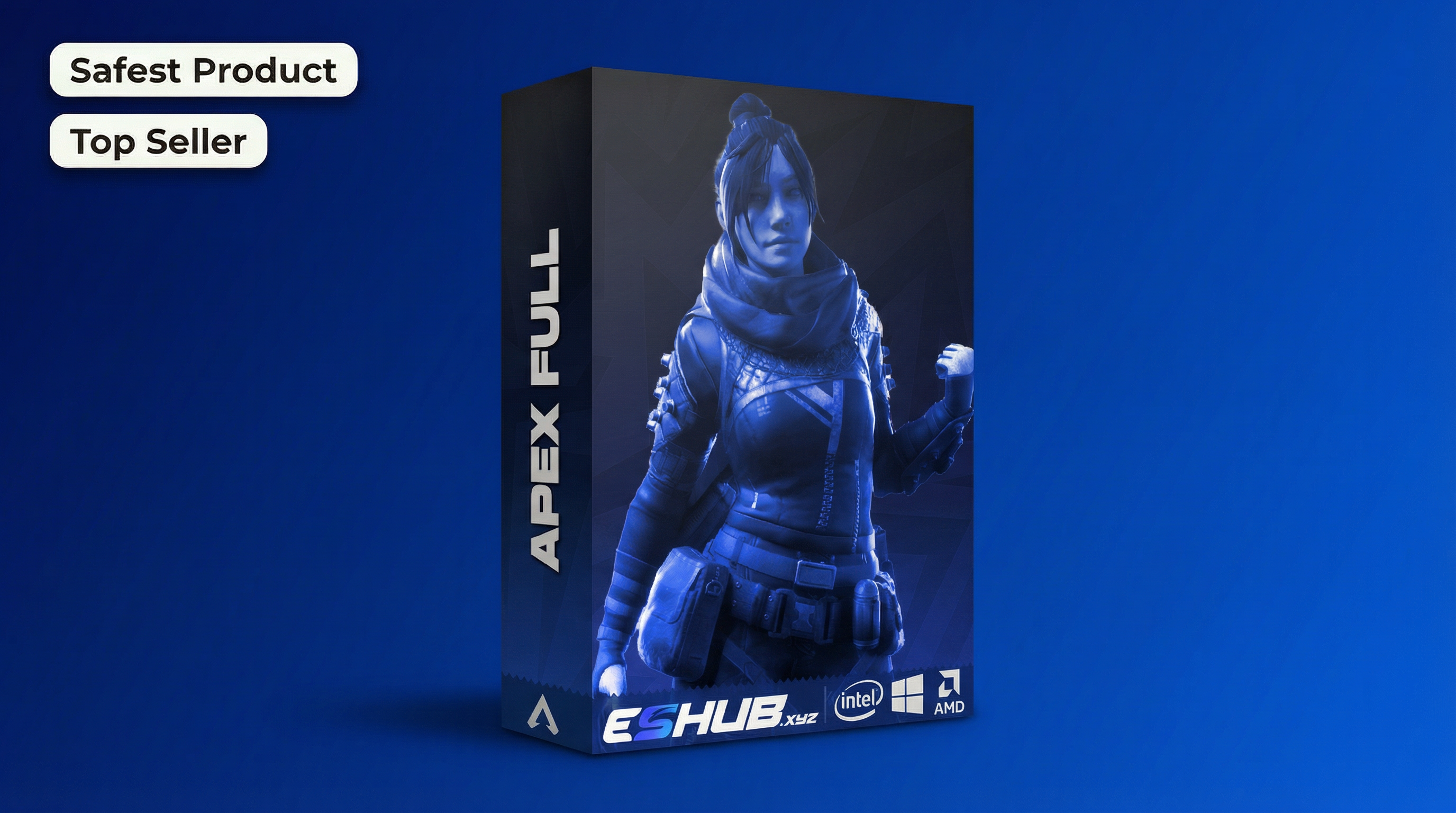
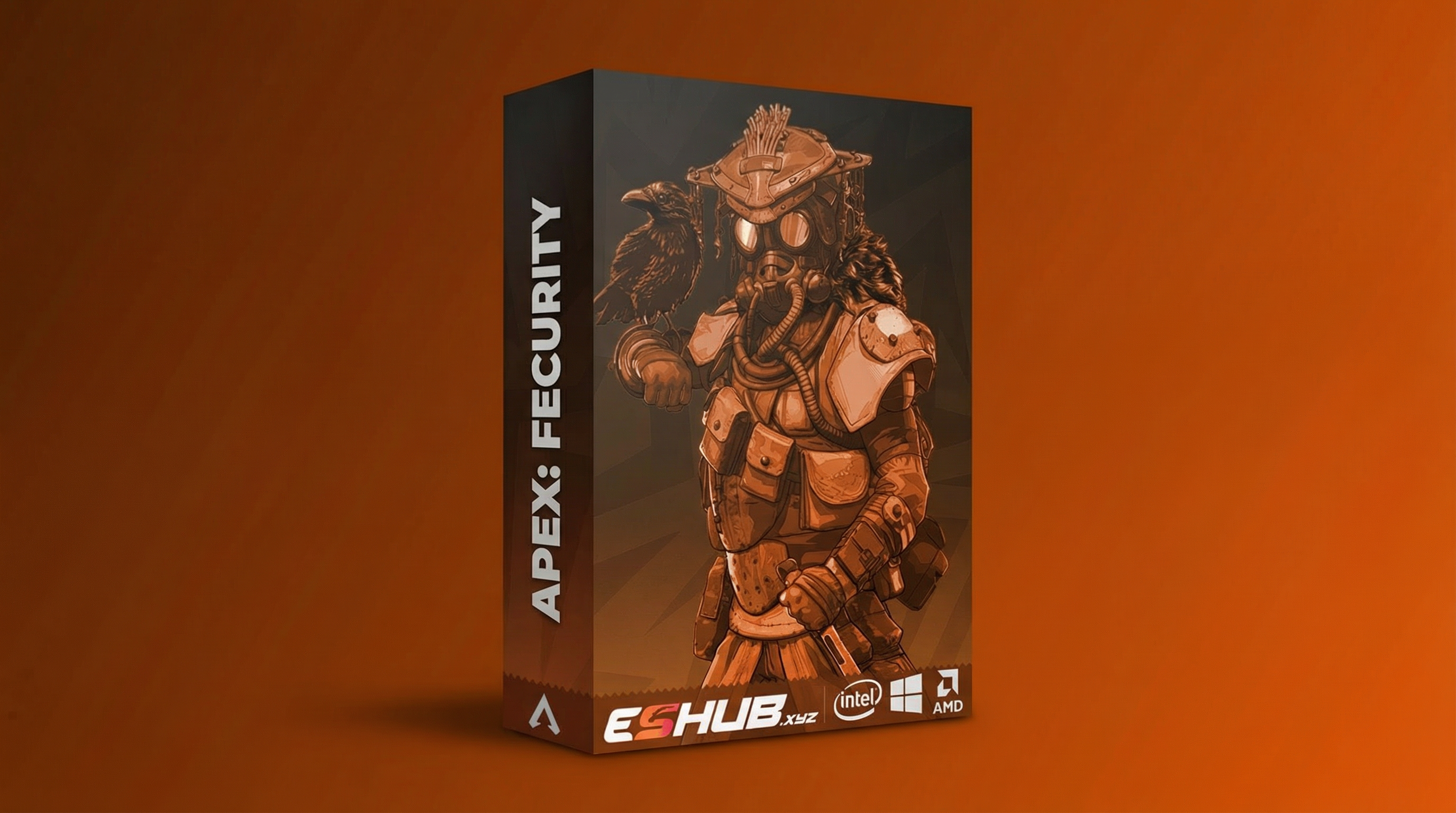
Compare Apex: Fecurity and Apex: Full. Use their current listings for the exact controls, requirements and availability.
Learn the Existing Feature Pages
Start with Aimbot, ESP and Player Glow. For world items, use Loot ESP & Item Glow. Each page covers a narrower topic than a general product overview.
If a term appears in one product menu, do not assume that another package has an identical feature or uses the same values.
Four Terms to Understand First
Learn Apex cheat terminology, including aimbot, ESP, player glow, loot displays and configs. Understand requirements and status before comparing products.
Aimbot
An aiming feature has controls such as activation keys and target-selection limits. It is separate from information displayed about players.
ESP & Glow
These describe visual information or highlighting. A box, a skeleton and a glow are different ways of presenting an object.
Loot Display
Item information concerns world objects. Showing an enemy does not mean weapons and armor are included in the same display group.
Configuration
A stored setup contains selected settings. Loading one can change more than appearance, so review controls and key assignments.
Apex Cheats for Beginners: Features & Checks
Review the controls, differences and requirements relevant to this topic.
Aiming controls concern activation and target selection, rather than the information drawn on screen.
Visual information can include supported player indicators or world-item information.
A character highlight is a different presentation from a box or skeleton.
These groups concern world objects; they are separate from character highlighting.
Technical product categories do not make installation instructions interchangeable.
Treat hardware-based products as a separate setup with their own equipment requirements.
A loaded profile can change multiple groups, including hotkeys and feature toggles.
Check the current listing and live status before treating a feature description as purchase guidance.
A Beginner’s Pre-Purchase Review
Check these points on the current listing:
- The exact product name and supported game.
- Operating system, launcher and other prerequisites.
- Display mode and documented setup requirements.
- Live product status and licence duration.
- Which guide and support route apply to the package.
A feature list alone does not answer all of these questions.
Understand the Two Product Menus
Compare the relevant controls and requirements in each package rather than assuming the menus are identical.
Apex: Fecurity
Fecurity’s player boxes and skeletons are visual features; its aiming controls and loot categories are separate menu groups.
View Fecurity Features →Apex: Full
Full’s player and item glow are distinct displays. Its configuration controls can store choices across multiple feature groups.
View Full Features →Understand Product Names Before Comparing Prices
Fecurity and Full are separate packages. Fecurity vs Full explains their menu and visual differences. The existing DMA page covers another category and should not be treated as the same setup.
Apex Products: Cheats for Beginners
Compare their current features, requirements and availability.
Apex: Fecurity
Fecurity’s player boxes and skeletons are visual features; its aiming controls and loot categories are separate menu groups.
View Fecurity →Apex: Full
Full’s player and item glow are distinct displays. Its configuration controls can store choices across multiple feature groups.
View Full →Keep Status and Capture Claims Separate
A capture-protection feature concerns recorded output. A product-status label concerns its current release state. Neither is a promise that an account cannot face enforcement.
Use the existing Undetected page for status terminology and the Stream Proof page for capture behavior. Avoid reading one label as an answer to every risk question.
An unavailable menu belongs in Menu Not Opening; absent visual information belongs in ESP Not Showing. If you have an enforcement notice, use HWID Bans Explained and the official account-review route.
Related Apex Legends Guides
Frequently Asked Questions About Cheats for Beginners
Is ESP the same as aimbot?
No. Visual information and aiming features are separate.
Are all Apex packages configured alike?
No. Follow the selected product’s current menu and documentation.
Is DMA just another Full profile?
No. Treat DMA as a separate product category and setup.
What should I check before price?
Compatibility, current status, required software and the features you need.
Which page helps choose a package?
More Apex Legends Cheats & Guides
Explore the full Apex guide, compare current products or continue with the related feature and troubleshooting pages.
Review Cheats for Beginners Options
Review Fecurity and Full's current features, PC requirements and availability before choosing.