
-
Browse Rust Products
Rust Cheat Config & Settings Guide
Rust cheat configurations group supported targeting, visuals and interface choices. This guide explains what can be saved in the current products, why configs are product-specific, and how to separate display preferences from feature requirements.
-
Featured Products
Explore Rust configurations for targeting, player visuals, World ESP and interface settings, with product-specific tools for saving and loading your setup.
Explore the available options in , and . Feature availability and requirements vary between products.
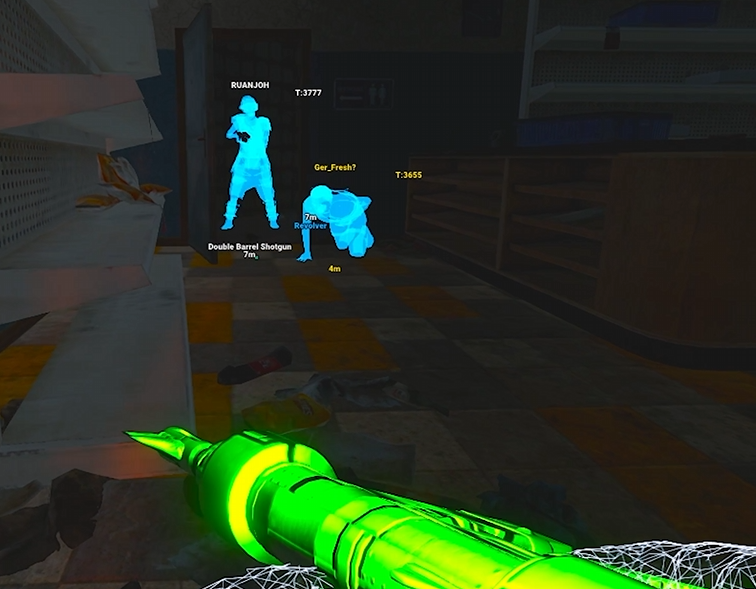
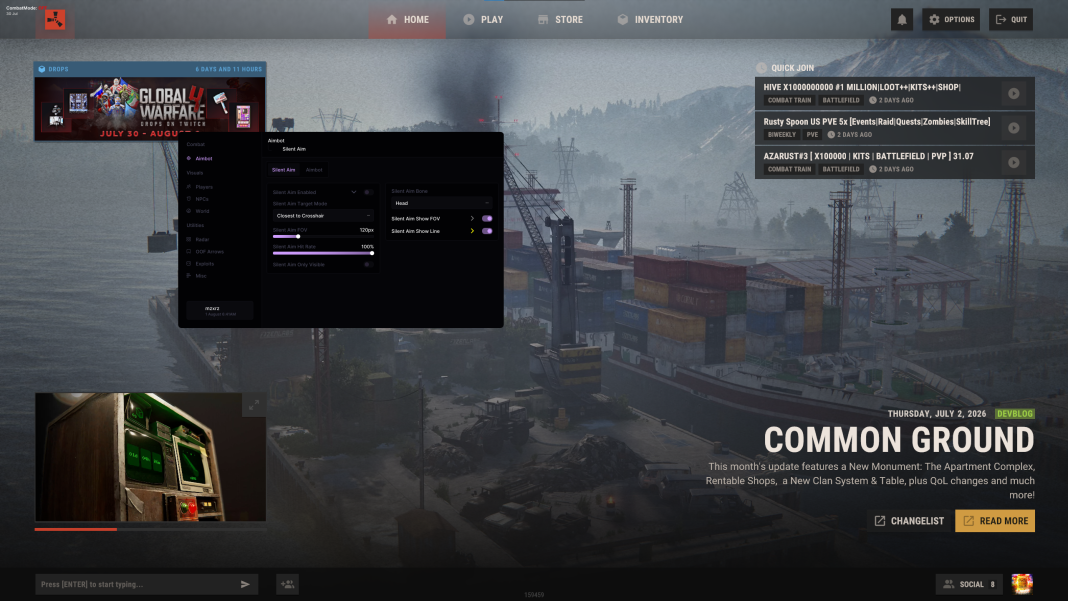
Configuration support by product
lists a Config Manager with Create, Load and Save. lists configurable personal preferences, but its reviewed listing does not document the same sharing or account-storage system. We do not assume those capabilities are identical.
lists named configurations, saving and loading, auto-save, loading the last config at startup, reset controls, config-code lookup and a Config Hub. It also lists uploading the current configuration for sharing.
Rust Configuration Options
Saved profiles
Rush lists Create, Load and Save in its Config Manager.
Account configurations
Rush DMA lists named configs and account-based configuration management.
Sharing tools
Rush DMA lists config-code lookup and a Config Hub.
Requirements remain
A saved config does not replace hardware or add unsupported features.
Understand what a configuration changes
A profile can change which entities are selected, what distances are displayed, how labels look and which targeting controls are configured. It does not add a feature that the product lacks, replace an aim device or establish hardware compatibility.
For , some saved choices concern features that require Allow Memory Writing. A profile containing those choices does not remove the requirement. Likewise, a saved aim configuration does not replace the connected supported aim device.
Sharing, resets and troubleshooting
's public feature preview does not save settings. Its listing places account configuration management in the real menu and loader. If a change appears to disappear, first establish whether you were using the preview or the actual account environment.
Record which profile was loaded when reporting a problem, especially if a category appears empty. Compare the current category selections with the intended profile before resetting everything. Keep a recoverable configuration where the product supports it, and follow current instructions for loading or resetting.
Related Rust Features & Guides
How to Use Rust Cheats
Get started with ESHub Rust products by checking requirements, accessing your purchase and following the correct instructions for Rush, Disconnect or Rush DMA.
Read the Guide →Rust ESP Not Showing
Troubleshoot Rust ESP not showing by checking the affected category, entity filters, display range, radar selections and product initialization.
Read the Guide →Rust Products & Requirements
Explore the available products and check each listing for its current features and requirements.
Rust: Rush
Internal software with targeting, player and NPC visuals, world ESP and configurations.
Rust: Disconnect
External software with Silent Aim, Player ESP and detailed world-information features.
Rust: Rush DMA
DMA hardware required. Aimbot additionally requires a connected supported aim device.
Related Rust Cheat Guides
Frequently Asked Questions About Rust Cheat Config & Settings Guide
Click a question below to view the answer.