
-
Browse Rust Products
How to Use Rust Cheats: Purchase, Access & Setup
Getting started with an ESHub Rust product begins with the correct package and its current instructions. Rush, Disconnect and Rush DMA have different requirements, so there is no single launch sequence that should be applied to all three.
-
Featured Products
Get started with ESHub Rust products by checking requirements, accessing your purchase and following the correct instructions for Rush, Disconnect or Rush DMA.
Explore the available options in , and . Feature availability and requirements vary between products.
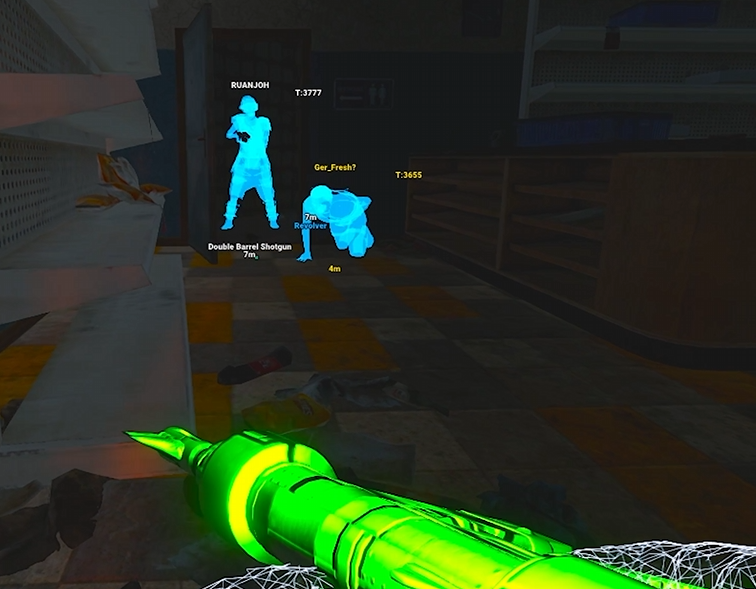
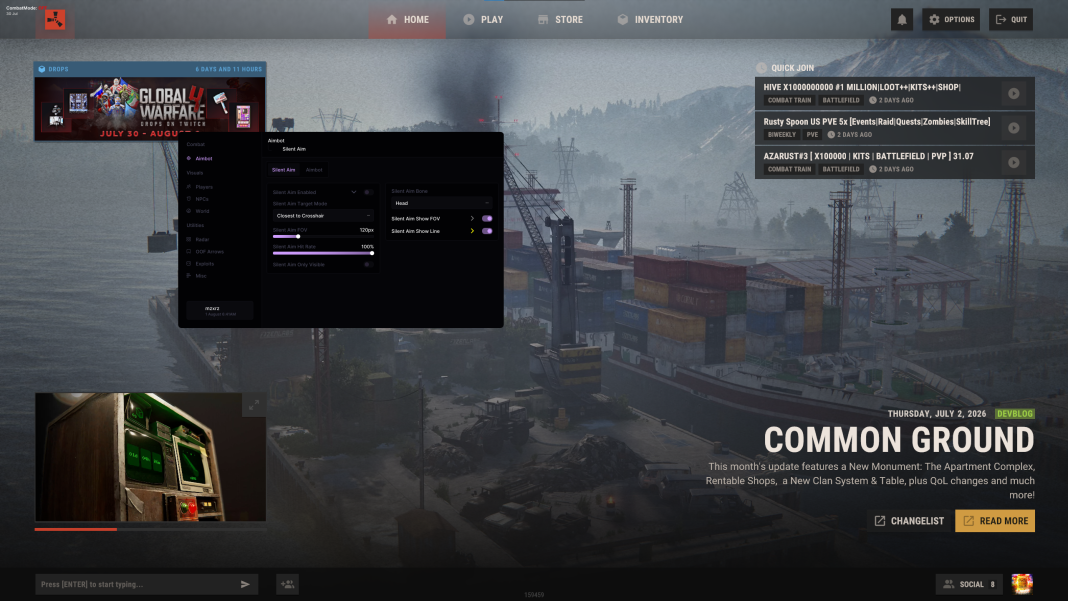
Choose the product before following a guide
is listed as internal, as external, and Rush DMA requires a compatible hardware setup. Review the features you need and verify compatibility before buying. DMA aiming also requires a supported connected aim device.
ESHUB's site directs customers to My Keys or the purchase email for product access. Use those account-linked channels and the setup instructions supplied with the purchase. A product video is a preview, not a substitute for current installation instructions.
Getting Started With Rust Products
Choose the product
Match the package to its documented features and requirements.
Purchase access
Use My Keys or the purchase email for verified access.
Product instructions
Follow the selected package’s current guide, not a universal launch sequence.
Then configure
Separate successful initialization from individual feature settings.
Follow the correct launch instructions
's listing documents its launcher account and key activation flow, required Visual C++ x64 and DirectX components, and initialization when prompted. Its F2 and Insert sequence belongs to Rush; it should not be copied into or DMA instructions without confirmation.
For , follow the supplied guide because the reviewed public feature list does not establish a detailed launch sequence. For , verify hardware compatibility and consult the product's device and interface instructions before enabling features that depend on additional equipment.
Check access, then configure categories
Separate successful access from feature configuration. First establish that the purchased product loads and the menu is available. Then review the relevant player, NPC, world or radar categories and saved profiles. An empty category does not automatically mean the license failed.
Use the menu and ESP troubleshooting pages for specific symptoms. If support is needed, send the product name, exact error and failed stage privately. Keep license keys and account information out of public screenshots, and download only through verified purchase channels.
Related Rust Features & Guides
Rust Cheats for Beginners
Understand Rust cheat features including Aimbot, ESP and Radar, then compare software types, hardware requirements and the current product options.
Read the Guide →Rust Cheat Menu Not Opening
Troubleshoot a Rust cheat menu that will not open, with product-specific initialization, menu-key, runtime and display checks.
Read the Guide →Rust Gameplay Preview
Recorded Rust gameplay preview. Check individual product listings for current features and compatibility.
Rust Products & Requirements
Explore the available products and check each listing for its current features and requirements.
Rust: Rush
Internal software with targeting, player and NPC visuals, world ESP and configurations.
Rust: Disconnect
External software with Silent Aim, Player ESP and detailed world-information features.
Rust: Rush DMA
DMA hardware required. Aimbot additionally requires a connected supported aim device.
Related Rust Cheat Guides
Frequently Asked Questions About How to Use Rust Cheats
Click a question below to view the answer.