
-
Browse Rust Products
Rust Cheat Menu Not Opening: Product-Specific Checks
A Rust cheat menu that never appears is a different problem from an open menu with no ESP labels. Start by identifying the exact product and failed stage so troubleshooting follows the correct instructions.
-
Featured Products
Troubleshoot a Rust cheat menu that will not open, with product-specific initialization, menu-key, runtime and display checks.
Explore the available options in , and . Feature availability and requirements vary between products.
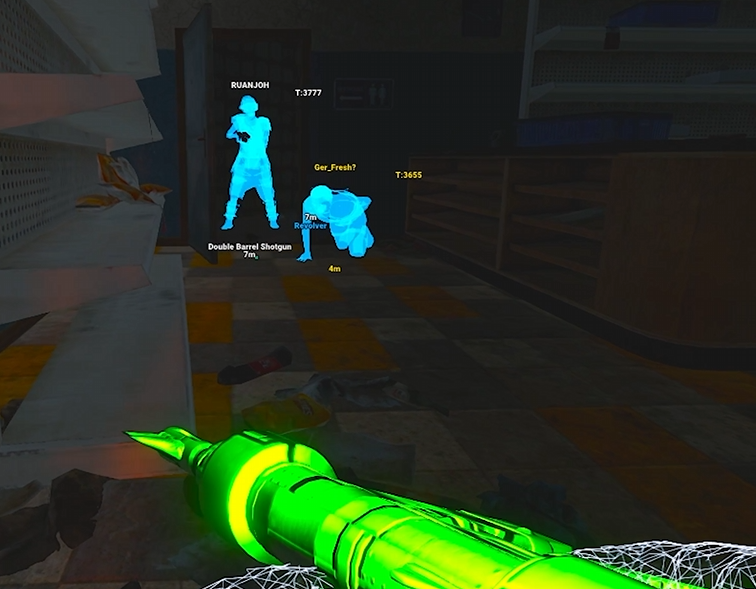
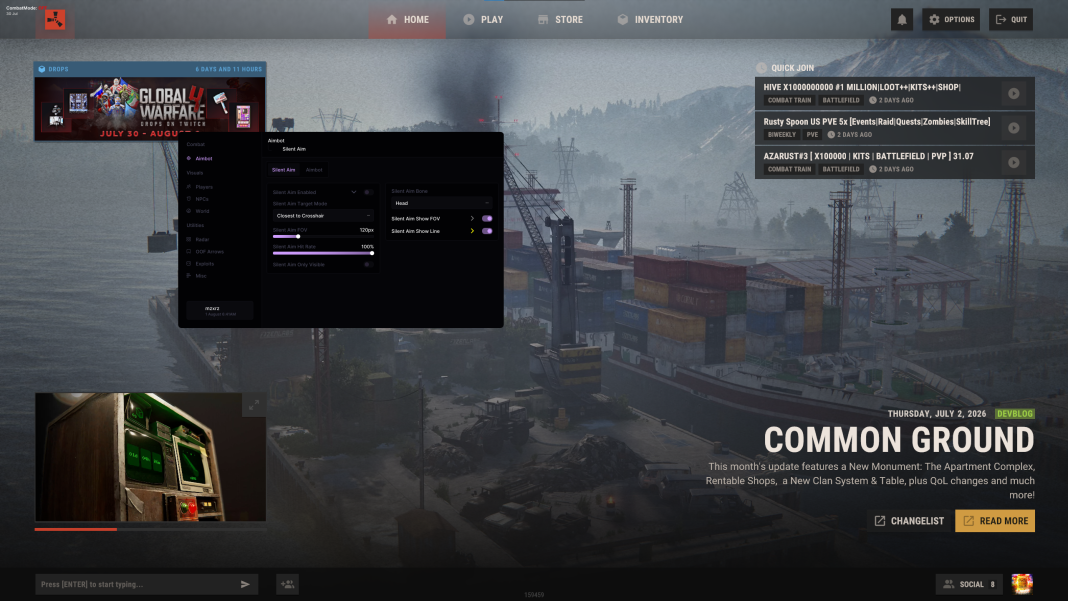
Rush initialization and menu access
's listing documents initialization with F2 at the main menu or lobby when instructed, followed by approximately five to ten seconds before trying Insert. Its menu bind is configurable, so a saved configuration can change the expected key.
Follow the current launcher prompts rather than assuming the sequence applies to every Rust product. 's reviewed public list does not document the same initialization sequence, and has its own interface and device requirements.
Rust Menu Troubleshooting Checks
Initialization
Rush documents its own F2 and Insert sequence when instructed.
Display checks
Follow product-specific runtime and overlay requirements.
Saved keybinds
Rush DMA lists configurable menu and panic keys.
Support details
Record the exact product, error and failed launch stage.
Rush display and runtime checks
The listing names Visual C++ x64 and DirectX components in its setup guidance. It also references Borderless mode and Steam Overlay where required by the supported configuration. Close unrelated overlays instead of enabling every overlay at once.
If the loader appears stuck, its listing describes a supported Legacy Loader fallback through the issue option. Use only the supplied purchase instructions for downloads. Do not source replacement loaders or runtime packages from unverified messages or file mirrors.
DMA menu keys and useful diagnostics
lists Insert as the default menu key and End as the default panic key. Check saved keybinds before assuming the application failed. A disconnected aim device affects aimbot availability; that is not automatically the cause of a missing menu.
For support, record the product, loader version, exact error, stage reached and recent game update. 's listing mentions LogHelper.tmp for missing-menu diagnostics. Share logs privately and remove unnecessary account details; do not publish license keys or full system dumps in public comments.
Related Rust Features & Guides
How to Use Rust Cheats
Get started with ESHub Rust products by checking requirements, accessing your purchase and following the correct instructions for Rush, Disconnect or Rush DMA.
Read the Guide →Rust ESP Not Showing
Troubleshoot Rust ESP not showing by checking the affected category, entity filters, display range, radar selections and product initialization.
Read the Guide →Rust Products & Requirements
Explore the available products and check each listing for its current features and requirements.
Rust: Rush
Internal software with targeting, player and NPC visuals, world ESP and configurations.
Rust: Rush DMA
DMA hardware required. Aimbot additionally requires a connected supported aim device.
Rust: Disconnect
External software with Silent Aim, Player ESP and detailed world-information features.
Related Rust Cheat Guides
Frequently Asked Questions About Rust Cheat Menu Not Opening
Click a question below to view the answer.