
-
Browse Rust Products
Rust ESP Not Showing: Filters, Range & Display Checks
When Rust ESP does not appear, first identify whether all visuals are absent or only one category is missing. Player labels, NPC labels, resources, loot and radar can have separate settings and different data availability.
-
Featured Products
Troubleshoot Rust ESP not showing by checking the affected category, entity filters, display range, radar selections and product initialization.
Explore the available options in , and . Feature availability and requirements vary between products.
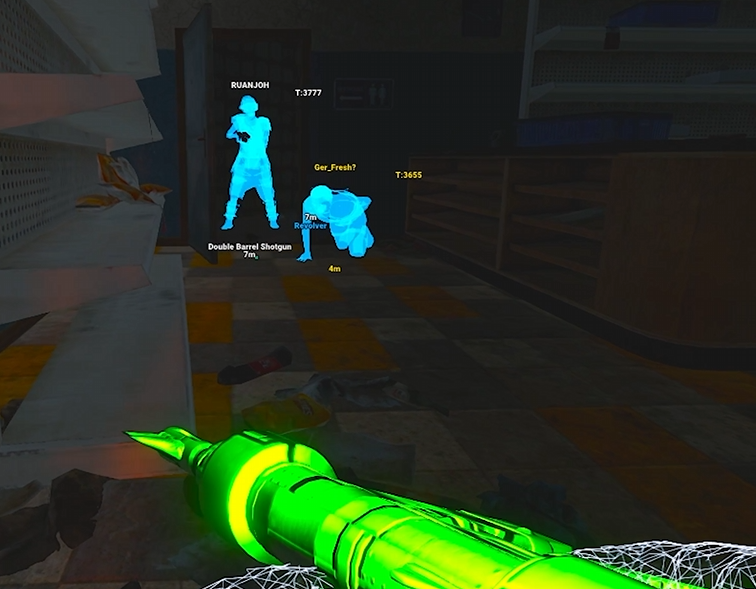
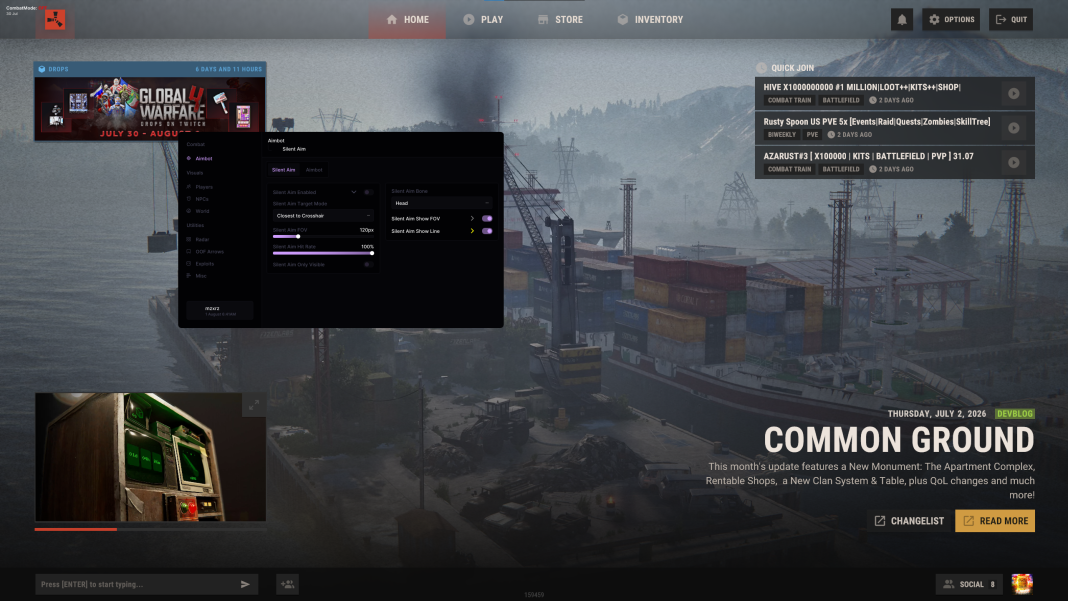
Start with the affected category
If player boxes appear but ore does not, check the resource category and selected node types. If players appear but NPCs do not, check the NPC profile and filters. An enabled global category may still contain disabled individual selections.
Review maximum distance, visibility filtering, teammate and sleeper options, label opacity and any saved profile. Confirm what you expect to see is actually listed for the selected product; an unsupported object will not appear simply because another package supports it.
Rust ESP Troubleshooting Checks
Affected category
Distinguish missing players, NPCs, resources and loot.
Filters & range
Check entity selection, distance and saved visual settings.
Radar selections
Rush DMA has separate radar and World ESP selections.
Game information
Unavailable client information cannot be restored with a range slider.
Separate World ESP from radar
uses separate world and item selections for Web Radar. Its overlay radar follows those radar selections, while ordinary World ESP has its own controls. Differences between the map and main view can therefore be configuration differences.
Confirm which view is empty before changing unrelated settings. An absent radar item is not the same failure as a missing Player ESP overlay, and an open menu does not prove that every category is currently enabled.
Display initialization and game information
For , consult its current instructions for initialization, required runtimes, Borderless mode and required overlays. Use those product-specific steps only where applicable. If the menu itself does not open, follow the separate menu troubleshooting page.
Facepunch has described limiting networking for players obscured by terrain and rocks. Data availability can affect visuals even when settings are correct. If the problem began after an update, check current status and report a reproducible example rather than assuming that reinstalling restores unavailable information.
Related Rust Features & Guides
Rust Cheat Menu Not Opening
Troubleshoot a Rust cheat menu that will not open, with product-specific initialization, menu-key, runtime and display checks.
Read the Guide →Rust Cheat Config & Settings Guide
Explore Rust configurations for targeting, player visuals, World ESP and interface settings, with product-specific tools for saving and loading your setup.
Read the Guide →Rust Products & Requirements
Explore the available products and check each listing for its current features and requirements.
Rust: Rush
Internal software with targeting, player and NPC visuals, world ESP and configurations.
Rust: Rush DMA
DMA hardware required. Aimbot additionally requires a connected supported aim device.
Rust: Disconnect
External software with Silent Aim, Player ESP and detailed world-information features.
Related Rust Cheat Guides
Frequently Asked Questions About Rust ESP Not Showing
Click a question below to view the answer.