
-
Browse Rust Products
Rust ESP & Wallhack: Player Visuals Explained
Rust ESP and wallhack searches usually concern additional player and world information. This page focuses on player visuals, what each current product lists, and the difference between an on-screen label and information the game actually makes available.
-
Featured Products
Explore Rust ESP & Wallhack features including player names, boxes, skeletons, equipment information and configurable world visuals.
Explore the available options in , and . Feature availability and requirements vary between products.
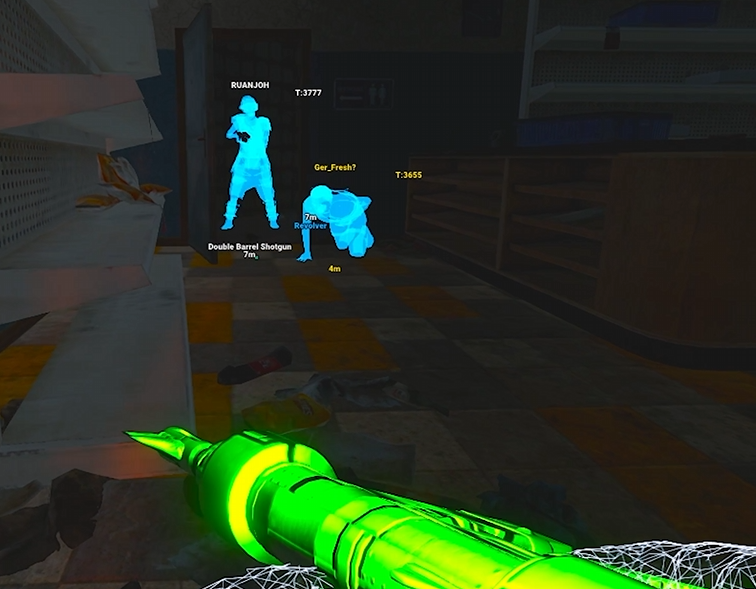
Player ESP and wallhack terminology
ESP is the broader term for visual information such as names, boxes, skeletons, equipment and distances. Wallhack is often used more loosely for information visible despite ordinary line-of-sight obstruction. Neither term promises that every player is always available at every range or through every kind of cover.
Facepunch has described server-side measures that stop networking some players fully obscured by terrain and rocks. If information is unavailable to a client, a label or distance slider cannot recreate it. Treat any claim of unlimited visibility cautiously.
Rust ESP & Wallhack Features
Player information
Names, equipment, boxes and skeletons depend on the selected package.
Visibility limits
A display setting cannot recreate game information unavailable to the client.
World information
Resources, loot, traps and vehicles have dedicated supporting guides.
Visual controls
Compare category selection, distances, profiles and label presentation.
Compare the player information listed
lists names, skeletons, 2D and 3D boxes, held items, hotbar items, armor and distance. It includes teammate and sleeper filtering. lists player health bars, names, hotbar information and team, wounded, sleeper and dead-player options.
separates enemy, NPC and teammate visual profiles. It lists skeletons, boxes, names, flags and equipment displays. Its health display is explicitly an estimate based on damage dealt, so it should not be described as an exact health reading.
Keep player and world visuals distinct
World ESP concerns resources, loot, traps and vehicles rather than combatant labels. Those subjects have dedicated pages because the relevant entities, filters and product differences deserve their own explanations. A product's broad World ESP heading does not establish every individual entity.
If nothing appears, check the relevant category, visibility and teammate filters, maximum distance and toggle state before assuming the whole overlay has failed. The ESP Not Showing guide separates these cases from a menu that will not open.
Related Rust Features & Guides
Rust Resource ESP
Explore Rust Resource ESP for supported ore nodes and collectable plants, including stone, metal, sulfur and hemp with configurable labels and distances.
Read the Guide →Rust Loot ESP
Explore Rust Loot ESP features for supported containers, corpses and dropped equipment, with product-specific item filters, labels and distances.
Read the Guide →Rust Gameplay Preview
Recorded Rust gameplay preview. Check individual product listings for current features and compatibility.
Rust Products With ESP & Wallhack Features
Explore the available products and check each listing for its current features and requirements.
Rust: Rush
Internal software with targeting, player and NPC visuals, world ESP and configurations.
Rust: Disconnect
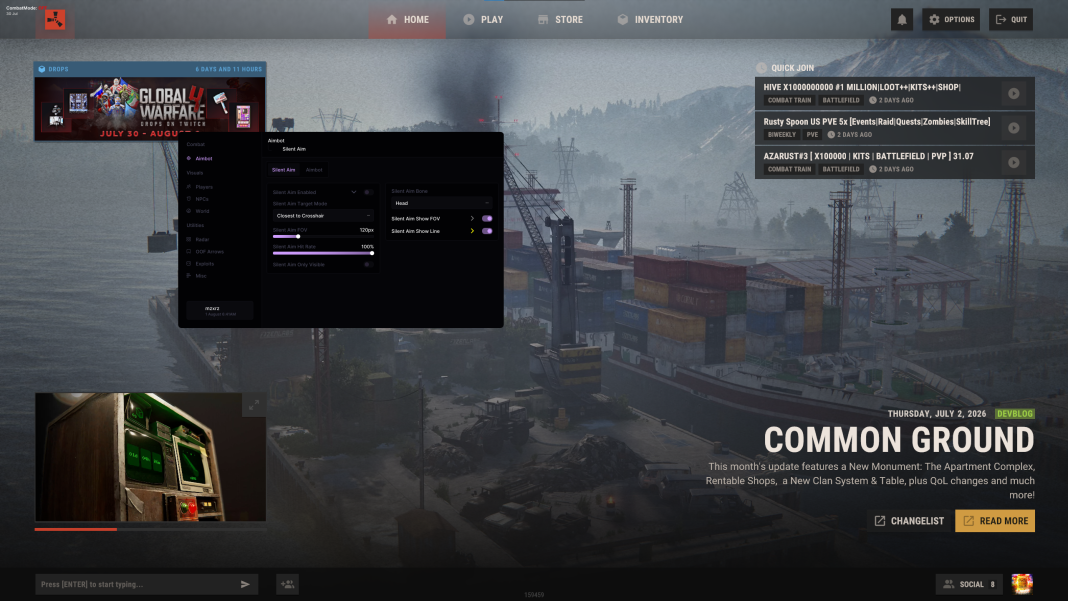
External software with Silent Aim, Player ESP and detailed world-information features.
Rust: Rush DMA
DMA hardware required. Aimbot additionally requires a connected supported aim device.
Related Rust Cheat Guides
Frequently Asked Questions About Rust ESP & Wallhack
Click a question below to view the answer.