
-
Browse Rust Products
Rust Loot ESP: Containers, Corpses & Dropped Items
Rust Loot ESP can refer to several different kinds of world information. Containers, corpses and dropped equipment are not interchangeable, so this guide separates the entities listed by Rush, Disconnect and Rush DMA.
-
Featured Products
Explore Rust Loot ESP features for supported containers, corpses and dropped equipment, with product-specific item filters, labels and distances.
Explore the available options in , and . Feature availability and requirements vary between products.
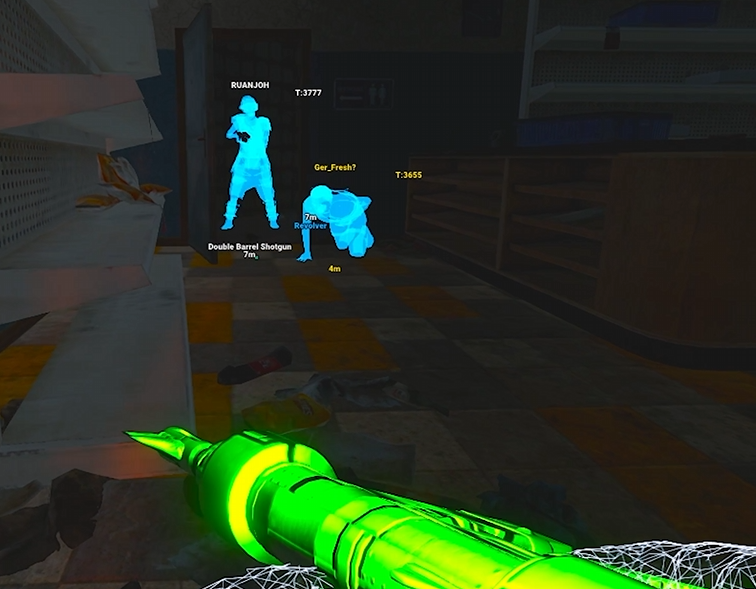
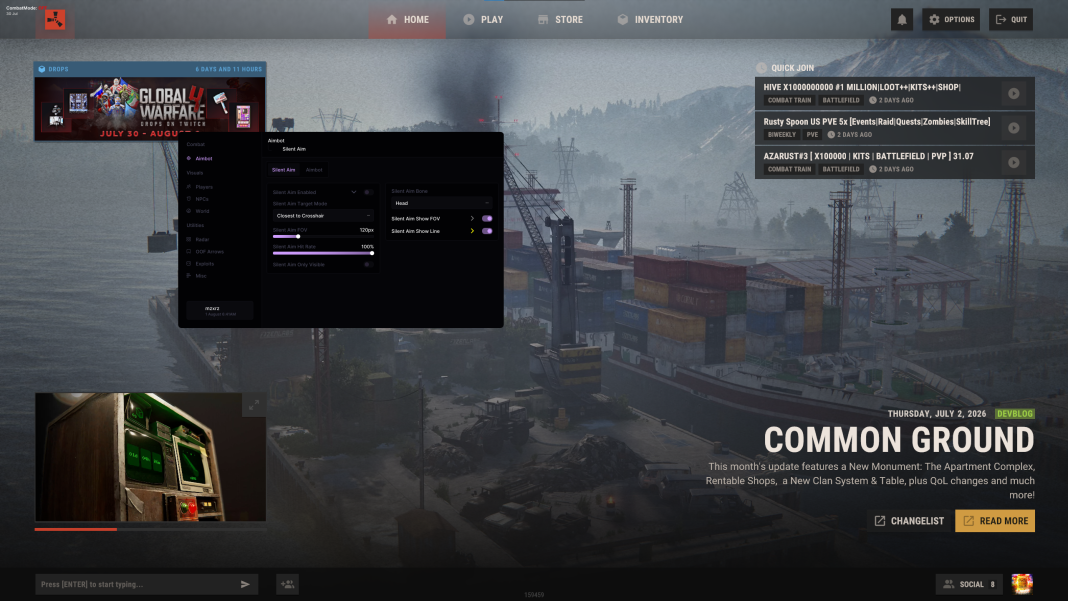
Containers and dropped items
has separate World ESP categories for loot and dropped items. Its loot category names standard and biohazard barrels among the filter examples. Dropped-item options include names, amounts, condition, icons, distances and category filtering.
also separates World ESP from dropped-item selections. Its searchable dropped-item picker groups items into categories such as ammunition, components, medical items, resources, tools and weapons. Stack-size display is listed separately from the category picker.
Rust Loot ESP Features
Loot containers
Check the named container types in each product list.
Dropped equipment
Dropped-item categories can have their own labels and filters.
Corpse markers
Disconnect explicitly lists corpse ESP among its world features.
Information boundaries
A location marker does not automatically establish container-content visibility.
Corpse, crate and stash markers
explicitly lists corpse ESP, dropped weapons, hackable crates and stashes. Names and distances identify supported objects, but those labels should not be described as a complete view of everything stored inside each object.
The difference is especially important for informational searches about inventory visibility. A corpse marker establishes a location, not necessarily its contents. A crate category establishes supported crate tracking, not universal support for every container introduced by a later update.
Choose the correct troubleshooting path
If players appear but loot does not, check the world or dropped-item categories rather than reinstalling immediately. Confirm the selected item groups, maximum distance and category toggle. In , radar selections are separate again and can legitimately show a different set of entities.
Resource nodes and collectable plants are covered by Resource ESP. Keeping these pages separate lets this guide focus on object types and loot presentation rather than repeating ore and farming descriptions.
Related Rust Features & Guides
Rust Resource ESP
Explore Rust Resource ESP for supported ore nodes and collectable plants, including stone, metal, sulfur and hemp with configurable labels and distances.
Read the Guide →Rust Web Radar
Explore Rust Web Radar in Rush DMA, including live map viewing, player streaming, share links and separate world and item selections.
Read the Guide →Rust Products With Loot ESP Features
Explore the available products and check each listing for its current features and requirements.
Rust: Rush
Internal software with targeting, player and NPC visuals, world ESP and configurations.
Rust: Disconnect
External software with Silent Aim, Player ESP and detailed world-information features.
Rust: Rush DMA
DMA hardware required. Aimbot additionally requires a connected supported aim device.
Related Rust Cheat Guides
Frequently Asked Questions About Rust Loot ESP
Click a question below to view the answer.