-
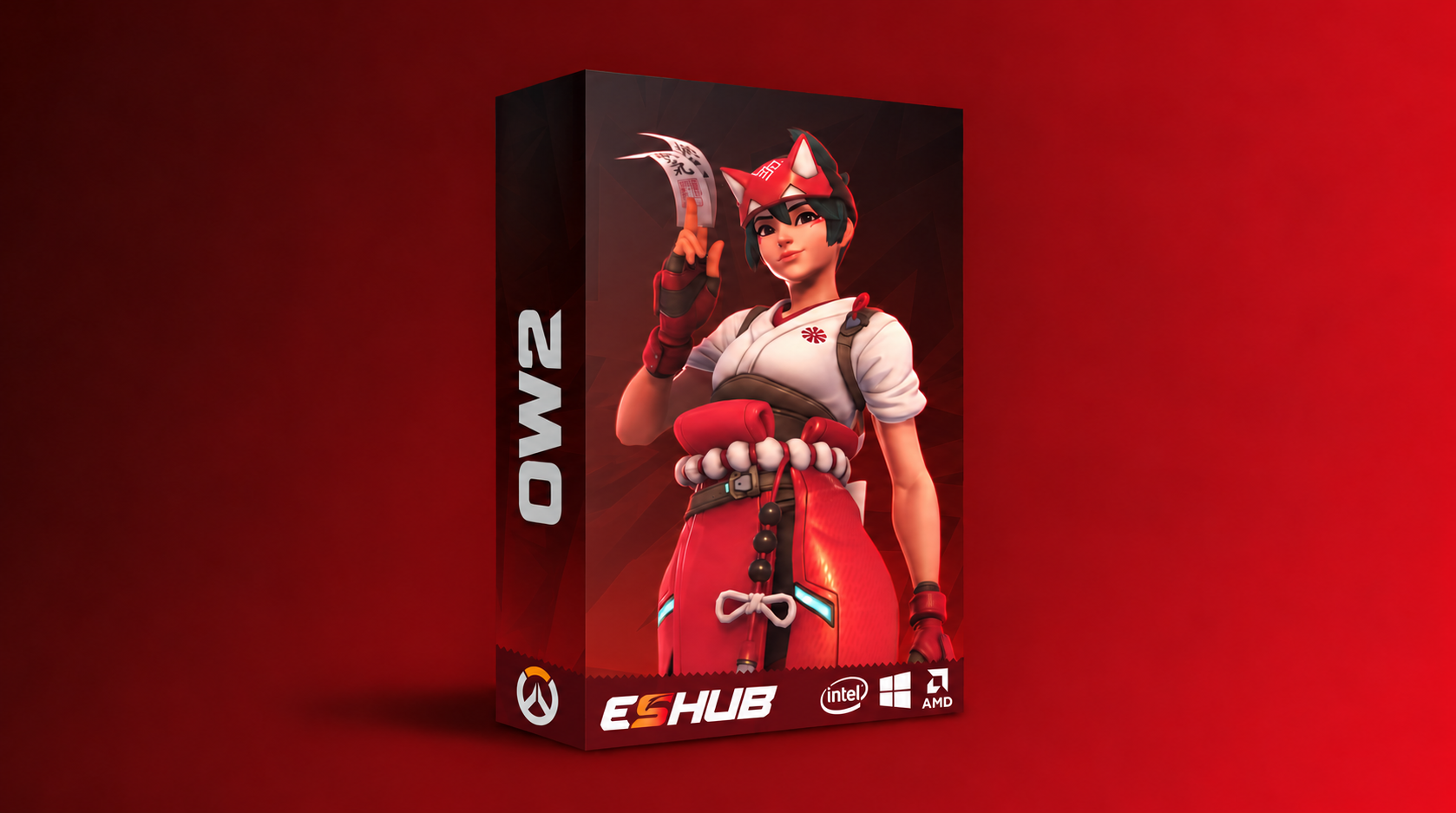
OW2: Mason
Undetected -
OW2 Spoofer: Temporary
Overwatch 2 Cheats & Hacks: OW2 Aimbot, ESP & Wallhack
OW2: Mason combines configurable aimbot, triggerbot and detailed player ESP for Overwatch 2 on PC. Adjust targeting, prediction, visual markers and team colors, then preview the software in the videos below.
Explore boxes, skeletons, health displays, off-screen arrows and hitbox visuals alongside separate aim and trigger controls. Mason supports Steam on the listed Windows builds with Intel or AMD processors.
Overwatch 2 Gameplay Preview
Mason Gameplay Preview
Every Hero. Every Angle. Every Objective.
Overwatch 2 brings together different heroes, abilities and playstyles. A fight can move from a close-range push to a long sightline in seconds, with positioning and target selection shaping each encounter.
This page brings together OW2 targeting, player information and software settings. Use the feature sections to explore each category and the product details to check what Mason supports.
OW2: Mason
Product information, media and subscription options.

Overwatch 2: Mason
Mason provides adjustable aim and trigger controls with FOV, smoothing, target hitboxes, prediction, lead and recoil settings. Player ESP includes multiple box styles, skeletons, names, health, direction indicators and off-screen arrows.
Contact ESHub support for current pricing and available durations.
Review Product Information →Overwatch 2 Cheat Features
Configurable aim, triggerbot, player ESP and display settings from Mason’s supplied feature list.
Overwatch 2 Aimbot
Customize the aim activation key, FOV circle, target hitbox, smoothing and sensitivity. Mason also includes prediction, lead, recoil adjustment, response timing and minimum/maximum target distance controls.
Overwatch 2 ESP & Wallhack
Choose 2D, filled, line or 3D boxes, standard or advanced skeletons, names and health bars or text. Additional markers include head circles, center dots, corner indicators, foot circles, visibility dots, aim-target markers and hitbox visuals.
FOV & Targeting Settings
Set the aim FOV and target hitbox, adjust prediction and lead, and tune response timing and distance limits. Exponential smoothing includes an adjustable exponent for shaping aim movement.
Player Visuals
Customize box and hitbox thickness, border styling, health bar gradients and tracer line thickness. Adjust off-screen arrow size and distance, maximum display distance, distance scaling and alpha, with separate enemy and ally colors.
Overwatch 2 Triggerbot
Triggerbot has its own activation key, FOV, delay, reaction time, maximum distance and target hitbox controls, separate from the main aimbot settings.
Menu & Configuration
Use Insert to open the menu. Configure activation keys, local team selection and the team-change key, then adjust the visual and targeting settings to suit your setup.
OW2: Mason Requirements
Review software compatibility and system requirements before purchasing.
Explore Overwatch 2 Features
Overwatch 2 Cheats: Common Questions
What is OW2: Mason?
Mason is ESHub’s Overwatch 2 software with configurable aimbot, triggerbot, player ESP and visual controls.
Does Mason include a triggerbot?
Yes. It has separate activation, FOV, delay, reaction time, target hitbox and maximum distance settings.
Which ESP markers are available?
The supplied list includes multiple box styles, skeletons, names, health bars and text, off-screen arrows, direction arrows, snaplines, tracer lines, head and foot circles, visibility dots and hitbox visuals.
Which launcher and display modes are supported?
The supplied compatibility information lists Steam, Windowed and Fullscreen in window modes.
Which Windows builds and processors are listed?
Windows 10 / 11 x64 with builds 2004, 20H2, 21H1, 21H2, 22H2 and 23H2 are listed, with Intel and AMD processors. Confirm other builds with support.
Where can I see Mason’s gameplay and menu?
The gameplay video is included above.
Which key opens the menu?
Insert is the listed menu key. Aim, trigger and team-change controls also have configurable keybinds.
Explore OW2: Mason
Explore the features below and check compatibility before choosing your subscription.
View OW2: Mason →Explore more Cheats & Hacks
Explore our collection of premium cheats & hacks.