
Aimbot
Target selection and aiming adjustments.
- Enable Aimbot
- FOV
- Smoothness
- Speed
- Bone (Closest, Head, Neck, Chest)
ESHub provides premium undetected game softwares, DMA Hardware, ESP, Aimbot, and HWID spoofers for popular PC titles including Apex Legends, Arena Breakout Infinite, ARC Raiders, Escape from Tarkov, Fortnite, Rust, Rainbow Six Siege, and more. Our solutions are secure, frequently updated, and designed to stay undetected.
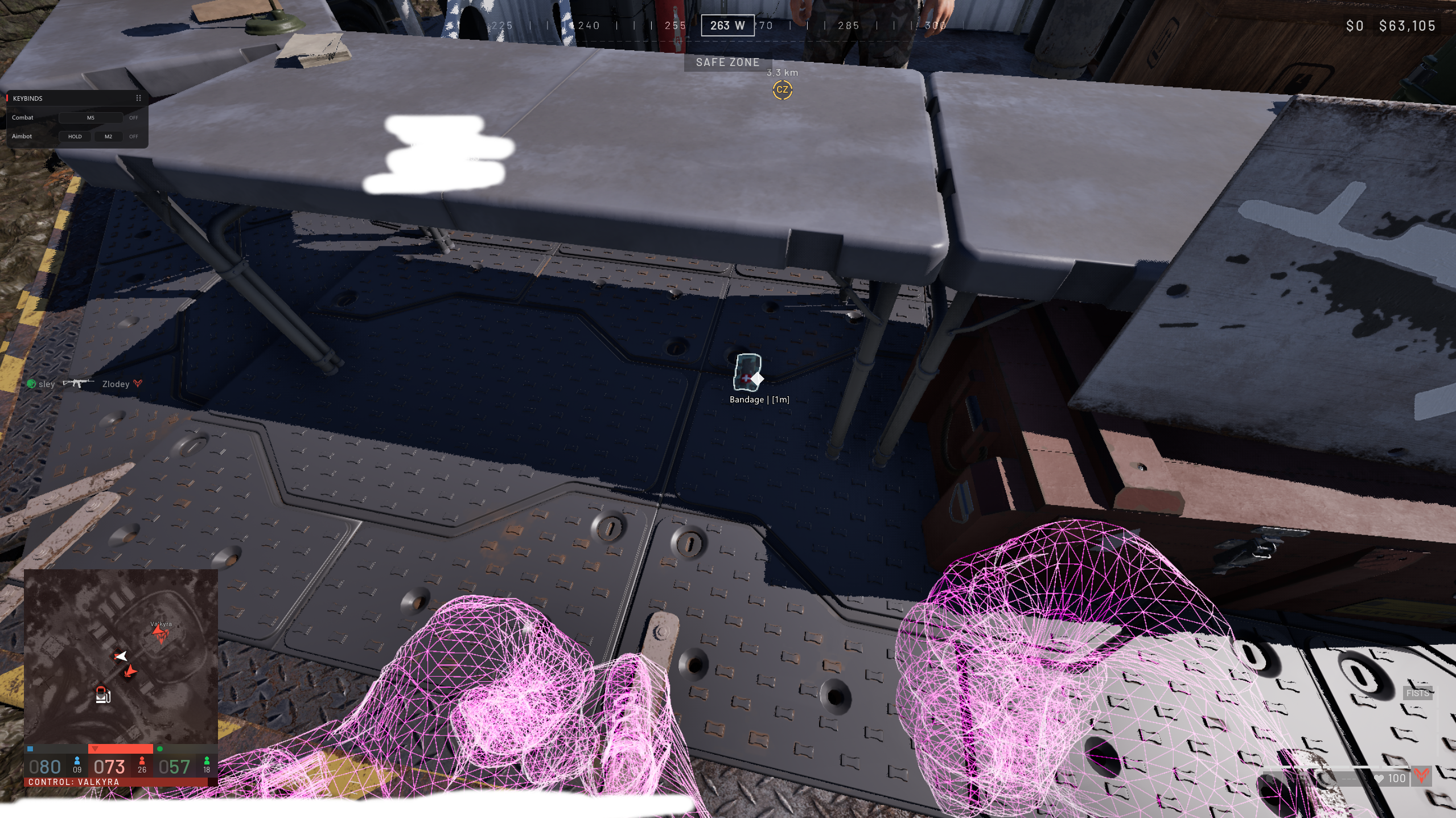
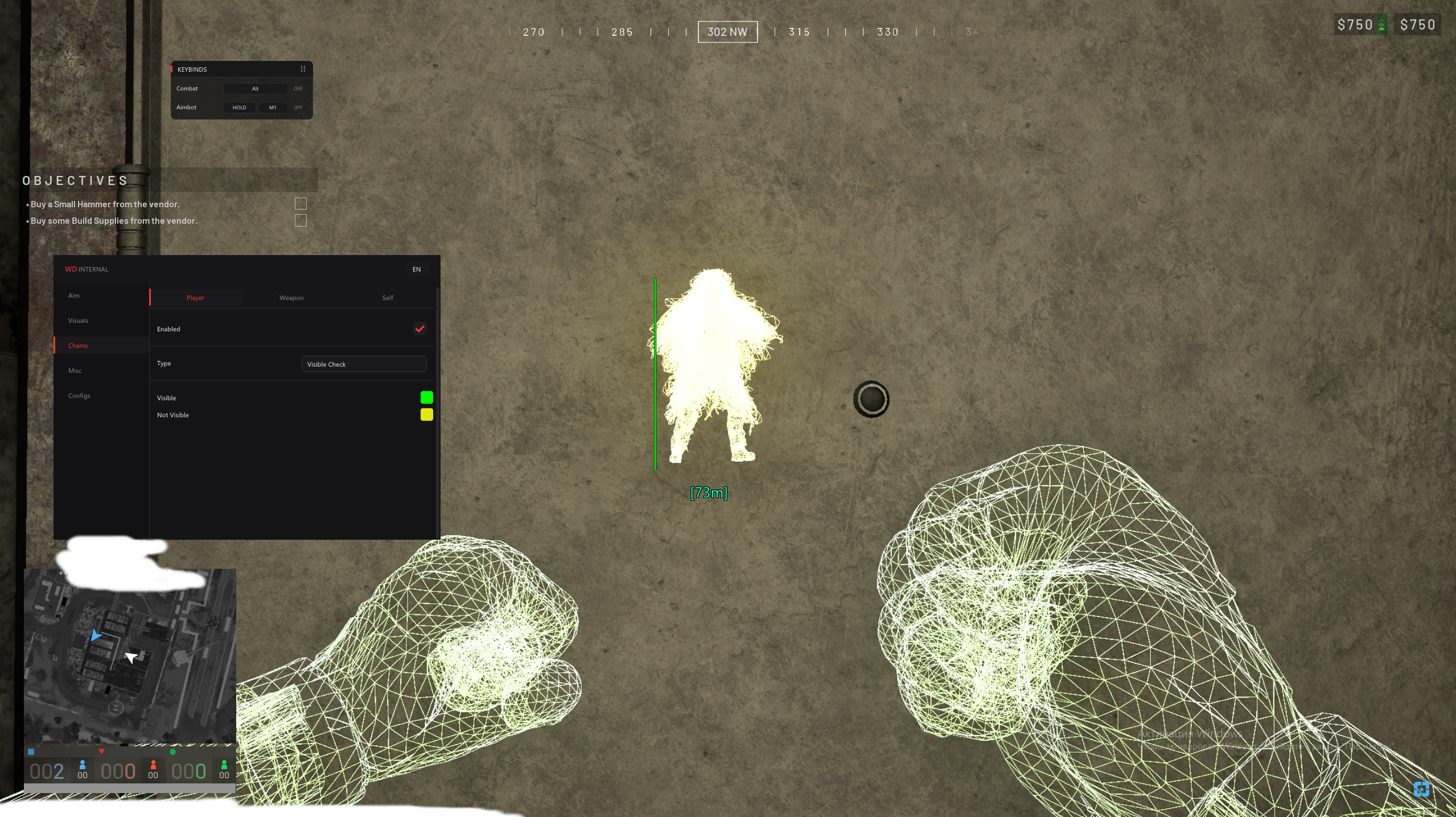
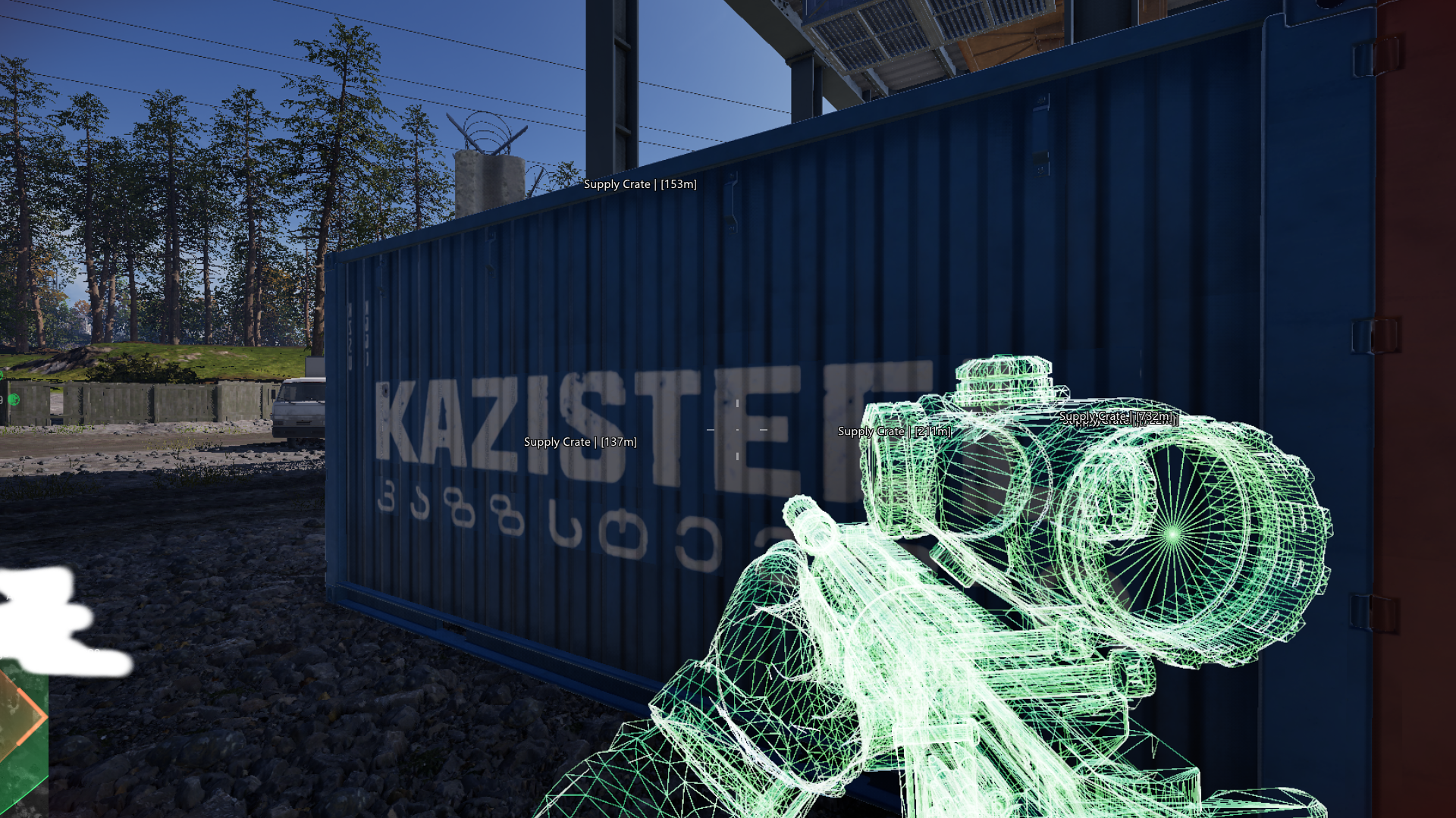
Configurable aiming, player ESP, world-object tracking and chams for WARDOGS on Steam. Adjust targeting, highlight players and equipment, and locate mines, claymores and supply crates.
Click a linked feature to learn more about what it does.
Target selection and aiming adjustments.
Locate claymores and check their distance.
Track dropped items.
Locate supply crates.
Customize your own character highlighting.
Recoil and field-of-view controls.
Player information and directional markers.
Locate mines and check their distance.
Locate ammunition crates.
Player highlighting with visibility checks.
Customize weapon highlighting.
Windows 10 / 11 — all versions listed
Steam
Intel / AMD
NVIDIA, AMD and Intel UHD supported
8 GB minimum; 16 GB recommended
No BIOS setup required
Redistributable 2015–2022: x64 and x86 installed
DirectX End-User Runtime installed
DControl required by the setup guide
Real-time protection disabled before launching the loader
Fully uninstalled if installed
Fully uninstalled
All settings on Low
Disabled, as listed in the guide’s no-menu troubleshooting
Disabled, as listed in the guide’s no-menu troubleshooting
WARDOGS: Internal brings configurable aimbot settings, player ESP and world-object markers to the Steam version of WARDOGS. It supports Windows 10 / 11, Intel and AMD processors, and NVIDIA, AMD or Intel UHD graphics.
Adjust aim FOV, smoothness, speed, stickiness and target-switch delay. Select Closest, Head, Neck or Chest targeting and configure visibility checks, aim keybinds and maximum aiming distance. Player ESP includes skeletons, health, faction, held items, names, distances and directional indicators.
Separate ESP categories cover claymores, mines, dropped items, ammo crates and supply crates, each with name and distance options. Player, self and weapon chams offer Solid and RGB styles. Player chams also include a visibility check.
The Misc category includes No Recoil and FOV Changer. These sit alongside the aiming and visual controls, allowing you to adjust the available settings to your preferences.