
R6 No Recoil Macros – Rainbow Six Siege X Weapon Macros
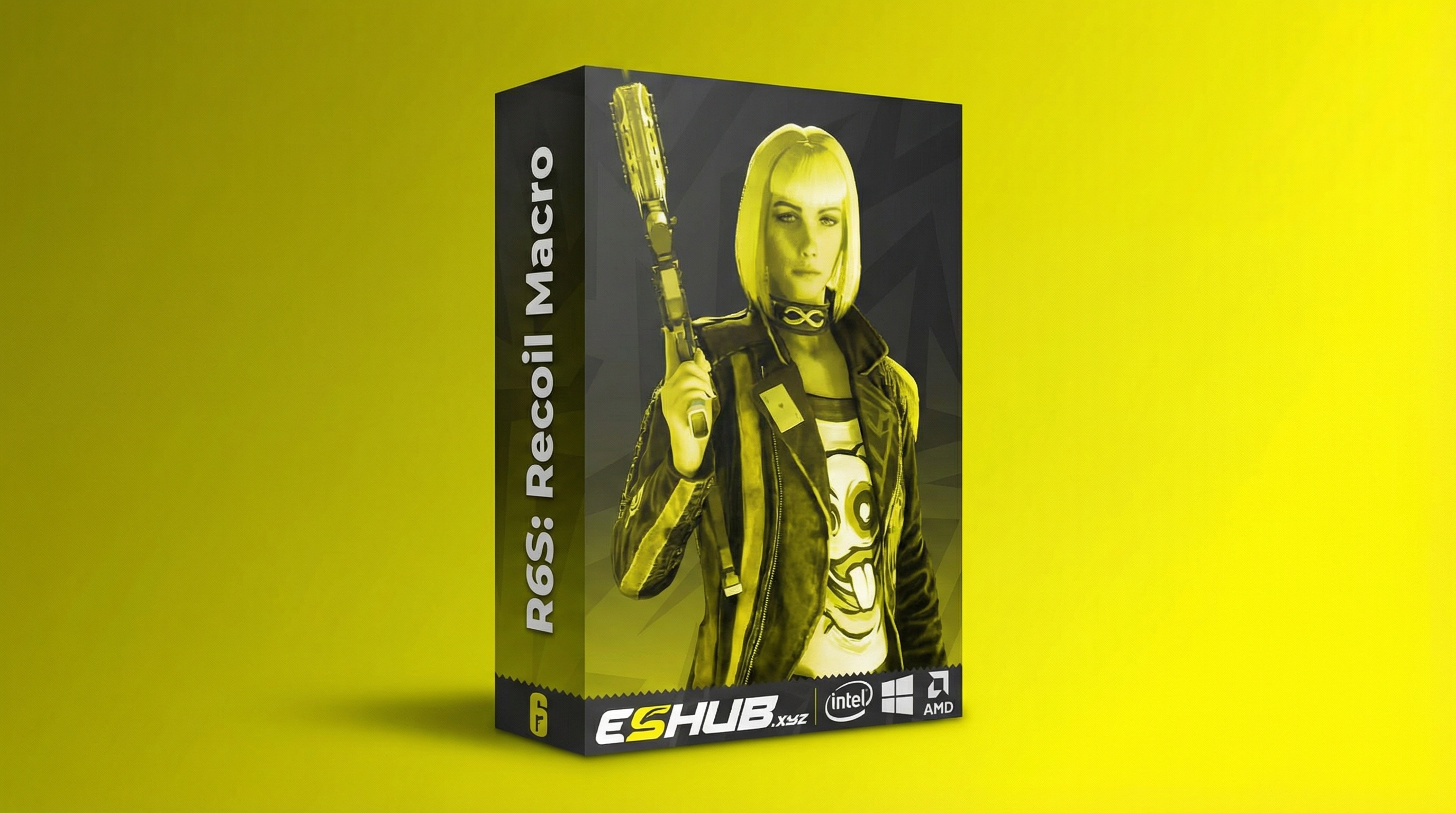
Explore R6 no recoil macros at ESHub: a separate product category built around weapon-related mouse movement.
This page introduces our MACRO product, its listed weapon categories and how a recoil macro differs from aimbot and ESP. Detailed controls have their own settings guide.
What Is an R6 Recoil Macro?
A recoil macro applies a mouse-movement sequence or adjustment associated with a weapon. It is commonly searched for as an “R6 no recoil macro” or “Rainbow Six Siege recoil script.” Those search terms describe the category rather than a promise of identical results in every situation.
Mouse-movement compensation and recoil removal are different concepts. A macro acts through input behavior; a separate no-recoil feature may use another method. Do not assume that two products with similar names have the same implementation.
A weapon profile is also different from a target-selection rule. Selecting a weapon does not establish that the software identifies an opponent or follows a moving player. The Macros vs Aimbot & ESP guide expands that comparison.
ESHub MACRO: Listed Features
🖱️ Mouse-Based Method
The product is listed as external and mouse-movement based, without game injection or game-file modification.
🔫 Weapon Selection
Listed categories include ARs, SMGs, LMGs, pistols and other weapons. Active Weapon settings include Name, Activation Key and Multiplicator.
⚙️ Adjustable Controls
The menu lists F.O.V., Sensitivity, Invert Mouse and Move Back To Start. Adjustable macro keys and auto-save settings are also listed.
🔊 Audio Feedback
Voice notifications and an enable/disable feedback option provide a separately listed audio feature.
Weapon Coverage vs Profile Behavior
The supported weapon list answers which entries are available. A weapon profile’s controls answer how that selected entry is configured. These are separate questions: broad weapon coverage does not establish that one configuration is suitable for every weapon.
When comparing a macro product, distinguish weapon selection from automatic weapon detection. A selectable weapon name alone does not confirm that the software reads the equipped weapon or switches profiles automatically.
Likewise, a weapon category is not a specification for every attachment, sensitivity value or game update. Confirm any particular compatibility detail you need through the current product description or support.
Recoil Macro vs Aimbot vs ESP
| Feature Category | Main Function | Related Guide |
|---|---|---|
| Recoil Macro | Weapon-related mouse-input behavior. | Macro Settings → |
| Aimbot | Target selection or aim-tracking behavior. | R6 Aimbot → |
| Player ESP | Additional visual information around supported players. | R6 ESP & Wallhack → |
ESHub’s MACRO is a separate choice from the aimbot/ESP products R6: Crusader, R6S: EsHub and R6: ION-X. Compare the function you need rather than treating every item in the R6 category as the same kind of software.
Silent Aim and Triggerbot also have separate guides. A recoil macro label does not establish either capability.
Compatibility & Access Options
The MACRO listing names Windows 10 and 11, Intel and AMD CPUs, and Steam/Ubisoft installations. Review the current product page for its requirements and available access options rather than relying on an older screenshot.
For a wider comparison, use R6 System Requirements and How to Choose R6 Cheats. Pricing and access terms belong to the selected plan; Free vs Paid R6 Cheats covers the general access comparison.
Where to Find Settings & Troubleshooting
This overview stays focused on the product’s purpose and feature categories. The Macro Settings & Troubleshooting guide covers the named controls and what information to record when the expected input behavior is missing.
Keep the selected weapon, profile and activation binding together in your notes. If a problem appears after a change, record that change and any error. Check product status and follow your order’s instructions for launch and licensing.
The general R6 Config Guide concerns broader product-menu organization. Macro-specific settings remain on the dedicated macro page to keep the two guides useful for different questions.
Macro Use & Account Risk
A mouse-based method or a no-injection label does not guarantee account protection. Unauthorized automation can still carry enforcement risk. Read Are R6 Cheats Safe? for the broader discussion.
If you are reviewing a separate hardware tool, the Temporary Spoofer has its own requirements and scope. The R6 HWID Spoofer guide explains that category; it is not a promise that macro use is protected from penalties.
R6 No Recoil Macro FAQ
What is an R6 no recoil macro?
An R6 recoil macro applies mouse-movement behavior associated with a selected weapon. The phrase no recoil is commonly used for this category, but a macro should not be treated as a guarantee that every shot will have no movement.
Which ESHub product provides R6 macros?
ESHub’s MACRO product lists mouse-movement-based weapon macros, adjustable activation keys and saved settings.
Does a recoil macro include aimbot or ESP?
No. Weapon-related mouse movement is a different function from identifying a target, tracking a player or drawing player-location information.
Which weapon categories are listed?
The MACRO listing names ARs, SMGs, LMGs, pistols and other weapons. Check the product for its current weapon coverage.
Does ESHub’s MACRO inject into the game?
The product description lists an external, mouse-movement-based method with no game injection or game-file modification.
Where are the macro settings explained?
Use the separate R6 Macro Settings & Troubleshooting guide for activation keys, the weapon multiplier, FOV, sensitivity, invert-mouse and Move Back To Start options.
Are mouse-based macros guaranteed safe?
No. A mouse-based method or a no-injection label does not guarantee protection from reports, detection or account penalties.
All Rainbow Six Siege X Guides
Explore ESHub’s R6 MACRO Product
Review weapon macro features, compatibility and available access options.