
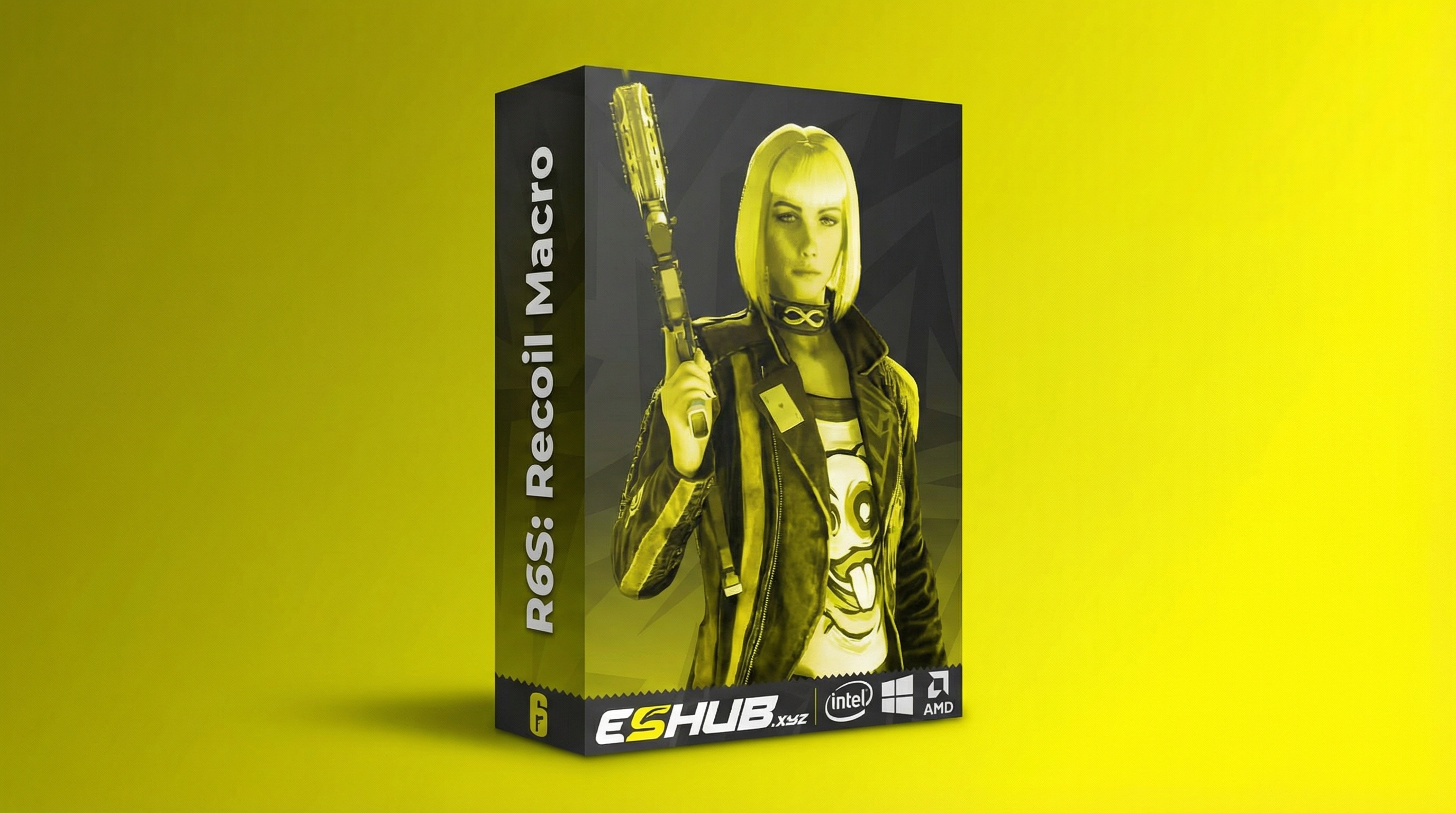
R6 Macro Settings & Troubleshooting – Siege X Guide
Understand ESHub’s R6 MACRO settings, from weapon selection and activation keys to sensitivity, F.O.V. and saved preferences.
This guide focuses on the named controls and how to describe a configuration issue clearly. For the product overview and weapon categories, start with the No Recoil Macros page.
Controls Named in the MACRO Listing
| Menu Area | Listed Controls | What to Check |
|---|---|---|
| Active Weapon | Name, Activation Key, Multiplicator. | Which entry is selected and which binding belongs to it. |
| Macro Settings | F.O.V., Sensitivity, Invert Mouse, Move Back To Start. | The current instructions for the input values and optional behaviors. |
| Customization | Adjustable macro keys, Auto-Save Settings. | Keybind conflicts and whether saved preferences return as expected. |
| Audio System | Voice notifications, enable/disable feedback. | Whether feedback is enabled when reviewing an activation issue. |
The MACRO product page is the reference for available controls. Its public list does not provide universal recommended values, a default activation key or the exact calculation behind every option.
Weapon Selection & Activation Keys
Keep the selected weapon name and its activation binding together in your settings notes. Selecting an entry and activating its behavior are different actions; a visible weapon name alone does not establish that the corresponding binding has been engaged.
Check for a binding shared with another menu action, overlay or game control. Follow the current product instructions for hold or toggle behavior instead of assuming a particular activation method. Do not copy a default key from a guide for a different product.
The R6 No Recoil Macros overview explains the weapon categories. This settings page addresses the configuration associated with those entries.
Sensitivity, F.O.V. & Multiplicator
Sensitivity
Record the macro’s input value alongside the relevant game settings. If those game settings change, review the macro’s documented requirements rather than assuming the previous configuration still corresponds to them.
F.O.V.
The macro lists this as a setting. It should not be confused with an aimbot selection circle or a feature that changes camera FOV. Check the instructions for the value the macro expects.
Multiplicator
This is the product’s named active-weapon control. Confirm its scale and behavior in the menu documentation. A number from another product is not evidence of the same adjustment here.
There is no verified universal configuration in this guide. Keep a note of the previous value and change one relevant setting at a time when investigating unexpected behavior.
Invert Mouse & Move Back To Start
These are separately listed on/off options. Compare the current option state with the behavior described in your product instructions. In particular, the name Move Back To Start does not provide enough detail to invent a return speed, timing rule or exact input sequence.
If an optional behavior appears responsible for a problem, record its state before changing it. Keep other values constant so the comparison remains meaningful. A changed result is easier to interpret when only one relevant option changed.
Auto-Save & Audio Feedback
Auto-Save Settings concerns retaining preferences. It does not establish cloud synchronization, share codes or compatibility with profiles from an aimbot/ESP product. Check which settings are retained according to the current menu instructions.
Voice feedback is a separate audio feature. If an activation issue includes missing announcements, first record whether feedback is enabled and whether the issue concerns audio alone or the input behavior as well.
The broader R6 Config & Settings Guide covers other product menus. Macro settings should remain tied to MACRO rather than an imported profile for R6: Crusader or ION-X.
Common Symptoms & Useful First Checks
| Symptom | Information to Review |
|---|---|
| Menu opens, but no expected input behavior | Selected weapon, activation binding, documented activation method and current product notices. |
| Behavior changed after adjusting game settings | Previous and current sensitivity/FOV values, selected entry and any other changes. |
| Settings appear different after reopening | Which values changed, whether the same entry was selected and how the current instructions describe saving. |
| Voice feedback is absent | Feedback option state, whether other audio works and whether input behavior is also affected. |
| Loader or menu is unavailable | Exact error, launch instructions, access status and compatibility requirements. |
For broader launch problems, use Cheat Menu Not Opening. Check current product status before treating a compatibility notice as a local settings problem.
What to Include When Contacting Support
- Product: ESHub MACRO, with the relevant version if displayed.
- Windows version and game launcher.
- Selected weapon entry and activation binding.
- Exact symptom, any error and when it began.
- Relevant settings that changed before the issue appeared.
Provide a menu screenshot with private account details and license information removed. A clear report distinguishes a keybind issue from a missing menu or unexpected saved preference.
Review R6 System Requirements for the wider compatibility comparison. Follow the instructions supplied with your order for installation and launch.
Related Macro Guides & Product Information
Use R6 No Recoil Macros for the overview, and Macros vs Aimbot & ESP to compare different software functions. The R6 category contains the product options.
Configuration changes do not guarantee account protection. Read Are R6 Cheats Safe? for account-risk information. A separate Temporary Spoofer has its own scope, explained in the R6 HWID Spoofer guide.
R6 Macro Settings FAQ
Which settings are listed for ESHub’s R6 MACRO?
The product lists weapon name, activation key, Multiplicator, F.O.V., Sensitivity, Invert Mouse, Move Back To Start, audio feedback and auto-save settings.
Is there one macro configuration for every weapon?
Weapon selection and input preferences are separate settings. A value copied from another profile should not be treated as a universal configuration.
What does Multiplicator mean?
Multiplicator is the named active-weapon control in the product listing. Its exact scale, default value and calculation should be checked in the current menu instructions.
Does the F.O.V. setting change the game’s camera?
The macro listing names F.O.V. as an input setting. It does not establish that the macro changes the game’s camera field of view.
Does Auto-Save mean cloud synchronization?
No. Saving settings does not by itself establish cloud storage, share codes or configuration transfer between computers.
What should I record if the macro does not activate?
Record the selected weapon, activation binding, game launcher, Windows version, exact symptom and any error. Include whether the menu opens and whether audio feedback is enabled.
Should I change several settings at once when troubleshooting?
Change one relevant setting at a time and keep a note of the previous value. That makes it easier to identify which change affected the behavior.
All Rainbow Six Siege X Guides
View ESHub’s R6 MACRO Product
Review the full feature list, requirements and available access options.