
-
Browse Call of Duty Products
MW4 DMZ Loot & Crafting ESP: Item Categories & Material Checks
Compare MW4 DMZ loot and crafting ESP expectations, Diamond loot categories, Arcane rarity filters and the distinction between item display and recipes.
-
Featured Products

Understand documented loot categories and rarity filters, and distinguish item visibility from crafting-material identification, recipes and automatic actions.
Compare the published details for CoD: Diamond, CoD: Arcane and CoD: Fecurity. Check exact game, mode and current build support for the selected product.
Customer Feedback
Feedback supplied by ESHub; scope is labelled on each card. Lightly edited for spelling and grammar. Individual experiences are not guarantees of results, setup time or protection from bans.
I purchased the three-day subscription to have some fun over the weekend, and man, was it a blast! My boys and I got some insane loot on our first day in DMZ. I got over 25 legendary items in just one day! I 100% recommend it to anyone trying to get some good loot. I just put my boys on and grabbed another week-long subscription key. ;)
Just an overall vouch. I've been here for a LONG time and have never been disappointed.
Between the cheats, support and overall functionality across the games listed, it's 10/10 every time. Usually, most Discord servers have their one main game and then a bunch of side offerings, but every game listed here feels like the main one. Everything works well, there are multiple options, and they're all really decent.
Every product I've bought has been a seamless 10/10 transaction. Everything runs smoothly, and if it doesn't, they're willing to help.
I haven't joined a SINGLE other cheat Discord besides these guys, and I don't plan on switching anytime soon.
ESHUB4LIFE ❤️
I bought the Call of Duty hack for 30 days, and it was a fantastic experience. I don't speak English very well, but the Eagle team was very polite and kindly helped me through the whole process.
I got tired of losing all my loot, so I tried cheats, and it was not what I expected...
After purchasing, I had it set up in five minutes and was in-game within ten. It was extremely easy to use.
Once I got in-game, I noticed there were soooo many features, so I asked the support team what I should use. They helped me almost instantly—these guys are like robots! Lol. Anyway, this cheat was SO GOOD. This was my first time, and it won't be my last, as I've already purchased another licence key from ESHub Cheats. Hehe.
100% worth it. Thank you for being so helpful and providing a great product!
Guide Updates & Product News
— Guide prepared with product comparisons, support resources and current feature references.
For product release notes and game-update compatibility, see ESHub Discord → and the current product details.
Loot Information vs Crafting Information
Loot ESP concerns information about supported items and containers. Crafting information introduces a different question: does the displayed object have a role in a particular recipe or objective? An item marker alone does not establish that the software understands that relationship or maintains a recipe database.
This page focuses on those feature boundaries and the product categories to compare. MW4 DMZ Loot ESP Guide covers how to read item and container information in more detail. Keeping the two purposes distinct helps you choose the relevant product without expecting a general loot overlay to perform a crafting action.
Call of Duty Feature Video
Provided Call of Duty feature demonstration. Check the selected product's current game and mode support; recorded footage does not establish compatibility with every build.
ESP & Aiming Previews
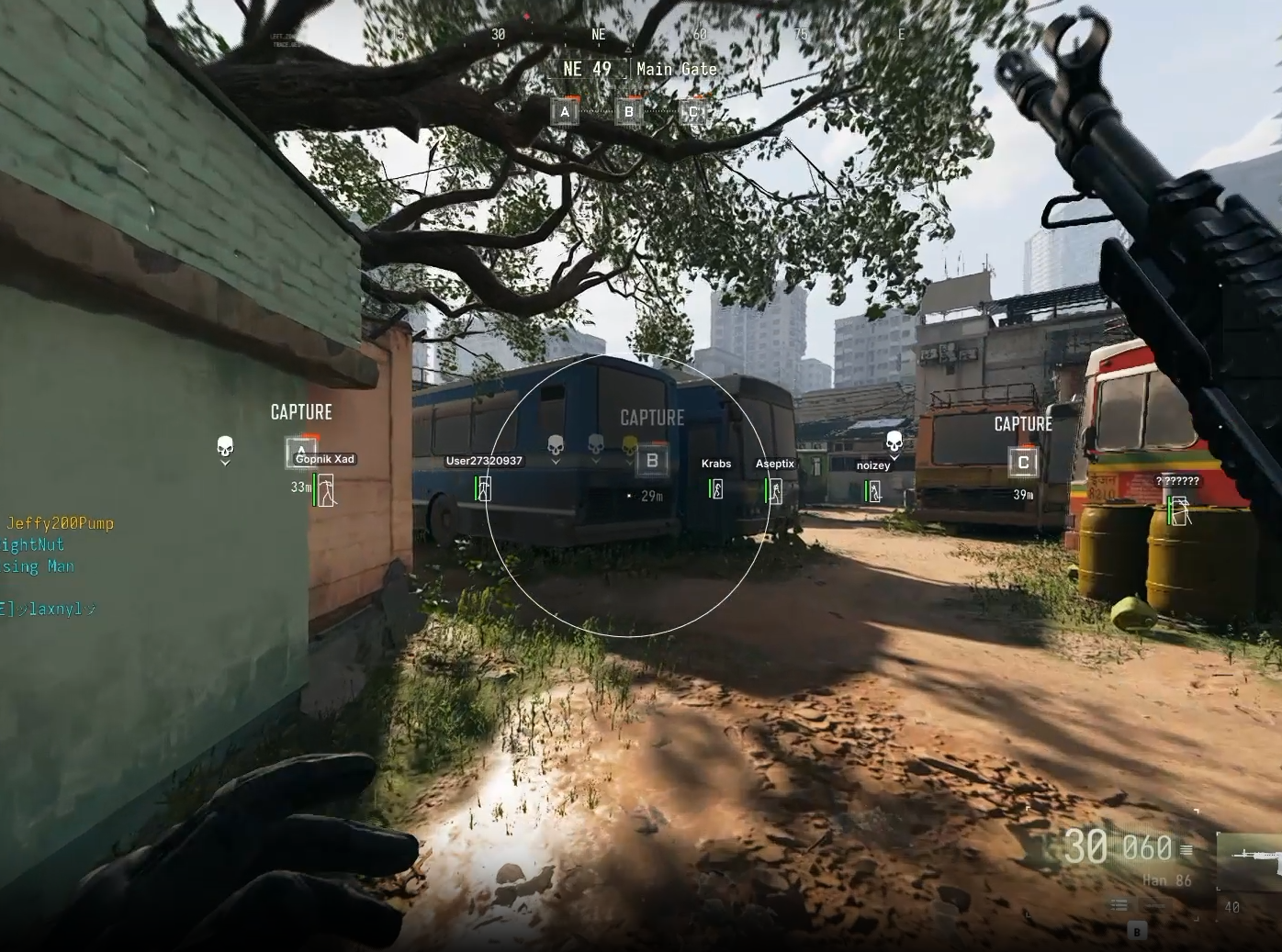
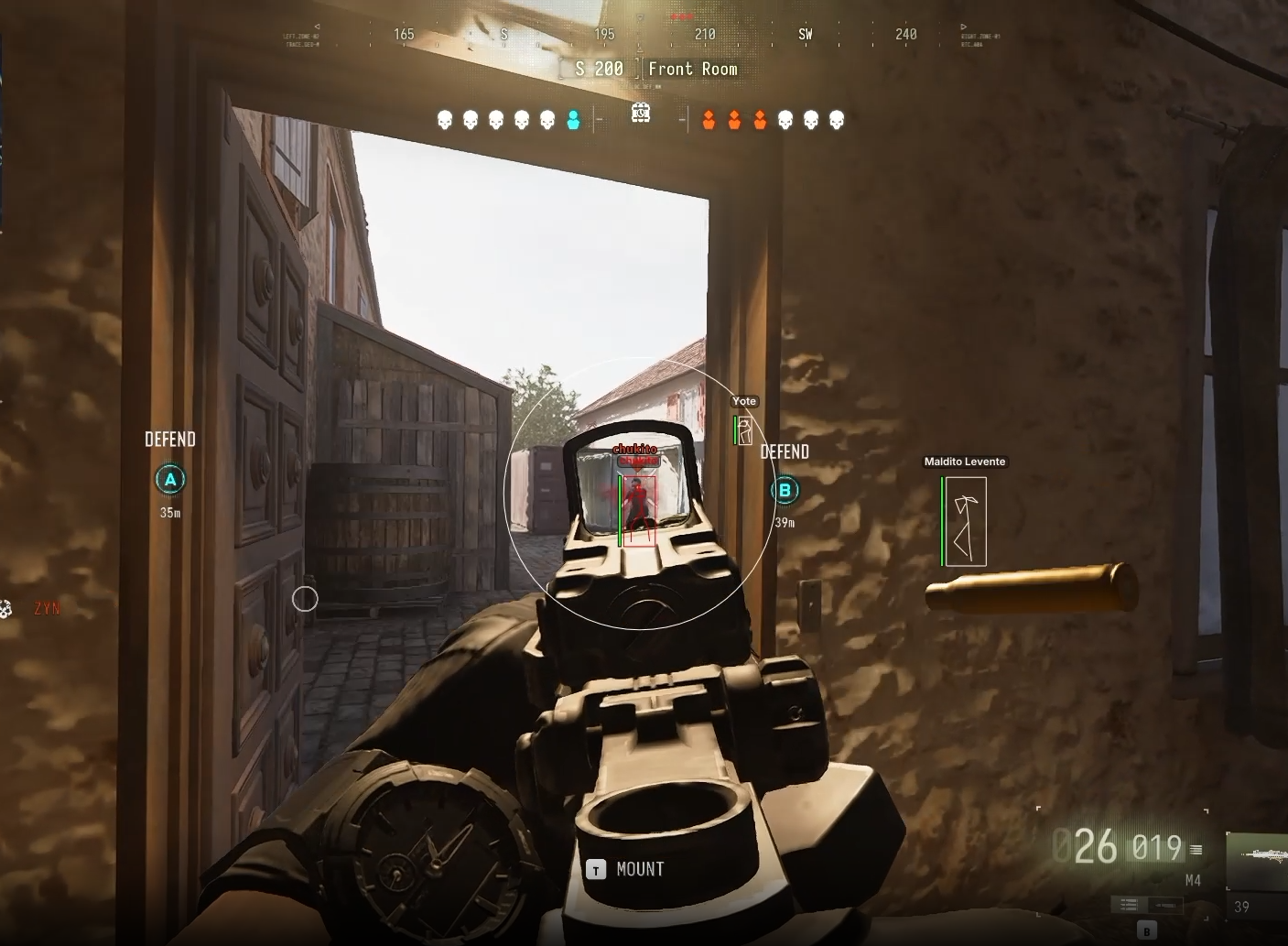
Item Categories & Material Checks
Item categories
Diamond lists named supplies and container categories.
Arcane filters
Common through Legendary are documented choices.
Recipe data
Item visibility does not establish a recipe module.
Display choices
Keep categories and configuration specific to the product.
Diamond Loot & Equipment Categories
Diamond lists cash, armour, satchels, gas masks, boxes, legendary and military crates, ammunition, weapons, killstreaks and equipment categories. These are named display entries to check against the current menu. A container entry is not, by itself, a promise that every item inside the container can be inspected.
When comparing a loot-focused setup, identify whether the field describes an individual item or an object holding items. Keep its displayed name separate from assumptions about rarity, value or recipe use. The listed category names do not establish a complete new DMZ crafting-material catalogue.
Arcane World Items & Rarity Filters
Arcane lists world-item information including dropped items, ammunition, armour, equipment, money and vehicles. Its description names rarity choices from Common through Legendary, together with class, ammunition and equipment filters. Those controls offer a different menu structure from Diamond's named loot categories.
A rarity filter classifies the supported display according to that product's data; it does not prove recipe eligibility or tell you which material is missing from a crafting requirement. Compare the actual labels rather than copying a filter recommendation from a different product. Fecurity is another available option whose current loot fields should be checked independently.
Choosing a Loot-Focused Configuration
Separate what you need to locate from what you need to know about it. A category or rarity filter may help narrow supported item markers. Crafting-material recognition, recipe progress and automated collection require their own documented support. The reviewed lists do not confirm a dedicated MW4 DMZ recipe or crafting module.
For configuration organization, use MW4 DMZ Config Guide and MW4 DMZ ESP Settings Guide. For buying questions, use MW4 DMZ Buyer Guide and confirm current mode support before purchase. Item display does not establish automatic pickup, item duplication, teleportation or guaranteed extraction; each is a different capability.
Related MW4 DMZ Features & Guides
MW4 DMZ Loot ESP
Read the difference between item labels, container categories, rarity filters and object actions using the current Diamond and Arcane descriptions.
Read the Guide →MW4 DMZ Config Guide
Build understandable configurations by separating product-specific save/load tools, aiming choices, information layers and shared settings.
Read the Guide →Call of Duty Product Information
Explore the available products and check each listing for its current features and requirements.
CoD: Diamond
Aiming presets, dynamic FOV, player and bot visuals, loot categories, Mini Radar and Web Radar. Confirm the exact current game and mode.
Listed access: 1 day · 1 week · 1 month · Lifetime. Check current checkout options.
View CoD: Diamond →CoD: Arcane
Vector/Silent aiming, player and world information, radar, Battle-Mode and shared configurations. Confirm current compatibility with ESHub.
Listed access: 1 day · 3 days · 1 week · 1 month · 3 months. Check current checkout options.
View CoD: Arcane →CoD: Fecurity
Hybrid-labelled CoD software with its own aiming, visual, AI, loot, radar and weapon-control features. Check current mode support and status.
Listed access: 1 week · 1 month · 3 months. Check current checkout options.
View CoD: Fecurity →Related MW4 DMZ Cheat Guides
Frequently Asked Questions About MW4 DMZ Loot & Crafting ESP
Click a question below to view the answer.