
-
Browse Call of Duty Products
MW4 DMZ System Requirements: Windows, Launchers & Console Questions
Check listed CoD PC requirements, Arcane’s compatibility confirmation process and the difference between Xbox App, controller and console support.
-
Featured Products
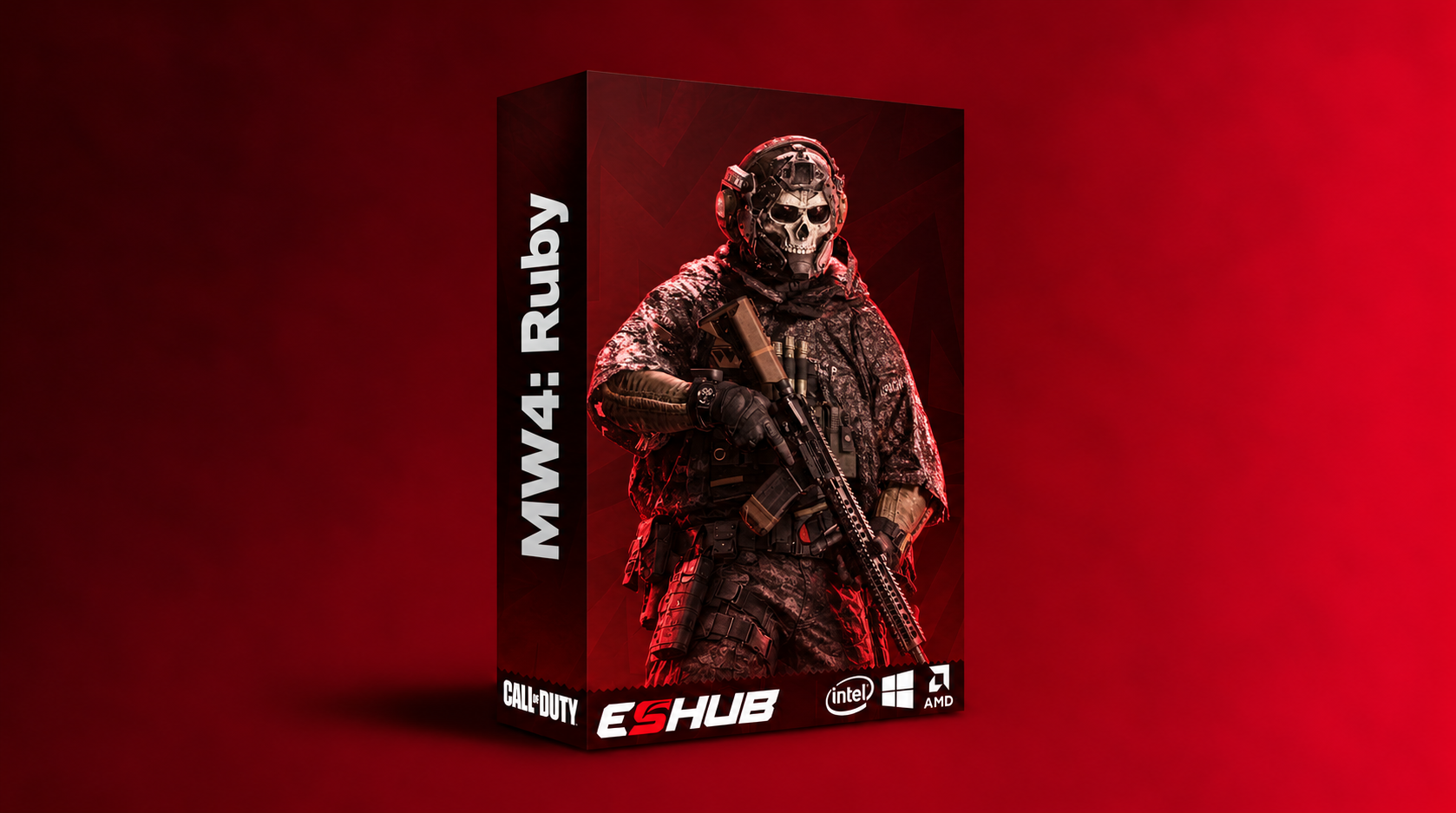
Check the exact product environment, distinguish Windows launchers from consoles and separate game compatibility from an individual feature's availability.
Compare the published details for CoD: Diamond, CoD: Arcane and CoD: Fecurity. Check exact game, mode and current build support for the selected product.
Customer Feedback
Feedback supplied by ESHub; scope is labelled on each card. Lightly edited for spelling and grammar. Individual experiences are not guarantees of results, setup time or protection from bans.
I purchased the three-day subscription to have some fun over the weekend, and man, was it a blast! My boys and I got some insane loot on our first day in DMZ. I got over 25 legendary items in just one day! I 100% recommend it to anyone trying to get some good loot. I just put my boys on and grabbed another week-long subscription key. ;)
Just an overall vouch. I've been here for a LONG time and have never been disappointed.
Between the cheats, support and overall functionality across the games listed, it's 10/10 every time. Usually, most Discord servers have their one main game and then a bunch of side offerings, but every game listed here feels like the main one. Everything works well, there are multiple options, and they're all really decent.
Every product I've bought has been a seamless 10/10 transaction. Everything runs smoothly, and if it doesn't, they're willing to help.
I haven't joined a SINGLE other cheat Discord besides these guys, and I don't plan on switching anytime soon.
ESHUB4LIFE ❤️
I bought the Call of Duty hack for 30 days, and it was a fantastic experience. I don't speak English very well, but the Eagle team was very polite and kindly helped me through the whole process.
I got tired of losing all my loot, so I tried cheats, and it was not what I expected...
After purchasing, I had it set up in five minutes and was in-game within ten. It was extremely easy to use.
Once I got in-game, I noticed there were soooo many features, so I asked the support team what I should use. They helped me almost instantly—these guys are like robots! Lol. Anyway, this cheat was SO GOOD. This was my first time, and it won't be my last, as I've already purchased another licence key from ESHub Cheats. Hehe.
100% worth it. Thank you for being so helpful and providing a great product!
Guide Updates & Product News
— Guide prepared with product comparisons, support resources and current feature references.
For product release notes and game-update compatibility, see ESHub Discord → and the current product details.
Product Requirements & Game Requirements Differ
A computer that runs Call of Duty does not automatically meet the requirements of every separate software product. Read the selected product's current Windows, hardware, launcher and setup information. No minimum RAM, GPU or storage number is invented for a product that does not list one.
The game title and mode also matter. Diamond's MW4 entry, Arcane's Warzone feature description and Fecurity's wider DMZ reference should not be flattened into an unconditional promise about every new MW4 DMZ build. Ask ESHub about the exact combination you intend to use.
Call of Duty Feature Video
Provided Call of Duty feature demonstration. Check the selected product's current game and mode support; recorded footage does not establish compatibility with every build.
ESP & Aiming Previews
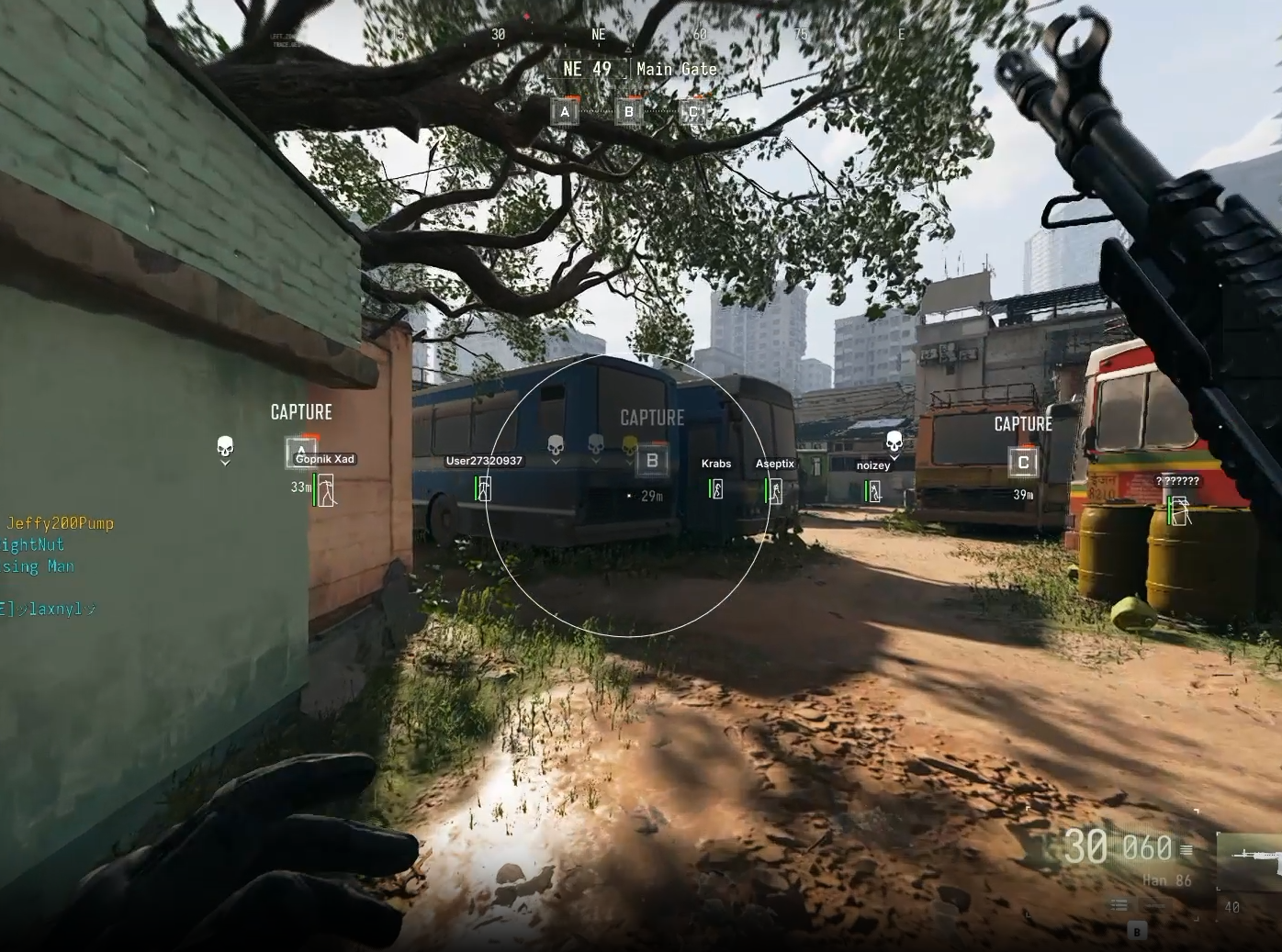
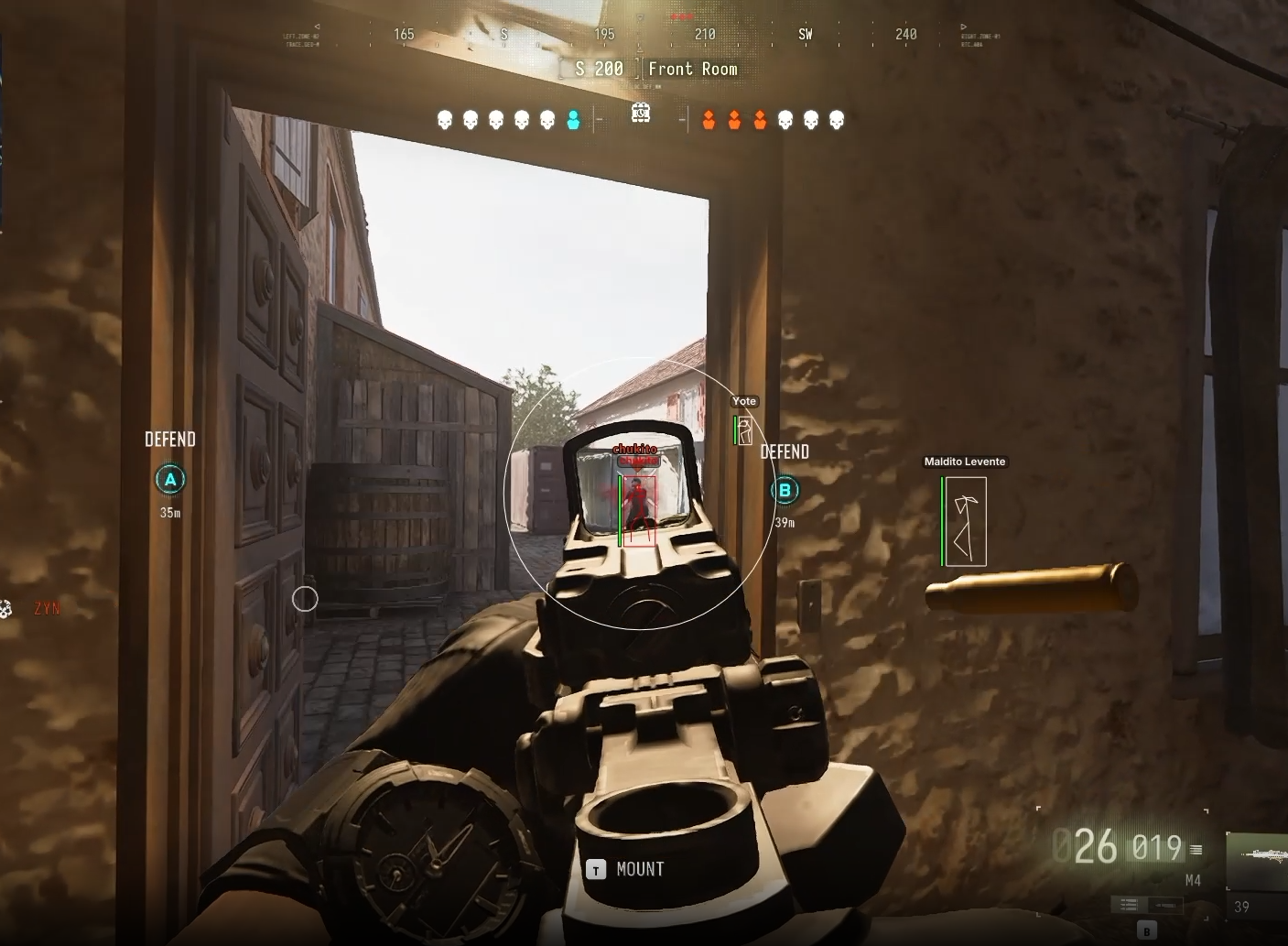
Windows, Launchers & Console Questions
Windows PC
Diamond and Fecurity list Windows 10/11.
Arcane checks
Its page asks customers to confirm the exact environment.
Xbox App
A Windows launcher entry is not console loader support.
Build & mode
Check the actual game/mode combination.
Diamond & Fecurity Published PC Entries
The reviewed Diamond and Fecurity listings name Windows 10/11, Intel/AMD processors, UEFI BIOS mode and Steam, Battle.net or Xbox-related PC launcher support. They also name fullscreen and borderless-windowed display modes. These are listing-level statements, not proof that every customized Windows installation is supported.
Their spoofer notes need separate attention: an included-feature badge does not replace the detailed text, which currently contains an updating note. Do not assume a built-in spoofer is working merely because a general product tile advertises inclusion. Check the exact feature's current support before purchase.
| Question | What the reviewed listings establish |
|---|---|
| Diamond / Fecurity PC entries | Windows 10/11, Intel/AMD, UEFI and named PC launchers. |
| Arcane environment | Confirm the exact game, launcher, Windows version and setup with ESHub. |
| Xbox App | Windows launcher terminology; not console software support. |
| Controller | Input-device support; not a console capability. |
| Exact MW4 DMZ mode | Confirm independently from broad CoD or older DMZ wording. |
Arcane & Platform Terminology
Arcane's current public requirement section directs customers to confirm the supported game version, launcher, Windows version and setup with ESHub. This guide therefore does not copy another product's CPU, BIOS or OS table onto Arcane as though independently specified.
Xbox App is a Windows launcher. Gamepad support describes an input device. Neither establishes software running on an Xbox or PlayStation console. A shareable web view is another distinct capability and does not by itself mean a console can supply the product's game data.
A Useful Compatibility Question
Provide the exact product, game/mode, launcher, Windows build and relevant hardware details when asking about compatibility. Distinguish a question about starting the product from a question about a particular feature in a particular mode. A saved configuration cannot establish missing platform support.
Use the customer instructions for the selected purchase rather than a guide copied from another provider. How to Use MW4 DMZ Cheats covers access and support diagnostics; MW4 DMZ Buyer Guide connects those checks with subscription options and current status.
Related MW4 DMZ Features & Guides
MW4 DMZ Cheats & Hacks
Compare Diamond, Arcane and Fecurity by documented features, exact mode support, requirements, access periods and support before choosing a DMZ-focused setup.
Read the Guide →How to Use MW4 DMZ Cheats
Find the correct product instructions, check the exact game and mode, and separate successful initialization from configuring individual features.
Read the Guide →Call of Duty Product Information
Explore the available products and check each listing for its current features and requirements.
CoD: Diamond
Aiming presets, dynamic FOV, player and bot visuals, loot categories, Mini Radar and Web Radar. Confirm the exact current game and mode.
Listed access: 1 day · 1 week · 1 month · Lifetime. Check current checkout options.
View CoD: Diamond →CoD: Arcane
Vector/Silent aiming, player and world information, radar, Battle-Mode and shared configurations. Confirm current compatibility with ESHub.
Listed access: 1 day · 3 days · 1 week · 1 month · 3 months. Check current checkout options.
View CoD: Arcane →CoD: Fecurity
Hybrid-labelled CoD software with its own aiming, visual, AI, loot, radar and weapon-control features. Check current mode support and status.
Listed access: 1 week · 1 month · 3 months. Check current checkout options.
View CoD: Fecurity →Related MW4 DMZ Cheat Guides
Frequently Asked Questions About MW4 DMZ System Requirements
Click a question below to view the answer.