
-
Featured Products

Warzone Controller Aimbot Cheats
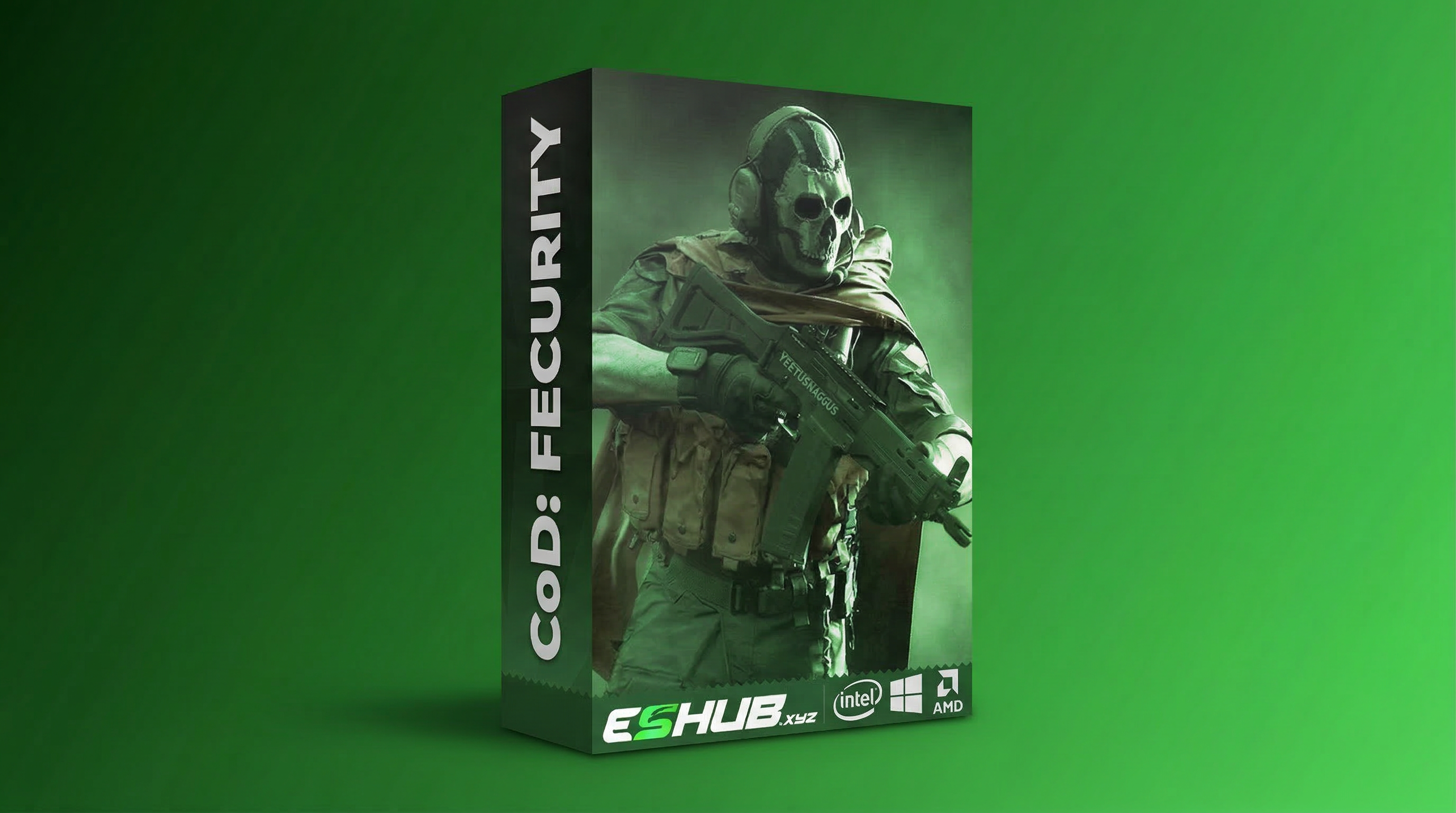
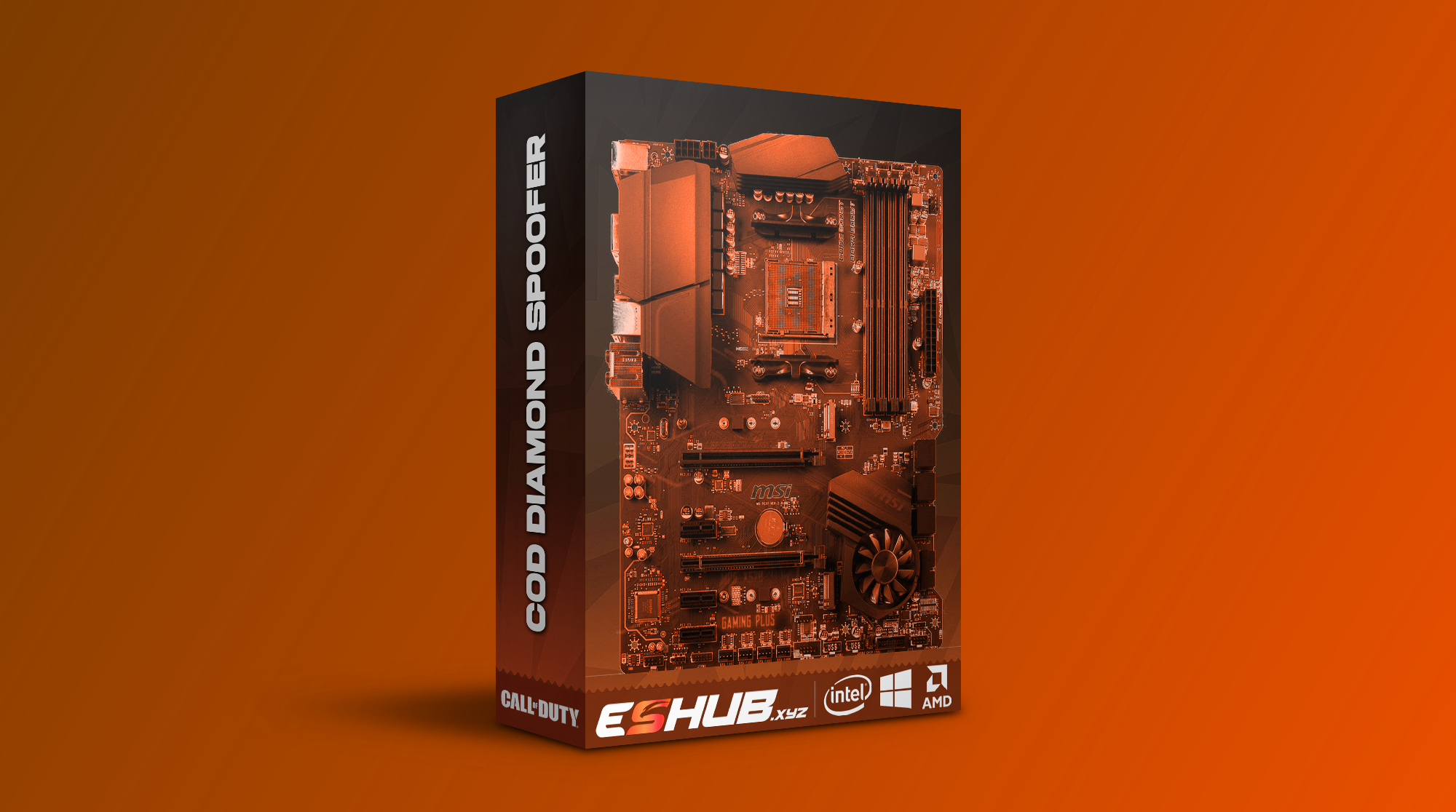
Warzone controller aimbot cheats matter if you play on a Windows PC with a gamepad and want aim features without moving to mouse input. ESHUB’s Call of Duty cheats include Fecurity, which explicitly lists gamepad support beside its aimbot controls, and Diamond, which lists controller support in its aimbot section. Both product pages name Warzone.
The PC point is essential. A controller connected to your computer is an input for a PC game. It does not make a Windows cheat run on a PlayStation or Xbox console. Steam, Battle.net and Xbox App on these product pages refer to PC launchers. Choose the cheat for the Warzone installation you actually use, then check the supported input details.
Warzone Controller Aimbot on Windows PC
A controller aimbot still has to decide which player to follow, when activation begins and how aim moves towards that player. The physical input changes how you operate the game, not the basic distinction between aimbot and player ESP. ESP helps you see where an opponent is; aimbot concerns tracking the one you engage. You still decide which door to watch and whether a push is worth taking.
CoD: Fecurity offers two aim keys and Gamepad Support. Enemy Only, Visible Only, prediction, hitbox priority and target switch delay shape which opponent the aimbot follows. You can use those features in Warzone on a Windows PC with a gamepad. Check Fecurity’s current input details for your controller.
CoD: Diamond separately lists Aim Key, Panic Key and Controller Support in its aimbot section. It also supports Warzone. Its presets and target choices differ from Fecurity’s Easy and Pro modes, so choose the cheat whose aim behaviour you want to use with your gamepad. A familiar gamepad does not make two different aim menus the same.
Fecurity Gamepad Aim and Target Selection
Fecurity offers Easy Mode and Pro Graph-Based aimbot. Its main aimbot section lists aim at shoot, aim at scope, enemy-only and visible-only choices, prediction and hitbox priority. These controls determine when the cheat can engage and which target it prioritises. If an opponent crosses behind cover, a visible-only choice has a different purpose from a target switch delay. One governs eligibility; the other governs how quickly focus changes.
Fecurity’s Pro mode describes aim movement and FOV changing with target distance and aim time. Its Easy mode gives a simpler speed and FOV arrangement. Start with the mode whose controls you can understand and operate, then keep an eye on what the game itself is showing you.
In a Warzone squad fight, you may see one enemy cross the landing while another stays behind a doorway. Player ESP can help identify both. The aimbot’s visible-only and target priority choices then shape which player is eligible for tracking. A gamepad can activate supported aim behaviour on PC; it does not choose your cover or stop the second player from firing back.
Diamond Controller Support and Aim Presets
Diamond lists four aimbot presets: Legit, Semi, Rage and Trigger. Its aimbot choices also name FOV circle, maximum distance, bone targeting, target priority, snap aim, dynamic FOV and prediction. Controller support appears in that same feature section. If you want a Warzone controller cheat with those Diamond choices, inspect its current page and choose the arrangement that suits the fights you take.
Diamond also lists reaction, switch and post-kill delays. These can affect aim behaviour as targets appear and disappear. They are distinct from the controller’s own input and from Warzone’s built-in aim assist. A cheat’s aimbot is an additional product feature; the game’s native aim assist is part of the game. Do not assume a particular interaction between them that the product page does not explain.
Diamond includes triggerbot and player ESP as separate features. It lists controller support for aimbot and separately lists triggerbot. Ask ESHUB about triggerbot input if you intend to use that feature with a controller. For Warzone controller aimbot, Diamond’s target and activation choices remain the main reason to examine its menu.
PC Requirements and Product Choice
Both product pages name Windows 10 or 11, Intel or AMD processors and UEFI BIOS mode. They also name Steam, Battle.net and Xbox in their PC launcher context. Check the full current requirements on the product you select. The named Xbox route is Xbox App on a PC; it is not evidence of Xbox console support. The same distinction applies if you normally play Warzone on a console and also own a Windows computer.
Choose Fecurity if its explicitly named Gamepad Support, Easy and Pro aim modes and target choices fit your intended PC use. Choose Diamond if its controller-supported aimbot presets and other named targeting choices fit better. The products can differ in status and purchase options, so use their live pages rather than assuming a choice made last month is still available today.
You can find both through ESHUB’s Call of Duty cheats page. Check that Warzone is listed, confirm the Windows environment and read the input support on the relevant product. Both Fecurity and Diamond support controller input for their Windows PC aimbot. Choose between the aim modes and target choices that fit your game.
Warzone Controller Aimbot Questions
Can I use a Warzone aimbot with a gamepad on PC?
Do these cheats run on an Xbox or PlayStation console?
Is gamepad aimbot the same as Warzone’s aim assist?
Does Diamond confirm controller triggerbot activation?
Check Your Warzone PC Input Choice
Review Fecurity gamepad support and Diamond controller support against your Windows PC and Warzone installation. The Call of Duty cheats page connects both products.
View Call of Duty cheats →