
-
Browse Call of Duty Products
MW4 Fog of War: ESP, Visibility & Hidden Information
Understand MW4 fog-of-war searches, hidden-player information and ESP visibility. Compare visual filters, server-side data limits and compatibility claims.
-
Featured Products
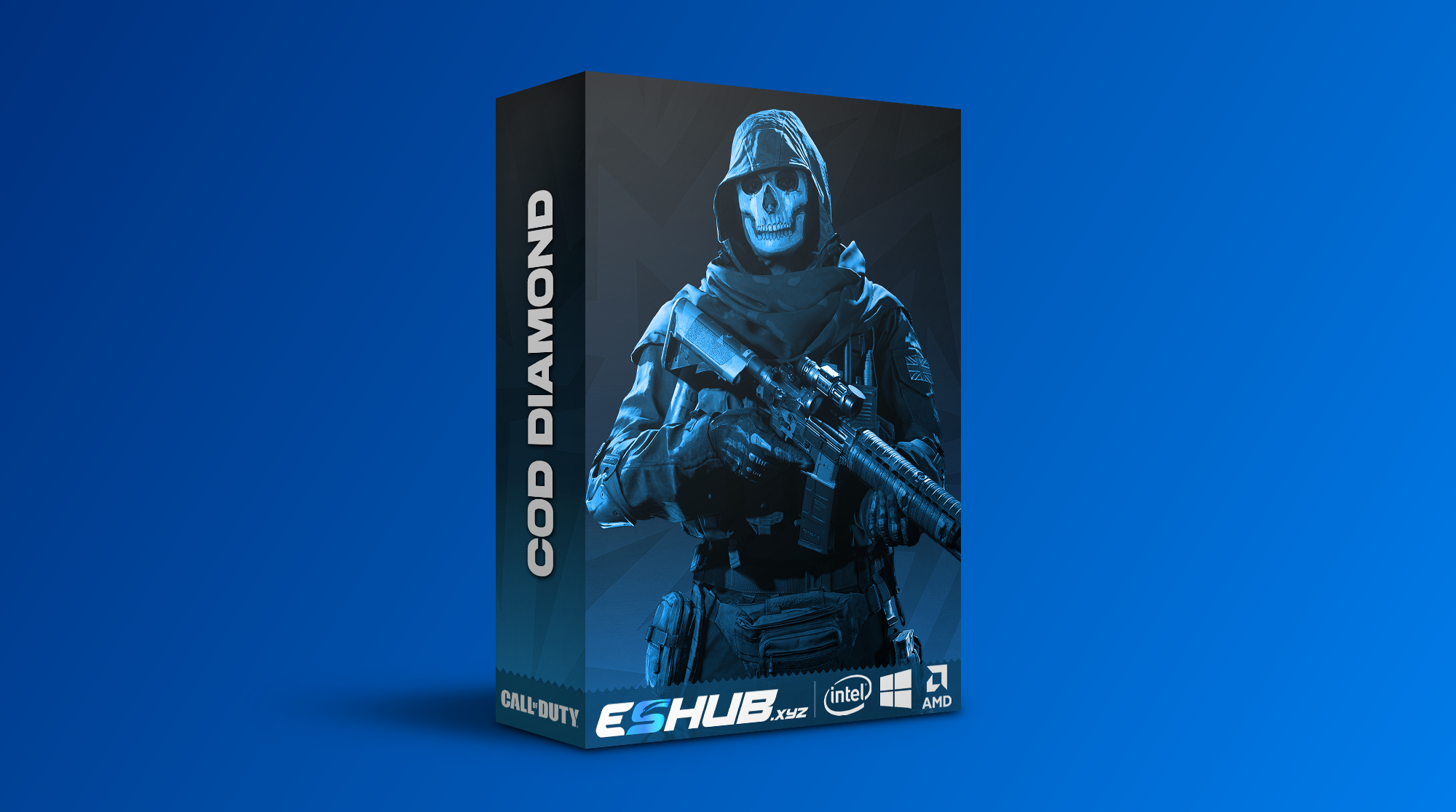
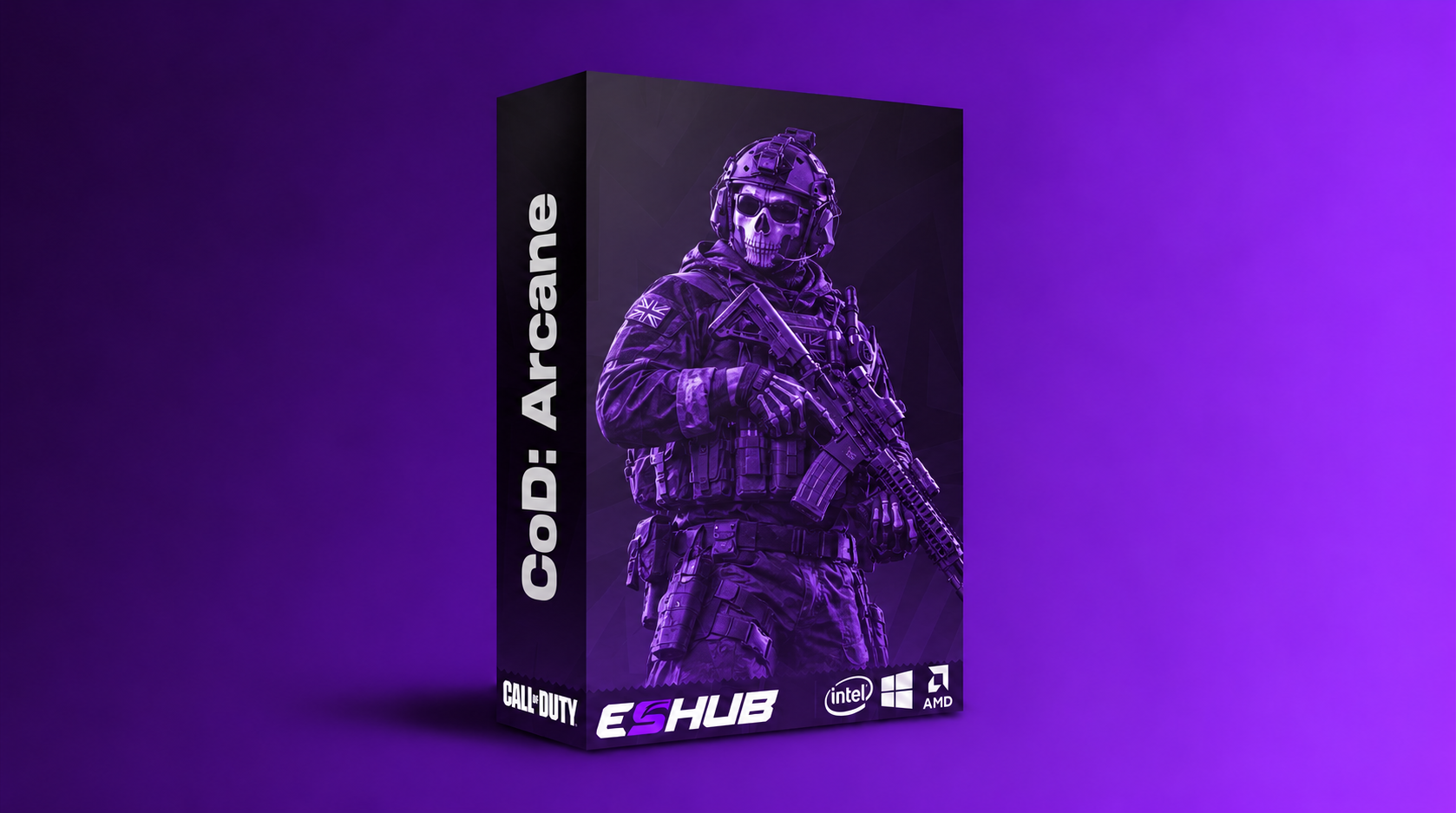
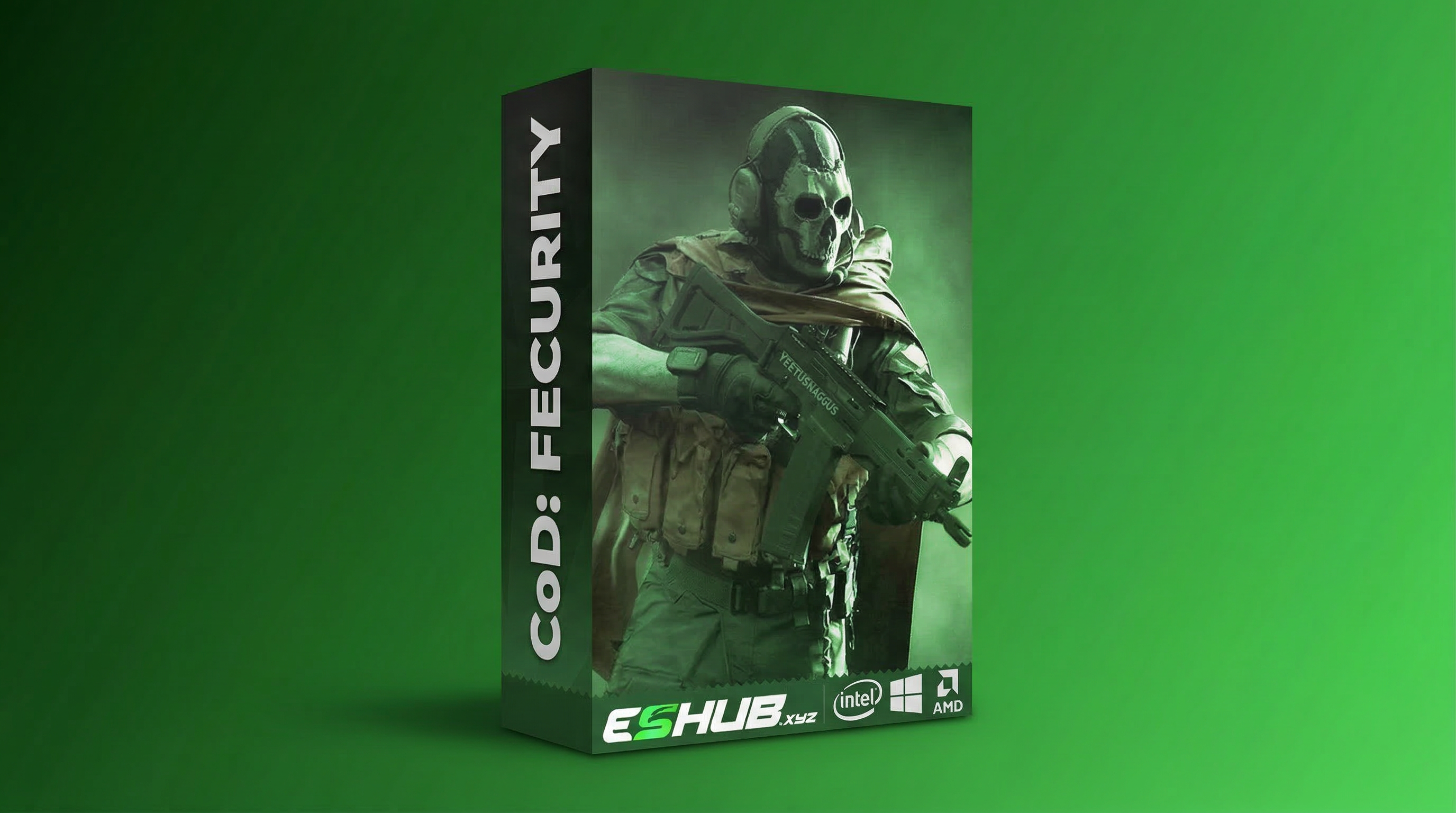
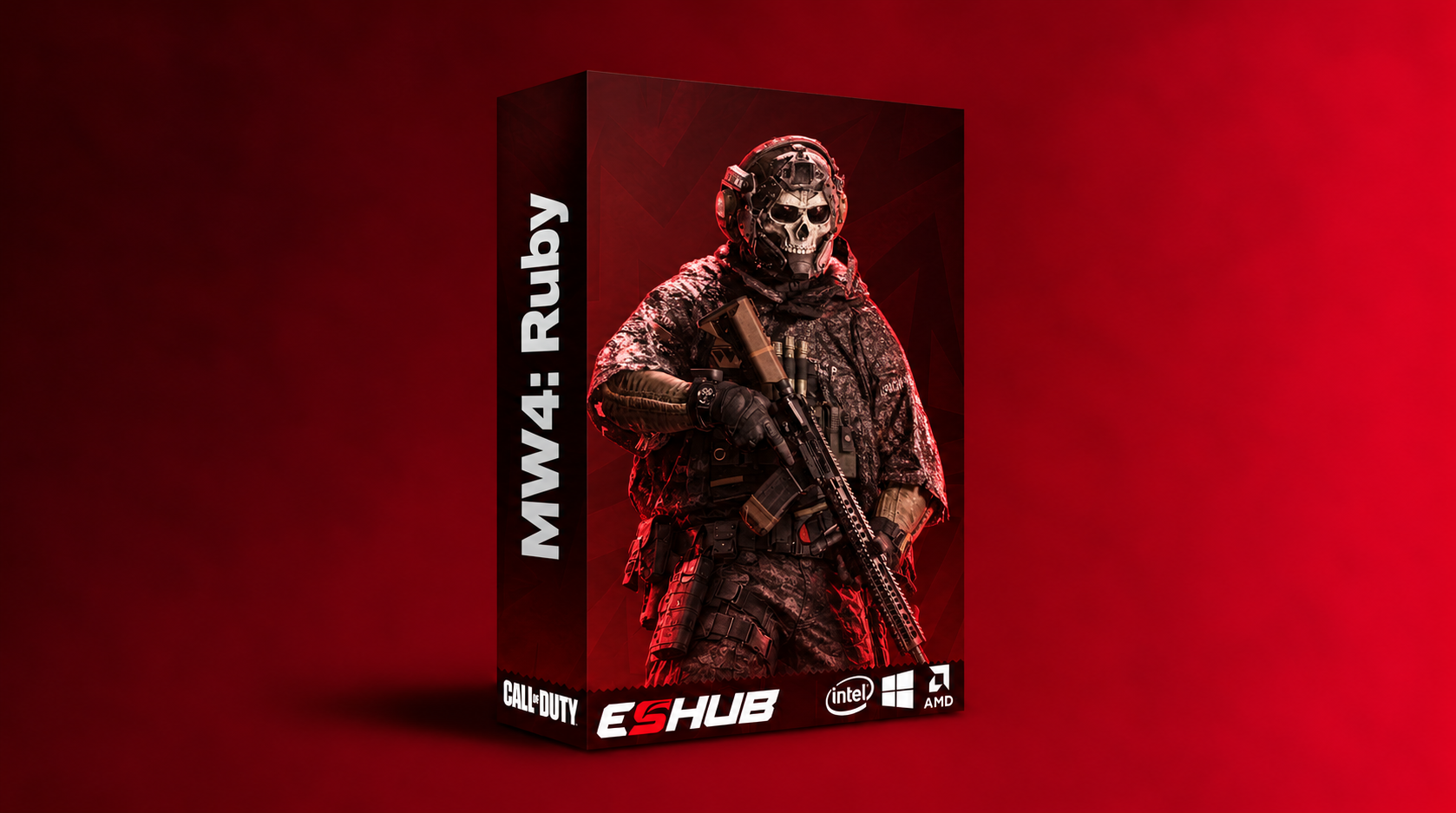
Learn why drawing an overlay, checking line of sight and receiving hidden-player information are different parts of an ESP discussion.
Compare the published details for CoD: Diamond, CoD: Arcane and CoD: Fecurity. Check the selected product’s current game, mode and feature information.
Customer Feedback
Customer feedback supplied by ESHub and lightly edited for spelling and grammar. Product and game references are labelled on each card. These are individual experiences; setup times, support response times and ban outcomes are not guarantees.
My boys actually told me about ESHub and recommended buying here. After using the cheat and getting help with troubleshooting, I can see why four of my friends already use ESHub's products.
Support: 10/10. These guys respond INSTANTLY. It's very refreshing, as most sellers couldn't give two sh*ts about you and only care about your money. ESHub seems to genuinely care about its clients, and man, it's refreshing.
Product: 9/10. I used CoD: Diamond, and it was very easy to set up. I had one issue, but it was sorted out. This cheat has a TON of features, and I was very pleased with it. I'll definitely buy a longer key once this one runs out.
Overall, a great experience. I can see why they have so many positive reviews. Thanks, guys!
I bought the Call of Duty hack for 30 days, and it was a fantastic experience. I don't speak English very well, but the Eagle team was very polite and kindly helped me through the whole process.
I got tired of losing all my loot, so I tried cheats, and it was not what I expected...
After purchasing, I had it set up in five minutes and was in-game within ten. It was extremely easy to use.
Once I got in-game, I noticed there were soooo many features, so I asked the support team what I should use. They helped me almost instantly—these guys are like robots! Lol. Anyway, this cheat was SO GOOD. This was my first time, and it won't be my last, as I've already purchased another licence key from ESHub Cheats. Hehe.
100% worth it. Thank you for being so helpful and providing a great product!
As an older gamer, I'm not as fast as I used to be, so I wanted to try some hacks for a little help with enemy information and things like that. I used the Call of Duty hack and played MW4 multiplayer and DMZ. DMZ was great—the product was very helpful for finding high-tier loot and avoiding enemy players. MW4 multiplayer was pretty fun too, just destroying everyone. LOL! I'm more of a DMZ player, though. If you're looking for a little help in your games, ESHub has you covered!
I've been using it regularly for about three weeks and haven't been banned or shadowbanned. I told my whole squad, and they're all using it too. Very high-quality stuff here, boys!
Guide Updates & Product News
— Guide refreshed with MW4-focused content, current product references, new customer feedback and multiplayer / DMZ media.
For product release notes and game-update compatibility, see ESHub Discord → and the current product details.
What Fog of War Means in an ESP Discussion
Fog of war has several meanings in games. Here it concerns limiting information about hidden entities, rather than weather, smoke or a dark area on a map. Riot's engineering explanation for VALORANT describes a server deciding which enemy information a client needs and withholding unnecessary updates. That is a documented example of the concept, not a specification for MW4.
For Modern Warfare 4, the official Call of Duty announcement uses the name Server Culling for its new anti-wallhack layer. Treat fog of war as the wider concept when researching this topic. Do not assume that Riot's visibility rules, map structure or implementation details describe Call of Duty's system.
MW4 Multiplayer & DMZ Videos
MW4 Multiplayer
MW4 DMZ
Gameplay videos supplied by ESHub, labelled by game mode. Recording a feature does not establish its current availability in every product or build.
MW4 Aimbot & ESP Images
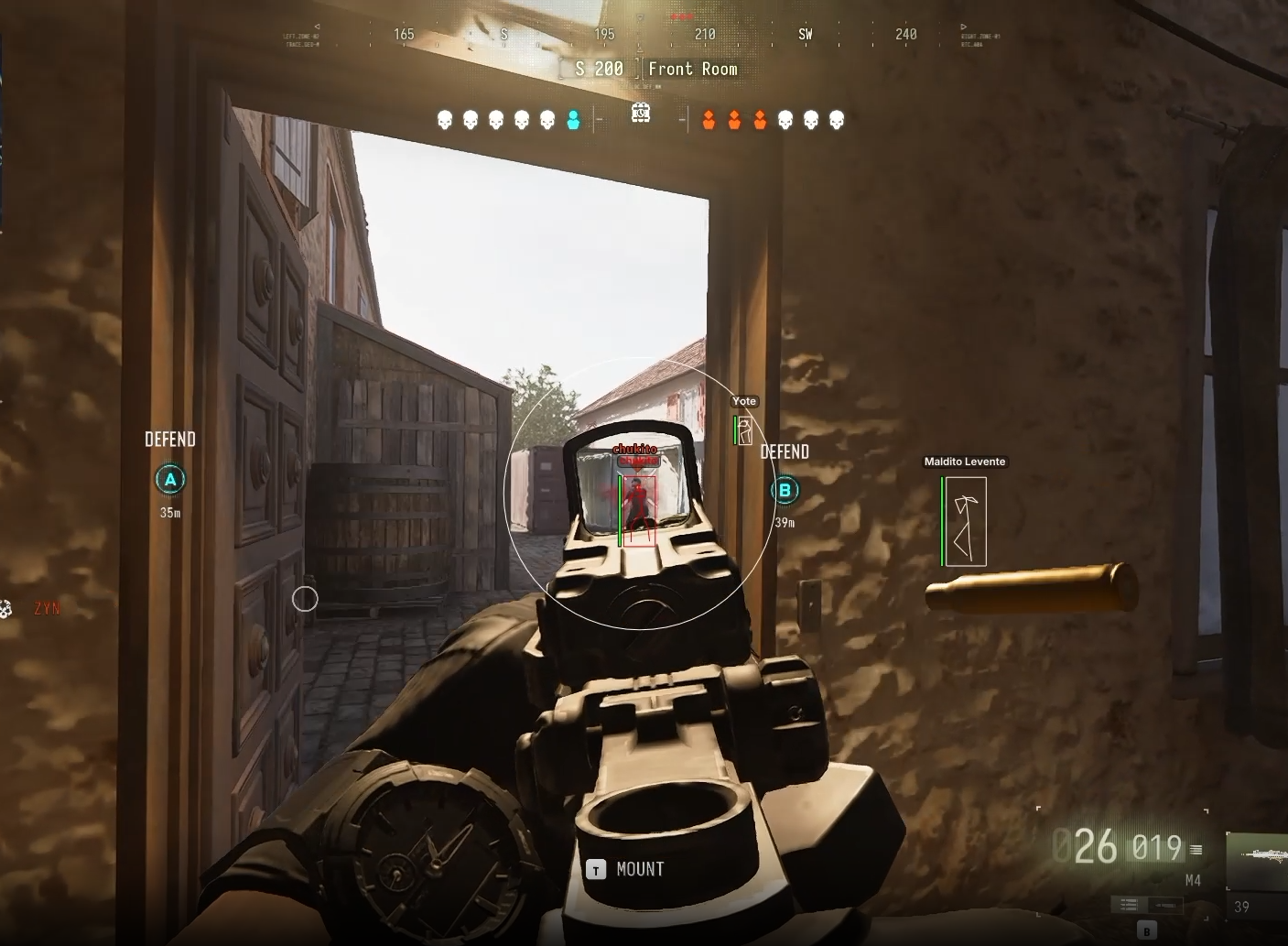
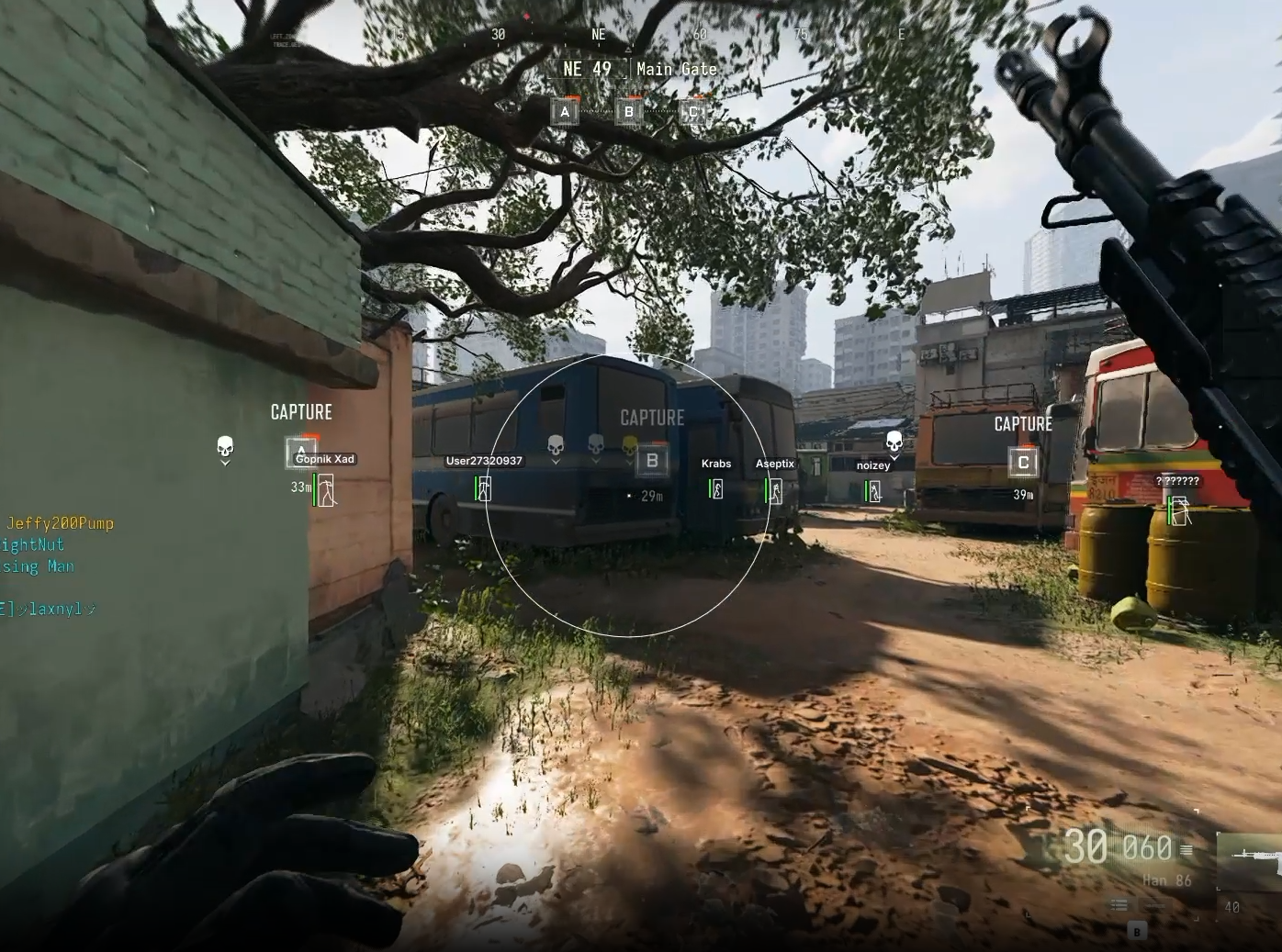
ESP, Visibility & Hidden Information
Visible information
What the player sees differs from what a client receives.
Network data
Information filtering concerns data sent to a client.
Overlay rendering
Drawing an existing entity is a separate function.
Support claims
A feature list needs product and build context.
Rendering, Line of Sight & Data Availability
There are three useful questions: is information available to the client, does a visual feature choose to draw it, and can the player see the entity in the normal game view? Those questions are related but are not interchangeable. A box visible through cover establishes that the overlay displayed information in that scene; it does not explain the source or freshness of that information.
A visible-only filter is a condition inside a supported product. Disabling that filter does not, by itself, demonstrate that the server sent an otherwise withheld update. The same distinction applies to distance controls: changing how far a display draws does not establish that current information exists at every distance. MW4 ESP & Wallhack explains the named display fields separately.
| Question | What it concerns |
|---|---|
| Can the normal camera see the entity? | The player’s current view |
| Does the overlay draw a marker? | Presentation of available information |
| Is the marker receiving current updates? | Freshness of the displayed information |
| Does this prove a bypass? | A separate product-specific claim requiring evidence |
What an ESP Demonstration Can Establish
A recording is most useful when its scope is clear: the selected product, the game build, the mode and the particular display being shown. The supplied videos on this page are gameplay demonstrations. They are not labelled as controlled tests of fog-of-war behaviour or as evidence of a particular technical bypass.
Consider the difference between a marker first appearing, a marker continuing to move and a marker remaining where it was last seen. Without a defined test, those observations should not all be described as uninterrupted access to hidden-player updates. This is a distinction about interpreting a demonstration, not a claim about how any specific ESHub product obtains information.
ESHUB Features, Compatibility & Related Guides
Diamond's current description lists player and bot visuals, targeting controls, Mini Radar and a shareable Web Radar. Arcane lists player and world information with its own radar controls, while Fecurity remains another Call of Duty option. These feature lists describe the displays and controls; they do not document a fog-of-war or server-culling bypass mechanism.
Use MW4 Buyer Guide to compare the exact supported game and mode. MW4 Aimbot & ESP Settings covers display conditions, and MW4 Server Culling covers interpreting server-side information claims. Product status is another separate question: a compatibility statement or an undetected label is not a guarantee that an account cannot be penalized.
Related MW4 Features & Guides
MW4 Server Culling
Understand the questions behind server-culling support: which information is displayed, whether it is current, and which product, mode and build a claim covers.
Read the Guide →MW4 ESP & Wallhack
Understand Modern Warfare 4 ESP features, including player boxes, skeletons, health, names, distances, bot displays and separate loot categories.
Read the Guide →Call of Duty Product Information
Explore the available products and check each listing for its current features and requirements.
CoD: Diamond
Listed aiming, player and bot displays, loot categories, Mini Radar and shareable Web Radar. These entries do not document a server-culling bypass.
View CoD: Diamond →CoD: Arcane
Listed aiming, player/world information, radar and shared configurations. Its current description is Warzone-focused; confirm exact MW4 mode support.
View CoD: Arcane →CoD: Fecurity
Another CoD option with its own aiming, visual, AI, loot and radar features. Review its current game support and status separately.
View CoD: Fecurity →Related MW4 Cheat Guides
Frequently Asked Questions About MW4 Fog of War
Click a question below to view the answer.