
-
Browse Call of Duty Products
MW4 Config Guide: Save, Load & Share Settings
Save, load and organize Call of Duty: Modern Warfare 4 cheat settings. Explore MW4 configuration profiles, key assignments and shared settings.
-
Featured Products
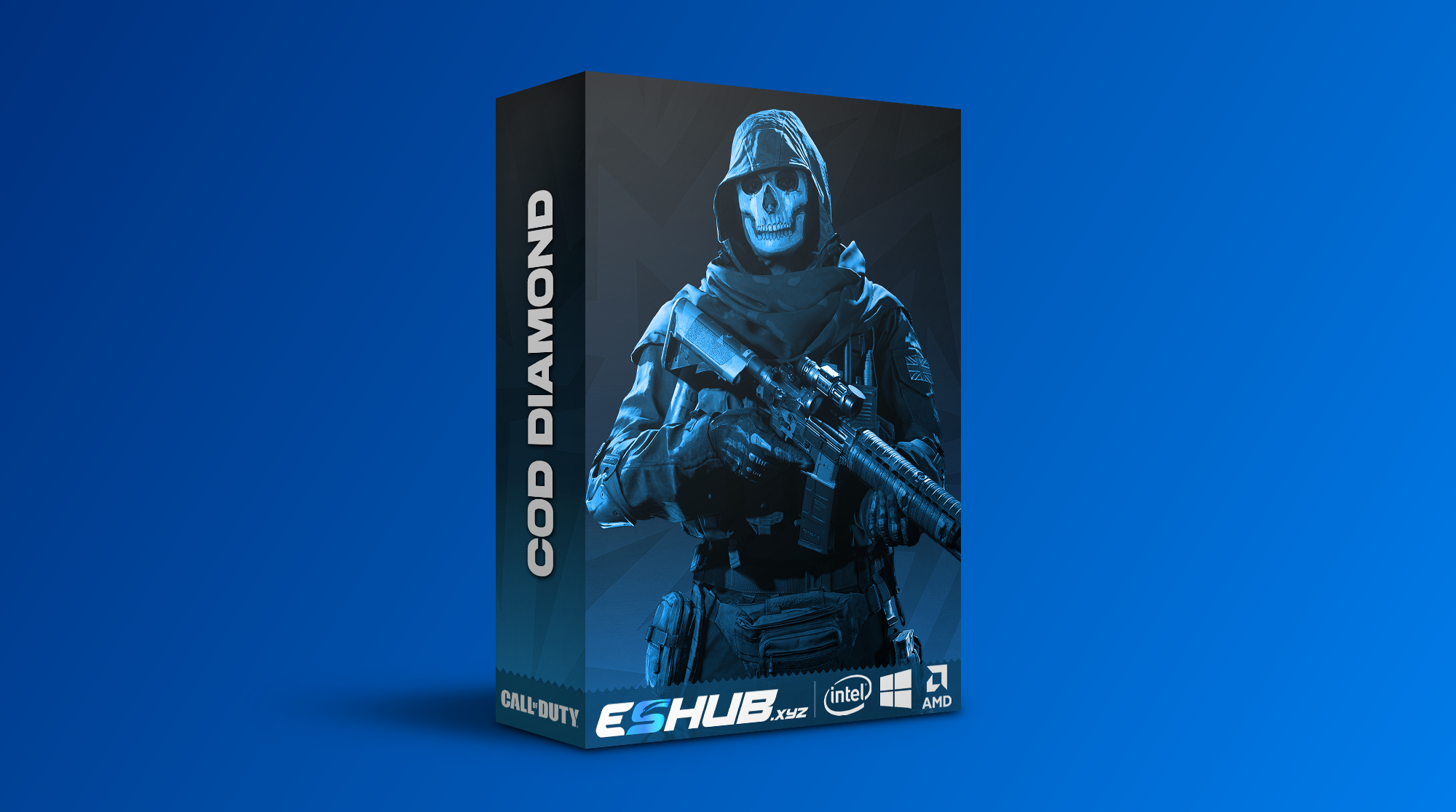
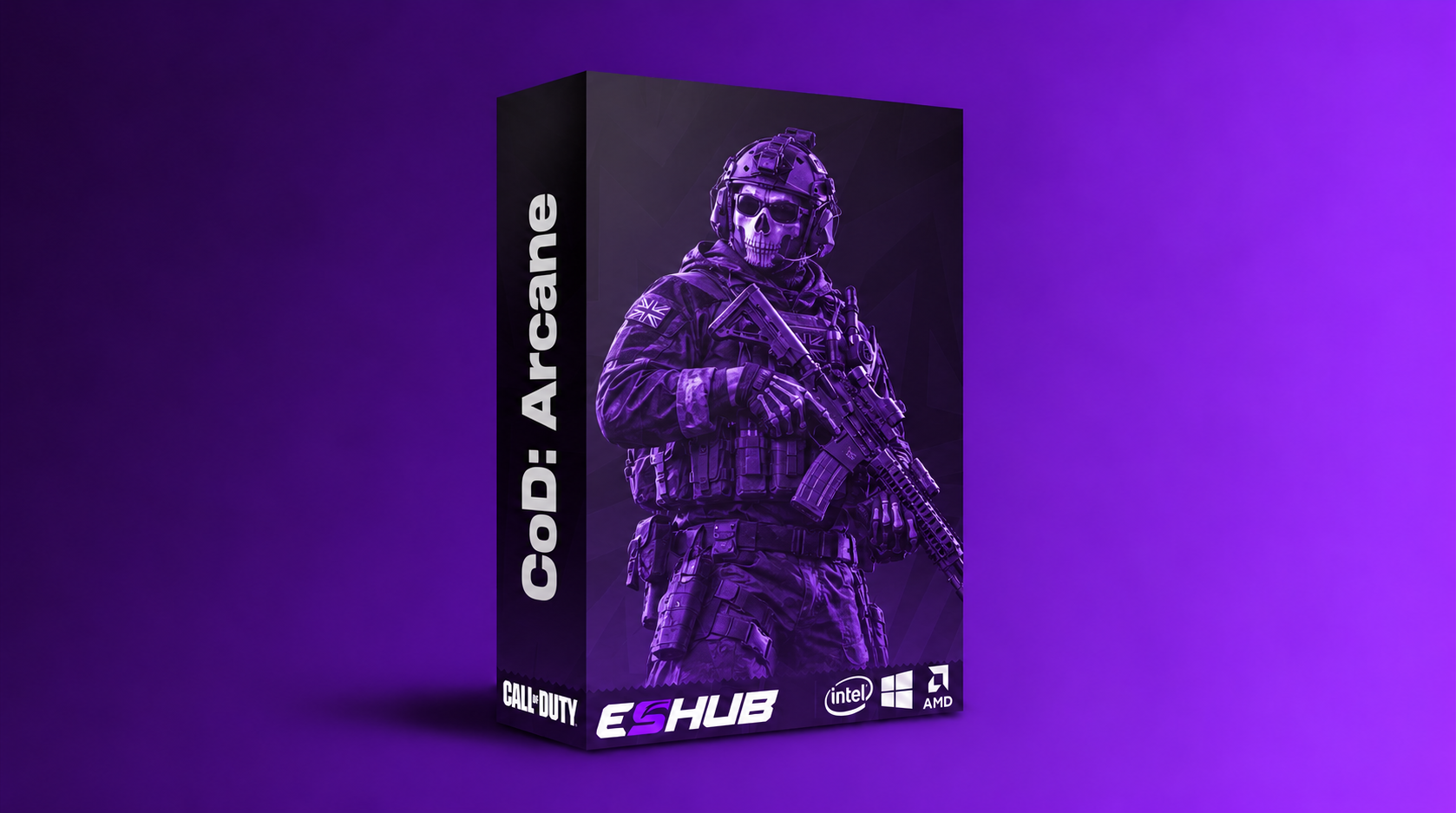
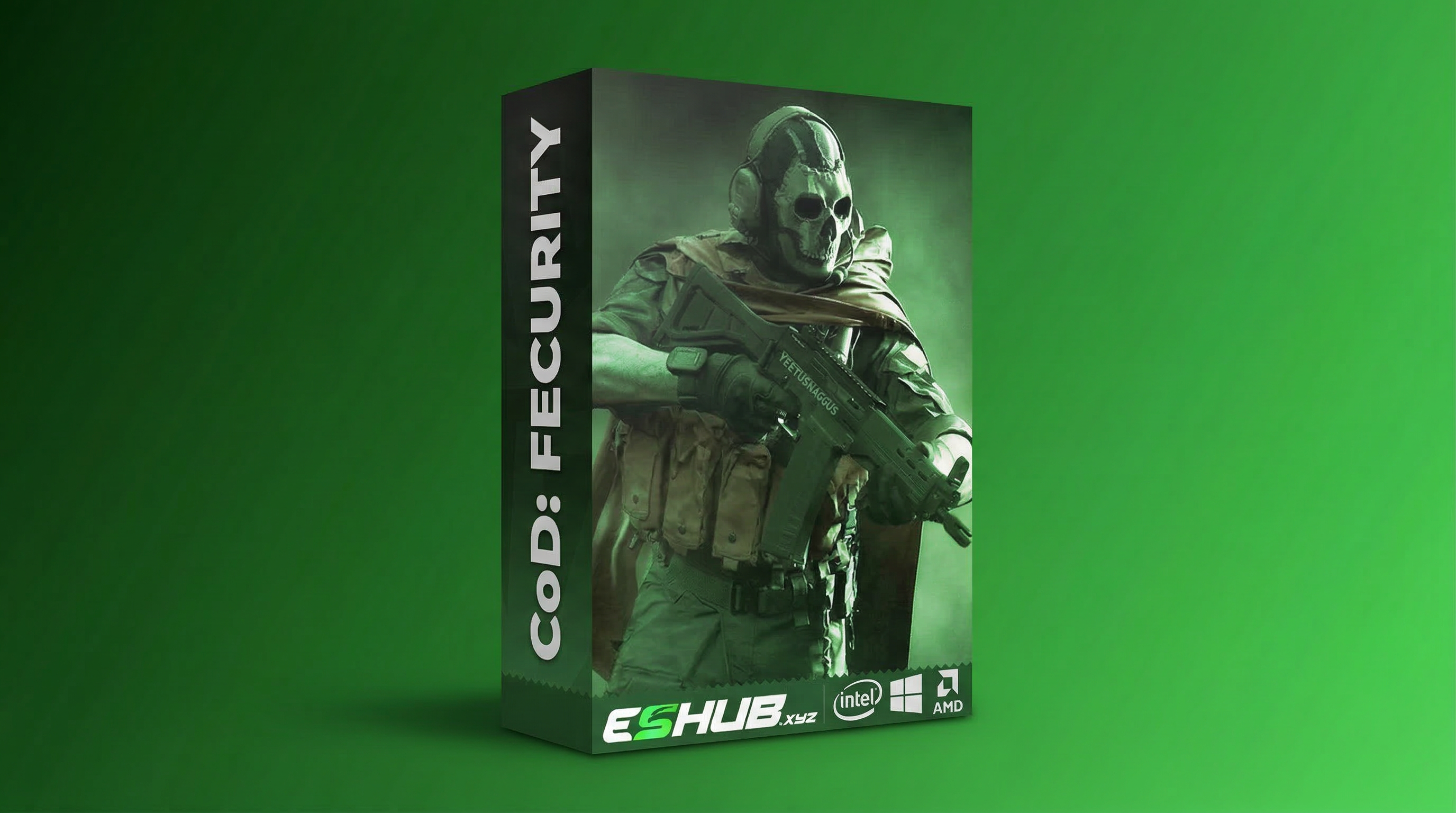
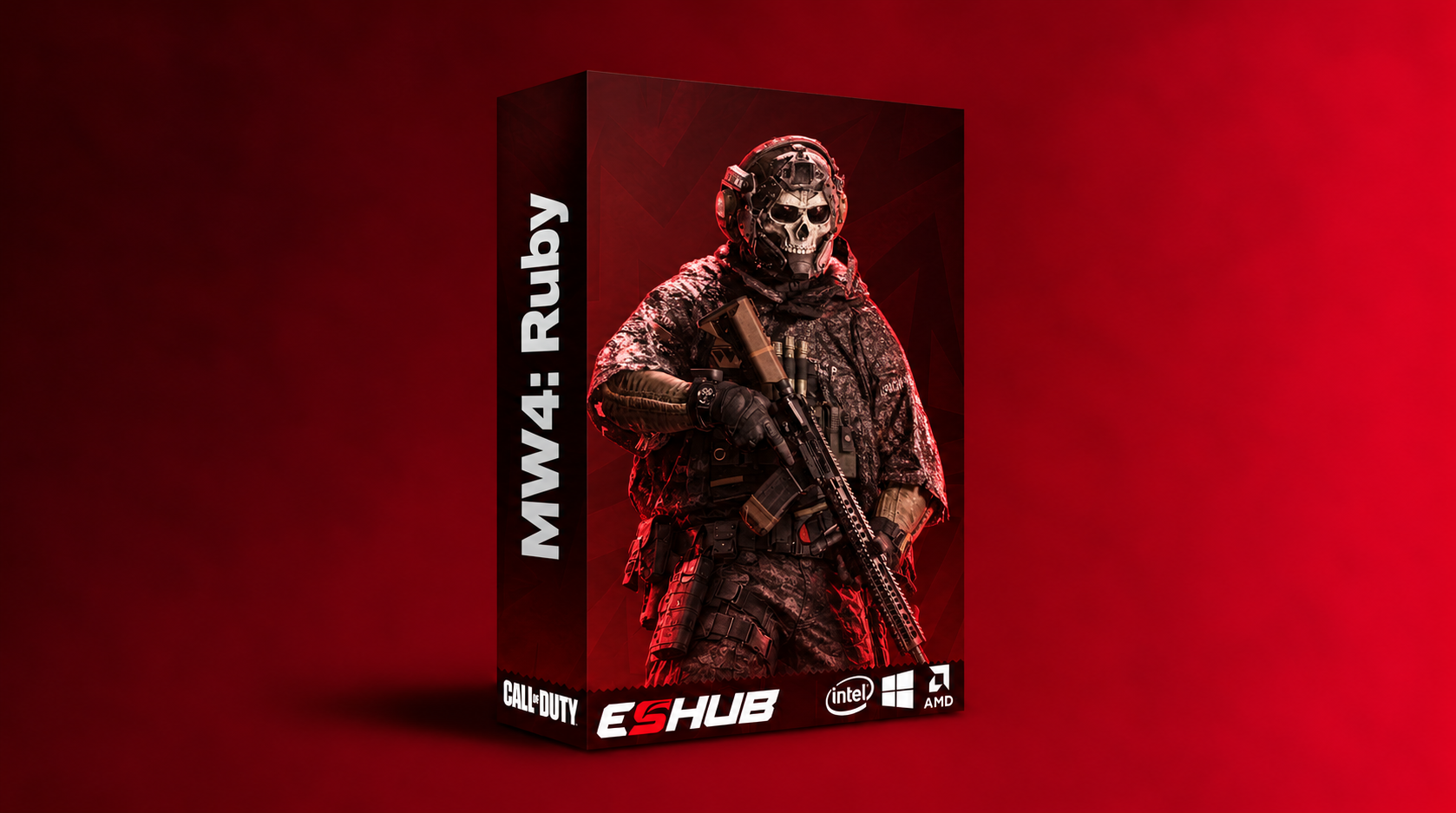
Organize Modern Warfare 4 settings with clear profile names, Diamond Save/Load/Reset controls and Arcane's separate configuration-sharing system.
Compare the published details for CoD: Diamond, CoD: Arcane and CoD: Fecurity. Confirm the selected product’s exact game, mode and platform support.
Customer Feedback
Customer feedback supplied by ESHub and lightly edited for spelling and grammar. Product and game references are labelled on each card. These are individual experiences; setup times, support response times and ban outcomes are not guarantees.
My boys actually told me about ESHub and recommended buying here. After using the cheat and getting help with troubleshooting, I can see why four of my friends already use ESHub's products.
Support: 10/10. These guys respond INSTANTLY. It's very refreshing, as most sellers couldn't give two sh*ts about you and only care about your money. ESHub seems to genuinely care about its clients, and man, it's refreshing.
Product: 9/10. I used CoD: Diamond, and it was very easy to set up. I had one issue, but it was sorted out. This cheat has a TON of features, and I was very pleased with it. I'll definitely buy a longer key once this one runs out.
Overall, a great experience. I can see why they have so many positive reviews. Thanks, guys!
I bought the Call of Duty hack for 30 days, and it was a fantastic experience. I don't speak English very well, but the Eagle team was very polite and kindly helped me through the whole process.
I got tired of losing all my loot, so I tried cheats, and it was not what I expected...
After purchasing, I had it set up in five minutes and was in-game within ten. It was extremely easy to use.
Once I got in-game, I noticed there were soooo many features, so I asked the support team what I should use. They helped me almost instantly—these guys are like robots! Lol. Anyway, this cheat was SO GOOD. This was my first time, and it won't be my last, as I've already purchased another licence key from ESHub Cheats. Hehe.
100% worth it. Thank you for being so helpful and providing a great product!
As an older gamer, I'm not as fast as I used to be, so I wanted to try some hacks for a little help with enemy information and things like that. I used the Call of Duty hack and played MW4 multiplayer and DMZ. DMZ was great—the product was very helpful for finding high-tier loot and avoiding enemy players. MW4 multiplayer was pretty fun too, just destroying everyone. LOL! I'm more of a DMZ player, though. If you're looking for a little help in your games, ESHub has you covered!
I've been using it regularly for about three weeks and haven't been banned or shadowbanned. I told my whole squad, and they're all using it too. Very high-quality stuff here, boys!
Guide Updates & Product News
— Guide refreshed with MW4-focused content, current product references, new customer feedback and multiplayer / DMZ media.
For product release notes and game-update compatibility, see ESHub Discord → and the current product details.
What a Saved Config Contains
A configuration stores the settings supported by the selected product. It does not add a feature that the product lacks or establish compatibility with a different Call of Duty release. Treat the product, game mode and profile name as three separate pieces of information when identifying a setup.
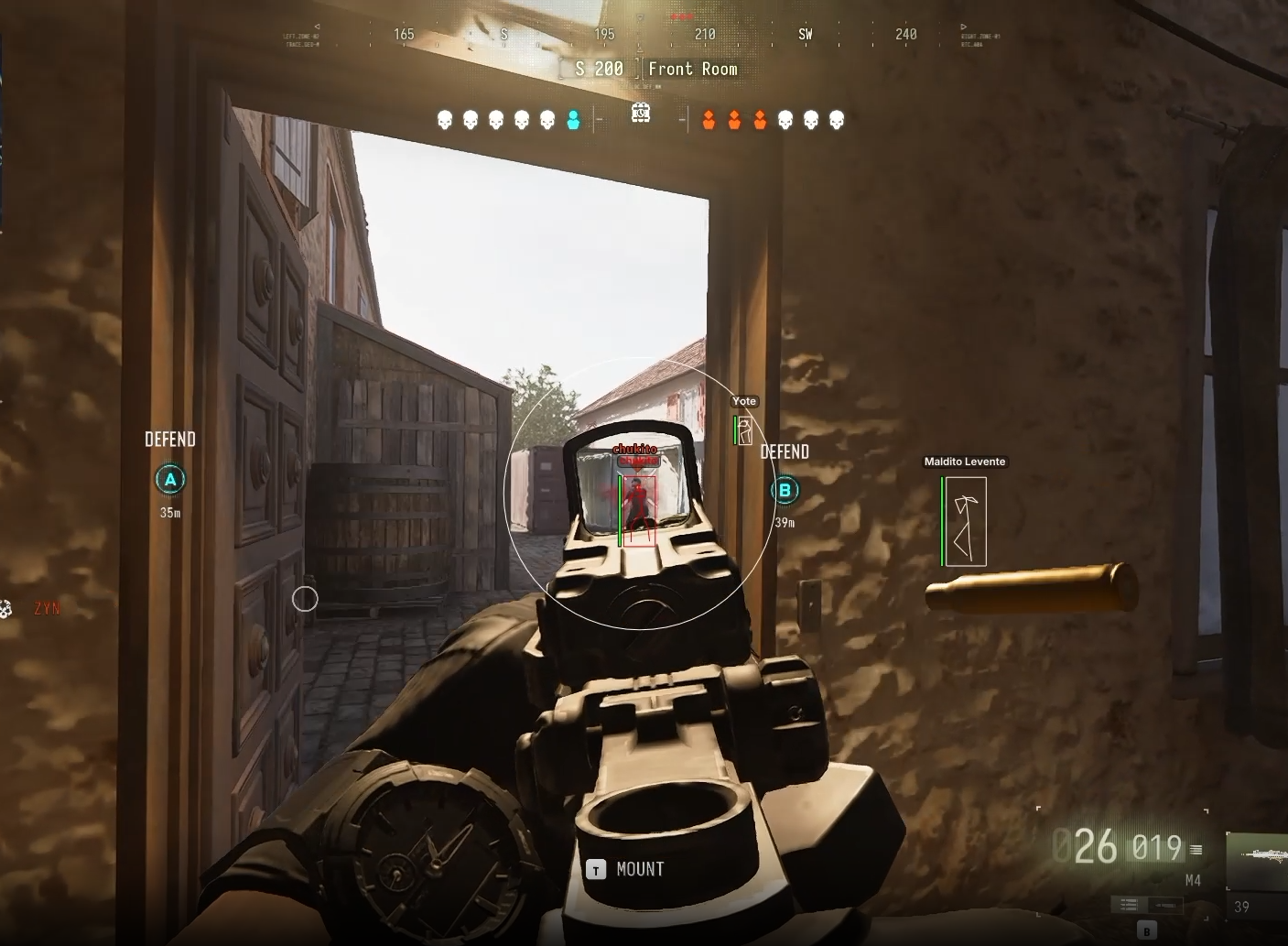
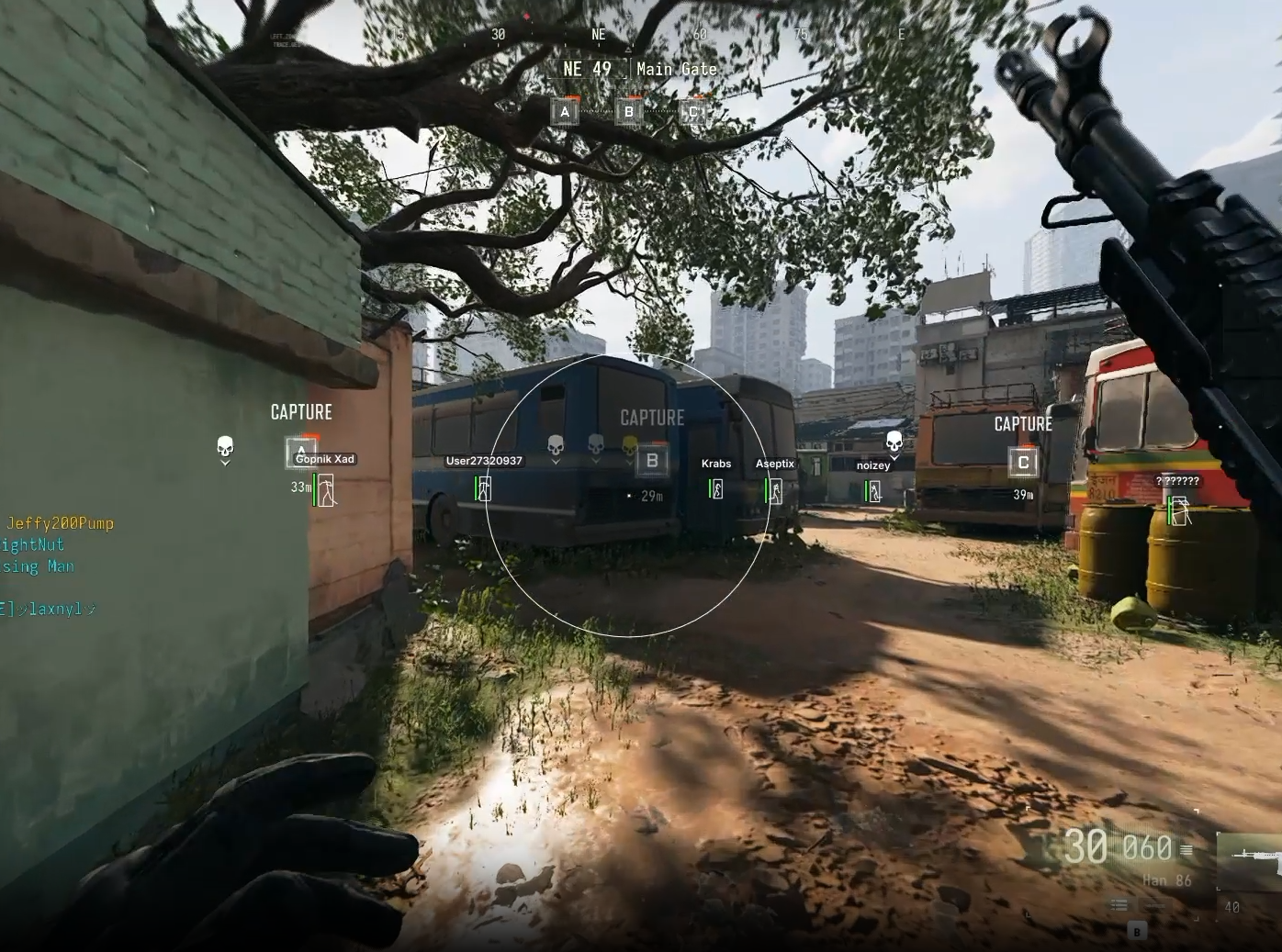
This guide focuses on managing profiles. MW4 Aimbot & ESP Settings explains the relationships between controls inside them. A profile can be saved correctly while containing an unsuitable activation key or a display category that is disabled, so storage and behaviour need separate checks.
MW4 Multiplayer & DMZ Videos
MW4 Multiplayer
MW4 DMZ
Gameplay videos supplied by ESHub, labelled by game mode. Recording a feature does not establish its current availability in every product or build.
MW4 Aimbot & ESP Images
Save, Load & Share Settings
Stored settings
A profile does not add unsupported capabilities.
Diamond CFG
Save, Load and Reset are explicitly listed.
Arcane sharing
Share and Get Shared transfer configuration settings.
Profile identity
Retain the product, mode and configuration name.
Diamond Save, Load & Reset
Diamond lists Save, Load and Reset CFG. These labels provide the starting points for retaining a configuration, restoring one and returning settings to their default state. Use the current customer instructions for the exact location and storage behaviour rather than guessing a filesystem path.
Name profiles so you can distinguish a familiar baseline from a later experiment. Before resetting, check whether the current setup has been saved through the product's own controls. Keep a note of which profile and product produced a particular screenshot or support symptom.
| Product / control | Published function |
|---|---|
| Diamond Save / Load / Reset CFG | Retain, restore or reset settings |
| Arcane Share | Generate a unique configuration key |
| Arcane Get Shared | Load settings using a configuration key |
| Product update | Check current instructions for older profiles |
Arcane Configuration Keys
Arcane lists Create, Get Shared, Launch, Save, Edit Name, Share and Remove. Its information explains that Share creates a unique configuration key and Get Shared loads a configuration from a key. This is a settings-transfer mechanism, not a software licence or a live radar viewing URL.
Arcane's current description is Warzone-focused, so verify MW4 compatibility before treating those controls as available for your game. A shared profile also needs review: another user's key assignments and category choices may not fit your own setup even when the import succeeds.
Profiles, Updates & Useful Support Details
A product update can change the available settings or how an older configuration is interpreted. If behaviour changes, record the product, current profile, mode and relevant menu label. Avoid repeatedly importing an unknown profile while trying to determine whether a specific control is active.
For support, provide the symptom and stage where it occurs without exposing licence keys or account credentials. MW4 Detection Status covers product-status terminology, while MW4 Buyer Guide covers access and requirements. Use the private instructions attached to the actual purchase for the supported setup sequence.
Related MW4 Features & Guides
MW4 Aimbot & ESP Settings
Learn how Modern Warfare 4 aim activation, FOV, target distance, player labels and visual categories relate within a product-specific configuration.
Read the Guide →MW4 Aimbot
Explore Modern Warfare 4 aimbot controls, including Diamond presets, targeting FOV, smoothing, prediction, activation and target switching.
Read the Guide →Call of Duty Product Information
Explore the available products and check each listing for its current features and requirements.
CoD: Diamond
Lists MW4, aiming presets, triggerbot, player and bot visuals, loot categories, Mini Radar, shareable Web Radar and saved configurations.
View CoD: Diamond →CoD: Arcane
Lists Vector/Silent aiming, player and world displays, radar and shared configurations. Its current description is Warzone-focused; confirm MW4 support with ESHub.
View CoD: Arcane →CoD: Fecurity
Another CoD option with Easy/Pro aiming, player and AI visuals, loot, radar and weapon controls. Review its separate game support, requirements and current status.
View CoD: Fecurity →Related MW4 Cheat Guides
Frequently Asked Questions About MW4 Config Guide
Click a question below to view the answer.