

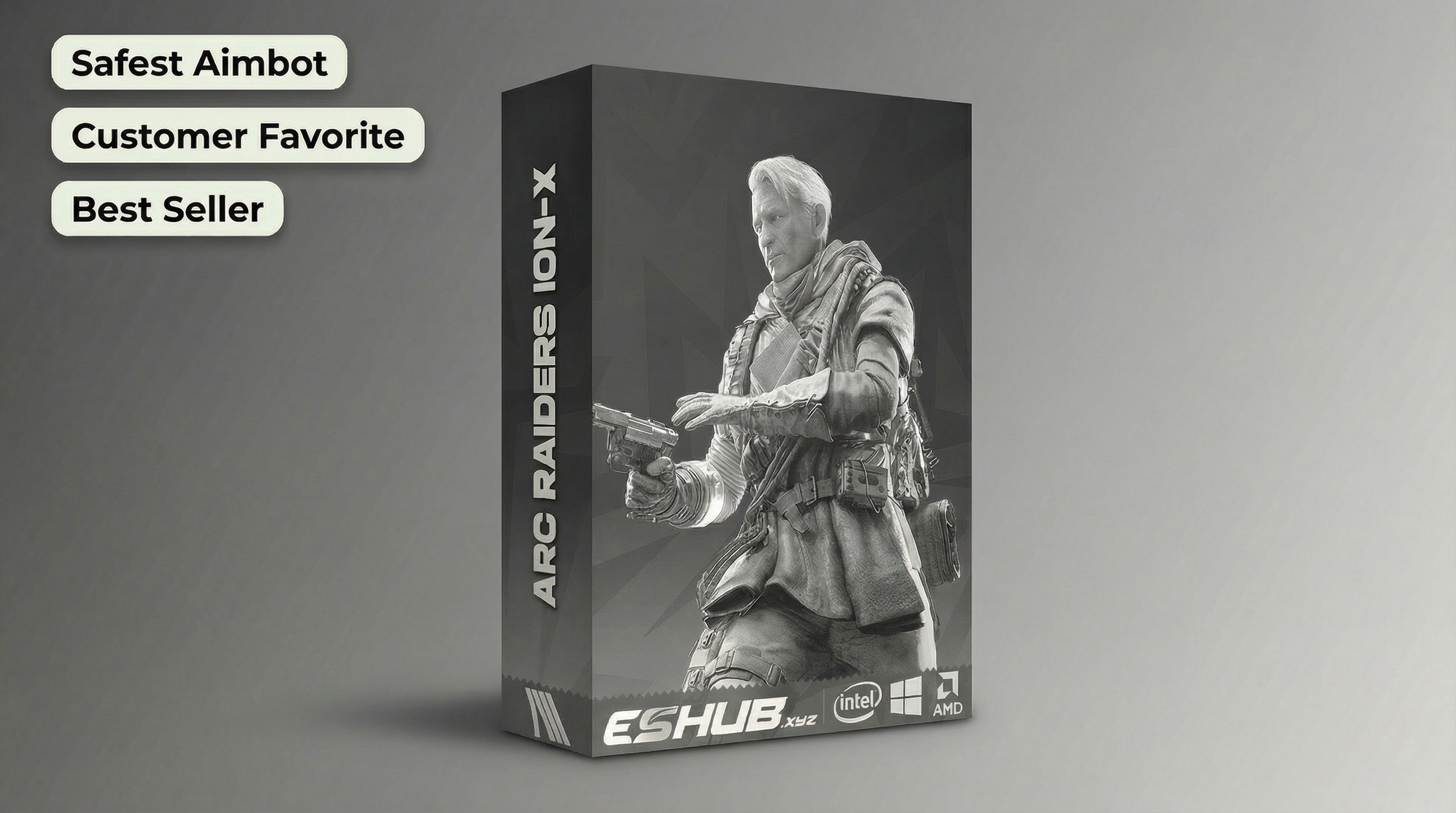
How ARC Raiders Silent Aim Differs From Aimbot
Silent aim and regular aimbot describe different aiming behaviour. Fecurity includes Silent Aimbot. ION-X gives you Mouse and Memory aim types, with smoothing, prediction and target lock. Our ARC Raiders cheats page includes both, but the feature names should not be treated as interchangeable.
Choose around the aiming behaviour you want, then look at the controls that govern it. FOV, visibility checks, target selection and activation all matter. A longer menu does not decide the fight for you, and dragging every slider to the right is not a strategy. Here is how Fecurity’s silent aiming differs from ION-X’s regular aimbot controls.
Silent Aim in Fecurity
ARC Raiders Fecurity places its aiming controls under Silent Aimbot. Silent aim describes targeting without the same visible crosshair pull associated with regular aimbot tracking. That name does not mean every shot will land or that cover stops mattering. Read it alongside the actual controls you can change.
Fecurity includes Aim at shoot, Visible check and Enemy only. These separate when aiming is applied, whether visibility is checked and which side is eligible for targeting. Recoil compensation is a separate control within that group. Reducing weapon kick is not the definition of silent aim, and silent aim is not another name for recoil compensation.
The same group includes target switch delay, a drawn FOV indicator and a hitbox system. The switch delay controls the pause before changing targets. That matters when another Raider enters the same part of the screen. You can configure the transition rather than treating the next visible opponent as an automatic reason to abandon the first.
Mouse and Memory Aimbot in ION-X
ARC Raiders ION-X provides an Aim Type choice between Mouse and Memory. Both sit inside its regular Aimbot category. Do not relabel Memory aimbot as Silent Aim simply because the two names sound like they might describe the same thing. Fecurity explicitly supplies the silent-aim option; ION-X supplies its own aiming methods and controls.
ION-X includes an Aim Key, aimbot smoothing and aimbot prediction. The key determines activation. Smoothing changes the aiming movement, while prediction deals with a moving target. A smoother movement alone does not account for where the target is heading.
Its aimbot target lock helps maintain the selected target. A prediction dot and target line provide additional aiming references. Use the references you find useful and keep the game view readable. Following a Raider across cover is easier when you can still see the cover rather than a collection of lines you enabled and forgot about.
Aimbot FOV, Target Bones and Distance
Fecurity’s aimbot FOV is adjustable from 0–15 degrees, with Draw FOV available to display the targeting area. Its camera FOV override is a different control. One governs the aiming area; the other changes the camera view. Widening the camera should not be mistaken for selecting a wider aimbot targeting area.
ION-X uses an FOV Radius slider, aimbot target bones and maximum aim distance. Target bones determine the body areas selected for aiming. Maximum aim distance limits how far the aimbot reaches. Its visibility check and target lock sit alongside those controls, giving you separate ways to narrow which target receives attention.
Choose those values around the fights you intend to take. A nearby opponent crossing a doorway creates a different decision from a Raider farther along an open route. Keep the targeting area and distance deliberate. You do not need every player in view competing for the same crosshair just because the cheat can identify them.
Fecurity and ION-X Aiming Features
Fecurity suits the Silent Aim requirement and includes Player ESP with boxes, outlines, health, skeletons and maximum display distance. Those details help you follow the opponent around the aiming area. They do not change the meaning of the Silent Aimbot functions or make a hidden player directly shootable through every piece of cover.
ION-X adds its Mouse aimbot and Memory aimbot to a broader combination of Player ESP, radar and World ESP. You can save, load, delete and share its configurations. That makes it possible to reuse your chosen aiming and display combination, rather than reconstructing the same FOV and ESP choices before each session.
Both products are for supported Windows PCs through Steam or Xbox PC. Check the requirements and current status before choosing access. Using either cheat can result in an account ban. An undetected status does not promise safety, and a less obvious aiming movement does not establish a lower penalty risk. Choose with the actual feature differences understood.
Silent Aim Questions
Which ESHUB ARC cheat includes Silent Aim?
Is ION-X Memory aim the same as Fecurity Silent Aim?
Does camera FOV change the aimbot FOV?
Does silent aim remove recoil?
Choose Fecurity or ION-X for ARC Raiders
Choose Fecurity for Silent Aim or ION-X for Mouse and Memory aimbot. Check the targeting controls, ESP and PC requirements that matter to you, then visit our ARC Raiders cheats page to choose your access.
View ARC Raiders cheats →