

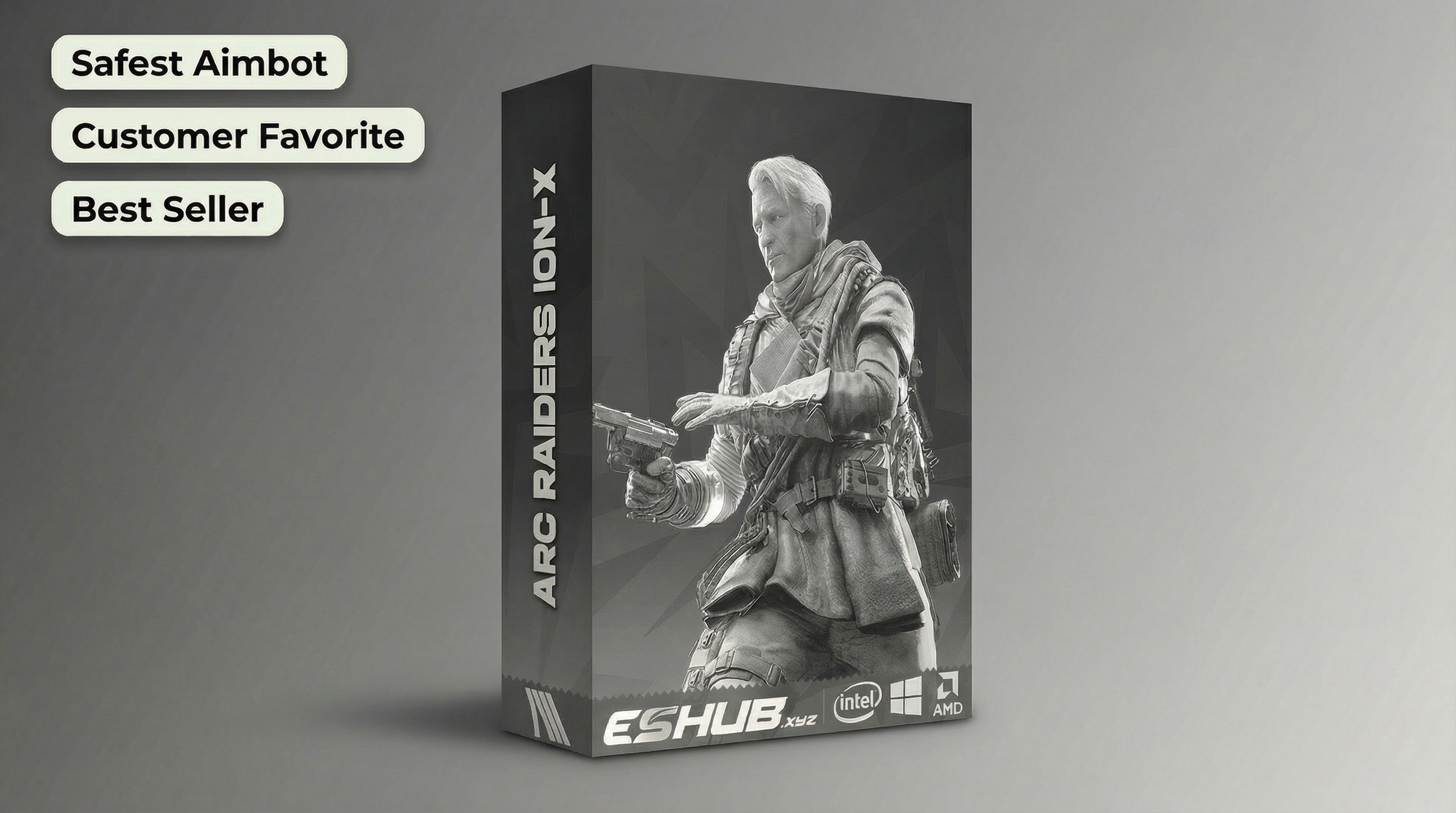
ARC Raiders Cheat Support for Steam and Xbox PC
ARC Raiders PC cheats need to match the computer and game version you actually use. Steam and Xbox PC both run on Windows, but Xbox PC does not mean an Xbox console. Our ARC Raiders cheats include Fecurity and ION-X for supported Windows PCs. Before choosing between Silent Aim, Player ESP and World ESP, check the operating system, processor, memory and overlay requirements.
Fecurity and ION-X share some requirements, but they are not interchangeable. ION-X specifies AES instruction support and a minimum of 16 GB RAM. Fecurity specifies Borderless or Windowed display for its overlay. Buying first and discovering the missing requirement later is a poor warm-up for a raid. This guide covers the checks that matter before you choose access.
ARC Raiders Steam Support and Xbox PC
ARC Raiders Steam support is available with both cheats. ARC Raiders Xbox PC support refers to the Windows Xbox app version. You still launch the game on a Windows computer and run the cheat on that computer. An Xbox account, Xbox controller or Xbox-branded app does not make PC software installable on console hardware.
Start with the launcher you use for the game. Keep that detail with your Windows version and processor name when checking PC compatibility. If you ask ESHUB support about your computer, those details give us something useful to answer. “It is a gaming PC” leaves rather a lot to the imagination.
ARC Raiders Fecurity combines Silent Aim with Player ESP, including boxes, skeletons and health. ARC Raiders ION-X combines Mouse or Memory aimbot with Player ESP, radar and World ESP. Choose the features after confirming game-version support. Neither choice installs these cheats on an Xbox console.
Fecurity and ION-X Windows Requirements
Both products support Windows 10 and Windows 11 with Intel or AMD processors. The ARC Raiders cheat requirements for ION-X go further. Your CPU needs AES instruction support, and your computer needs at least 16 GB RAM. Its Intel requirements also specify UEFI firmware and a GPT system disk. These are separate checks; having enough memory does not answer the firmware question.
Look up your processor’s exact model rather than assuming that an Intel or AMD badge settles everything. Likewise, check installed memory rather than available drive space. RAM and storage are different components. ION-X’s listed Windows support covers versions 1909–25H2, so include the actual Windows version when asking about compatibility.
Fecurity’s requirements identify Windows and processor support without giving the same 16 GB minimum. Do not transfer ION-X’s memory requirement to Fecurity, or assume that an unstated figure means no memory is needed. The game still has its own PC requirements. You need a computer that can run ARC Raiders as well as the cheat you choose.
Game Display Modes and Required Overlays
Fecurity uses a Discord overlay or a Medal.tv overlay for its menu and ESP. Run the game in borderless mode or windowed mode. Its guide does not support fullscreen for that overlay arrangement. Changing the screen resolution alone is not the same as changing the display mode.
ION-X also requires an enabled Discord or Medal.tv in-game overlay, alongside the Microsoft Visual C++ Redistributable x64. Choose the overlay described in the relevant instructions and enable it for ARC Raiders. When using Medal.tv, disable the Discord overlay; when using Discord, disable Medal’s overlay. Two overlays competing for the same game are not a bonus feature.
Check that the chosen overlay works before troubleshooting the cheat menu. The game, launcher and overlay must refer to the same installation you intend to use. Fecurity opens its menu with Insert. ION-X uses Home or Insert to open or close its menu, with End for unloading. Keep those controls distinct when moving between products.
ARC Raiders PC Cheat Compatibility Before Purchase
The setup guides also specify BIOS and Windows requirements. Both require Secure Boot to be off. ION-X requires hardware virtualisation in BIOS while requiring Hyper-V and VBS to be disabled. Those are different features, despite the similar wording. Read the requirements for your processor and operating system before buying rather than copying instructions from another game.
The guides also include requirements affecting Windows security software. Review those changes before deciding whether the cheat suits your computer. A supported game launcher does not remove the remaining requirements, and a correct setup does not protect an account from penalties for using ARC Raiders hacks.
Finally, check the current product status and follow the supplied instructions after game updates. A status label describes the product at that point; it does not promise account safety or permanent compatibility. If you need help, send your game launcher, Windows version, CPU, RAM and the exact stage where the problem occurs. That is much more useful than repeatedly relaunching the same setup.
ARC Raiders PC Compatibility Questions
Do these ARC Raiders cheats run on an Xbox console?
How much RAM does ARC Raiders ION-X require?
Can I run Fecurity in fullscreen?
Does an Intel or AMD processor automatically meet ION-X requirements?
Choose Your ARC Raiders PC Cheat
Check your launcher, Windows version, processor, memory and overlay before buying. Then choose Fecurity for Silent Aim and Player ESP or ION-X for aimbot, radar and World ESP. Visit our ARC Raiders cheats page to choose the cheat that fits your PC and the features you want.
View ARC Raiders cheats →