
Aimbot
Aimbot with target acquisition controls, prediction, smoothing and adjustable recoil compensation.
- Enable
- Visible Only
- Draw FOV
- Prediction
- FOV
ESHub provides premium undetected game softwares, DMA Hardware, ESP, Aimbot, and HWID spoofers for popular PC titles including Apex Legends, Arena Breakout Infinite, ARC Raiders, Escape from Tarkov, Fortnite, Rust, Rainbow Six Siege, and more. Our solutions are secure, frequently updated, and designed to stay undetected.
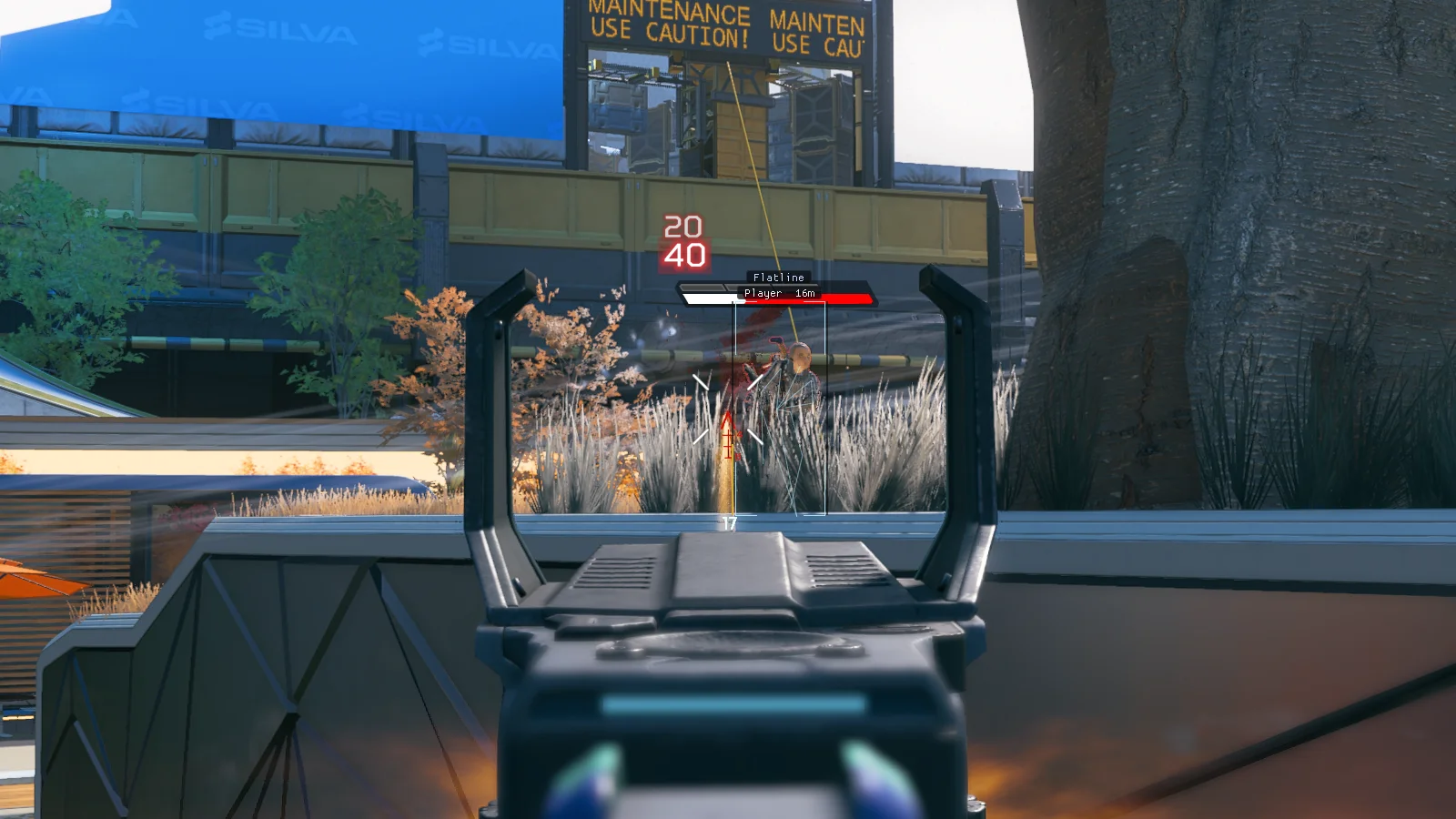
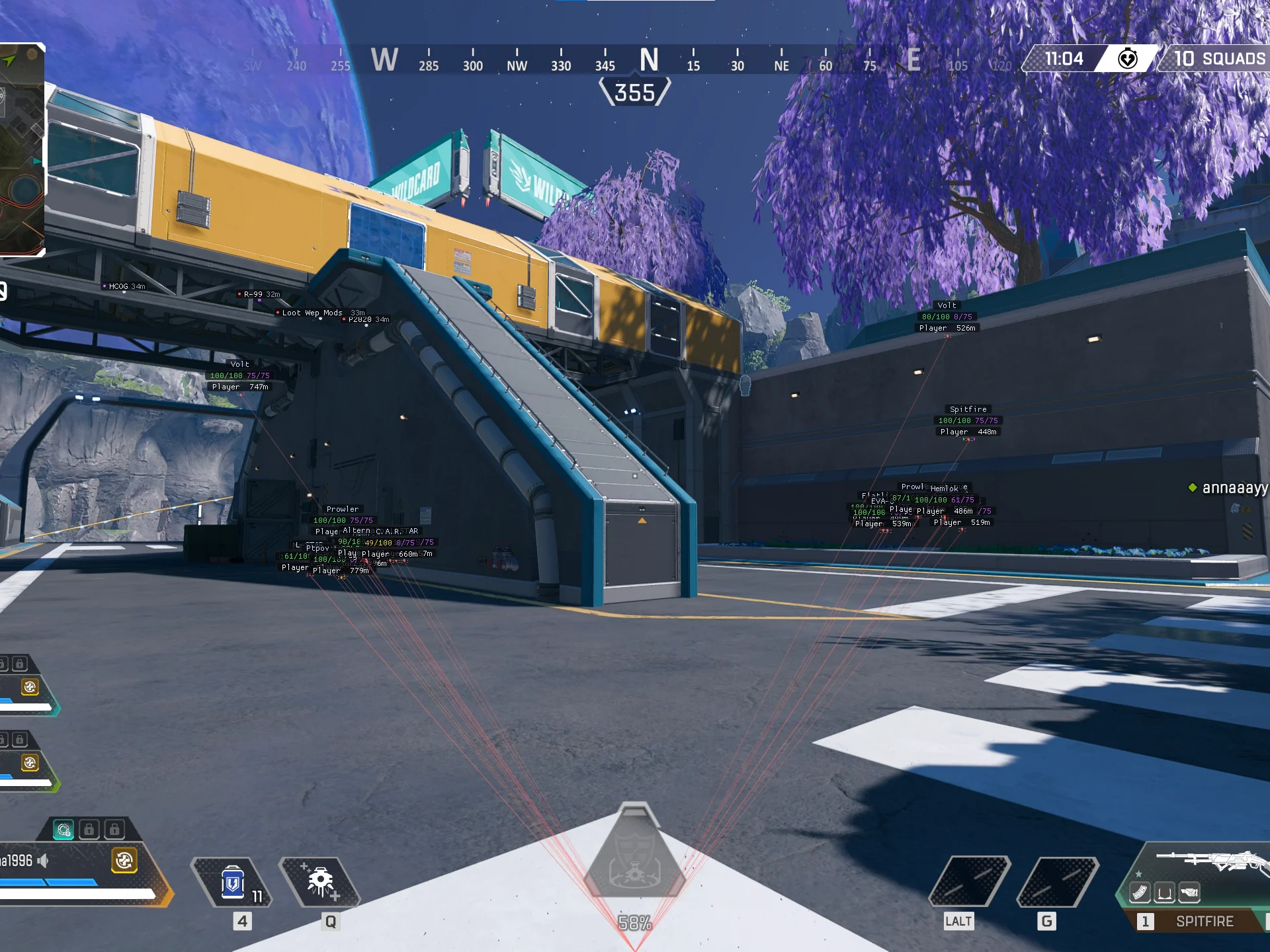
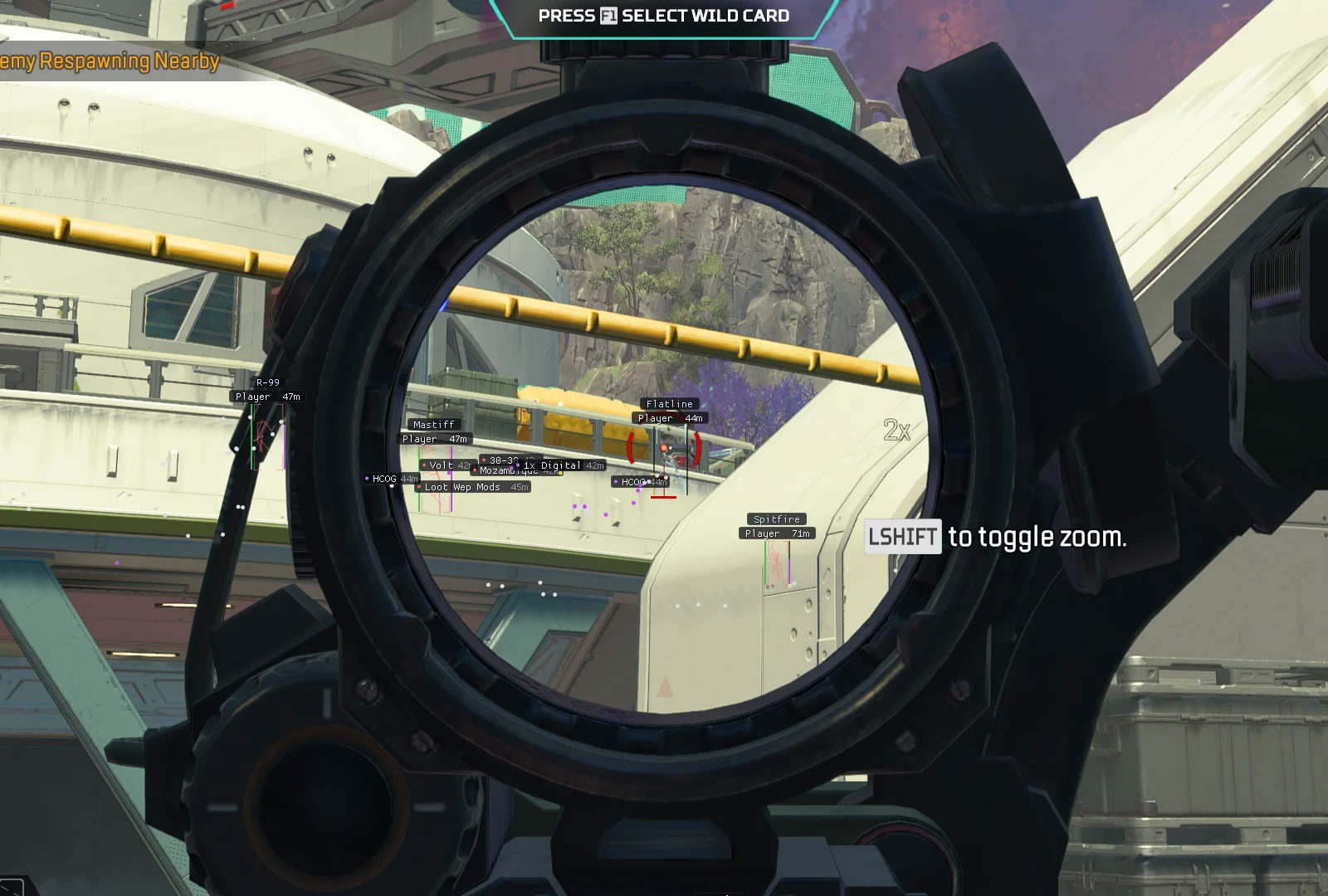
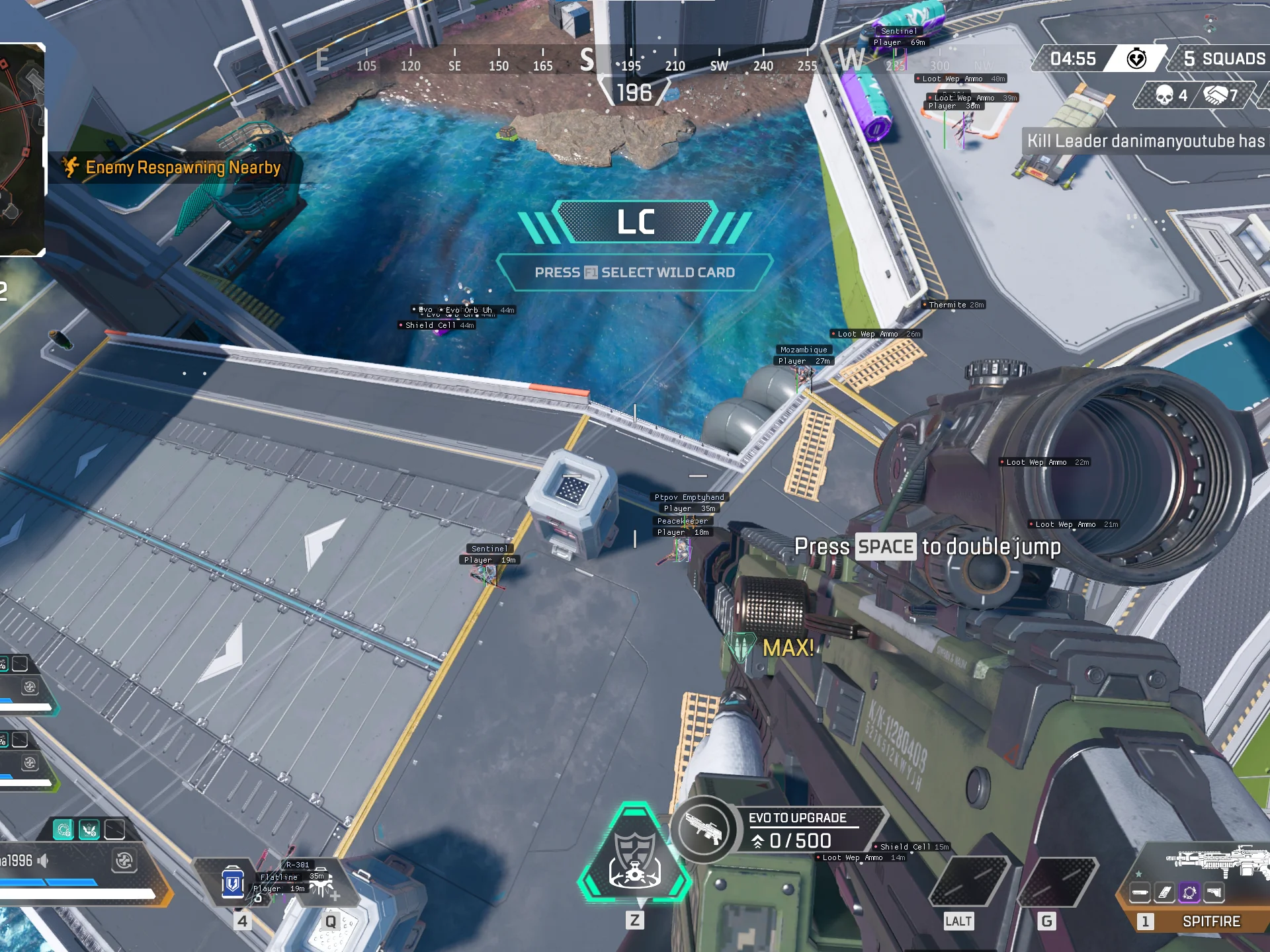
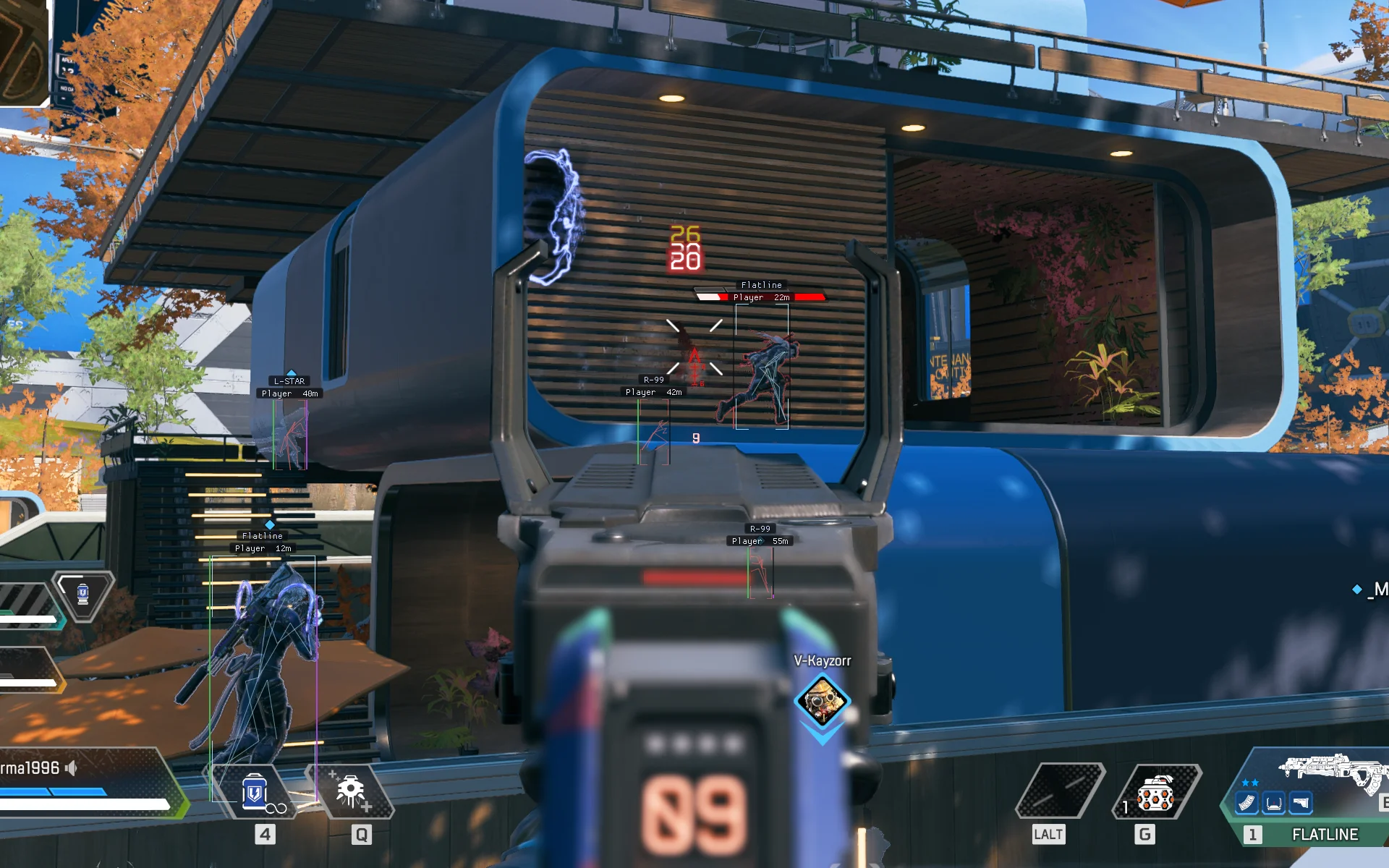
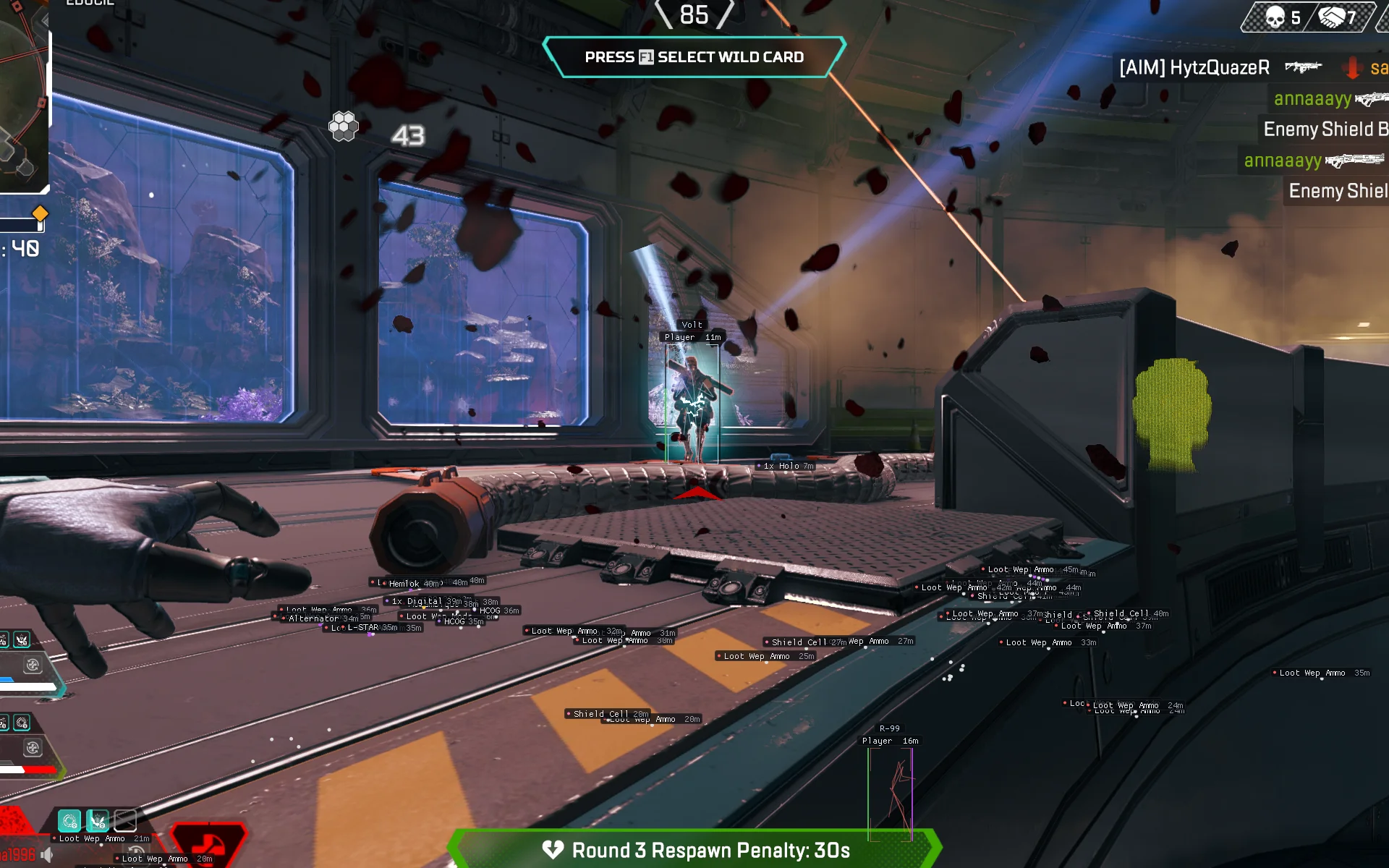
Apex Legends: Atlas delivers aimbot targeting with prediction and recoil control, detailed player ESP with glow, boxes, skeletons and health indicators, and a comprehensive loot ESP covering weapons, attachments, armor, healing and more in one streamlined package. Controller input is not natively supported.
Expand a category to view its complete feature list.
Aimbot with target acquisition controls, prediction, smoothing and adjustable recoil compensation.
Player ESP with glow, box styles, skeletons, snaplines, health and armor indicators, names and team checks.
Loot ESP with item display options, rarity filtering, distance controls and toggles for every item category.
Windows 10 & 11 (PC). Confirm supported Windows versions and builds using the latest Apex Legends: Atlas documentation.
Intel & AMD
Virtualization Enabled & UEFI BIOS
SVM Enabled & UEFI BIOS
Not natively supported. A keyboard and mouse are required.
Designed for Apex Legends. Confirm your game version, launcher and current product compatibility before purchasing.
Check the live status page for maintenance announcements and product-specific availability.
Install the latest Microsoft Visual C++ runtime if required by the loader. Use the official Microsoft download.
Install the DirectX End-User Runtime if required. Restart after installation if prompted.
Use only trusted product downloads and confirm any security-related requirements with ESHub support before making changes.
Enable Virtualization (Intel) or SVM (AMD) and UEFI BIOS. Check the current Atlas setup guide for any product-specific BIOS or virtualization requirements.
Follow the current product instructions for game launch order, loader preparation and license activation.
Contact ESHub support with the exact loader error before making additional Windows or BIOS changes.
Use the product files provided in your ESHub purchase dashboard. Avoid third-party mirrors, unofficial reuploads and files sent by other users.
Extract the complete archive into a dedicated folder. Do not run executables directly from compressed archives.
Enter the license key supplied with your purchase exactly as displayed in your dashboard.
Check the current status and any maintenance notices before attempting activation.
Confirm that your Windows version, Apex Legends build and game launcher are supported by the current Atlas release.
Use only the official download provided with your purchased product in the ESHub dashboard.
Extract the complete archive into its own folder and keep the supplied files together.
Read the current product documentation and verify all required components and system settings before proceeding.
Launch the verified loader according to the supplied instructions and wait for any required updates to complete.
Enter the purchased license key and select Apex Legends: Atlas from your available products.
Follow the loader's instructions to finish setup. If an error appears, contact ESHub support with the exact message.
Apex Legends: Atlas combines aimbot with prediction and recoil control, player ESP with glow, boxes, skeletons, snaplines and health indicators, and a detailed loot ESP with rarity filtering and per-category toggles. With three main feature categories, Atlas offers focused control over targeting, player awareness and loot detection. Controller input is not natively supported — a keyboard and mouse are required.
Aimbot includes Enable, Visible Only, Draw FOV, Prediction, FOV, Smooth, Recoil Control, RCS Pitch and RCS Yaw. Visible Only limits targeting to visible targets, Draw FOV displays the aimbot area as a circle, Prediction accounts for target movement, and RCS Pitch and RCS Yaw adjust vertical and horizontal recoil compensation.
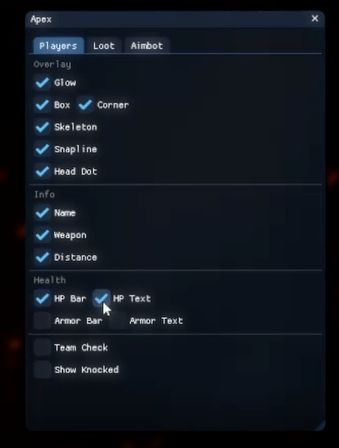
Player ESP includes Glow, Box, Corner, Skeleton, Snapline, Head Dot, Name, Weapon, Distance, HP Bar, HP Text, Armor Bar, Armor Text, Team Check and Show Knocked. Team Check excludes teammates, and Show Knocked displays knocked players.
Loot ESP includes Item ESP, Text, Circles, Item Glow, Max Distance, Text Distance and Min Rarity (0 white, 1 blue, 2 purple, 3 gold, 4 red). Category toggles include Ammo, Weapon, Attach, Optics, Armor, Shield, Bag, Knock, Heal, Nade and Other.